1979 Ford F350 Crew Cab V1.0
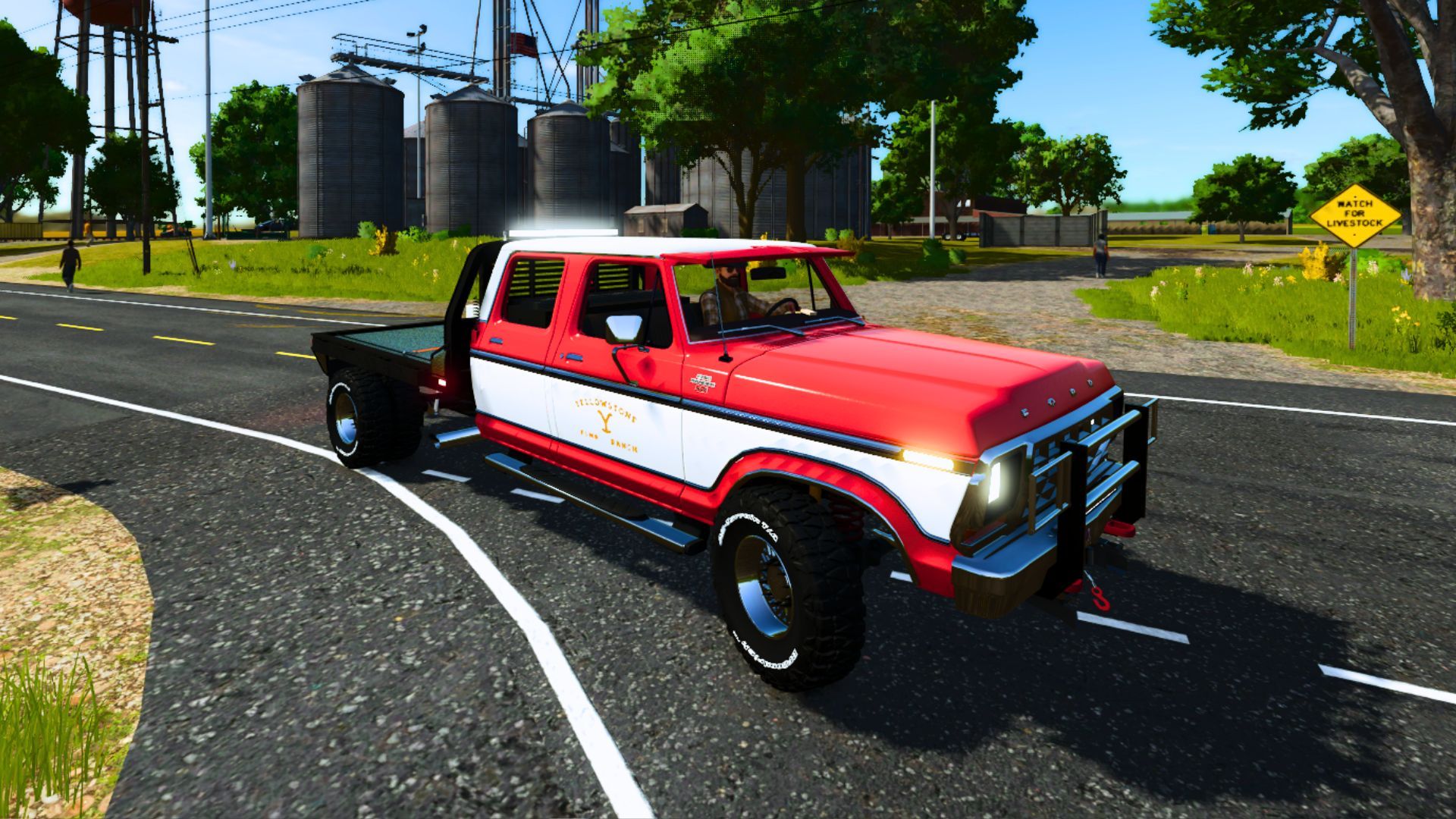
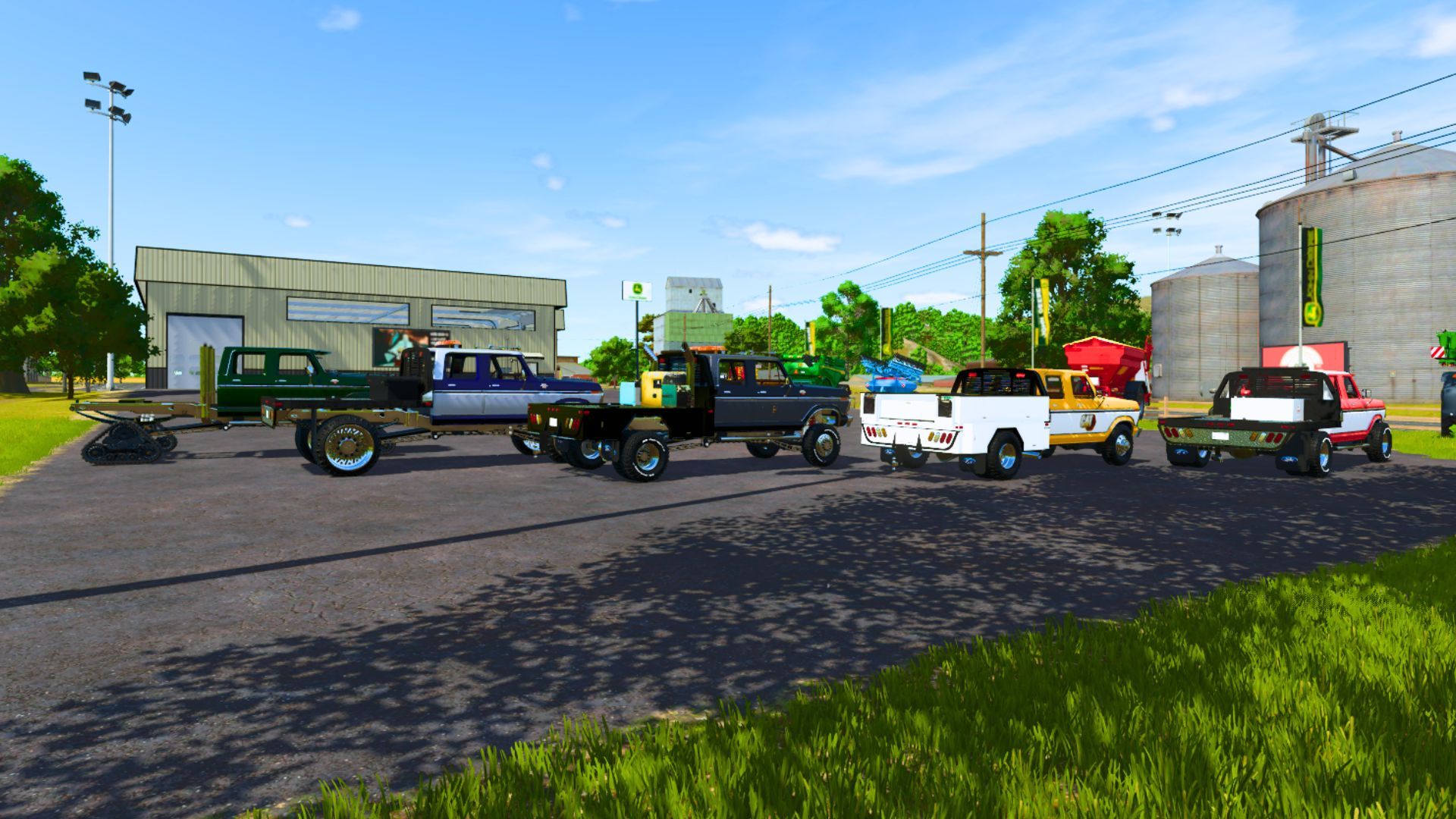
1979 Ford F350 Crew Cab V1.0
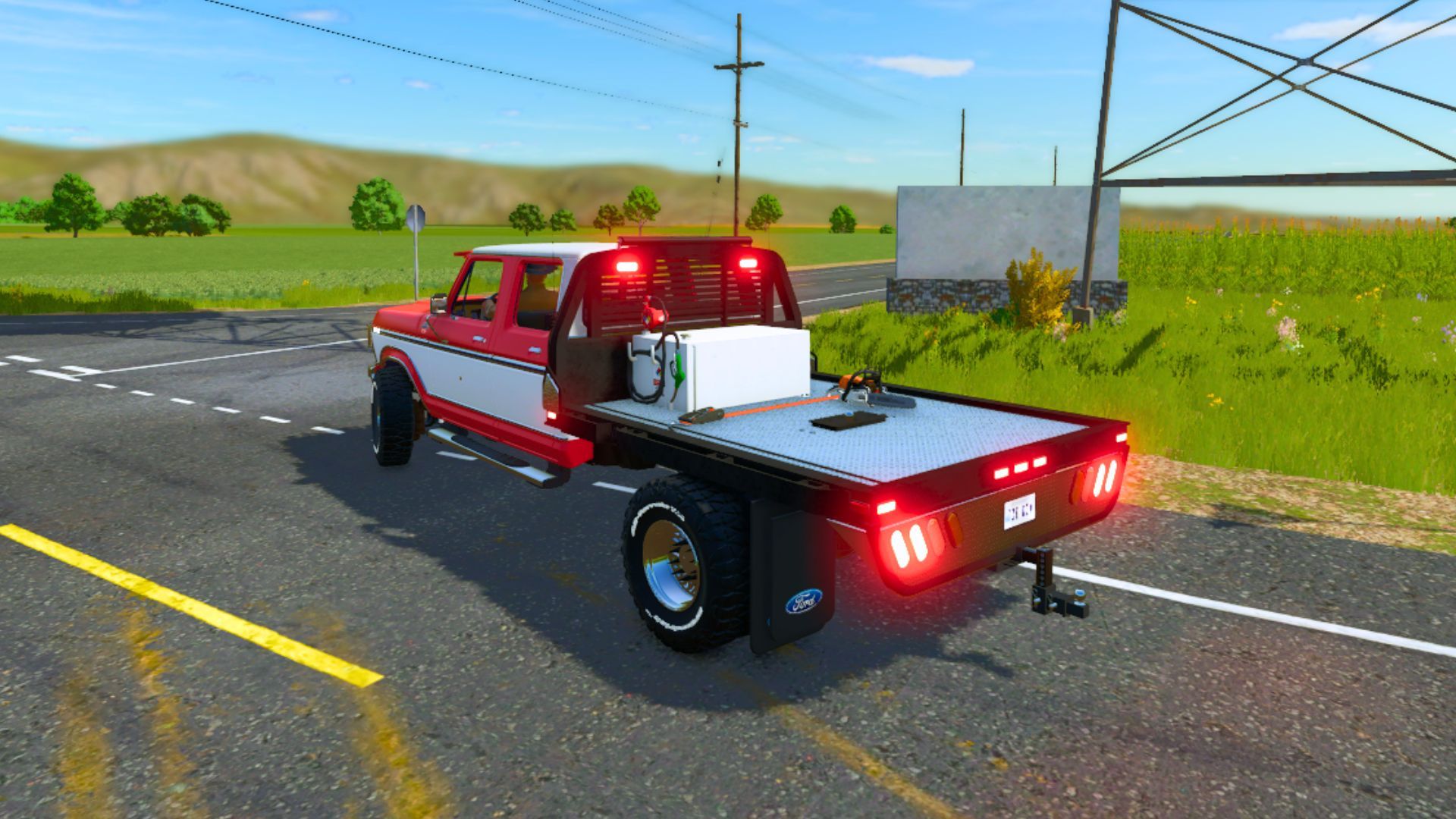
The 1979 Ford F-350 Crew Cab is a sought-after classic heavy-duty pickup known for its ruggedness and durability as the final year of the sixth-generation “Dentside” F-series trucks. The 1979 F-350 was a heavy-duty workhorse, and the crew cab configuration offered seating for up to six people.
Key specifications include:
Engine Options: Cummins 6.7L Turbo Diesel – hp=”420″, Cummins 6.7L Turbo Diesel HO -hp=”470″ , Cummins 6.7L Turbo Diesel HO+Tuner – hp=”670″, For Tracks ONLY Cummins 6.7L Turbo Diesel HO+Tuner – hp=”1500″.
Transmission: 6-speed manual transmission.
Drivetrain: Four-wheel drive (4WD) configuration.
Design: Part of the “dentside” generation (1973-1979), it featured a bold, boxy design with either round or rectangular headlights depending on the trim level (Custom, Ranger, Lariat).
Capacity: Known for high payload and towing capacities, ideal for work, farming, or hauling a camper.
Features:
– 4 Engine Setups
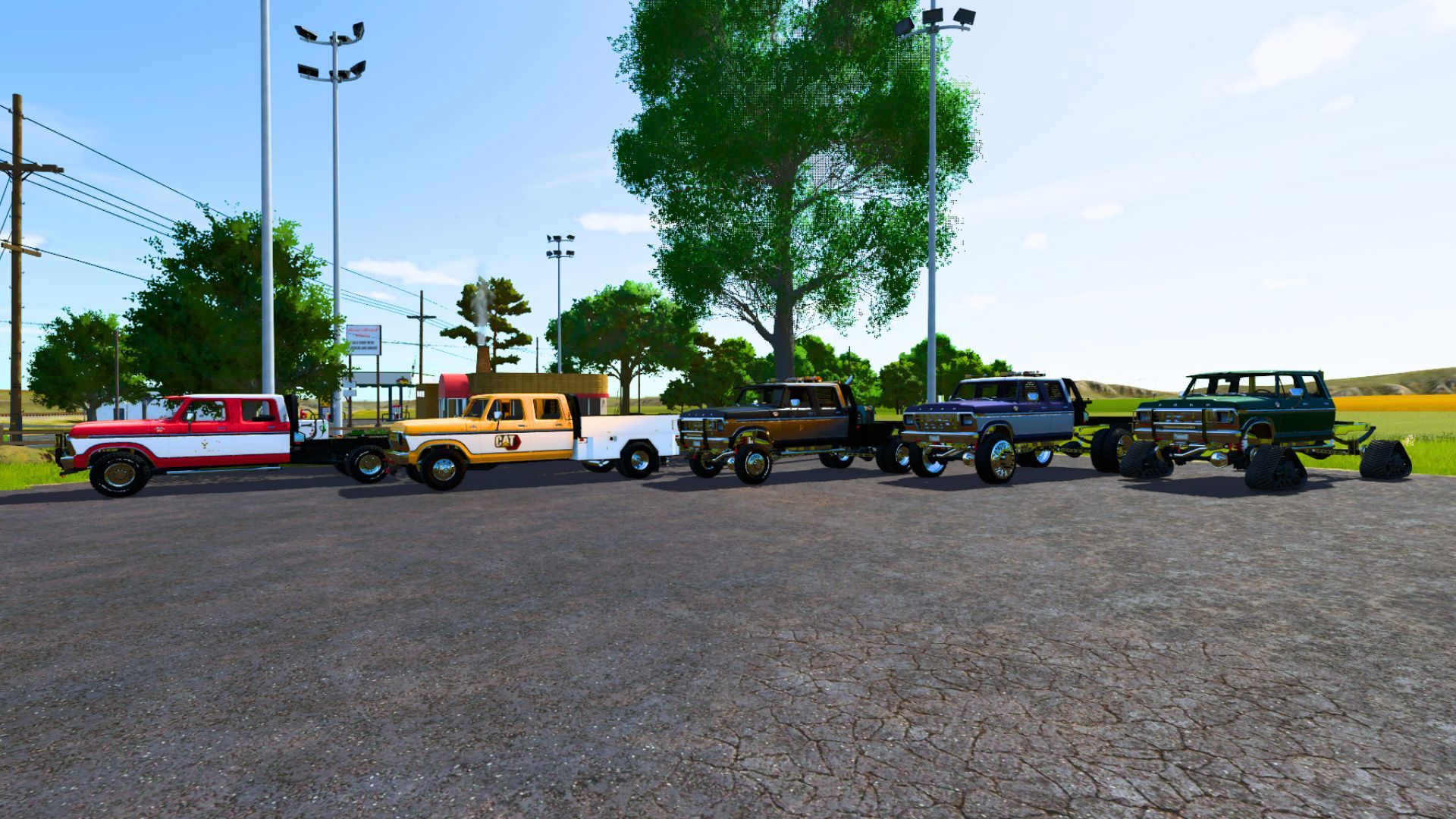
– Color Selectable
– 21 Wheel Setups
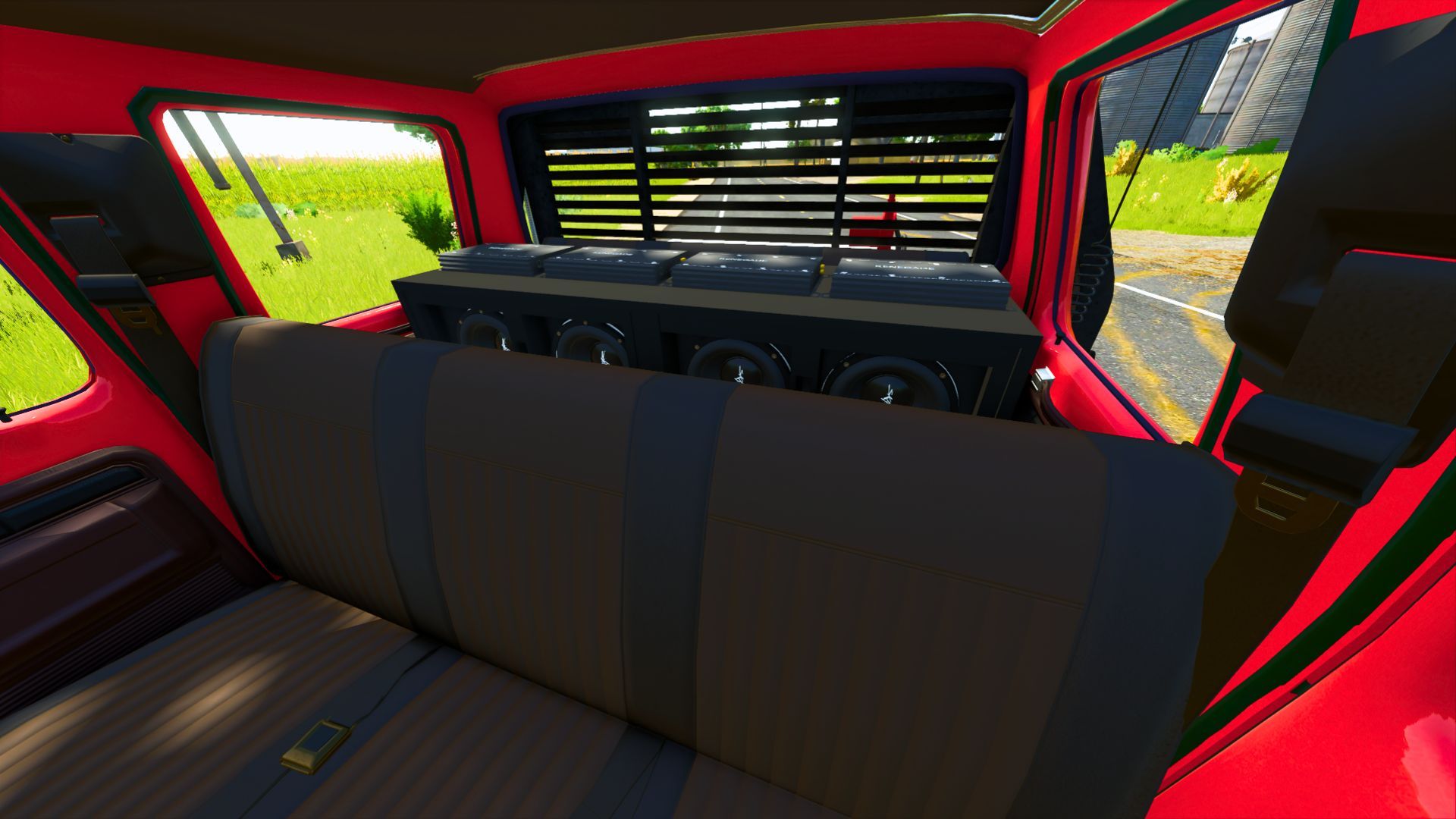
– 4 Passenger enabled
– Camlocker/Truck Bed Subwoofers/Amp Options
– Nerf Bars/Train Horn/2 Hood Ornament Option
– 2 Plow Mount Option
– 4 Truck Bed/Flatbed/Service Bed Options
– Fuel Transfer/Equipment fill Capable
– Cab Subwoofer/Amp Options
– Chainsaw Storage
– Selectable Front Novelty Plates
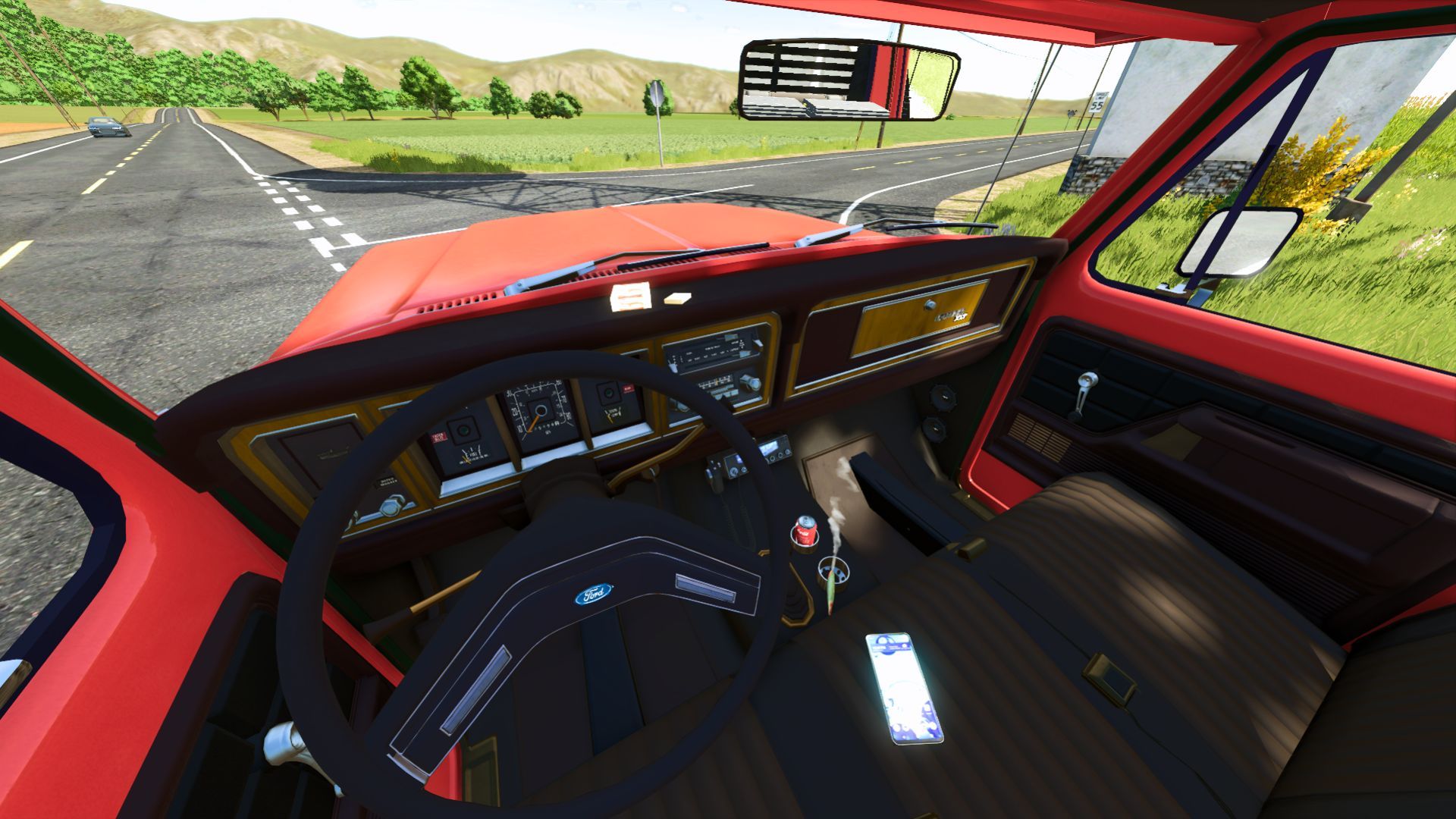
– Working Winch/Cb Radio/Strobe Light Roof Bar/Inner Detail Options
– Windshield Visor
– 6 Exhaust Options
– 2 Drop Hitches/Gooseneck attachment Options
– 14 Different Logo Options
– 2 Capacity Options For fuel transfer
NOTE: To use the On The Field Equipment Repair feature you activate it by pressing X key on keyboard then have what ever piece of equipment your trying to repair next to the rear of the truck. You should be prompted by money being deducted for the repairs if done successfully and correctly. The Chainsaw Storage feature is best and easiest activated by the back door area of the passenger side of the cab. You should see a prompt to press R key on your keyboard to store or take your chain saw. If using a Front Novelty plate please make sure that the main license plate is selected to be back only or you will not see the selected Front Novelty plate.
Author: FSMR