Liebherr LR636 v1.0
Liebherr LR636 v1.0
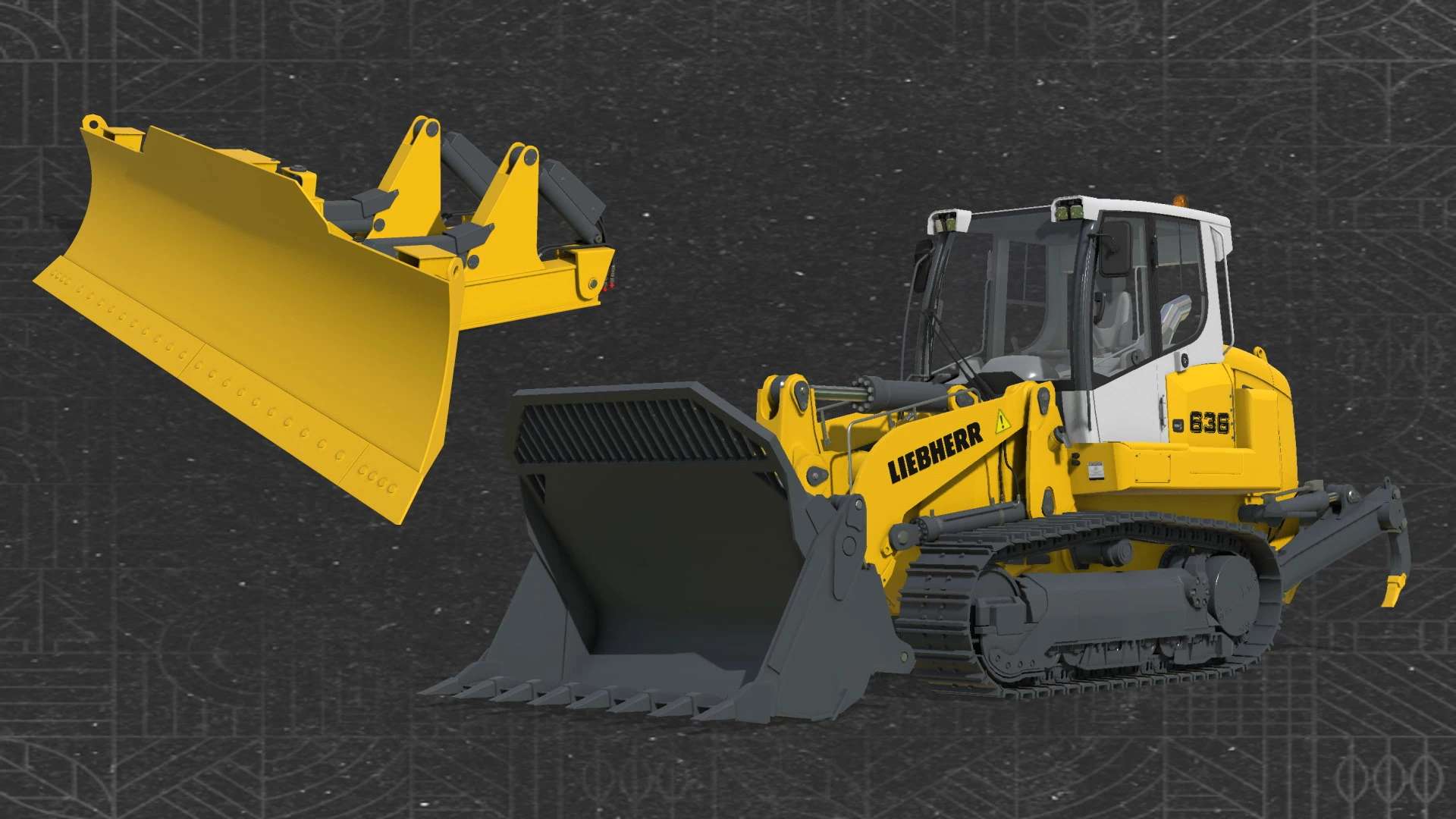
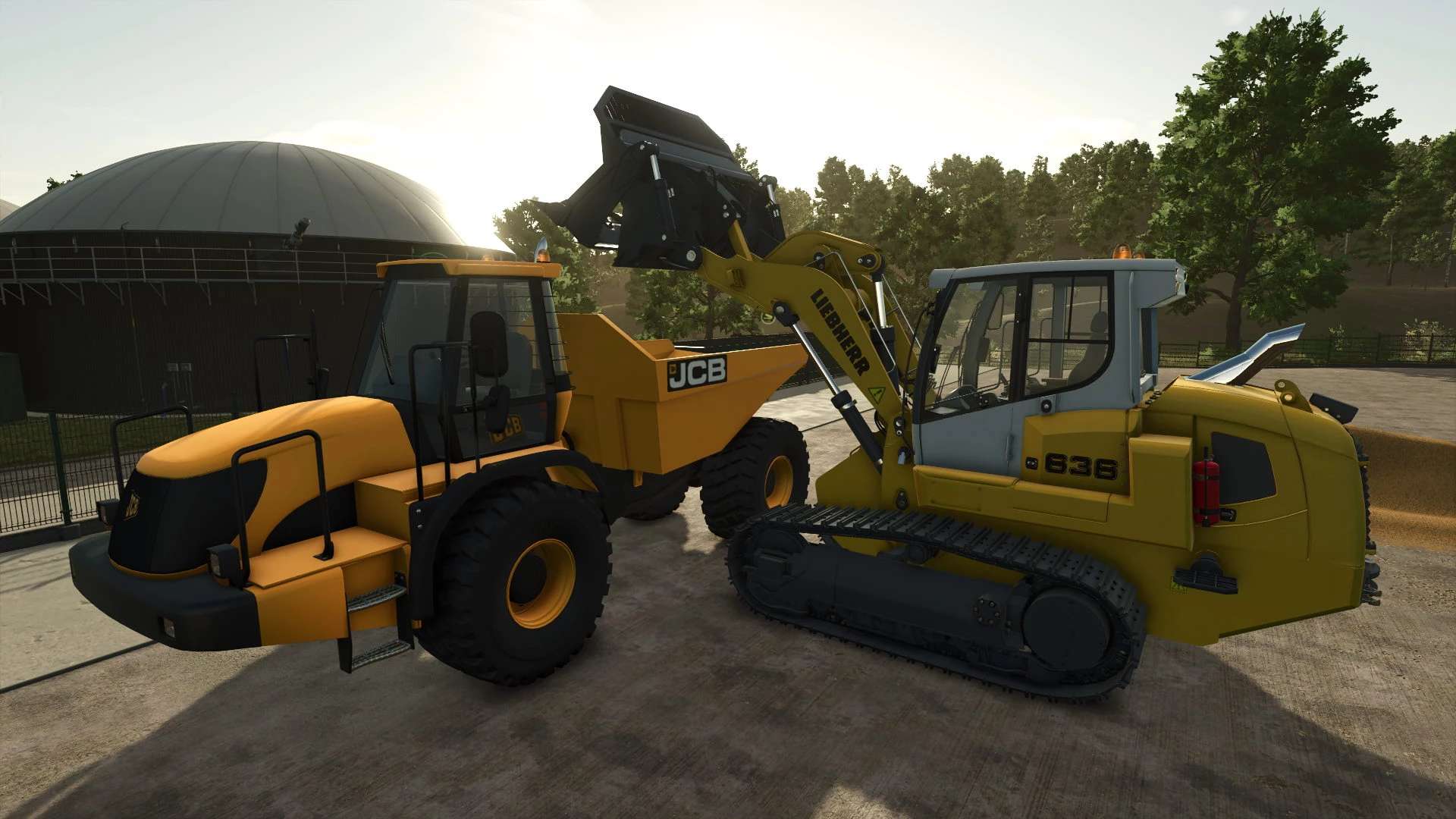
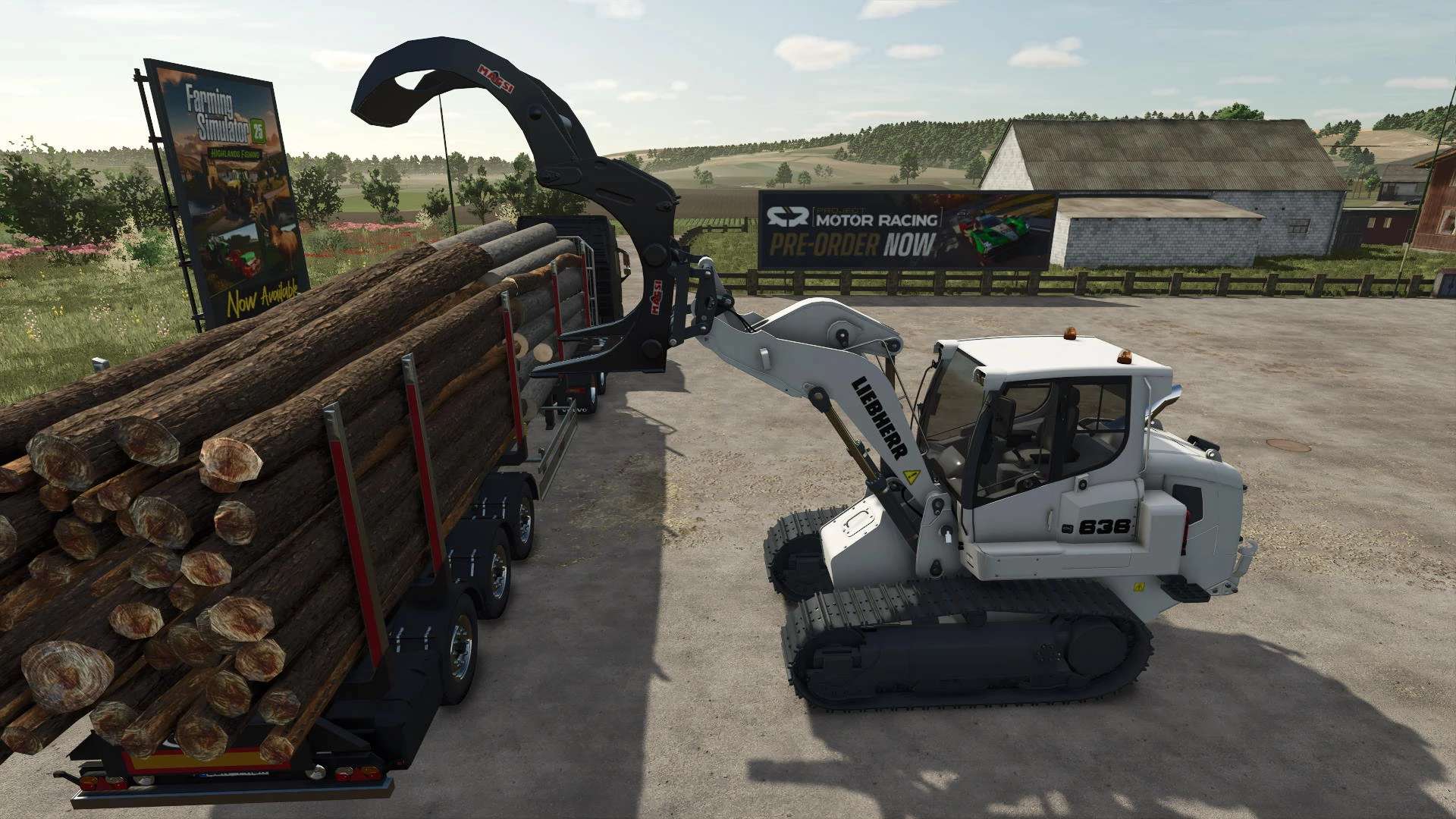
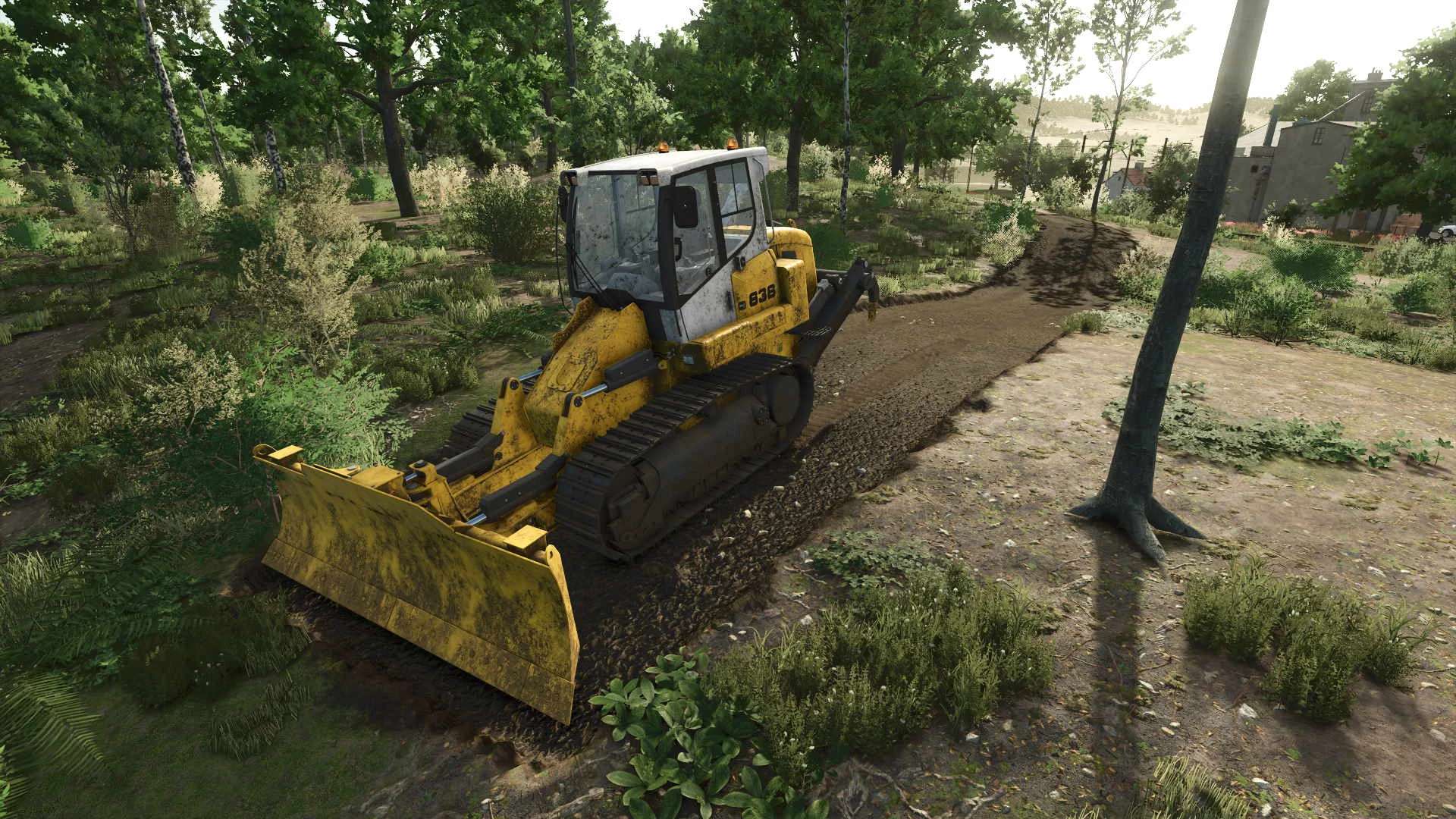
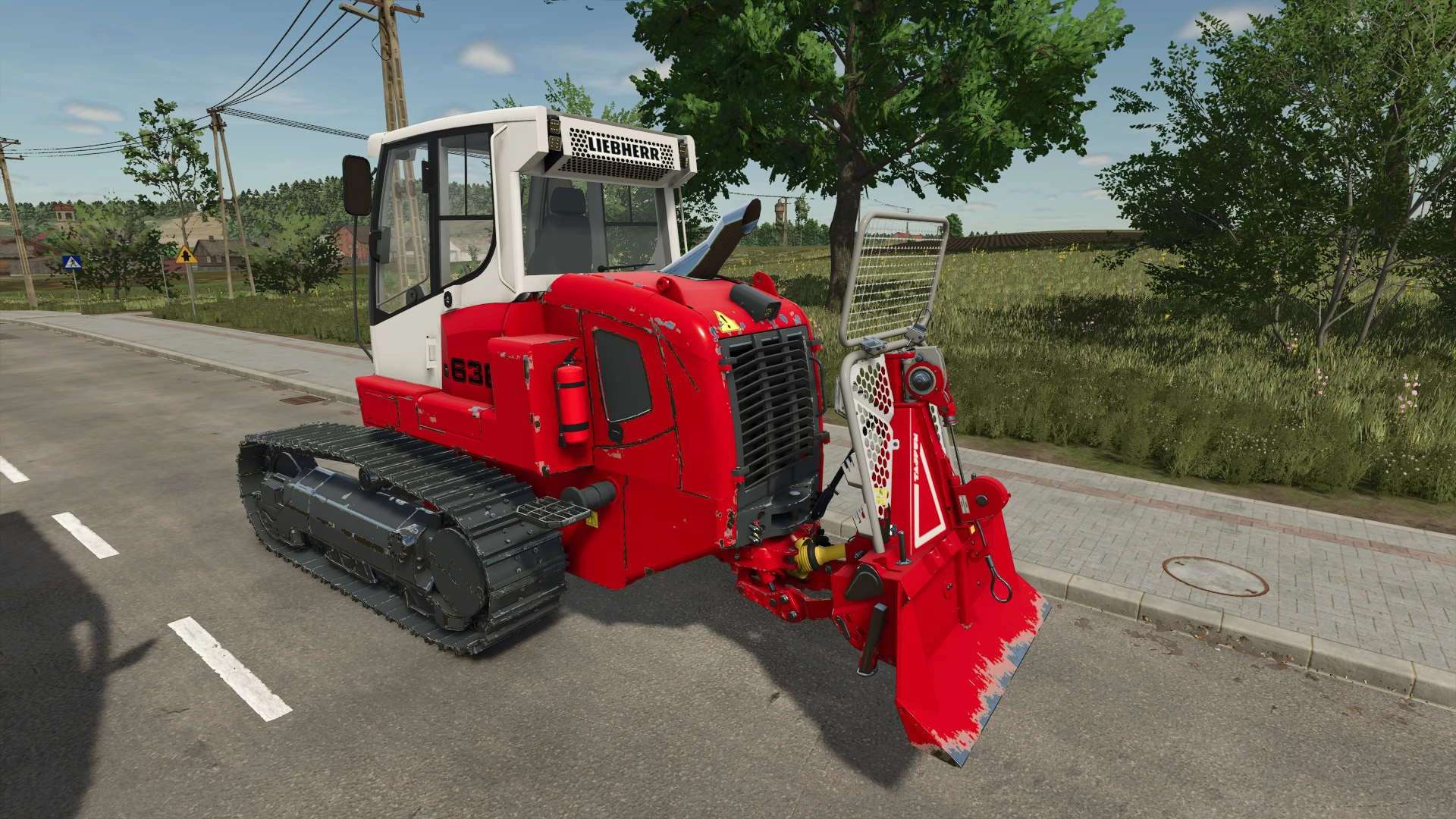
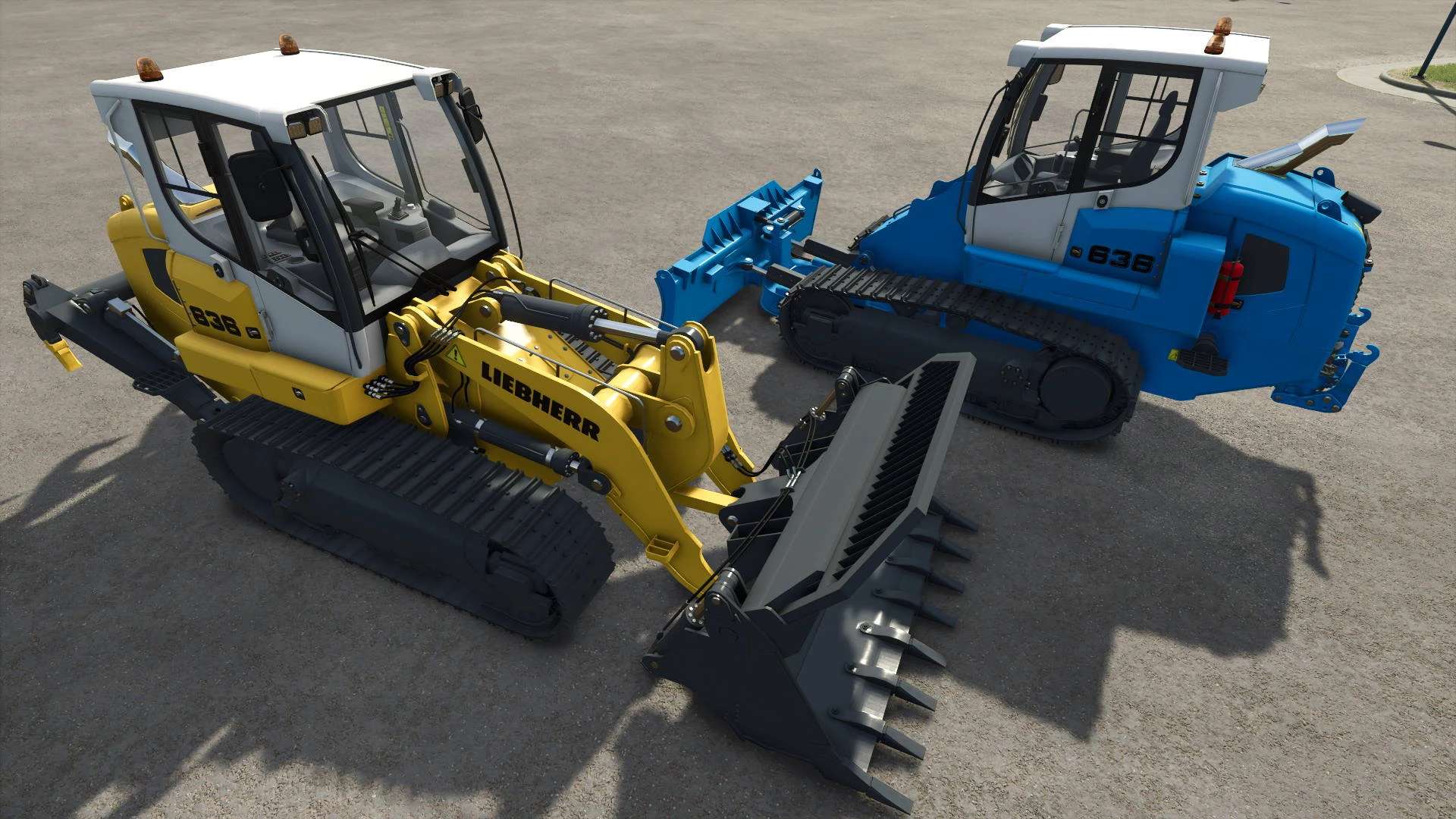
Liebherr LR636 can be used to load various goods. With dozer blade it can also create new fields and remove trees.
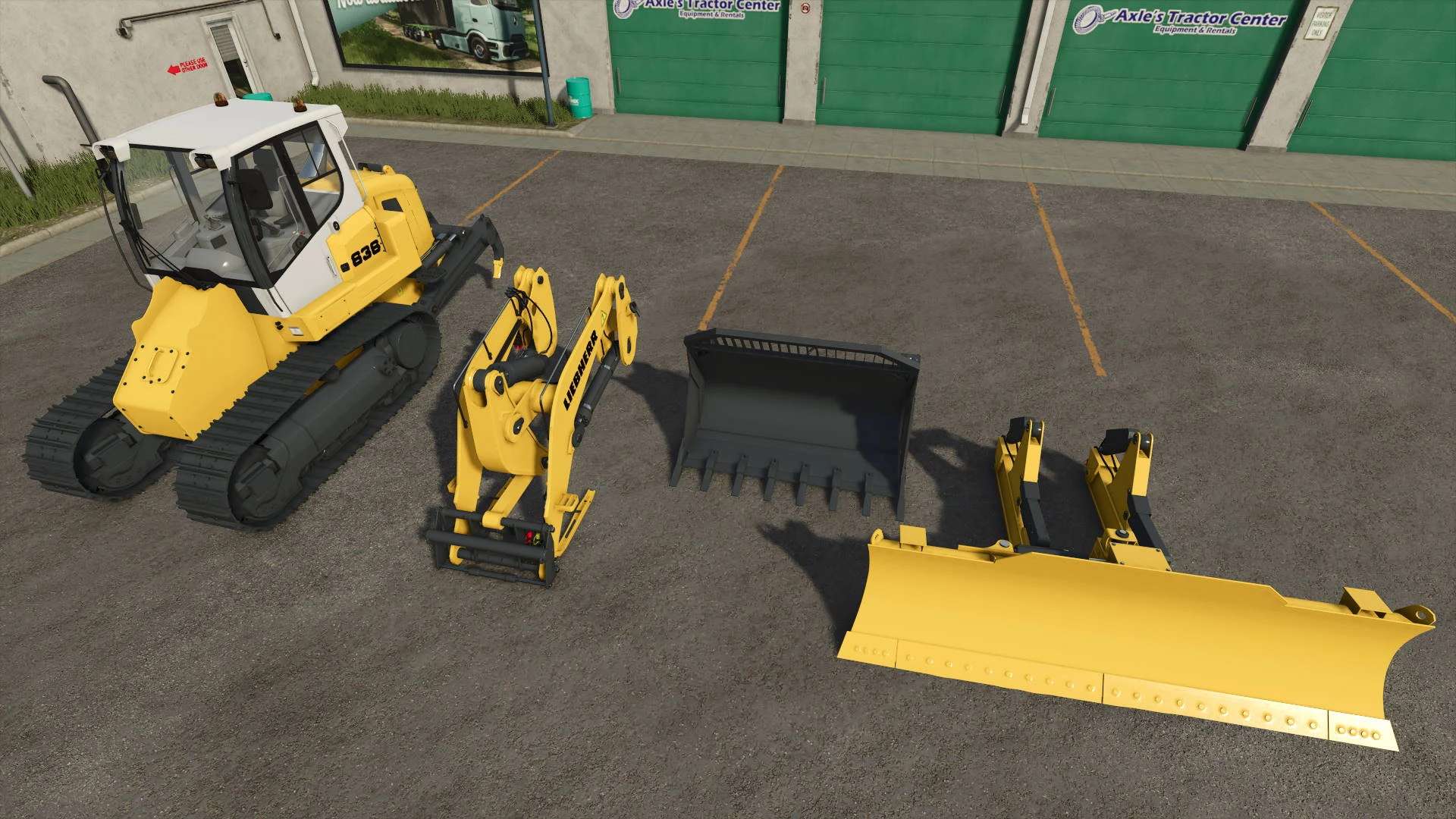
You can buy each part separately or as preassembled loader or dozer. All can be detached later. You can choose from 3 configurations on the back: ripper, 3 point attacher or nothing.
Liebherr LR636
Shop category: Miscellaneous
Price: $195,000
Power: 190 HP
Max. speed: 10 kph
Configurations:
– Design
– Tracks (With or without ground deformation)
– Stumps removal (yes or no)
– Tinted windows
– Beacons
– Body color
– Tracks color
– Interior color
Default controls:
– Back ripper movement: Full / Limit to ground (It is very useful on hilly terrain, so ripper will allways touch the ground.)
Loader arm:
Shop category: Miscellaneous
Price: $25,000
– Color configurations
– Can attach all frontloader / telehadler / wheelloader / skidsteer tools.
Bucket:
Shop category: Miscellaneous
Price: $24,000
Capacity: 4500 L
Configurations:
– Leveler function (yes or no)
– Design (openable or standard)
– Color
Default controls:
Switch bucket mode: Shovel and leveler / Shovel only – key X (IMPLEMENT_EXTRA2)
Dozer blade:
Shop category: Miscellaneous
Price: $28,000
Configurations:
– Trees removal (yes or no)
– Color
Default controls:
– Switch blade mode: Leveler and dozer / Leveler only – key X (IMPLEMENT_EXTRA2)
– Switch dozer mode: Plow / Cultivator – key Z (IMPLEMENT_EXTRA4)
– Blade movement: Full / Limit to ground (It is very useful on hilly terrain, so blade will allways touch the ground.) – key B (IMPLEMENT_EXTRA)
– Set blade to default position – key O (TOGGLE_PIPE)
Author: kenny456