Fendt MT 1100 v1.0
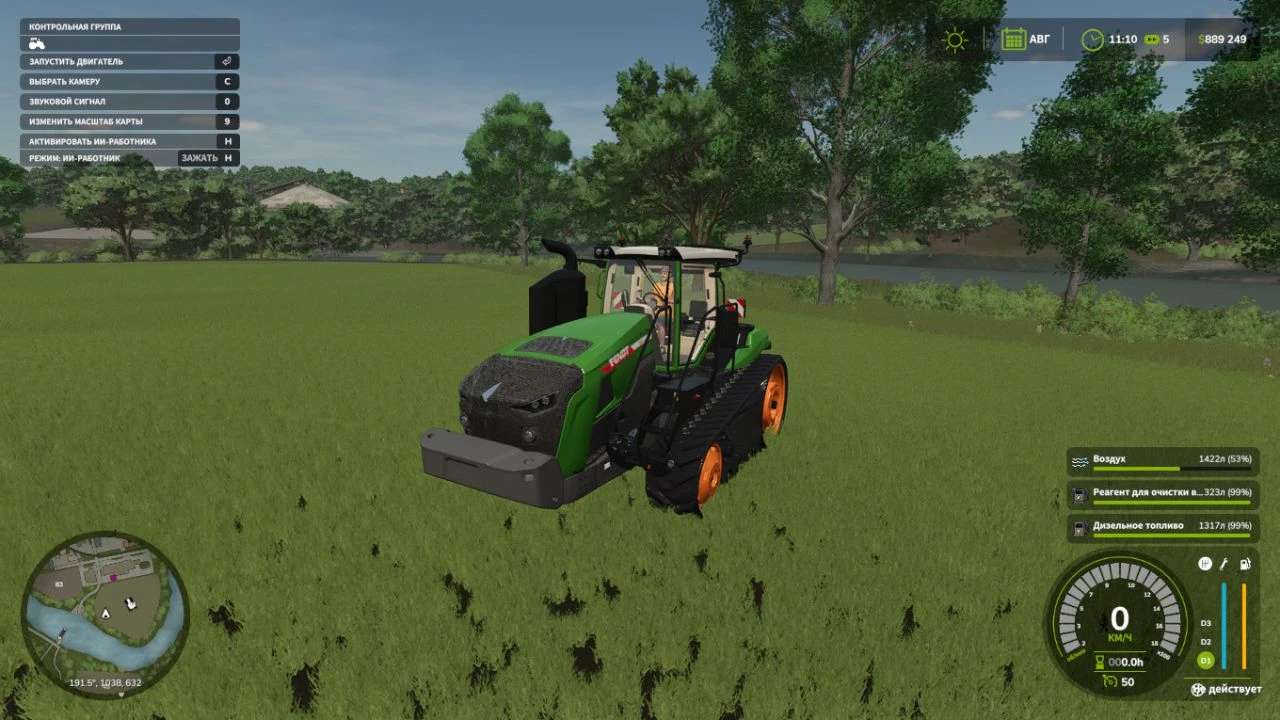
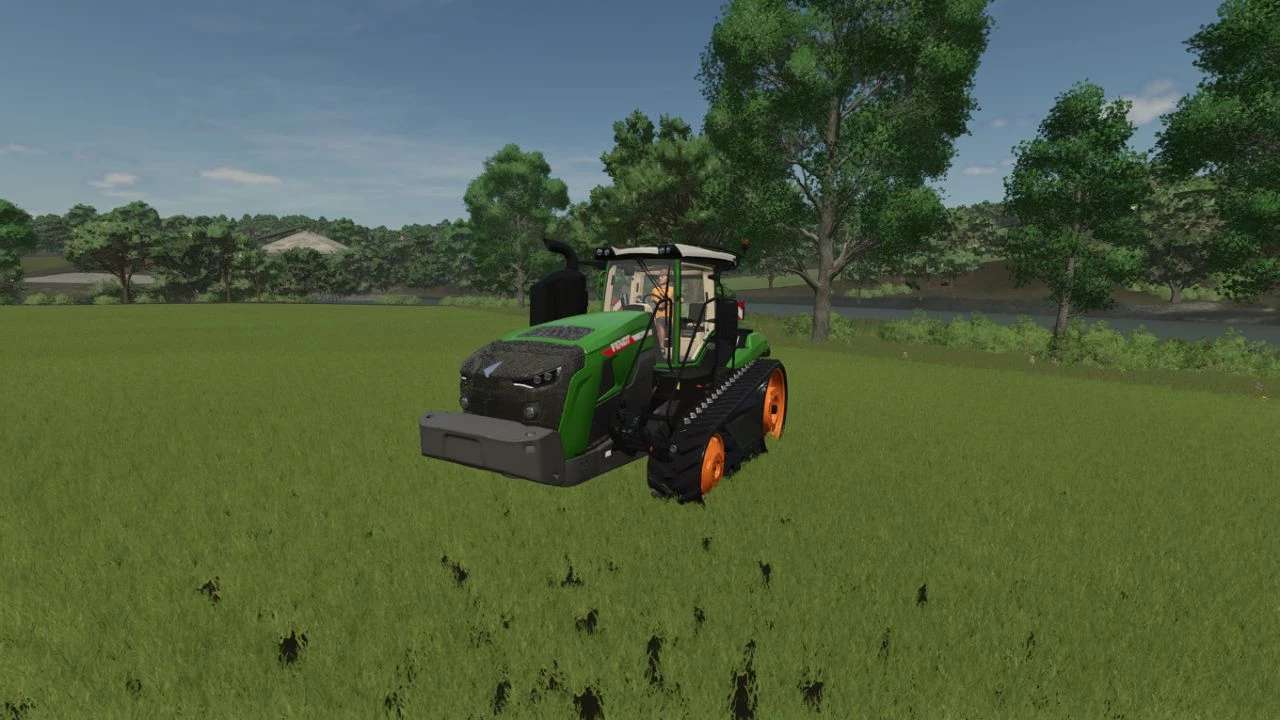
Fendt MT 1100 v1.0
TRACTOR “FENDT VARIO 1100 MT”.
UPDATE 1.0.0.0:
01. Standard 3 m tracks no longer destroy crops.
02. Added the tag “hasSurfaceSounds=”true”” to caterpillars.
03. Added expanded EU/US design selection.
04. Added rim color.
05. Added a new 6/8 gearbox – MAG. [MAG = Magic Gearbox – Manual + Automatic.].
06. Standard engines have been tuned and new ones added: 512/567/622/677/1512/1567/1622/1677 hp. Now the tractor starts smoothly, picks up speed and brakes.
07. Added new tank size for Diesel/DEF/Air. [DIESEL/DEF/AIR.].
08. The use of Diesel/DEF/AIR is configured for each engine separately.
09. Adjusted “ogg” sound files in the “gls” container – now all sounds are in 96 kbps format – audio equalization has also been added.
10. Added missing sound settings and adjusted sounds in the tractor file itself.
11. Contamination and damage to the tractor are set.
12. The xml file structure has been updated. Now all the necessary settings are at the top, and not scattered throughout the file.
WHAT’S NOT DONE:
01. The display of tractor and engine speed in the HUD has not been corrected.
02. The choice of standard colors has not been added.
03. Support for “Precision Agriculture” and the choice of the “Isaria Pro Compact” sensor have not been added.
The choice of color and support for “Precision Agriculture” is available in the mod from REDLER.
If someone needs it, I can combine all the settings into one mod.
*[DEF = Diesel Effective Fuel/Additive for Fuel Efficiency.].
Author: Alex Vium GIANTS Software