John Deere 7810 FR12 v1.5.0.8
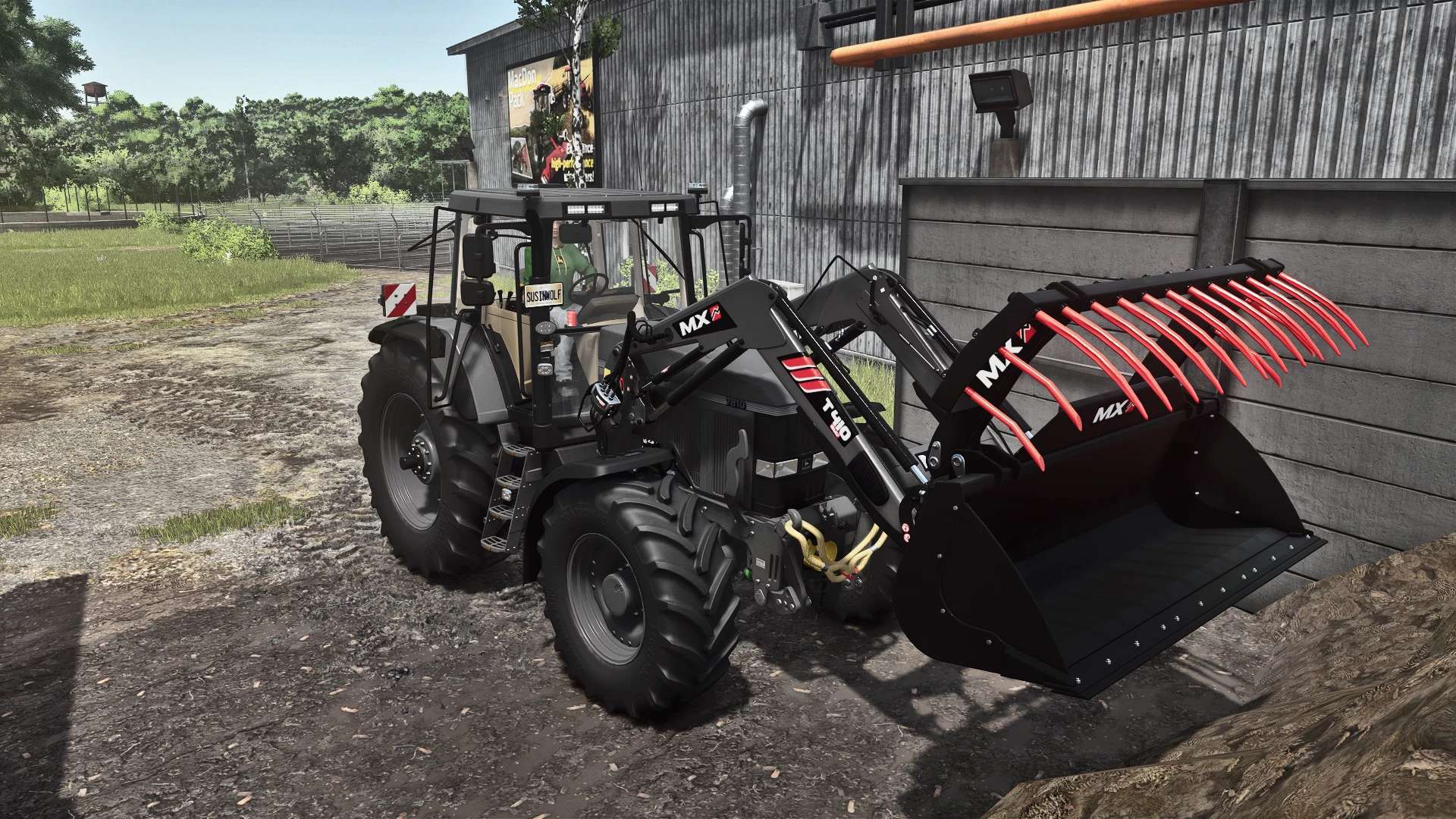
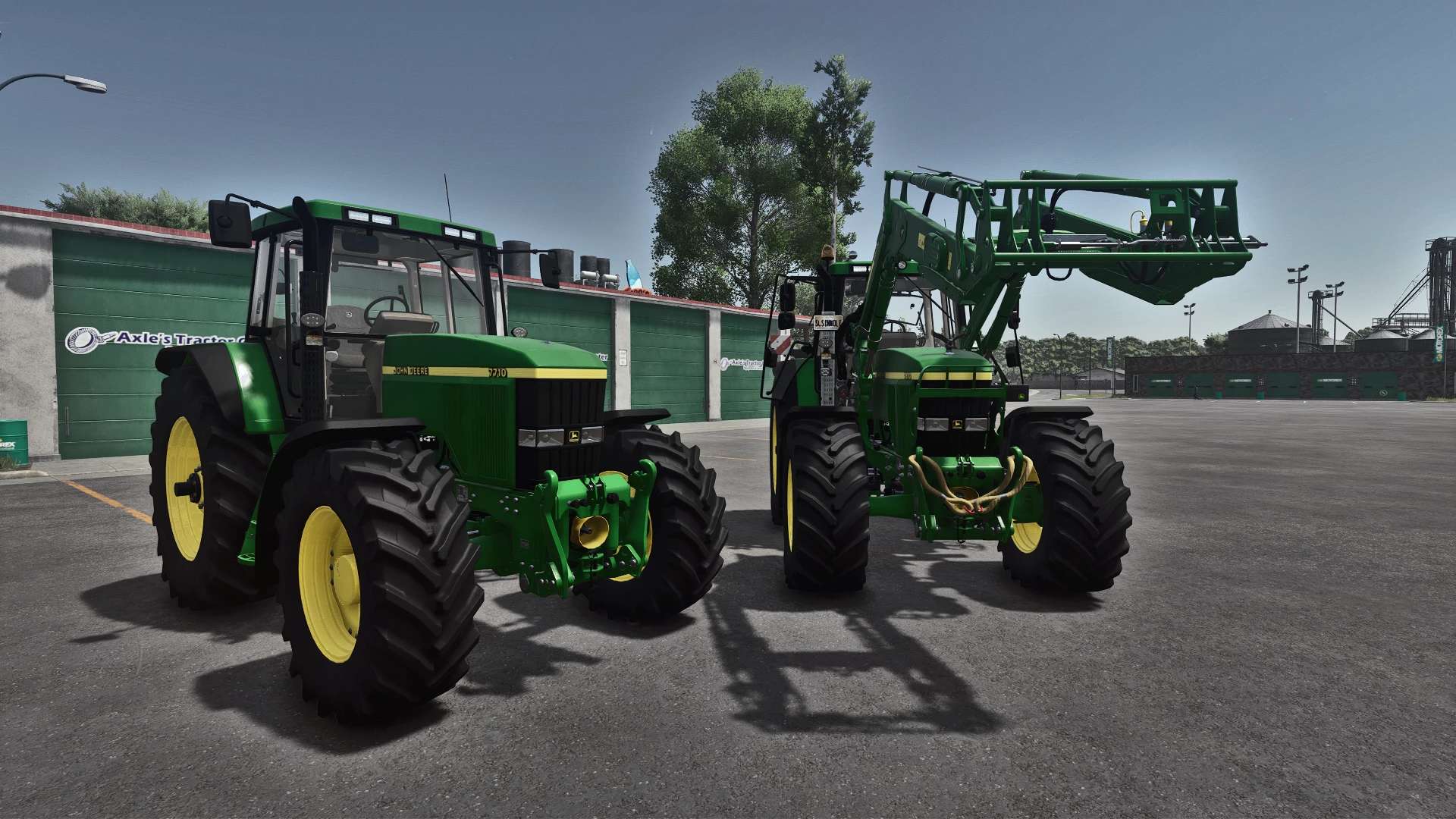
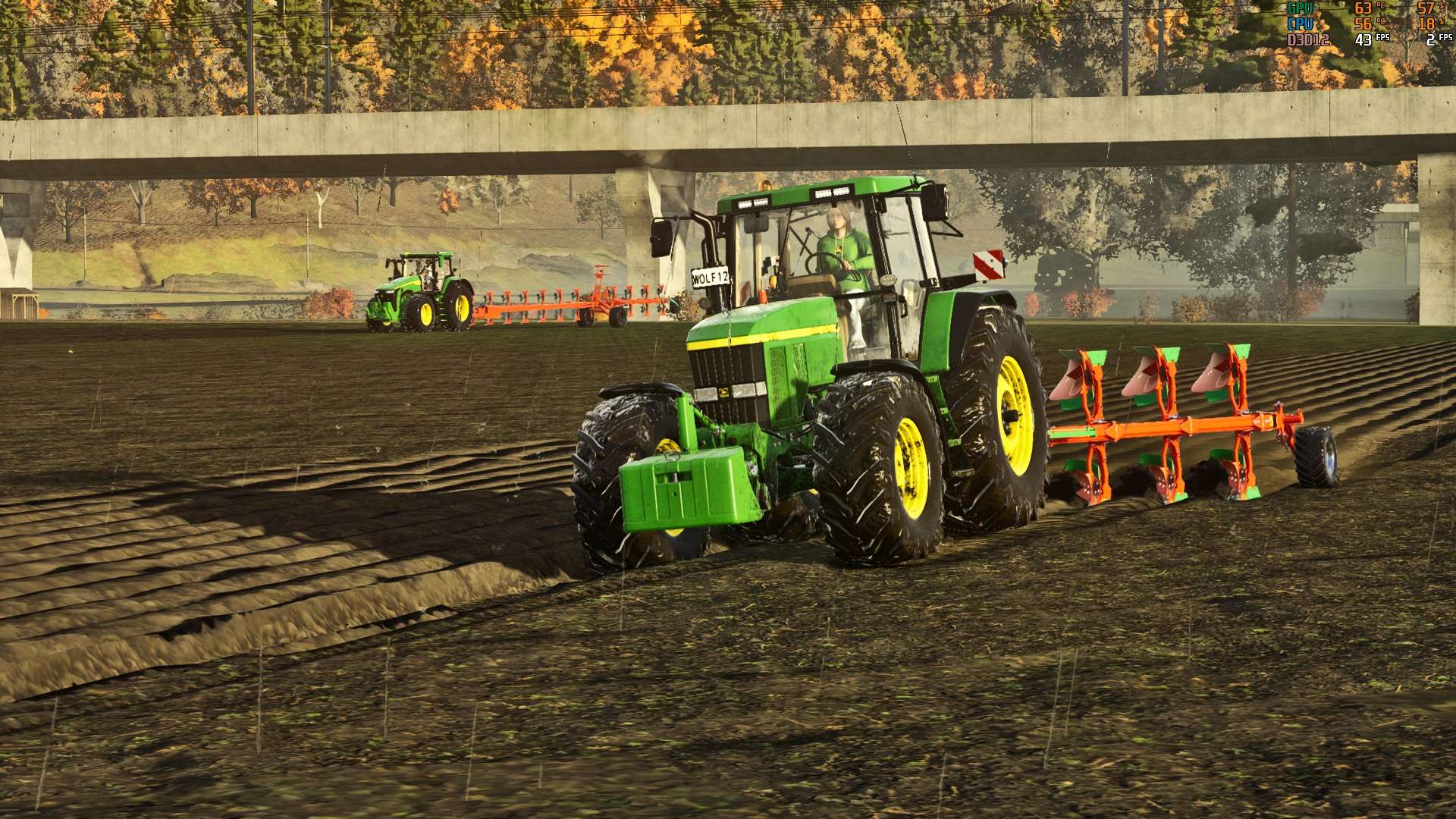
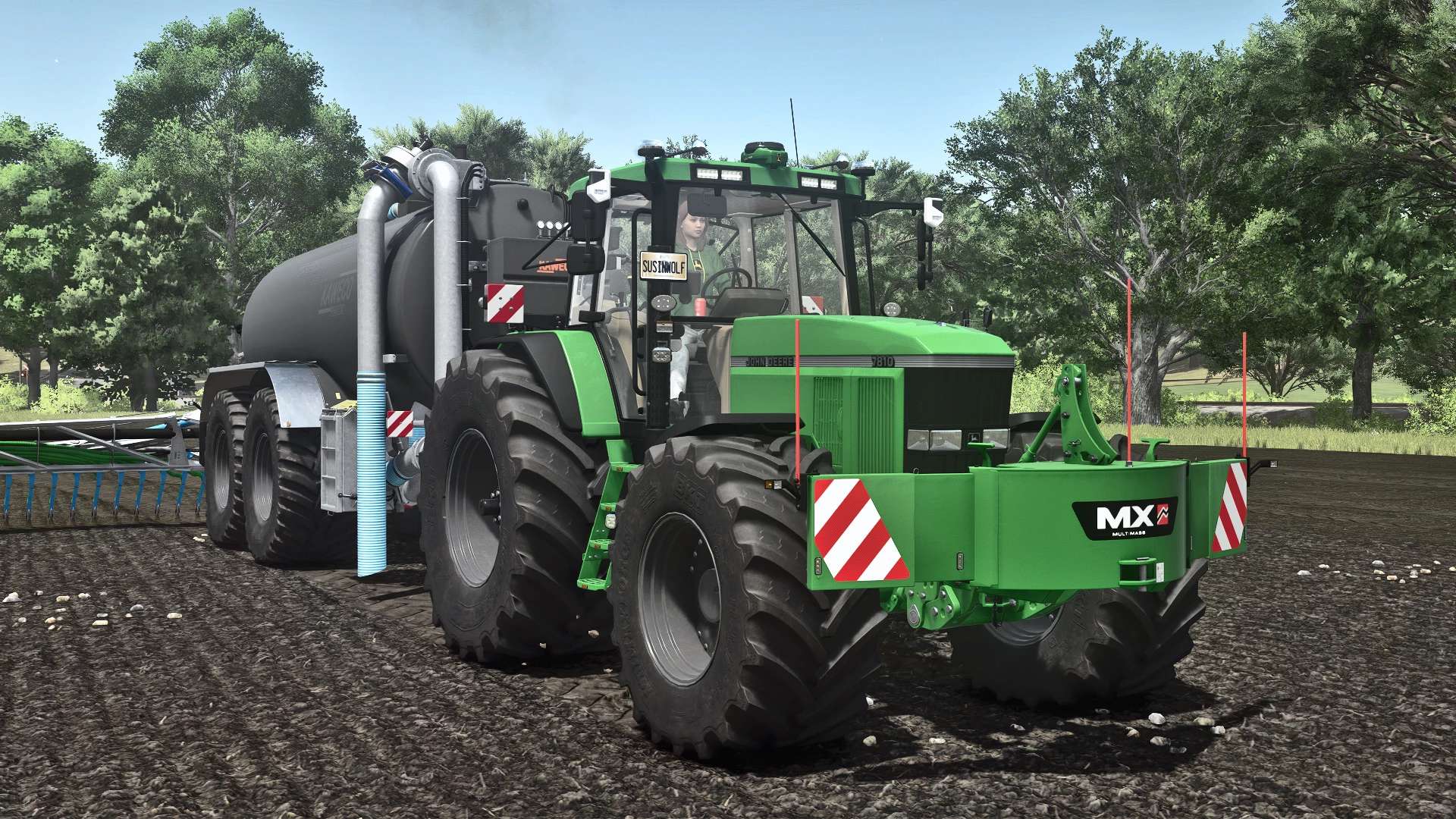
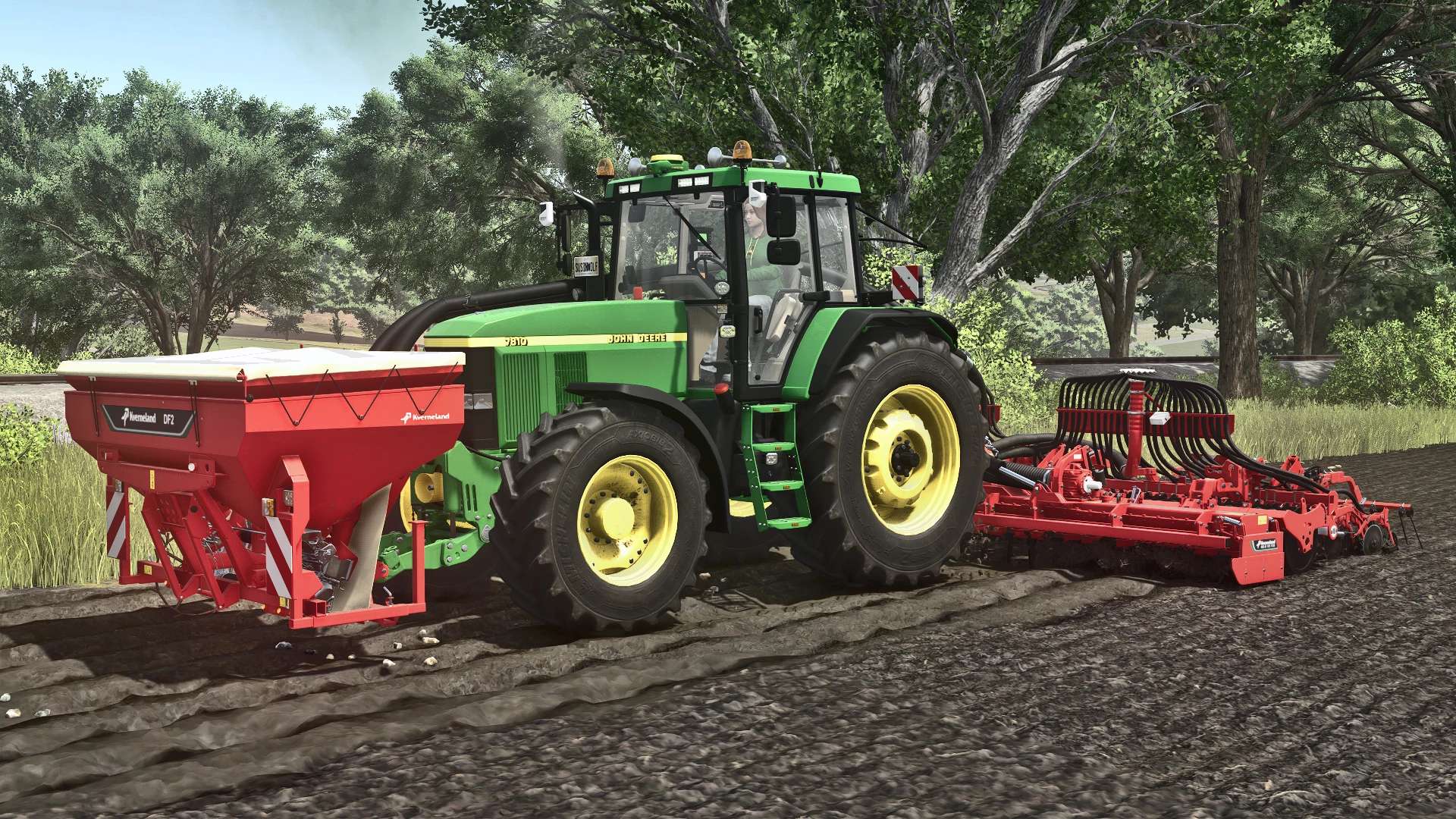
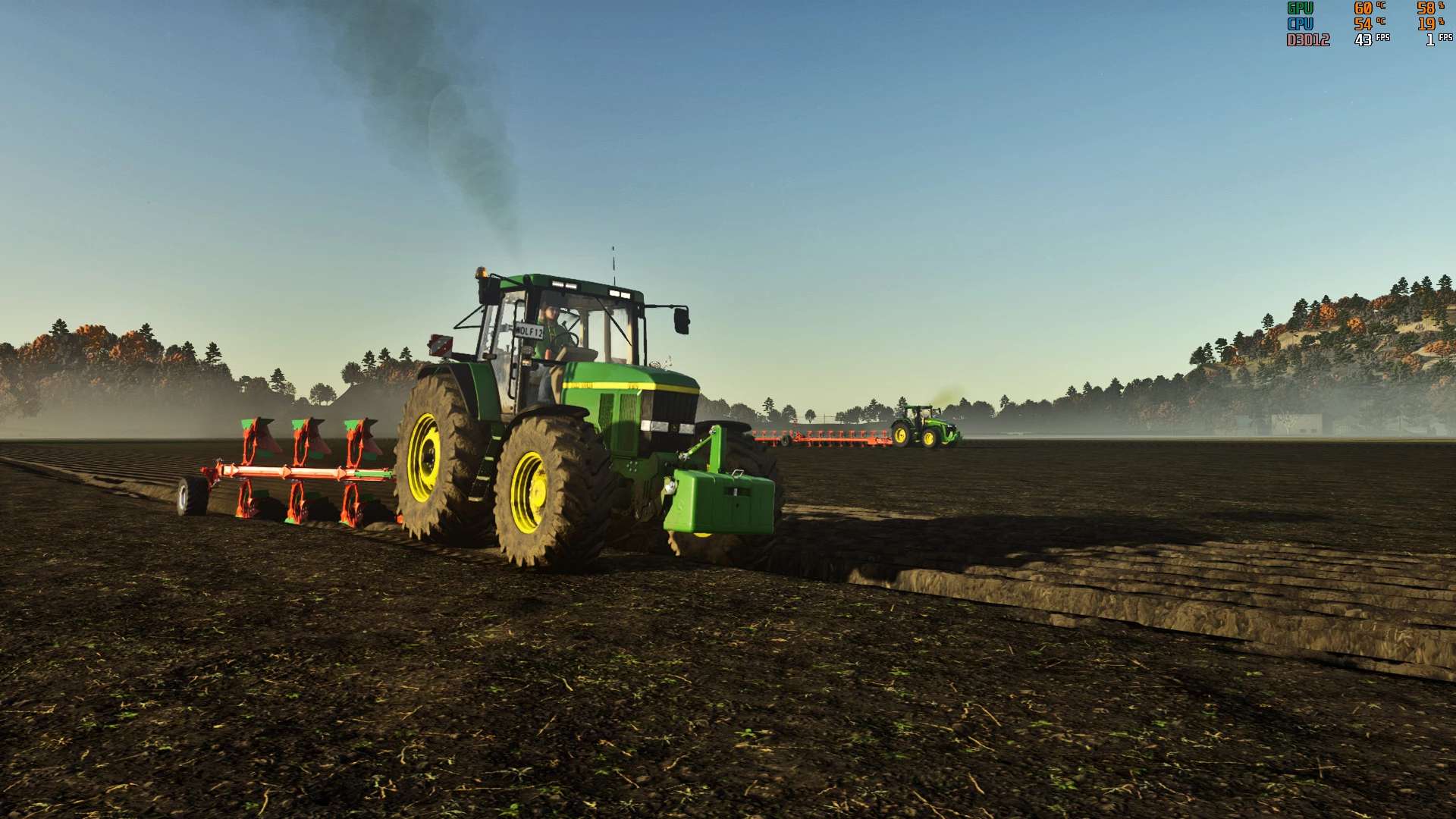

John Deere 7810 FR12 v1.5.0.8
Changelog 1.5.0.8:
– Fixed an issue with the blue beacon emitting unwanted orange light from underneath the tractor
Shop Category: Medium Tractors
Price: €68,000
Power: 160 – 485 hp
Top Speed: 40 – 45 km/h
– Added interactive controls
– Added custom engine sound
– Added various engine variants
7010 engine 119 kW/160 hp
7810 engine 130 kW/175 hp
1st generation chip tuning 186 kW/250 hp
2nd generation chip tuning 362 kW/485 hp
– Added dual rear wheels
– Added narrow tires (1.5 m)
– Added wheelbase
– Added extra-wide tires from Continental, Mitas, BKT, and Vredestein
– Revised headlights, hood, and fenders
– New mirrors
– New roof lights
– New license plate holder Rear
– Front license plate position adjustable
– Hood ornaments (eagle and stag) added
– Side warning signs added
– Step lighting added
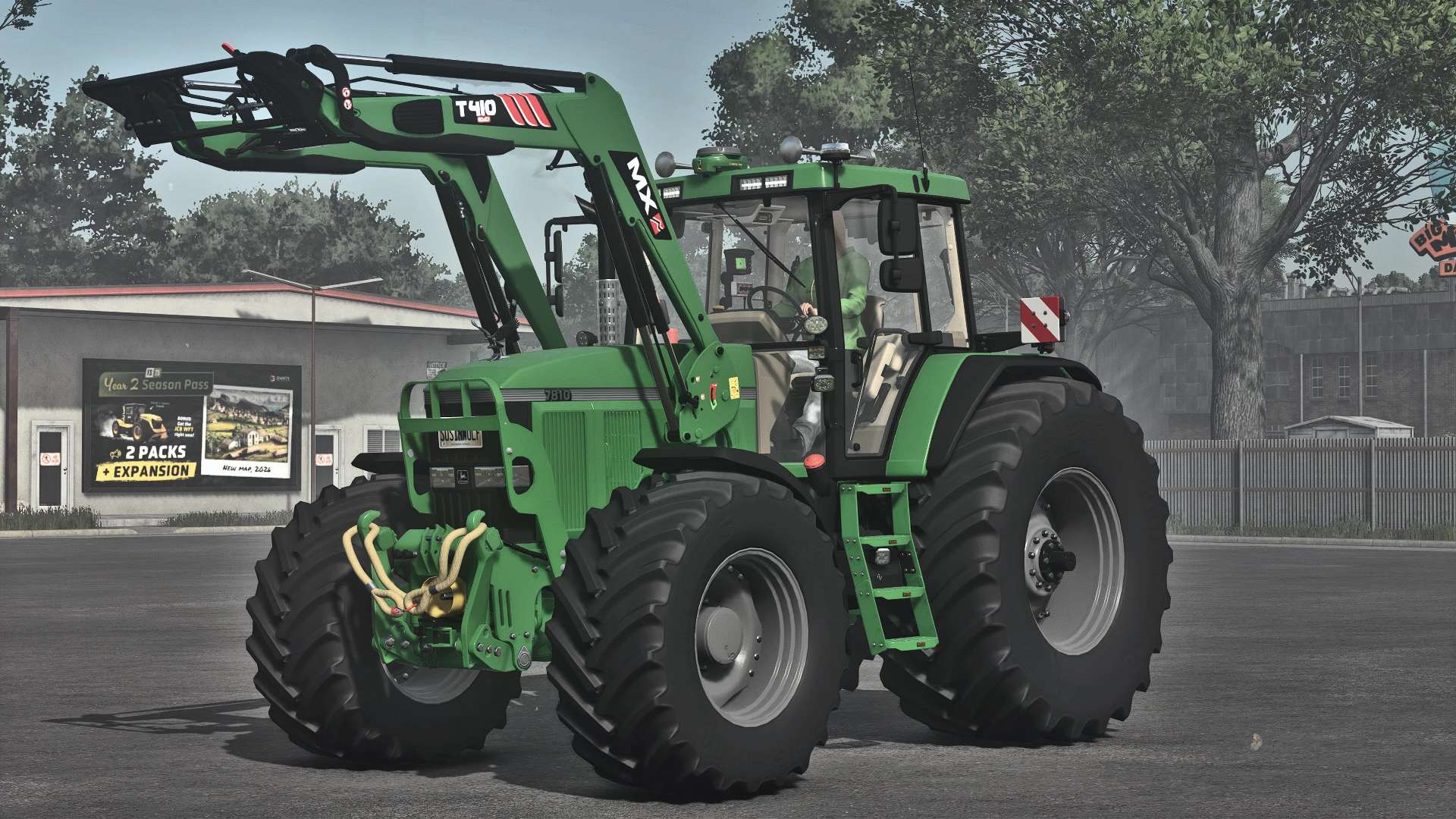
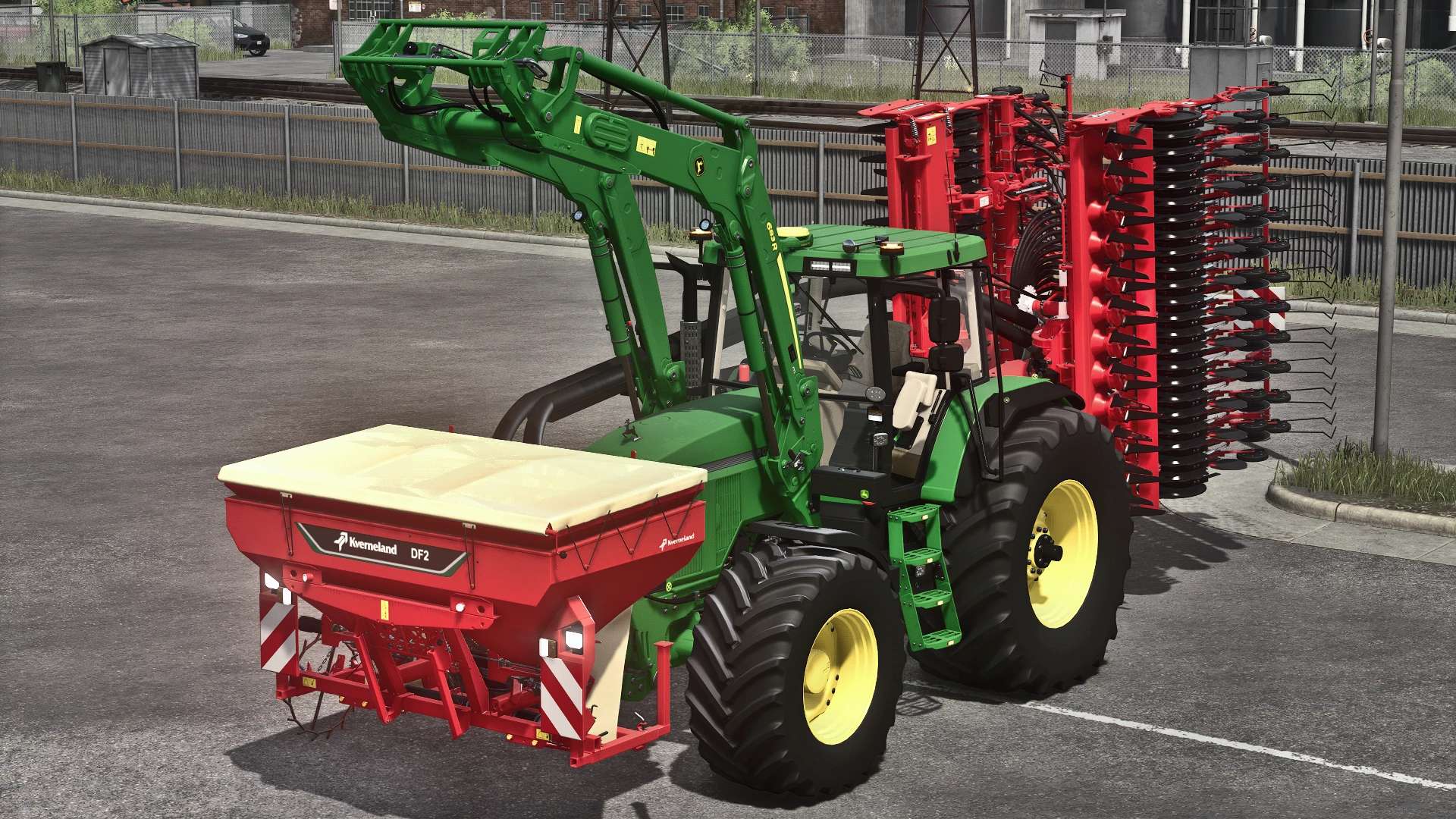
– John Deere R6 front loader console added
– MX front loader console added
– Rotating beacon adjustable
– Exhaust grille adjustable
– Kaweco terminal configuration added
– Starfire and Matrix430 added
– Wear shader replaced with Puszkap rust shader
Users with version 1.3.9.0 and older must do the following to avoid losing hours and kilometers in existing savegames: In the savegame vehicles.xml file, change the following line: <vehicle modName=”FS25_johnDeereSeries7810FR12″ filename=”$moddir$FS25_johnDeereSeries7810FR12/series7810.xml” ….. to “……/series7810fr12.xml” will be.
This is my first mod, which uses elements and inspiration from other mods.
Recommended mods:
Interactive controls
Precision Farming
MX pack
Author: Franklen12