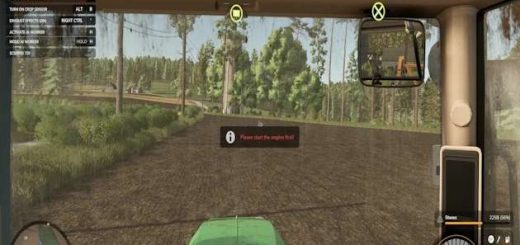
Extended Vehicle v1.0
Extended Vehicle v1.0
A Farming Simulator 25 mod that provides extended vehicle functionality, focusing on advanced lighting and sound controls, particularly useful for emergency services and utility vehicles.
Features
Beacon Light Groups: Group multiple beacon lights and control them via dedicated input bindings. Supports both toggle and button modes.
Sound Groups: Manage multiple sound effects (e.g., sirens, air horns) with easy switching and toggling.
Pre-defined Actions: Includes several default action bindings for common tasks like Rear Warning Systems (RWS), Stop flashes, and Sirens.
Crossplay compatible: As we all now consoles do not support scripts, you can use the default cover and foldable for consoles and this script for PC. See details below.
Crossplay Compatibility
As we all now consoles do not support scripts due to that most emergency vehicles released on consoles use the cover specialization for Sirens and foldable for the rear warning system.
To prevent two different versions of a mod, we have added two attributes to the <extendedVehicle> tag: disableCover and disableFoldable. These attributes allow you to disable the cover and foldable features for PC, while keeping them enabled for Consoles. This ensures that the mod works seamlessly across both platforms and can use the extended Features on PC.
Limitations
Only works for RWS using VD_EV_TOGGLE_RWS as input action.
The visibility state of the RWS animation node must be set to visible in the i3d.
Credits:
Author:
Idea / Inspiration
EmergencyPack by Creative Mesh
Author: VertexDezign, Development Assistant: Junie (JetBrains AI), Idea / Inspiration EmergencyPack by Creative Mesh