Life Mod V1.0
Life Mod V1.0
Phase 1 & 2 complete! Thanks for the support-Zyzex
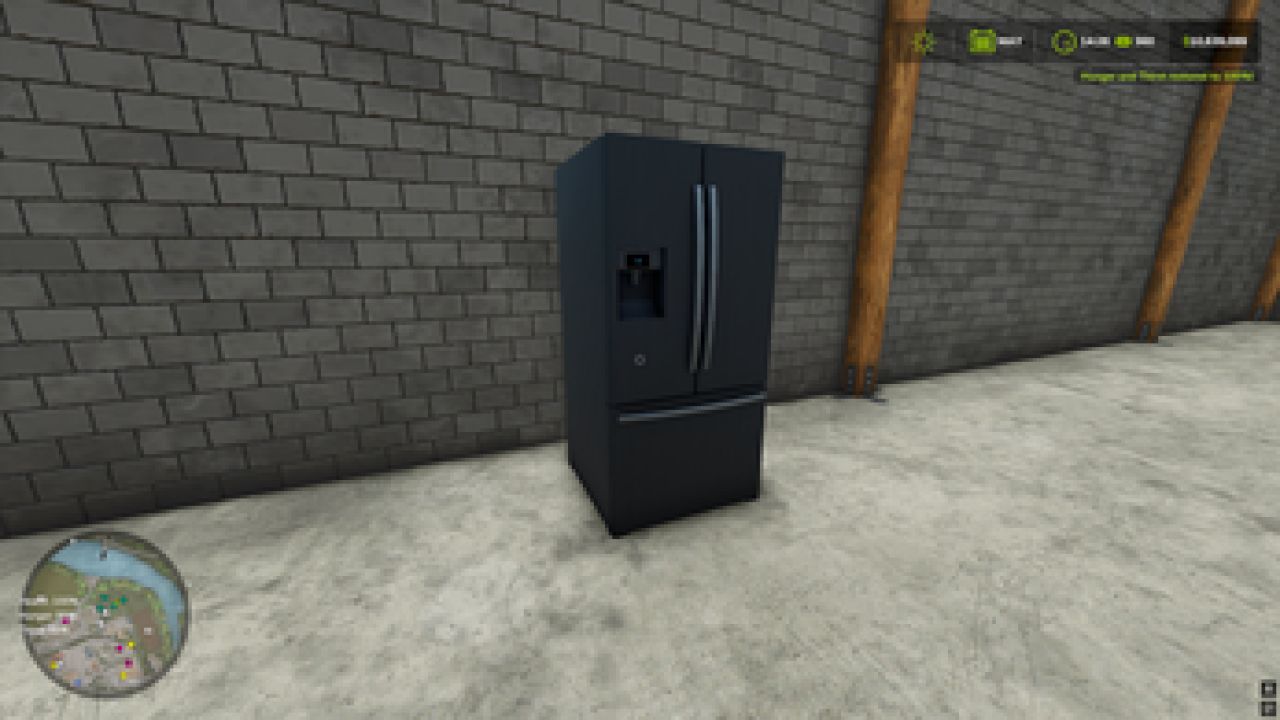
**also, you can buy a fridge in barns, place it, walk up to the door to refill stats**
Have a question? Please, don’t hesitate to ask!
Experience an issue? please give your best example so I can fix it!
Future Roadmap
Phase 1 – Foundation (Completed)
Core survival systems: hunger, thirst, and health -COMPLETED
Inventory system with consumable items -COMPLETED
Basic penalties, warnings, and recovery flow -COMPLETED
Placeholder icons and simplified visuals -COMPLETED
Phase 2 – World Interaction (Completed)
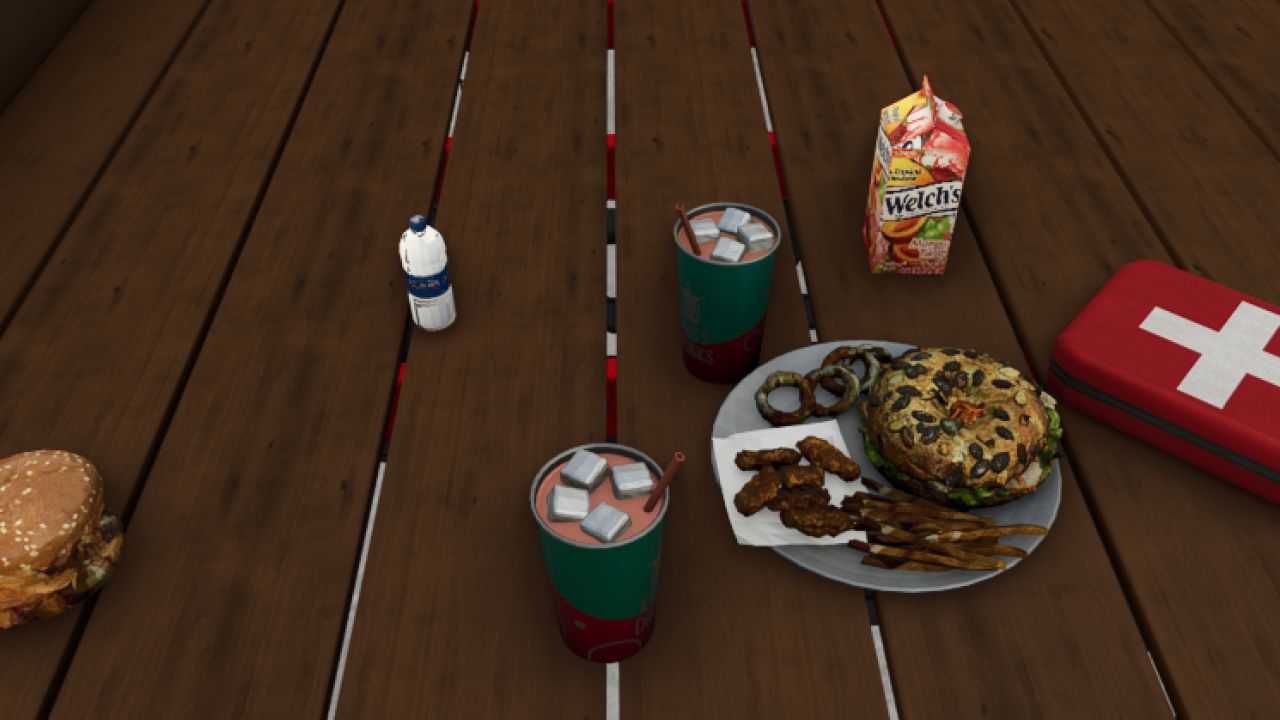
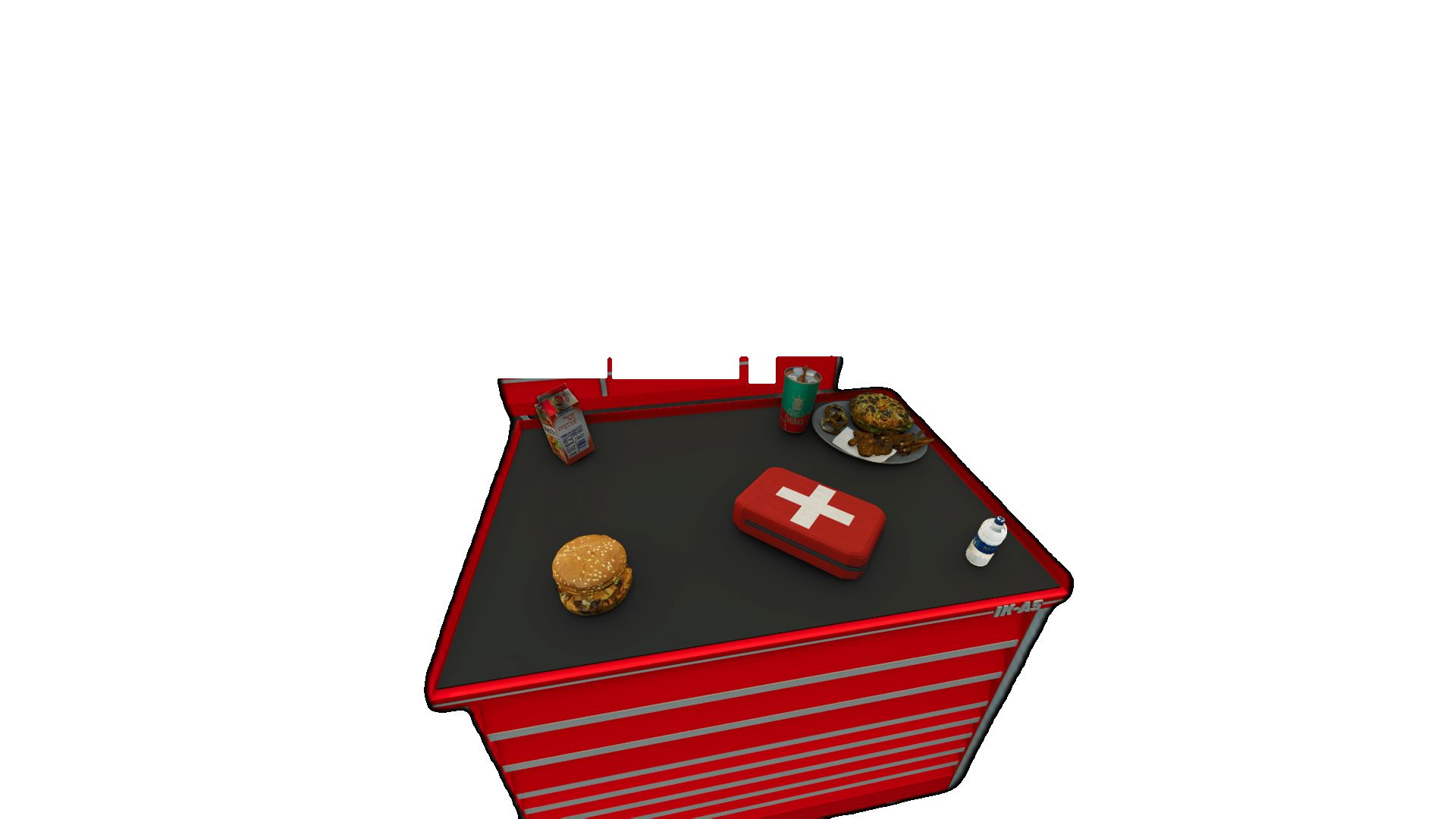
Replace placeholder inventory icons with physical 3D food and drink objects -COMPLETED
Allow items to be:
Picked up -COMPLETED
Dropped -COMPLETED
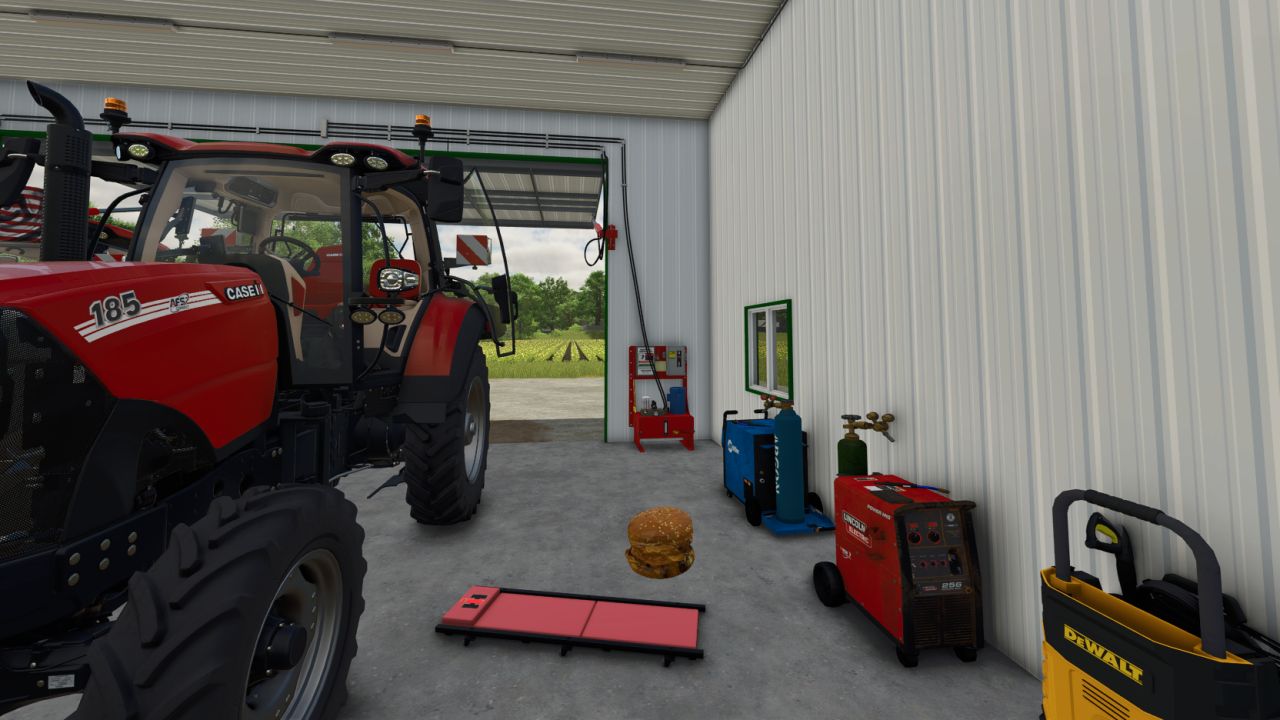
Placed anywhere in the world -COMPLETED
Consume items directly from the world (not just inventory) -COMPLETED
Phase 3 – Immersion & Realism
Animations for eating and drinking
Context-based interactions (use item in hand, from ground, or from storage) -COMPLETED
Sound effects for consumption and status changes – COMPLETED
Visual feedback for low needs (screen effects, player posture)
Phase 4 – Customization & Balance
Player/Admin settings menu:
Toggle survival systems – COMPLETED
Adjust depletion rates
Difficulty presets (Casual → Hardcore)
Mod compatibility and performance tuning
Phase 5 – Expansion
More consumable item types
Crafting or preparation systems
Fatigue, or player temperature systems
NPC or AI interaction with survival mechanics
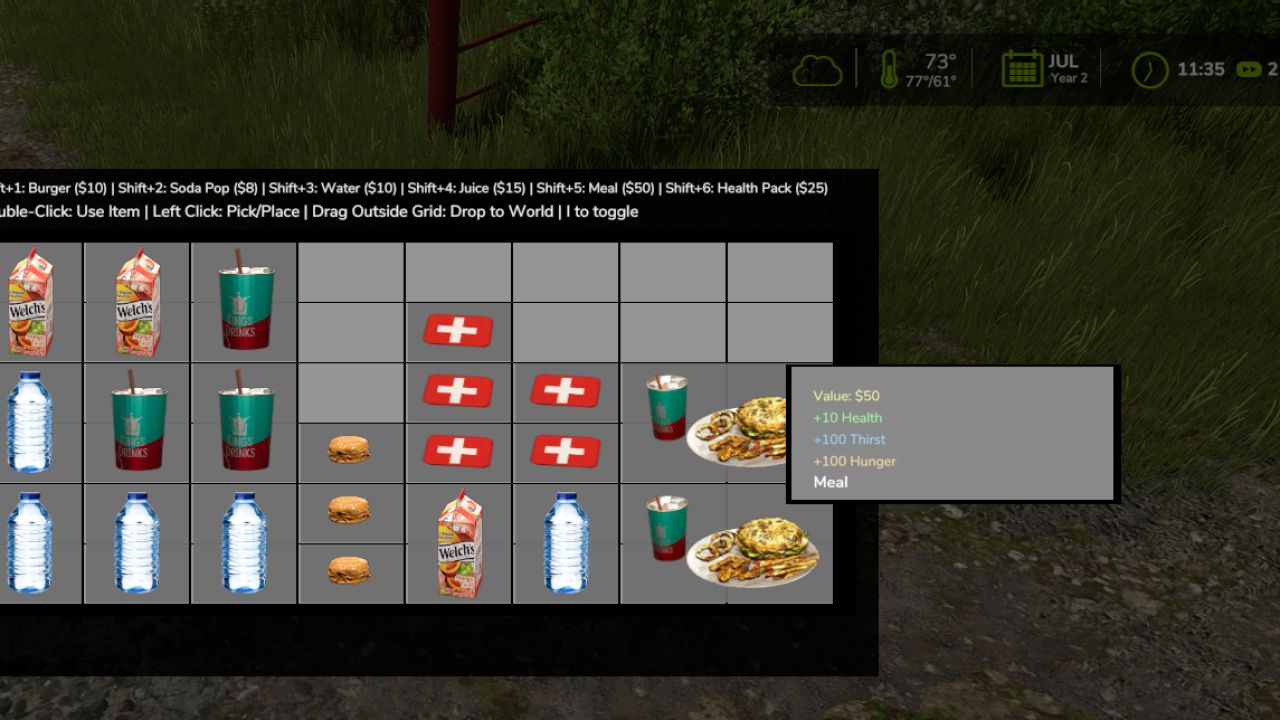
Survival Inventory – Controls Tutorial
Opening/Closing Inventory:
Press I to toggle the inventory on/off
Basic Item Management:
Left Click – Pick up or place items in the grid
Double-Click – Use/consume an item (eat food, drink beverages, use health packs)
Drag & Drop – Click item to drag items around the inventory grid
Drag Outside Grid – Drag an item outside the inventory grid to drop it into the game world
Quick Buy Items In store (misc category or inventory (Hold Shift + Number):
Shift + 1 – Buy Burger ($10)
Shift + 2 – Buy Soda Pop ($8)
Shift + 3 – Buy Water ($10)
Shift + 4 – Buy Juice ($15)
Shift + 5 – Buy Meal ($50)
Shift + 6 – Buy Health Pack ($25)
Tips:
Items have different grid sizes (1×1, 1×2, or 2×2)
Hover over items to see their stats and value
You can’t move while the inventory is open
i closes inventory
Author: Zyzex