FS Mod Collector V1.0
FS Mod Collector V1.0
FS Mod Collector – Collector of mods from save
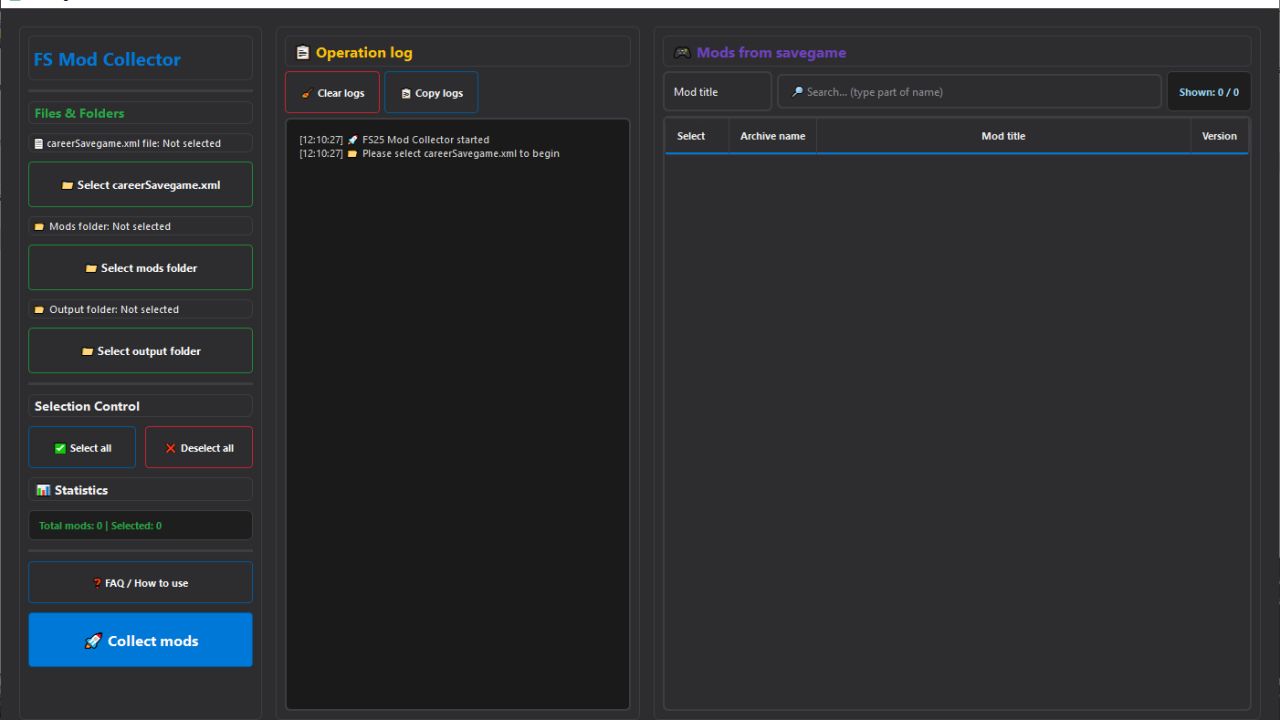
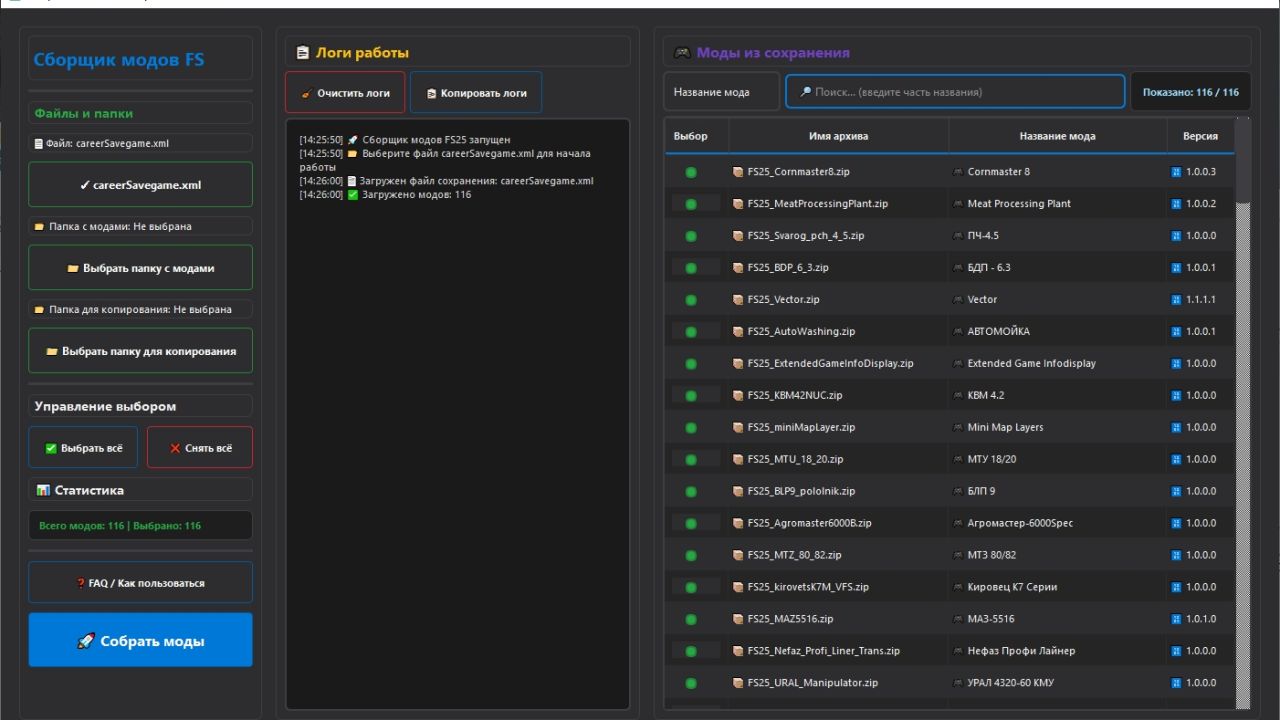
FS Mod Collector is a handy application for players of Farming Simulator 25 (and not only) that allows you to quickly collect a set of mods used in a specific game save.
The program analyzes the careerSavegame.xml save file, automatically determines the list of active mods and helps copy the corresponding mod ZIP files into a separate folder without manual search and errors.
What does the application do???
– Reads the careerSavegame.xml save file
– Identifies all mods that were active in the save
– Shows: (mod archive name, mod name, version)
– Allows you to select the desired mods using checkboxes
– Has a convenient search by mod name or archive name
– Shows statistics: how many mods are there in total and how many are selected
– Copies mod ZIP files to the selected folder
– Keeps a detailed log of work (what was copied, what was not found, errors)
Why is this needed?
The application is especially useful if you:
– Collecting a mod pack for the server
– Do you want to transfer the save to a friend?
– Make a backup copy of the mods you use
– Transfer your save to another PC
– Check which mods are actually used in the save
Instead of manually searching for dozens of ZIP files, everything is done automatically and in a couple of clicks.
THE ARCHIVE HAS TWO VERSIONS, THEY ARE THE SAME BUT IN DIFFERENT LANGUAGES. (ARCHIVE UNPACK)
PackSaveGameMod_RU.exe – RUSSIAN VERSION
PackSaveGameMod_EN.exe – ENGLISH VERSION
Author: BMProd