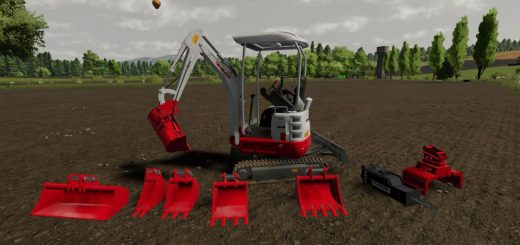
Vine Harvest Hand Tool v1.0.0.1
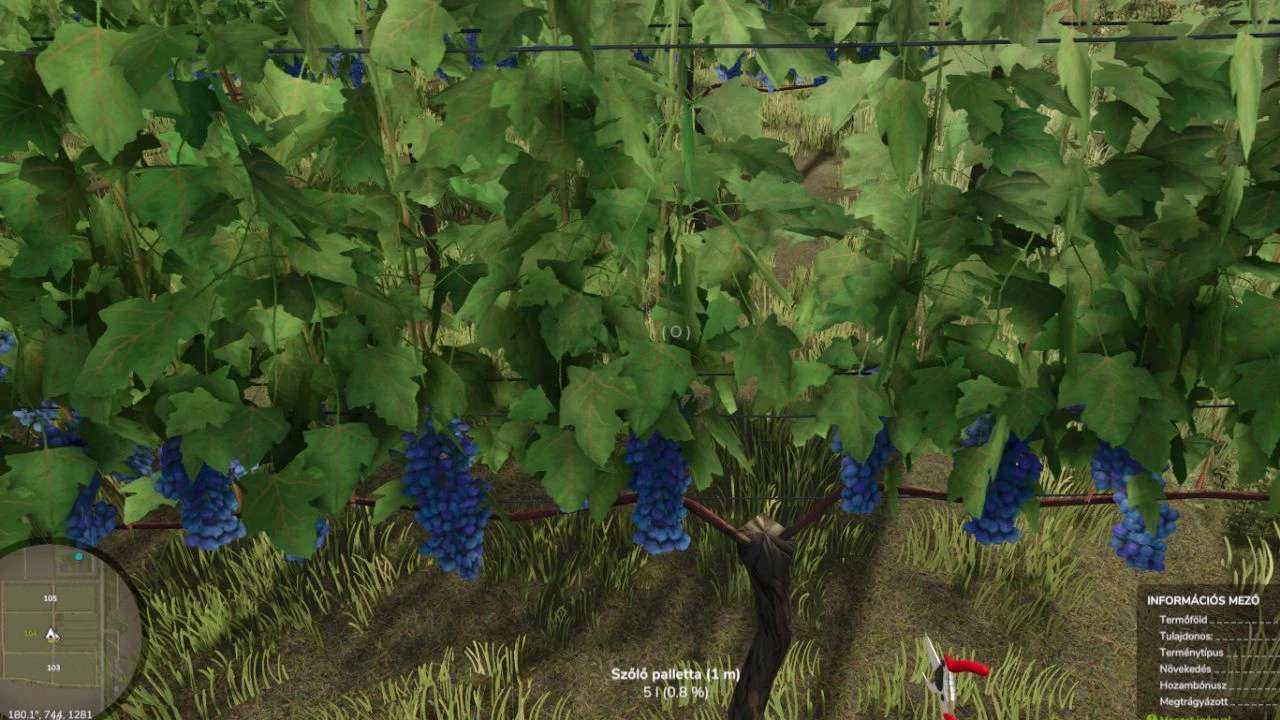
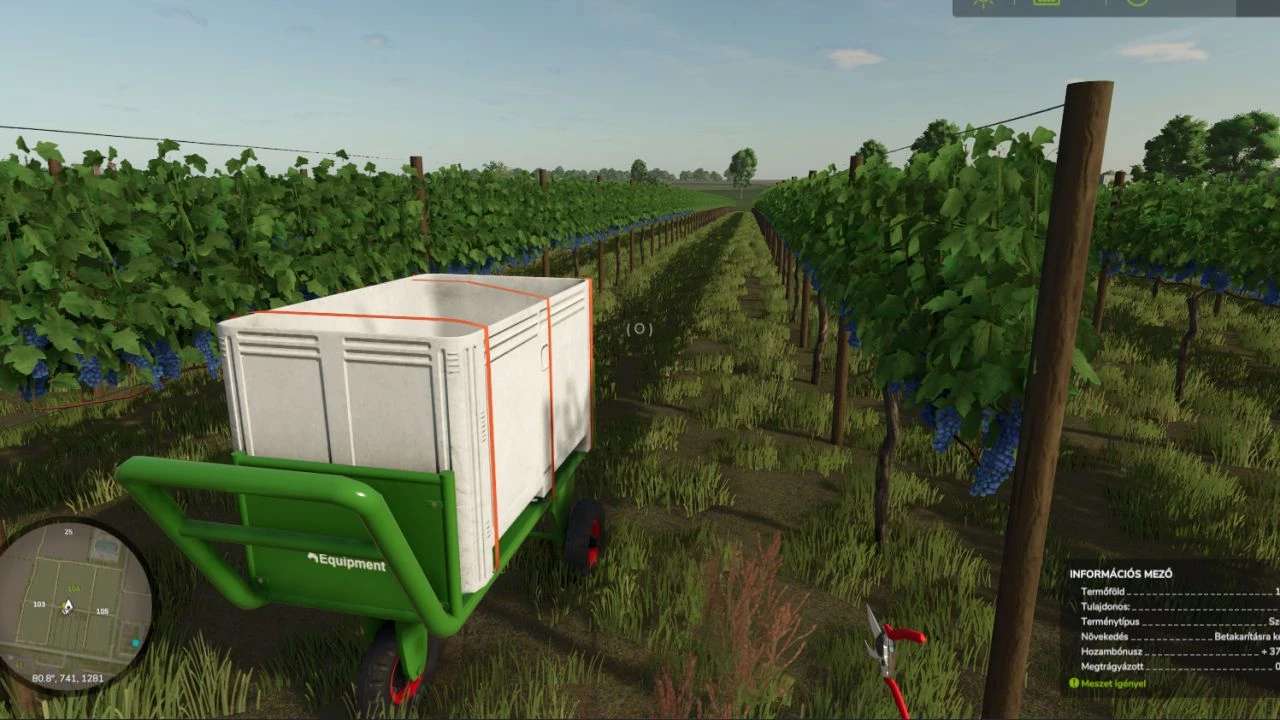
Vine Harvest Hand Tool v1.0.0.1
Manual Grape Harvest Pack – Realistic Pruning Shears and Crate
V1.0.0.1
– pickup supported container
– Translation done in 4 languages: French, German, English, Hungarian
Do you like working in the fields with your hands? Do you feel that mechanical harvesting takes away the romance of winemaking? This mod brings the real, manual grape harvesting experience to Farming Simulator!
This pack is not just a decoration: you get a fully functional system with which you can harvest the crop row by row, from stem to stem.
Where to find it in the store? The mod is in the Others category.
What to buy: You need to buy the Pruning Shears and the Grape Crate separately!
How to use it? (Step by step)
Buy: Buy the tools in the store.
Preparation: Pick up the Pruning Shears.
Connect: Go to the crate and press the ‘B’ button. This will “connect” the scissors to the crate so that the grapes can be collected in it.
HUD Info: If the connection is successful, you will see the crate’s saturation (%), the amount and how many meters you are away from it on the screen.
Harvest: Go to the vine, aim at the middle of the cluster and use the Left Mouse Button to pick it.
Tip: Each vine consists of 3 sectors, so look carefully at them!
Important information:
Distance: You can move a maximum of 6 meters away from the crate. If you go further, you will not be able to harvest – take the crate with you!
Capacity: Keep an eye on the % and empty it when it is full.
Pro Tip for comfortable work: It is worth getting the LSFM Equipment Pack!
Get a small handcart for transporting containers.
Put the grape crate on it.
This way you can easily push it between the rows and always stay within the 6-meter radius!
Have fun and have a good harvest!
Author: honved4