JOHN DEERE 6R XLarge V1.0.6
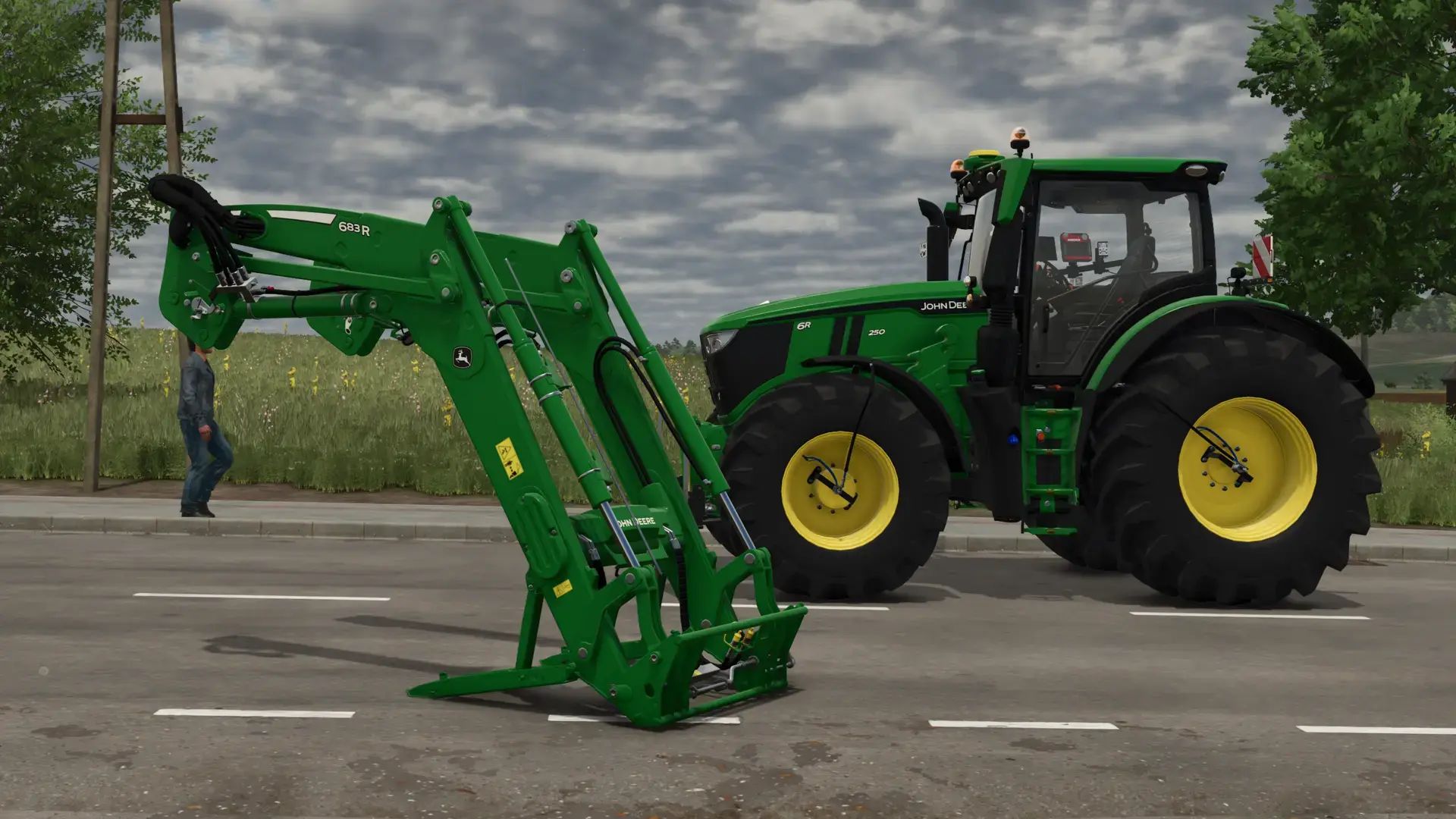
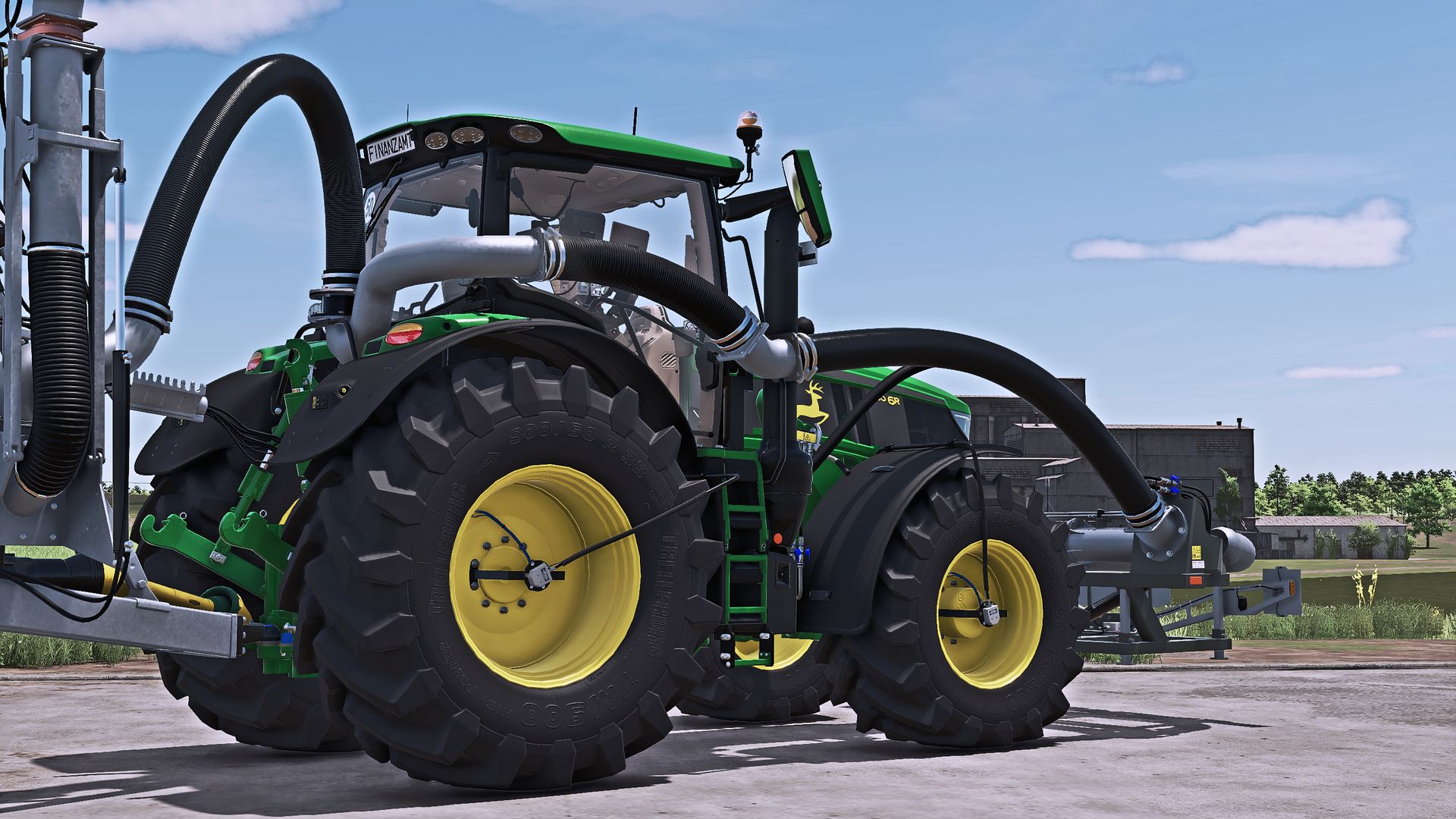
JOHN DEERE 6R XLarge V1.0.6
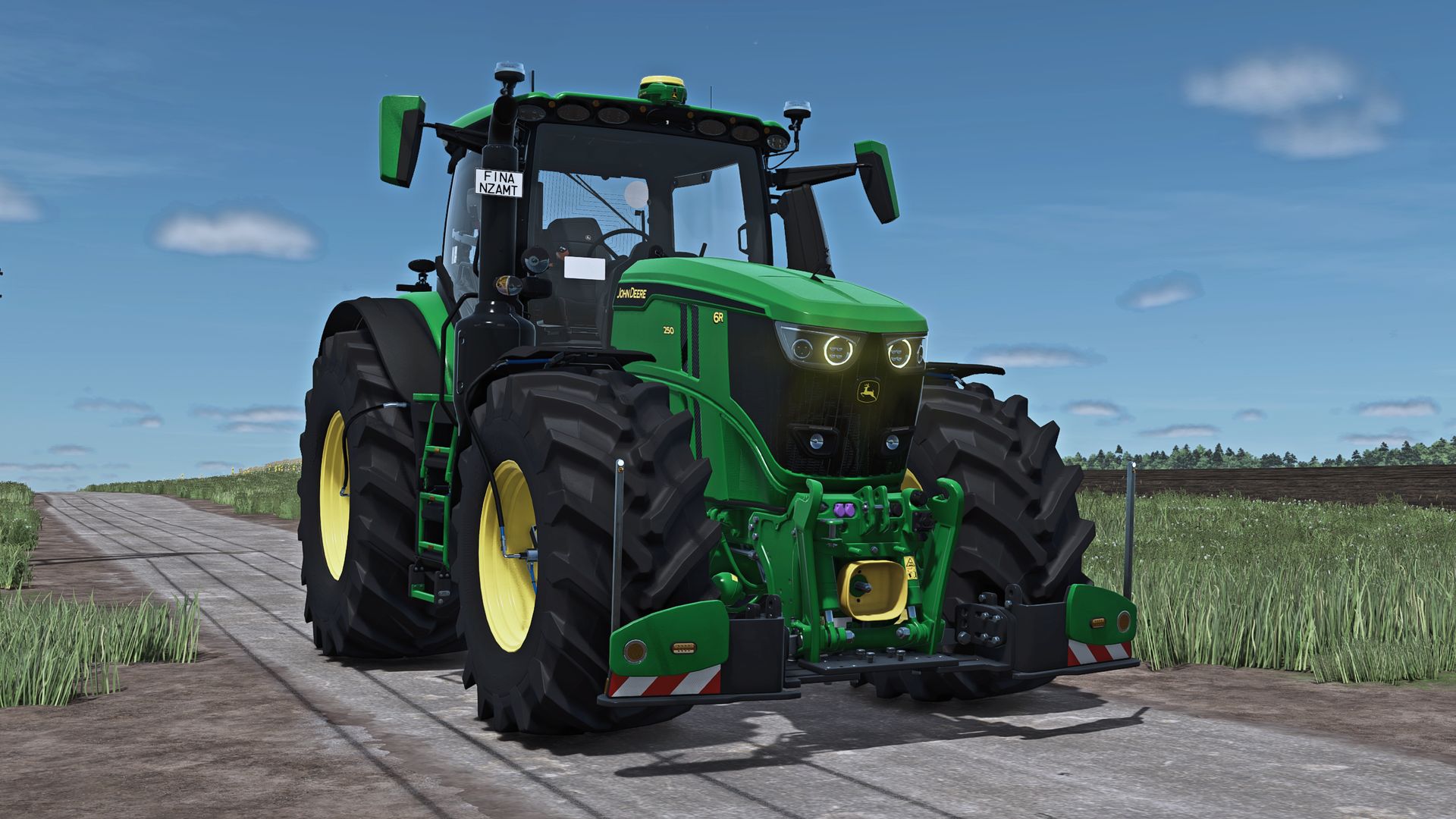
A beautiful John Deere 6R XLarge with an agribumper
Passenger script
Turbo Sound
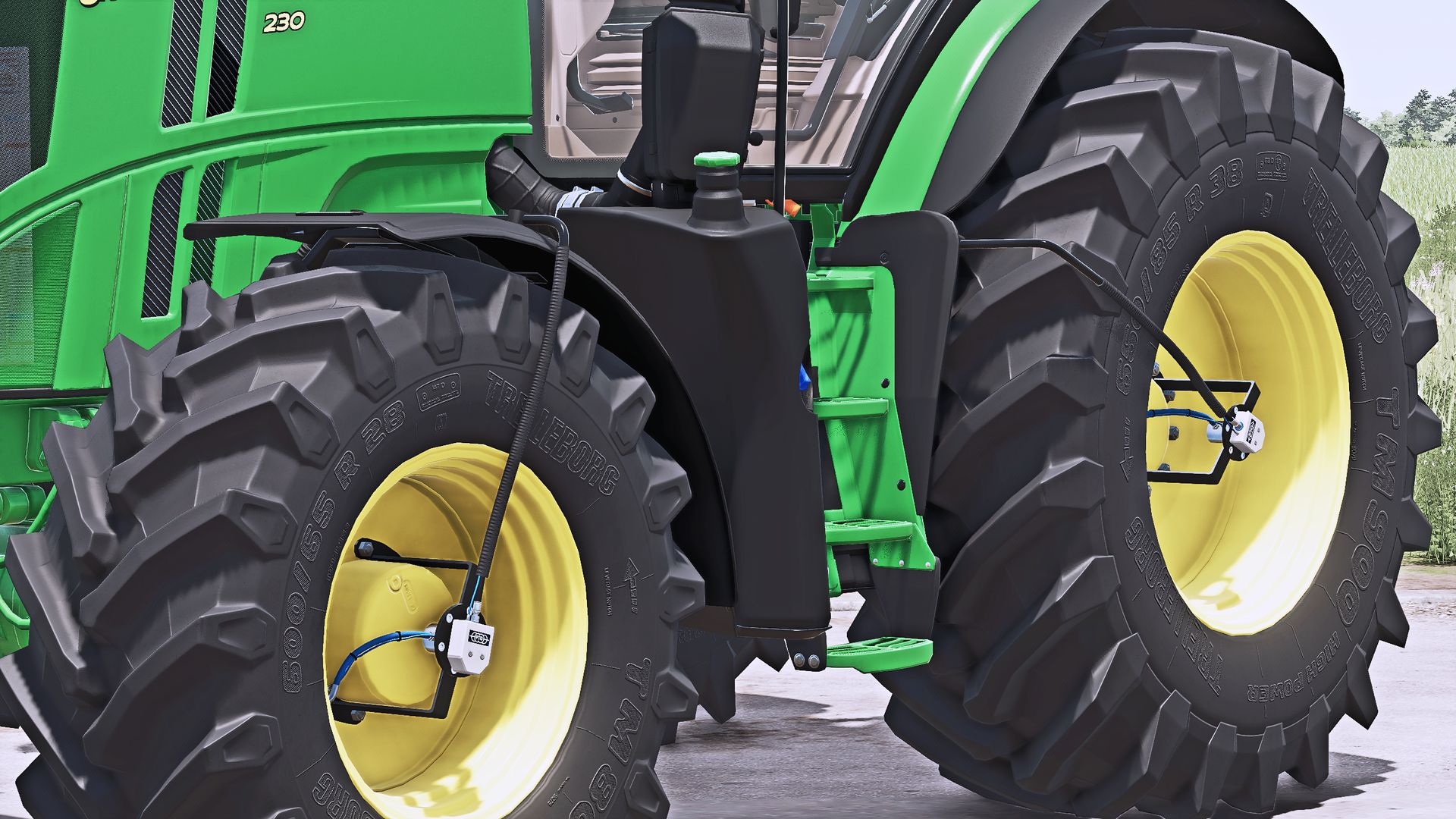
New tires
New rims
New Hubs
New wheel weights
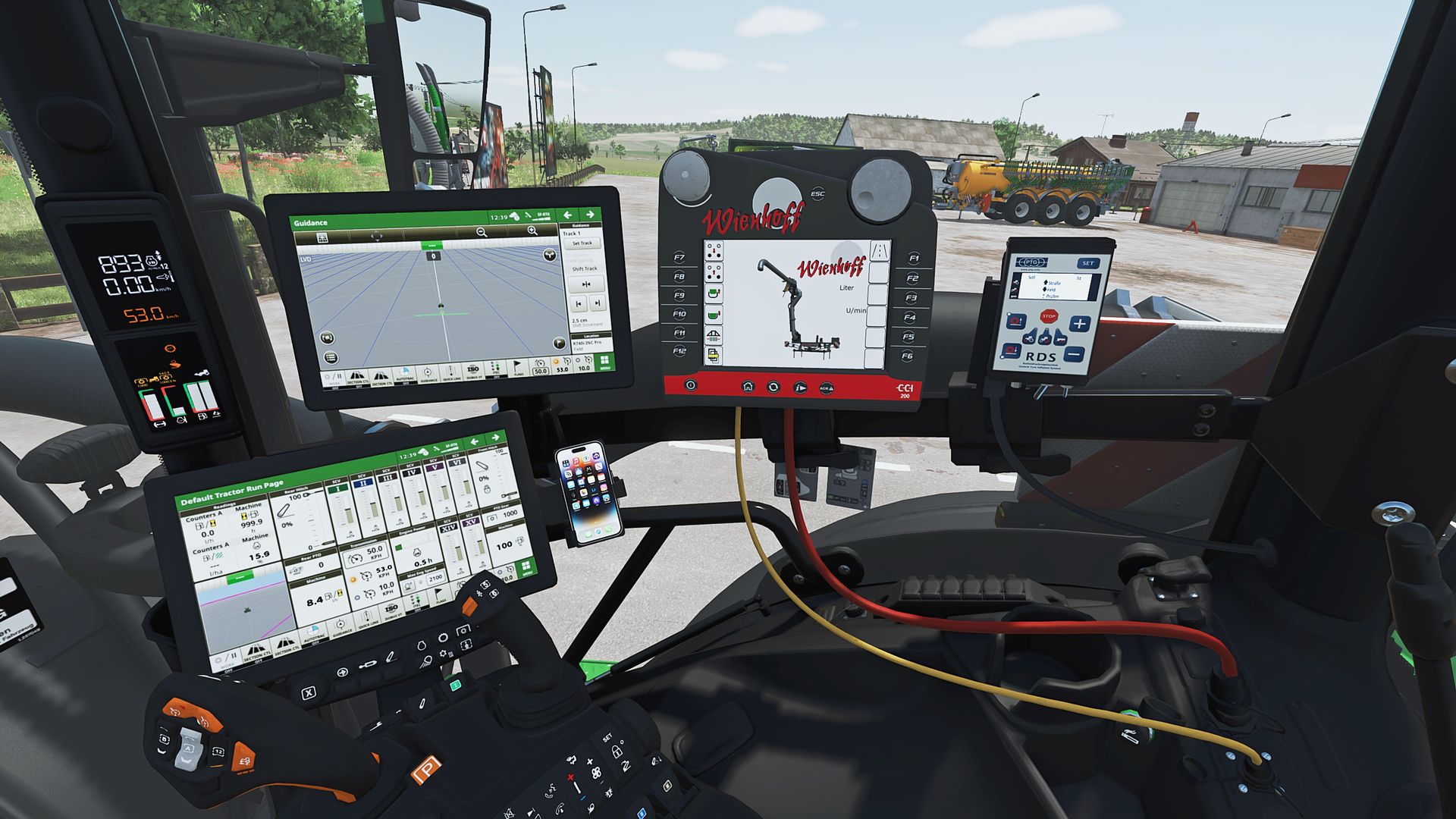
tire pressure control system with terminal in the interior
Front axle lowerable with mouse control with sound
Mouse Control: Left door and rear window with sound
Agribumper weight configurable 400-1800kg
Agribumper: Speed camera configurable
Agribumper: Driving lights configurable
Agribumper: Configurable side marker light
Agribumper: Original Prices
Rotating beacon configurable between rotating light and flasher
Daytime running light color configurable
CCI200 Terminal: Lemken/Zunhammer/Kuhn/Krone/Amazone/Pöttinger/Horsch
decorative light configurable
CB radio configurable with lighting
Animated antenna on CB radio
Main color configurable 6R+Agribumper
rim color configurable
Phone configurable with start screen and dark mode when light is on
Logo hood illuminated configurable
side lights in the warning signs
interior color configurable
seat color configurable
Decorative stitching color on the seat configurable
carpet configurable
PTO Front Color configurable
K80-K50 Blue Cover Caps
Hood sticker configurable *
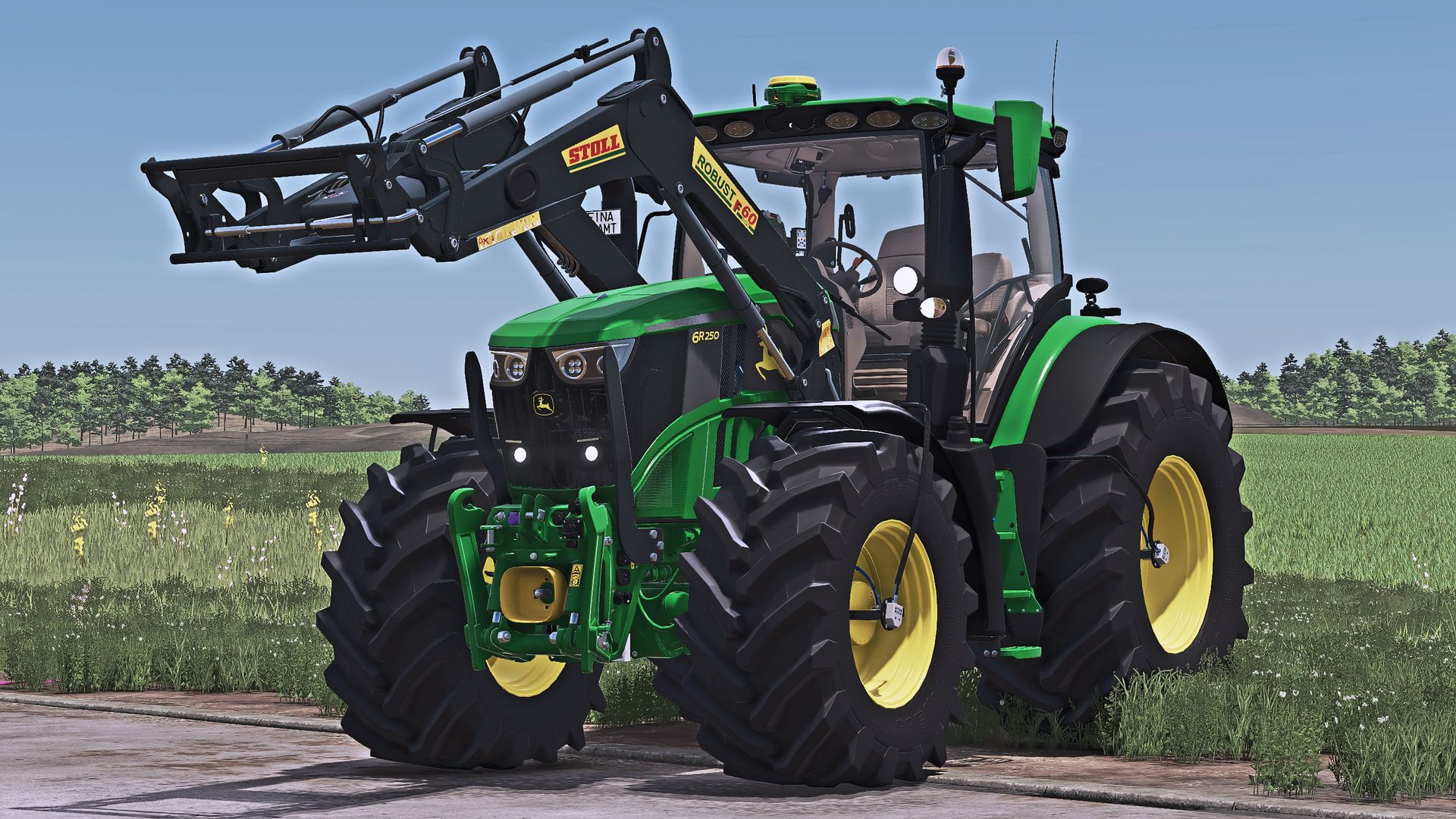
John Deere 683R front loader *
683R Front Loader Color Configurable
Front loader configurable: John Deere 683R with and without hood protection
IMPORTANT: The colors of the stickers on the hood and front loader can only be selected if the black and white variant is selected!
IMPORTANT: The John Deere 683R front loader with configurations included in the mod!
V1.0.6.0
NEW: RDA script from HotShotPepper installed in the Modhub, PTG display now with TARGET and ACTUAL value for the tire pressure
IMPORTANT: The script is currently causing problems with IC, I assume that the modder will fix it soon.
FIX: Color on front axle
FIX: Tacho Alt and PTG display wetness fixed
FIX: Rotation of the inside camera increased
FIX: Duplicate entry in translation
Author: Finanzamt31er, madabub, Farming Duds