Volatile Economy v1.0.0.1
Volatile Economy v1.0.0.1
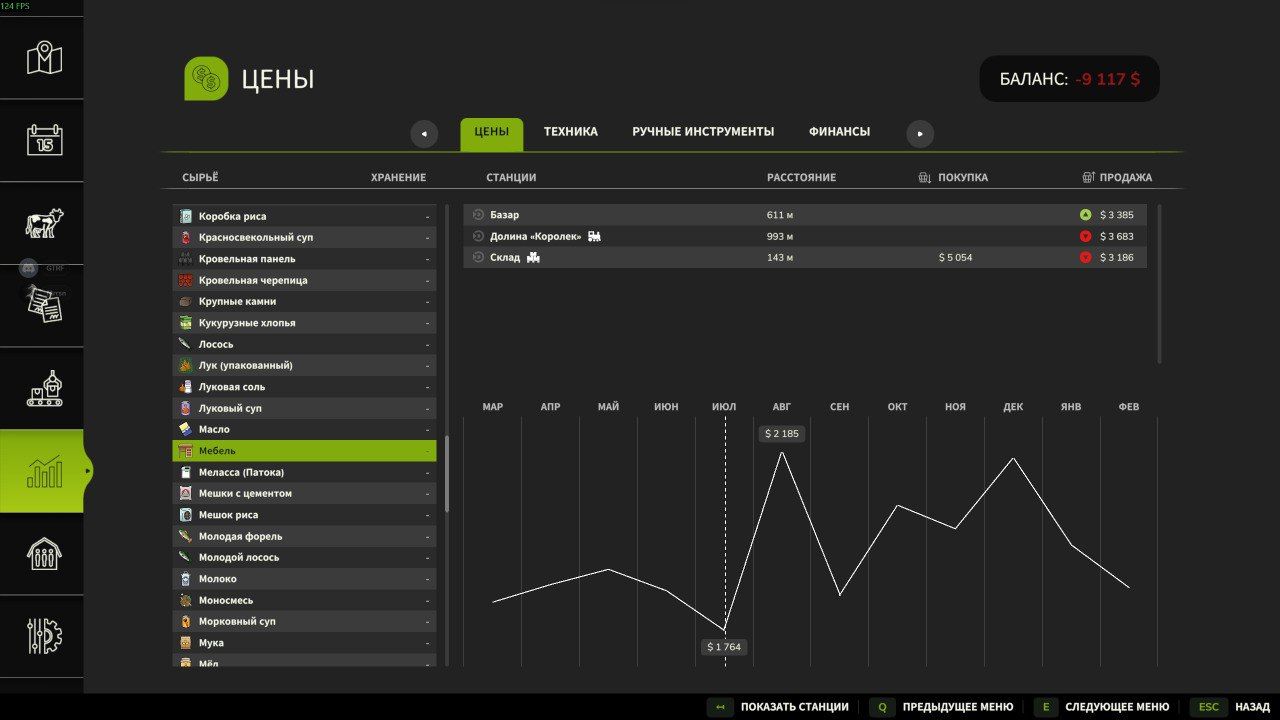
The mod replaces static prices at points of sale with a dynamic market economy with a simulation of supply and demand.
Mechanics
Volatile prices
Each combination of point of sale and grain type has its own independent market index within ±10% of the base price. The indices start with a small random spread – the markets are no longer identical at the beginning of the game.
Seasonal demand
Demand for crops varies by season:
Spring – high demand for rapeseed, moderate for grain
Summer is the peak demand for wheat and sunflowers
Autumn – profitable to sell corn, sugar beets, soybeans
Winter – shortage of potatoes and silage, prices rise
Competition
Each in-game month, competitors’ sales are simulated from 0.5 to 8 tons per point. This creates constant supply pressure – if you don’t sell, your competitors will lower their prices for you.
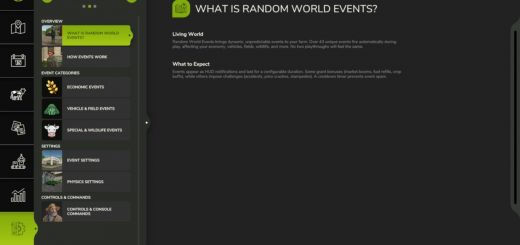
Market Events
Every month, with a 100% probability, a random event from 40 available types is triggered.
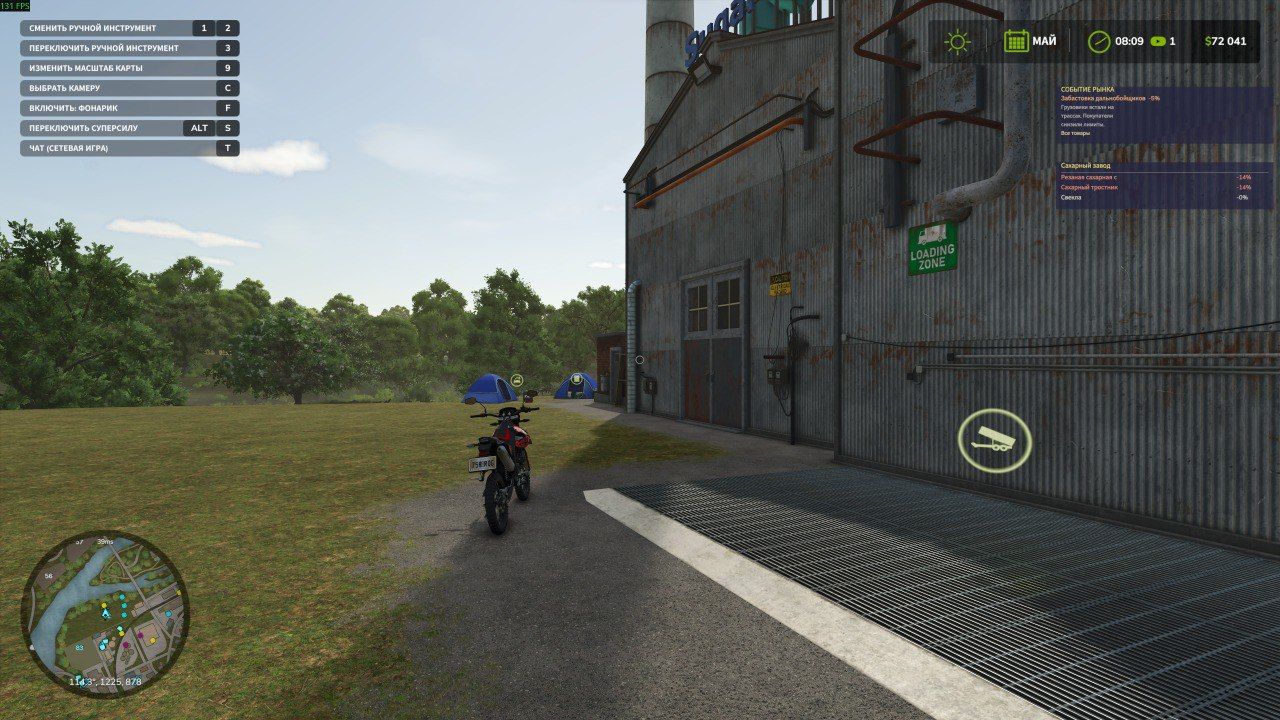
HUD overlay
When approaching a point of sale, a panel appears with:
current price deviations as a percentage (green – expensive, red – cheap)
trend in the form of up, down or straight arrows
active events and remaining days
Installation
Unpack the VolatileEconomy folder into:
Documents/My Games/FarmingSimulator2025/mods/
Launch FS25 and enable the mod in the mod manager
Download or create a new map
Configuration
All parameters are in src/MarketData.lua:
UPDATE_INTERVAL_HOURS = 6 — price update frequency
MAX_PRICE_DEVIATION = 0.50 – maximum deviation ±50%
MEAN_REVERSION_SPEED = 0.08 – speed of return to normal
SUPPLY_SHOCK_FACTOR = 0.00004 – the impact of one sale on the price
COMPETITOR_MAX_TONS = 8.0 – activity of competitors
For hard mode, increase MAX_PRICE_DEVIATION to 0.70 and SUPPLY_SHOCK_FACTOR to 0.00008.
Compatibility
Farming Simulator 25 version descVersion 75 and higher
Multiplayer supported – server manages prices, clients receive updates
Compatible with most maps and culture mods
File structure
VolatileEconomy/
modDesc.xml – mod descriptor
icon.dds – icon (replace with yours)
l10n/
l10n_en.xml – English localization
l10n_ru.xml – Russian localization
src/
MarketData.lua – data: events, seasons, config
VolatileEconomy.lua – the basic logic of the economy
EconomyHUD.lua – HUD overlay
BETA 2
Added a permanent mod icon instead of a placeholder.
Italian localization added.
Author: NoticeGG