Forest Creator V1.0
Forest Creator V1.0
Forest Creator – Giants Editor Script | VA&M
SPLINE TO FOREST
Description:
The Forest Creator is a script for the Giants Editor 10.0.11 that allows you to fully automatically create realistic forests within a self-drawn spline. The script only uses native FS25 basegame trees – no mod required!
Features
Fully automatic generation within any spline
Many different tree species from the FS25 base game with several growth stages (stages)
Realistic placement: random Y rotation, slight organic tilt, asymmetrical scaling
Minimum distance between trees can be set – no overlapping objects
4 forest density presets: light / normal / dense / jungle (also adjustable)
Automatic ground texture painting (e.g. ForestGrass)
Automatic foliage painting (e.g. decoBush) with adjustable density
Complete UI directly in the Giants Editor – don’t set anything in the file
Automatic search of FS25 installation path
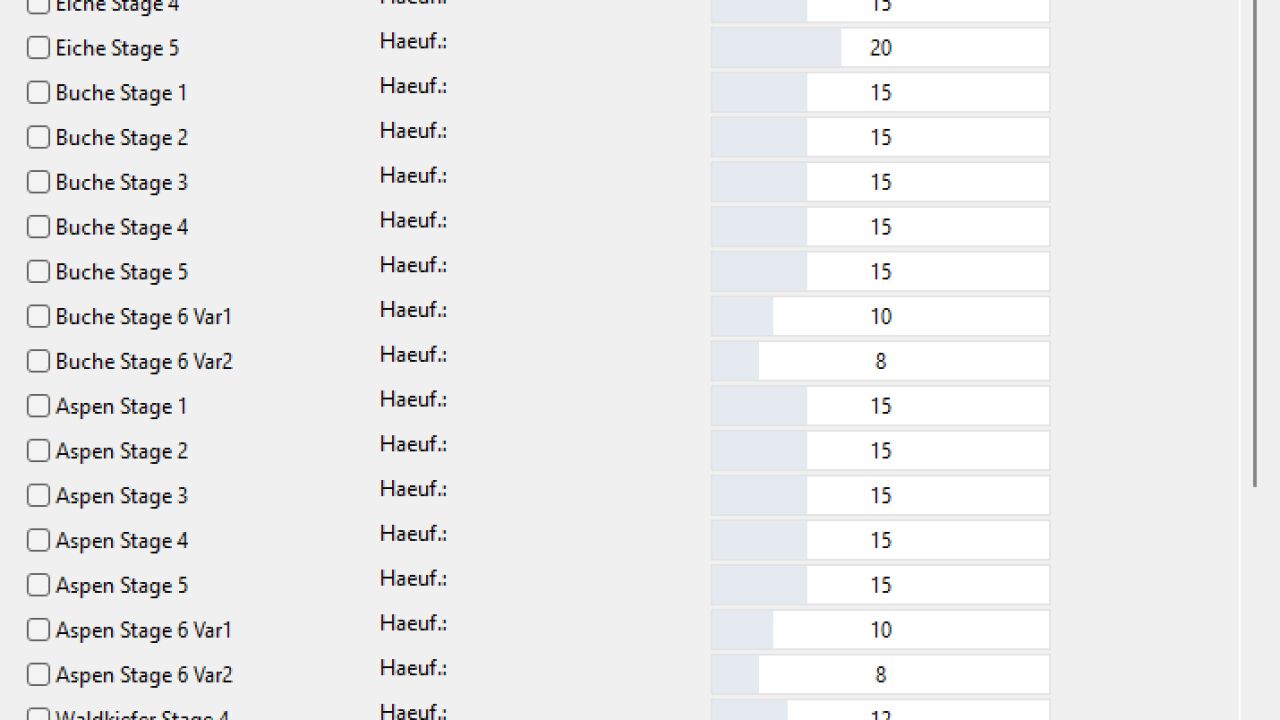
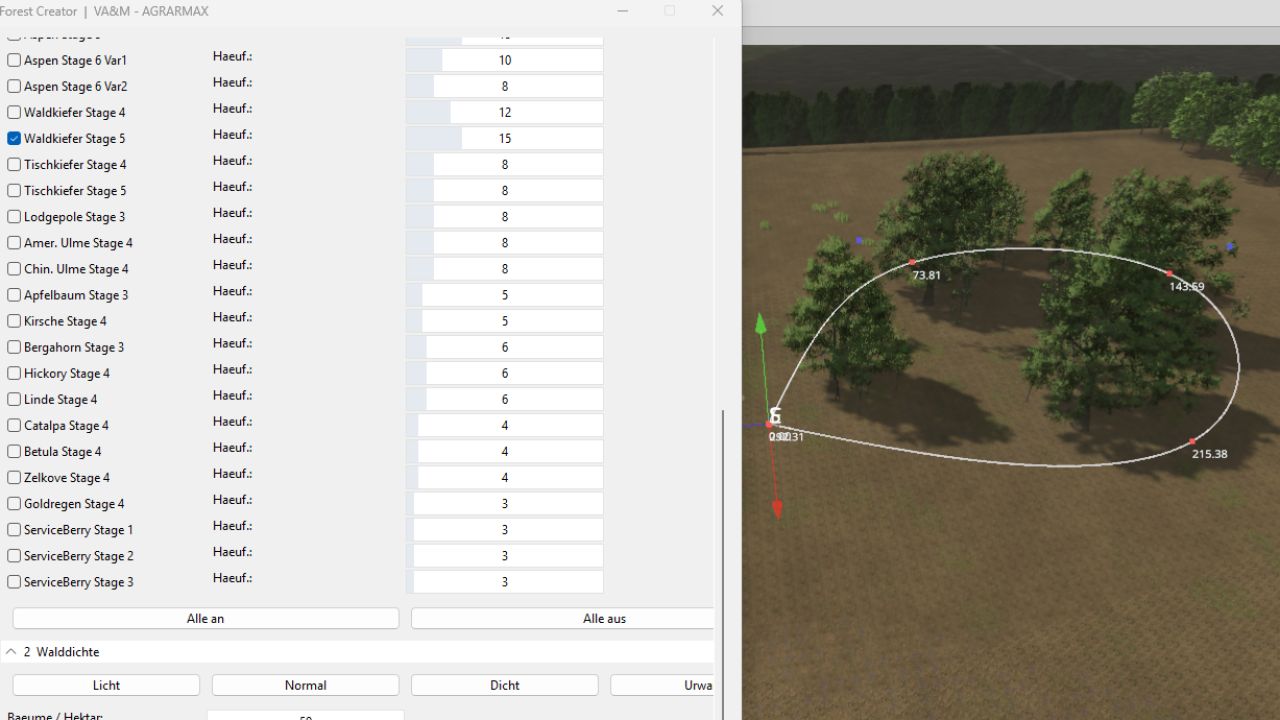
Frequency of each tree species can be adjusted individually using a slider
Usage
Click panel “0 FS25 path” → “Auto search” – the script will find FS25 automatically. If not found: … click and select any .i3d from the FS25 trees folder
Panel “1 tree species” → activate the desired tree species using the checkbox, set the frequency using the slider
Panel “2 Forest Density” → Select preset (light / normal / dense / jungle) or set values manually
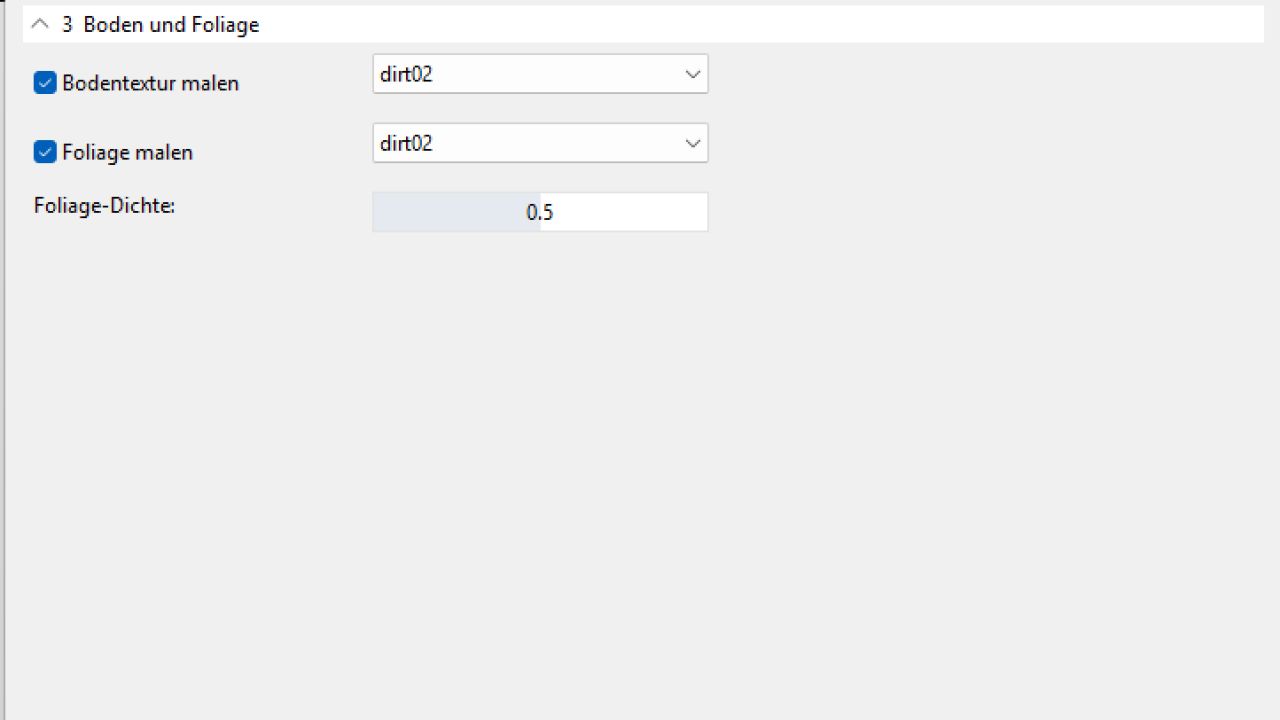
Panel “3 Ground and Foliage” → Select terrain layer for ground texture and foliage from dropdown
In the Scenegraph of the Giants Editor, select a closed spline that marks the tree line
Click “Create forest” – done!
Notes
The spline must be closed and outline the desired forest area
The larger the area and higher the density, the longer it takes to generate
The created trees are stored under a group called “Forest” in the Scenegraph
The script does not require any external mods – all trees come directly from the FS25 base game
Tested with Giants Editor 10.0.11 and Farming Simulator 25
Author: VirtualAgrar Modding