GianiShade ULTRAREALISM V1.0


GianiShade ULTRAREALISM V1.0
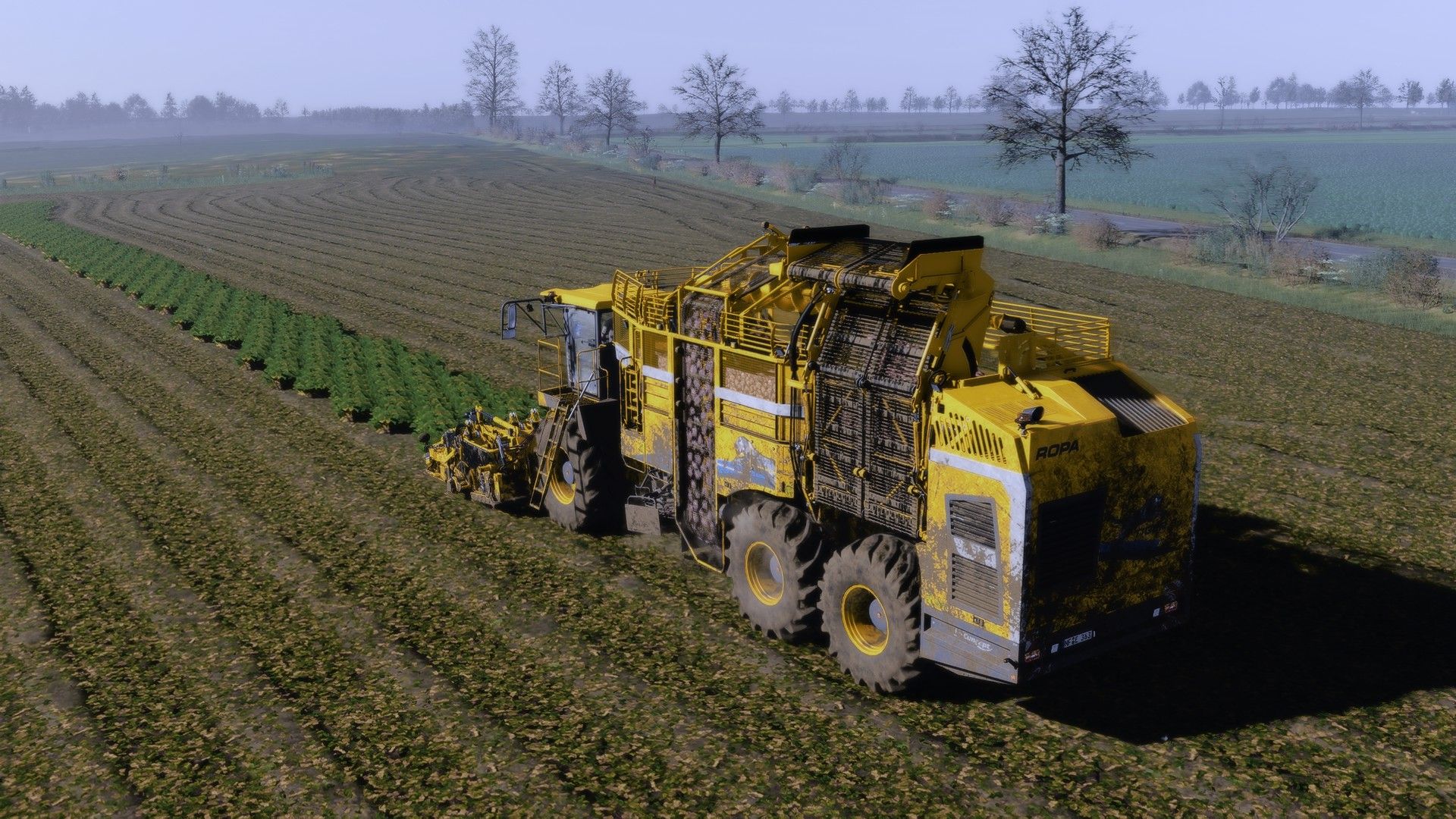
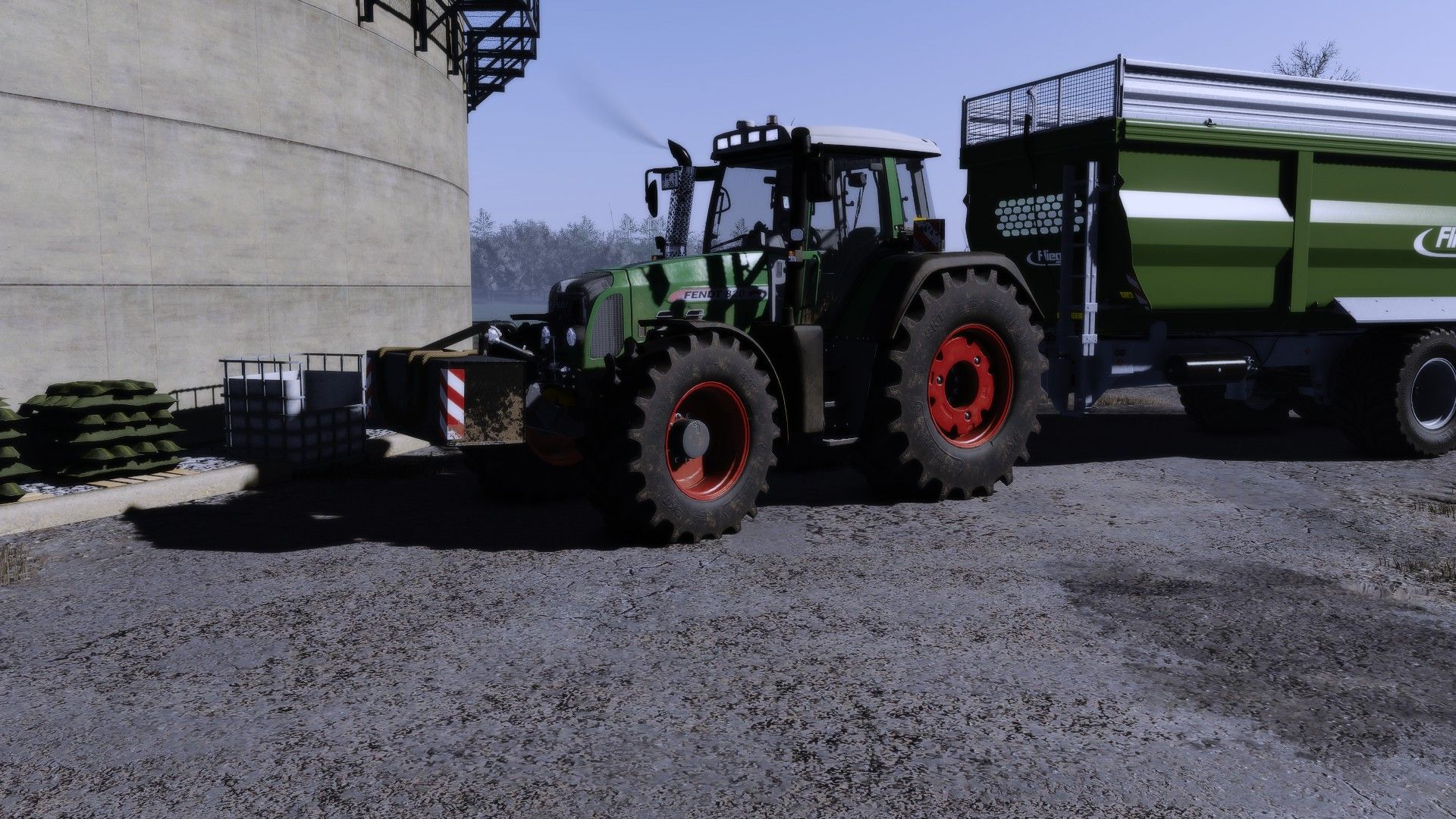
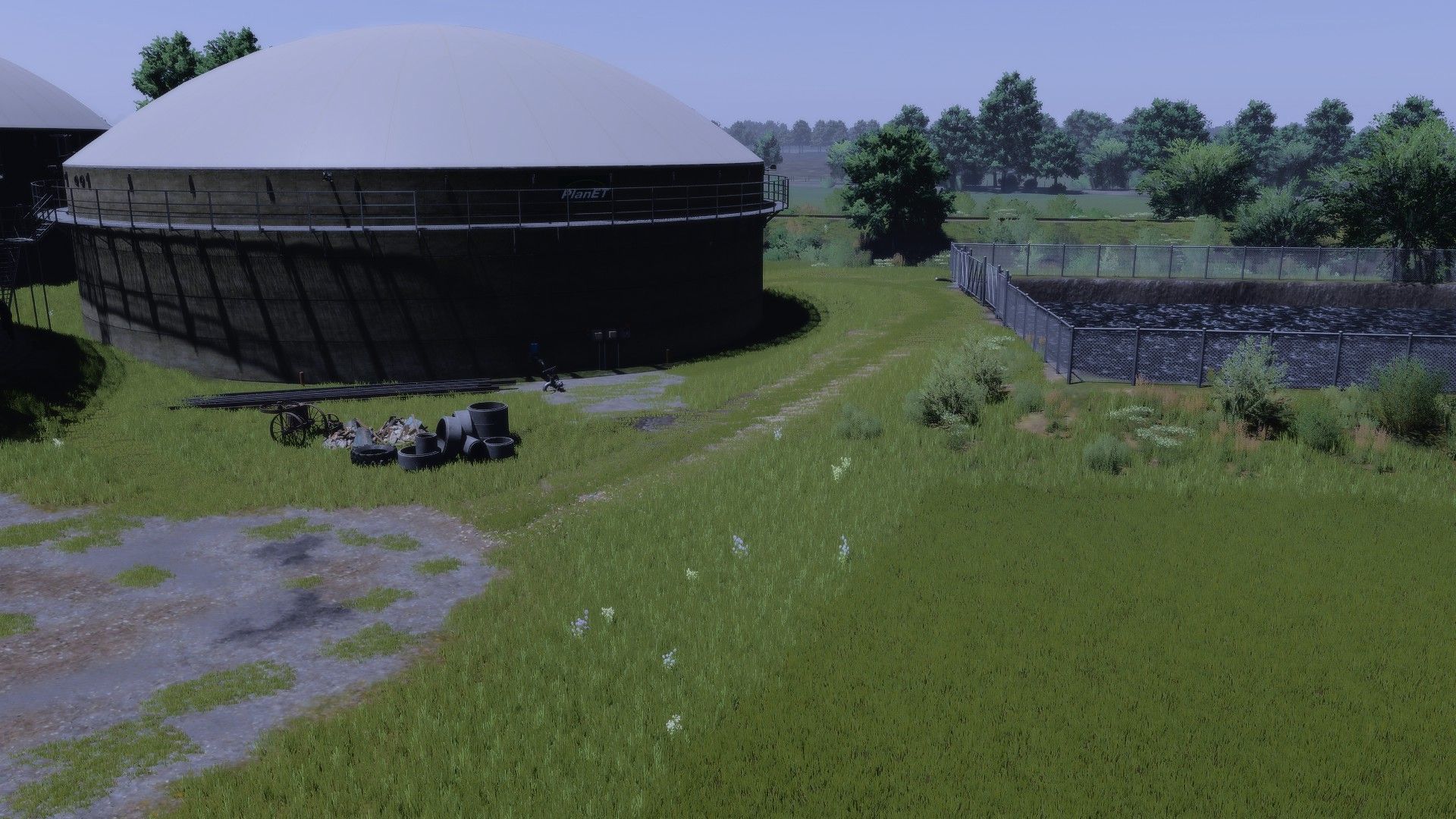
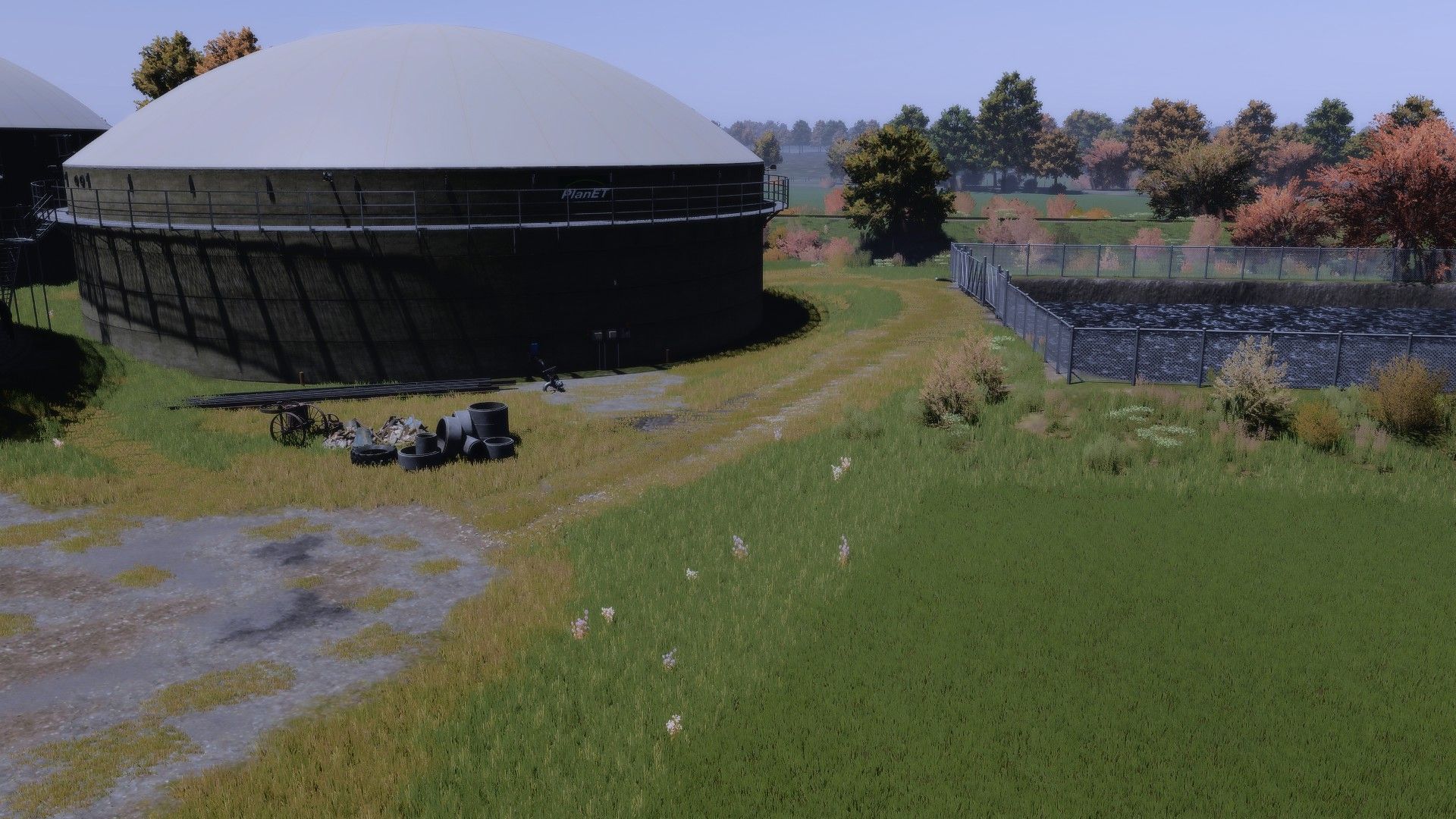
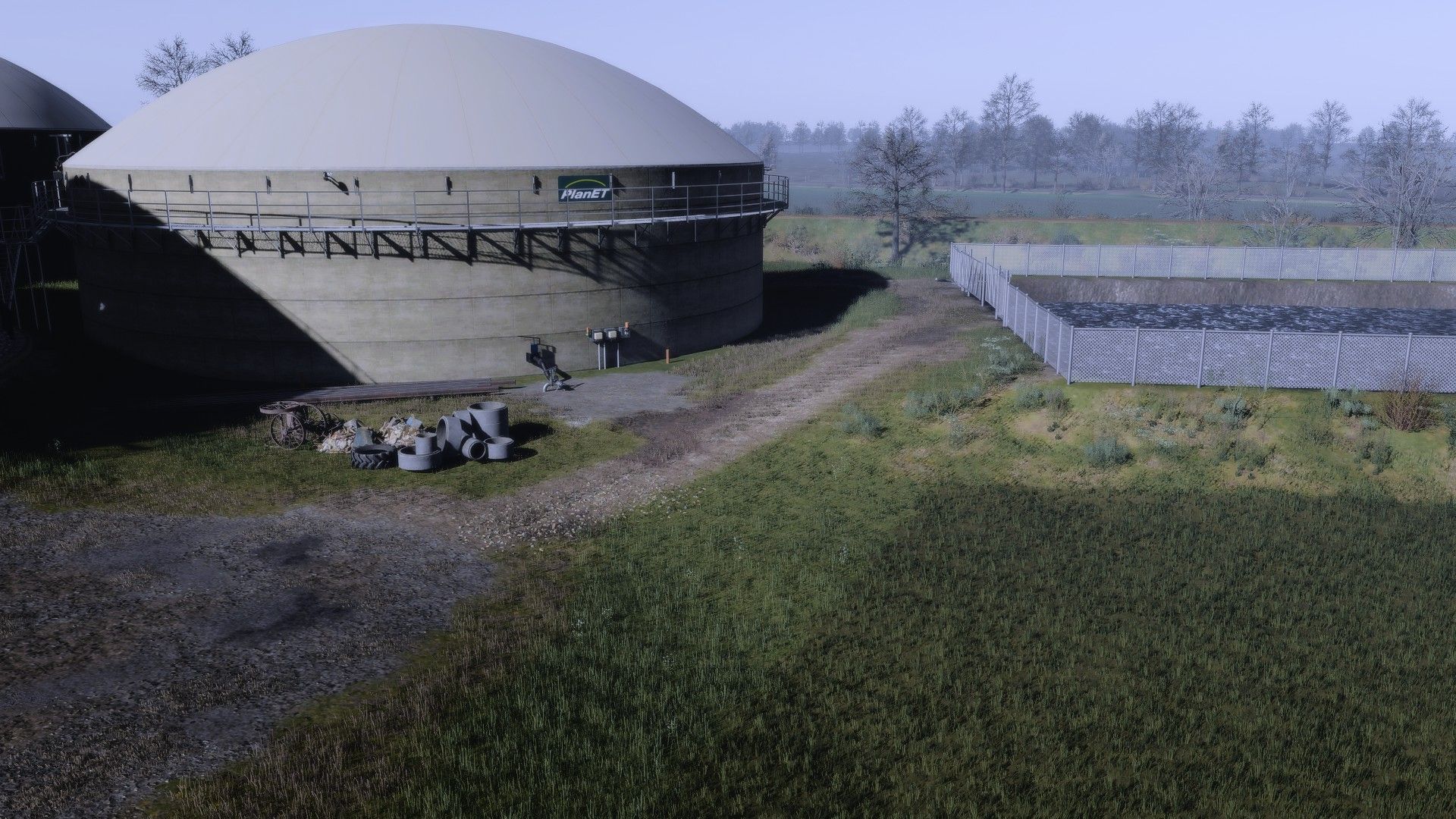
I hereby publish my own shader preset, inspired by the well-known “dnerdy” look – but slightly adjusted and further developed to offer an even more pleasant visual experience.

Features & Features
Natural colors – neither too bright nor too flat
Harmoniously coordinated overall picture
Stronger, more colorful display on vehicles and paintwork
No use of additional effects such as PPFX (SSDO) necessary
Easily compatible with DLSS & similar technologies
Supports upscaling without loss of quality
Smooth performance without stuttering

Note
The preset is optimized so that it is ready to use straight away – without complicated additional settings. Just install and enjoy!

A NOTICE!!! After installing the shader, click on “Extensions” in the reshade menu and remove the tick once (with a mouse click) and then click on the second box from the top to render the shader at the respective graphics setting (1080p, 4k etc.).

Have fun and kind regards, yours


Author: gian1

Report bugs in the comments and help modders improve this mod. Always check the comments, you can find a solution.


Helpful Information: How to install FS25 mods | FS25 System Requiremnts | FS25 Modding Tutorial | Giants Editor for FS25 | How to Convert mods | FS25 Cheats

More Misc mods


About Farming Simulator 25 mods
Farming Simulator 25 supports game modding for PC, Xbox, or PS5. FS25 Mod may change your game from small to complete changes. You can create a Farming Simulator 25 mod file and share it with our community. When is a good time to try Farming Simulator 25 mods? We recommend playing a game with these FS25 mods after you finish the Farming Simulator 25 starting pack and are bored with the game basics. So it's time to try new machines, such as harvesters or tractors, which are not included in the basic game version.
As you already know, Farming Simulator 25 developers support mods installation, which will add more vehicles or lands to your game. Check our Best FS25 mods lists for PC, Mac, PS5 or Xbox Series. Just follow these simple steps: choose the LS25 mods category, download the mod for the Farming Simulator 2025 version, and install it into the mod folder. Remember, all Farming Simulator 25 Mods are free, and download as many as you want with no limits. We want to create one of the biggest Farming Simulator 25 Community and invite you to share FS25 mods with everyone.

Leave a Reply

Do you need help or to say thanks to the mod author? Just leave a comment below!