Autodrive Thüringen 2.0 16x V1.0.0.3
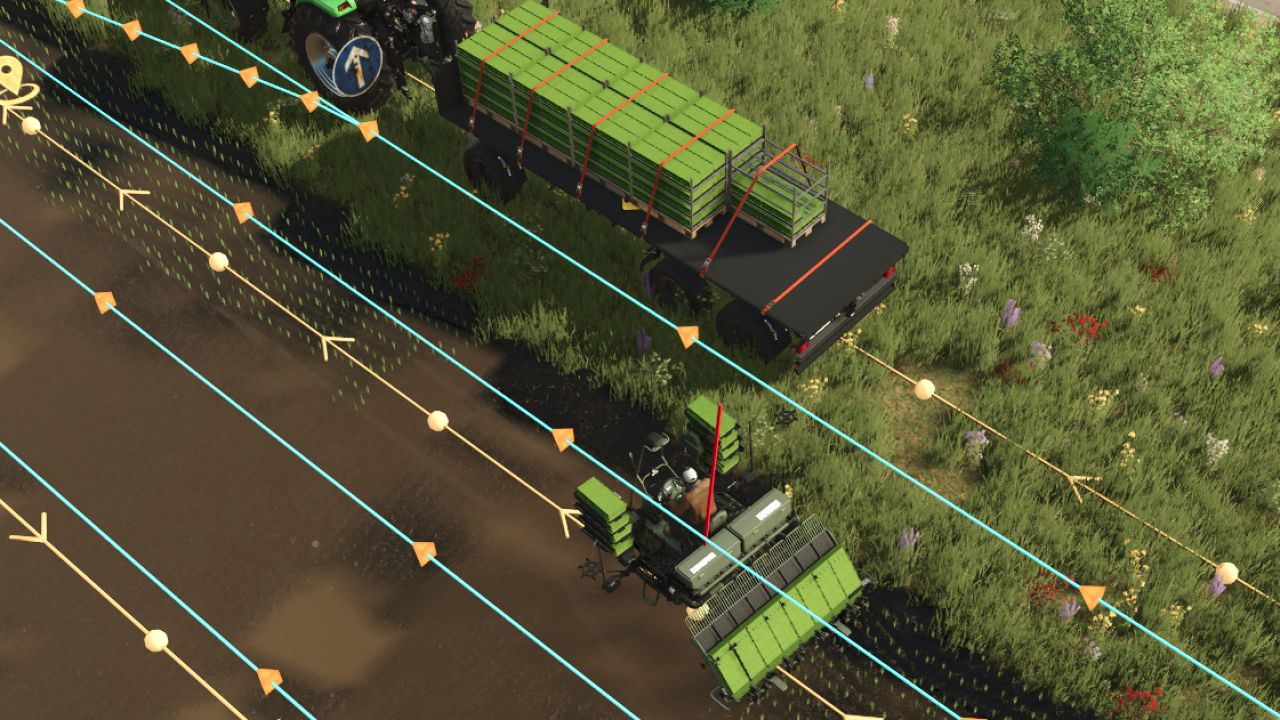
Autodrive Thüringen 2.0 16x V1.0.0.3
V1.0.0.3
Last small bugs fixed.
English version added.
Here, I make available my private AutoDrive courses, which I originally created for my own use and now want to share with the community.
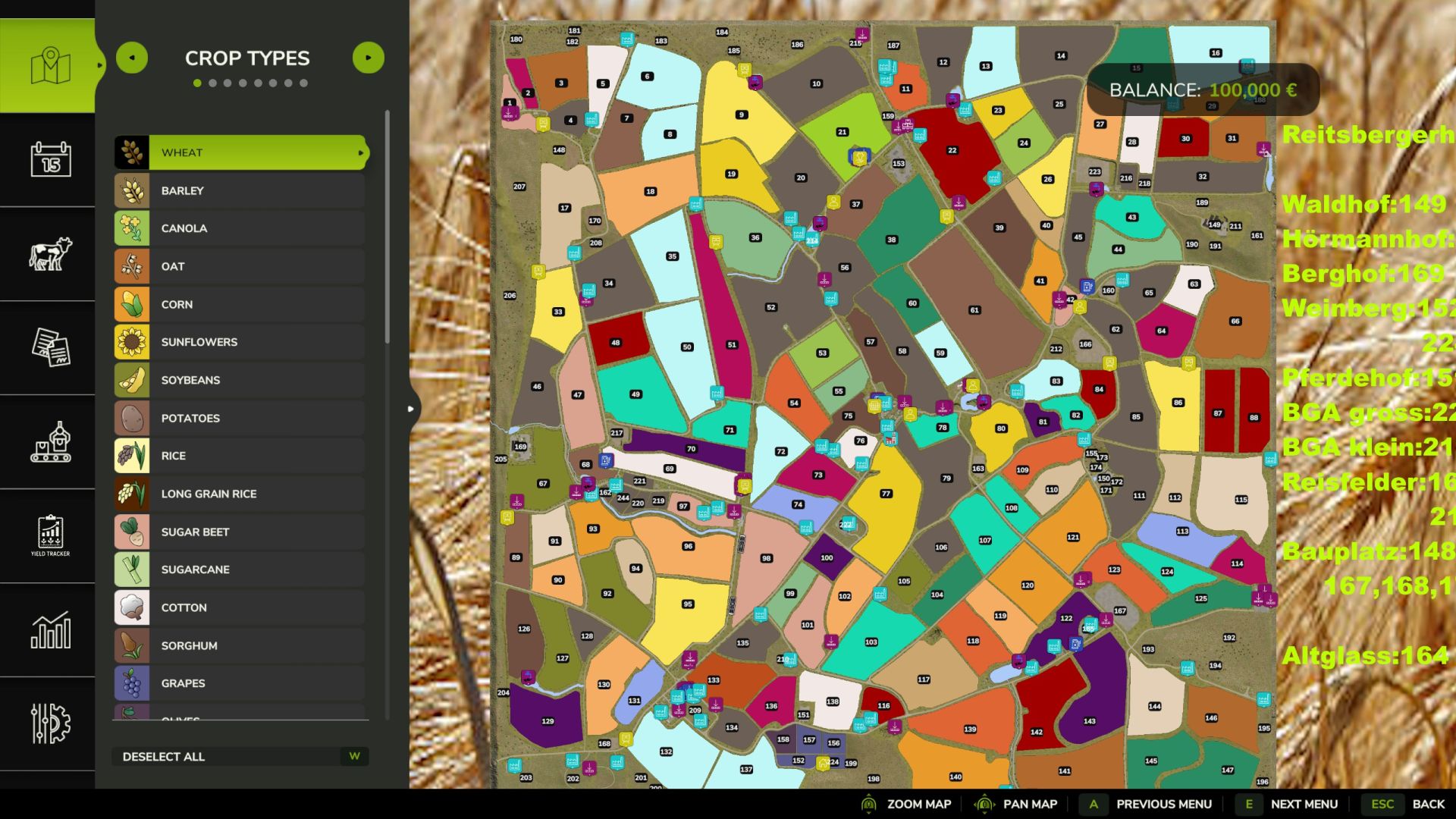
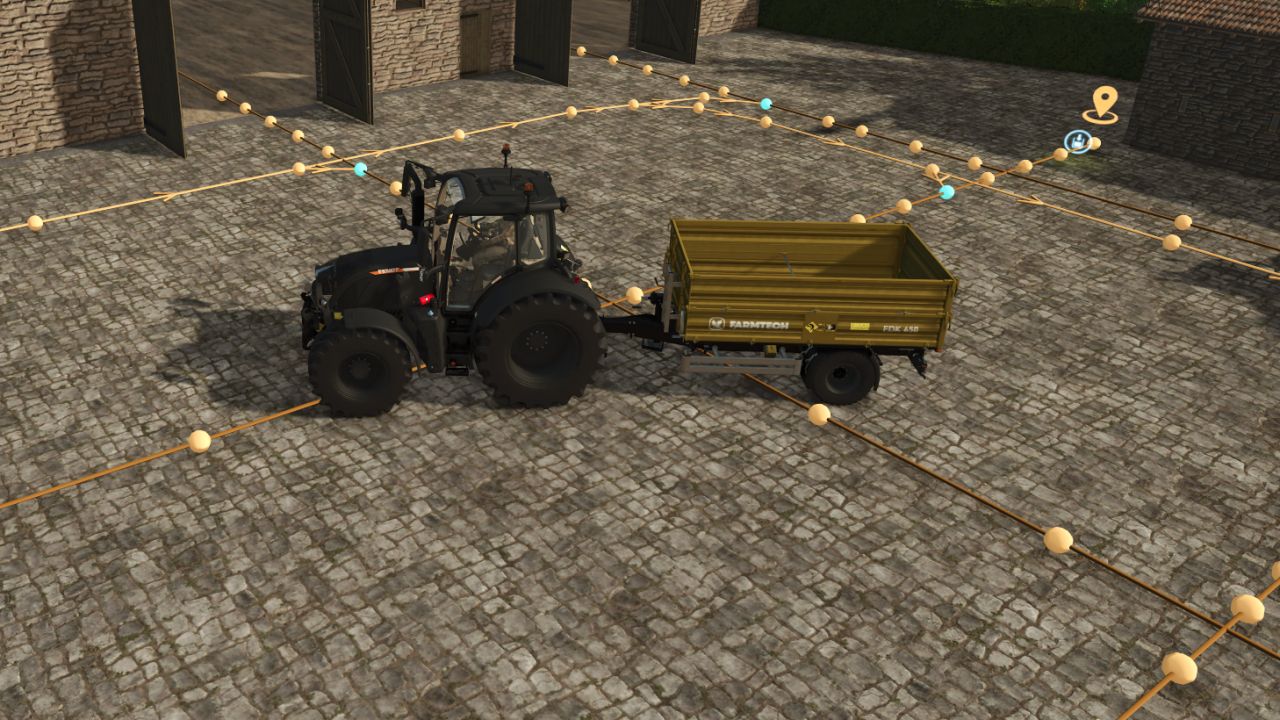
The course for the Thuringia 2.0 map (16x) includes a comprehensive and well-designed route network
that connects almost all relevant points on the map.
Great emphasis was placed on structure, efficiency, and practical implementation.
This AutoDrive course was created with considerable time and care to provide the cleanest and most functional road network possible.
Features / Content
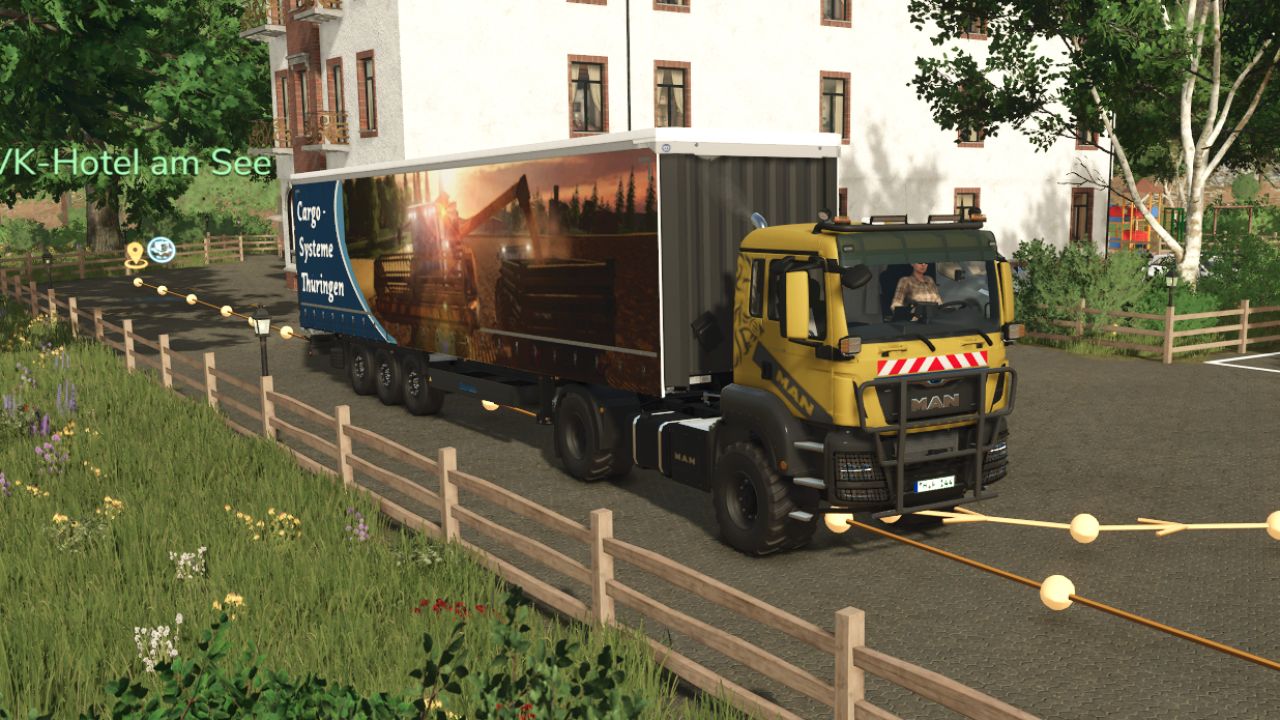
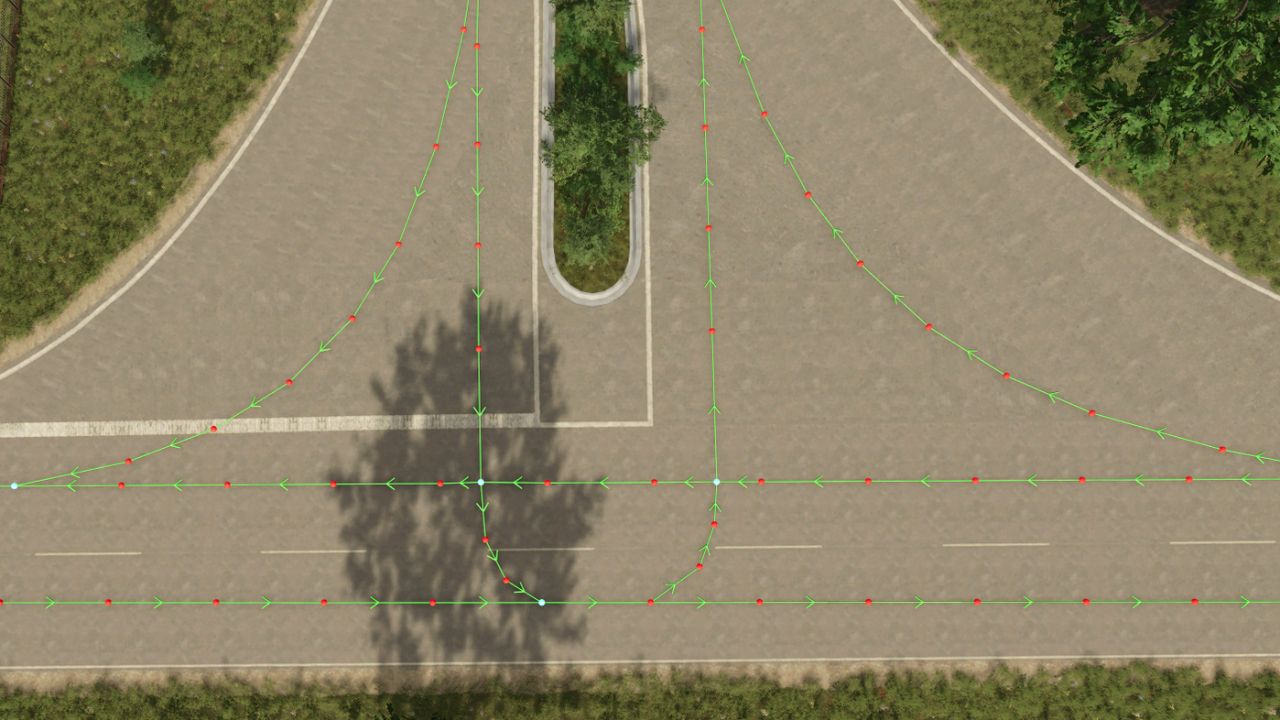
All intersections are equipped with the new right-of-way rules
All fields include:
a point on the field (e.g., for Giants helpers)
a field edge point
laid out counter-clockwise (for automatic header coupling)
Over 50 productions are fully implemented
Integrated connections for:
Vehicle dealers
Selling points
Purchasing points
Building plots (access points)
Fields
Farms
Rabbit hutches (Farmtech)
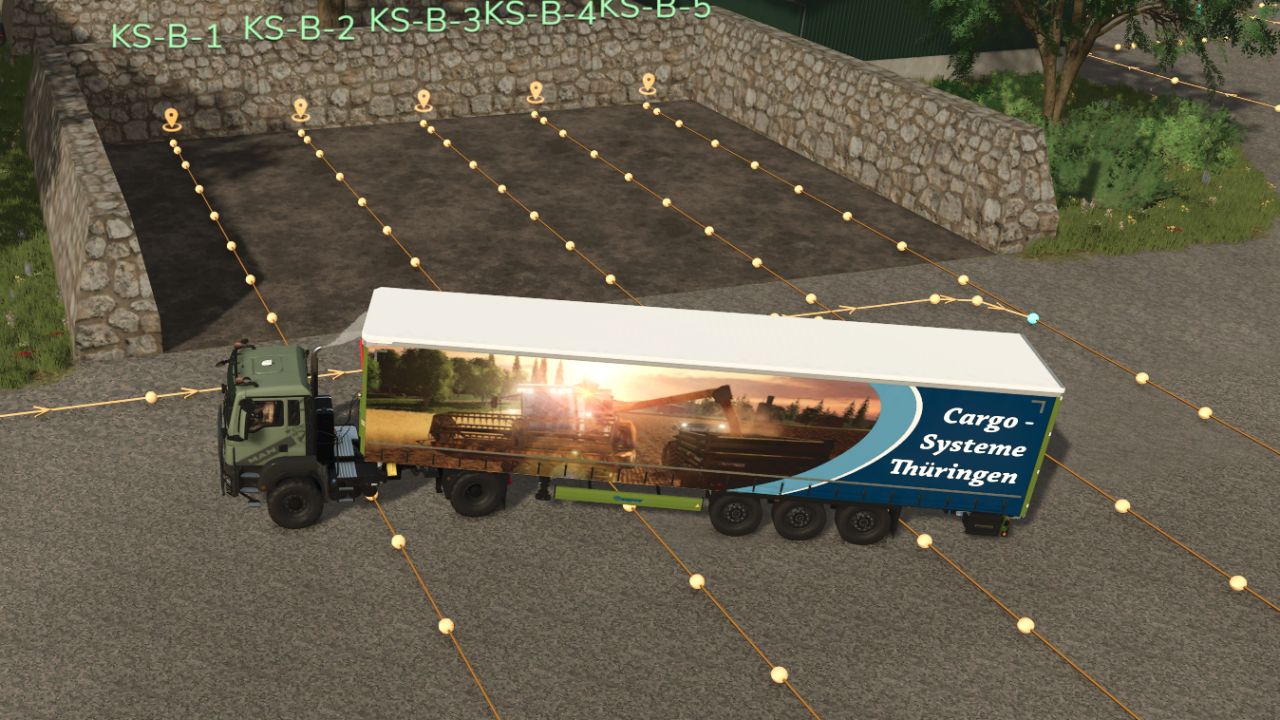
Silos
Biogas plants
Train silos
Wells
Notice
The course has now reached almost 1000 points, so it’s a real monster.
Unfortunately, it’s inevitable that an error will creep in here and there.
I take no responsibility for this, but if you notice anything, please let me know, and then I will take a look and improve it as far as possible.
Creating a course of this size that is completely error-free is virtually impossible.
That’s precisely why I was unsure for a long time whether I should even publish it – but I hope it still helps you and saves you a lot of work.
Required mods:
Autodrive
Thüringen 2.0 16x
Author: Bonzai1900, Willy, Olli Modding