Unload Bale Wrap V1.0


Unload Bale Wrap V1.0
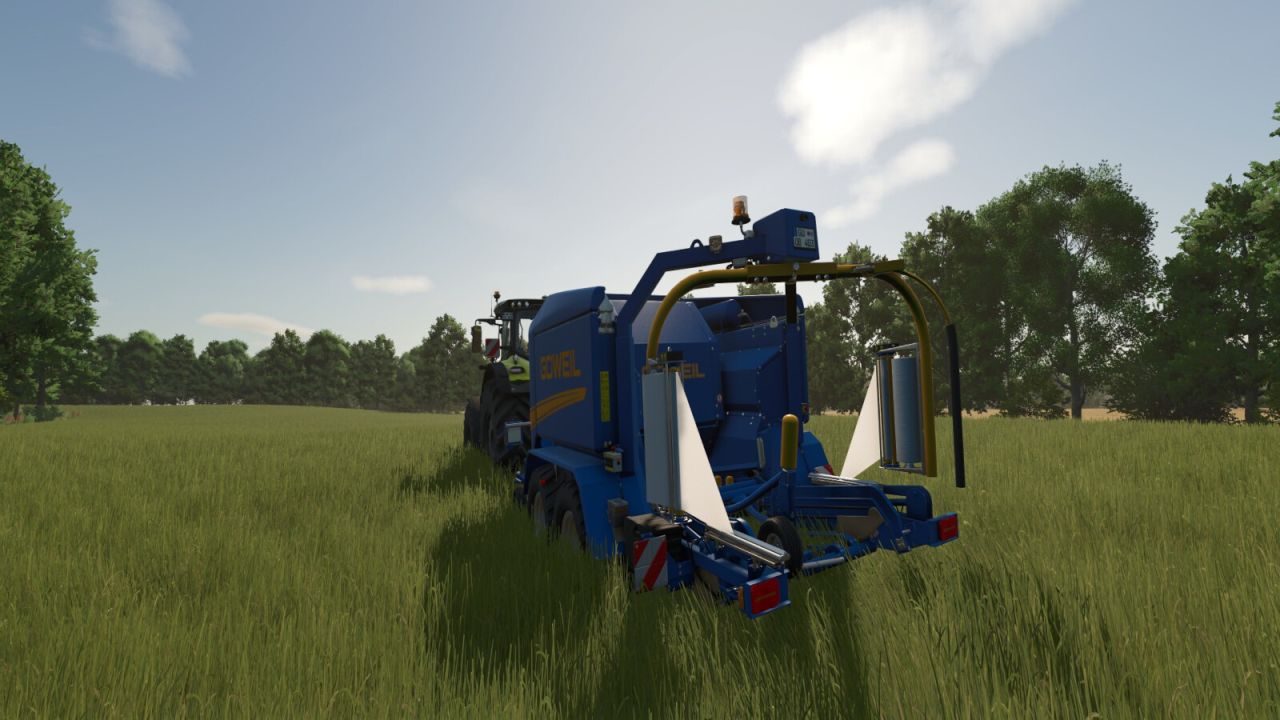
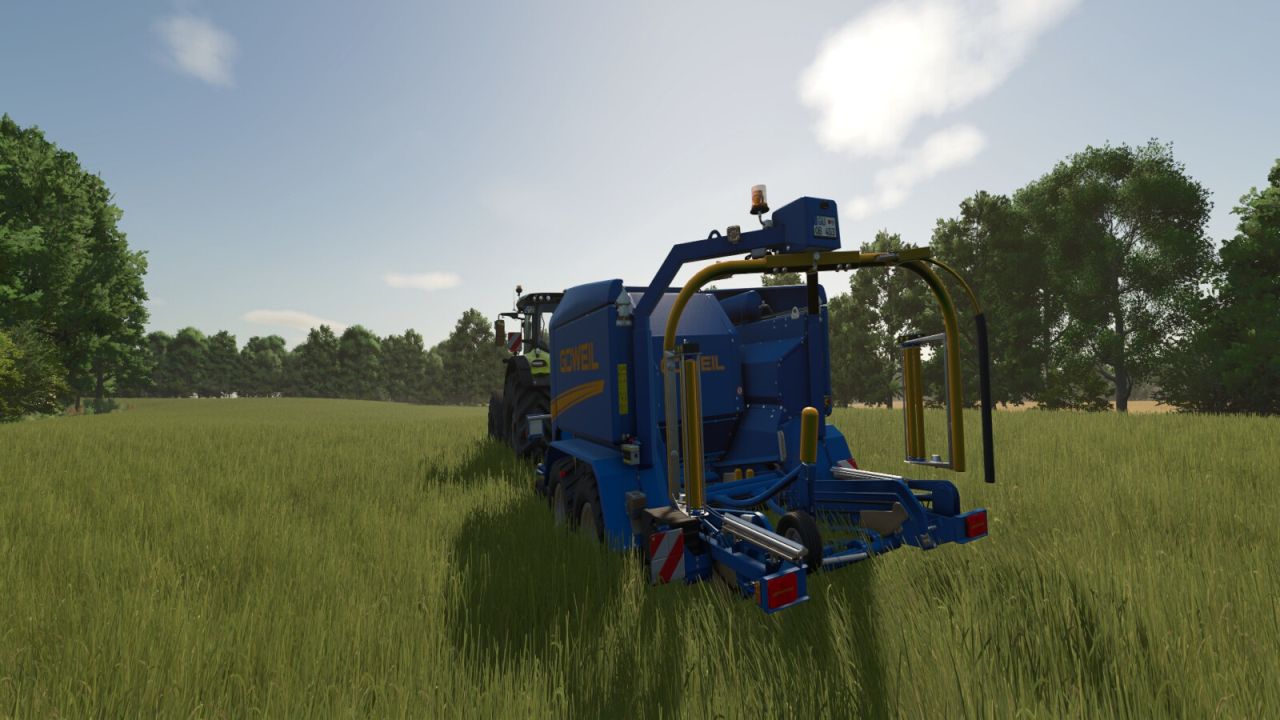
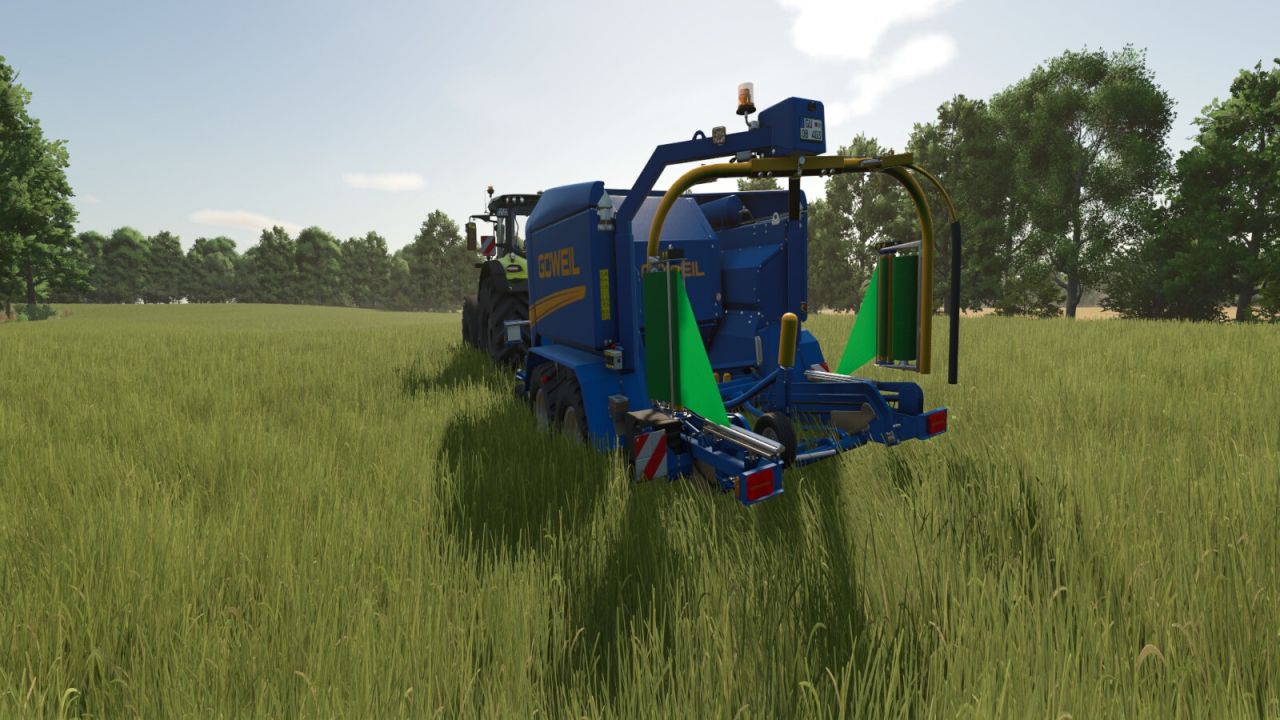
Some farmers use different wrap colors to keep their forage types organized in storage. To switch colors, they simply unload the old rolls, load new ones, and start wrapping. In FS25, you can’t unload old rolls. When you load a new color, it only fills the empty slots, so the wrapper works through the remaining old-color rolls first, leaving you with mixed-color bales. This mod adds that missing step: unload the old wrap with a single key combo and start baling with the color you actually wanted.

FEATURES:
Unloads all wrap film (storage rolls and spindle rolls) with a single key combo
Refreshes the HUD fill levels and 3D visuals correctly
Leaves twine, net wrap and silage additive completely untouched
Restores spindle visuals automatically when fresh wrap film is loaded
Works on integrated baler-wrappers and standalone wrappers

COMPATIBLE WITH:
Integrated baler-wrappers: Goeweil G-1 F125 Kombi, Goeweil Vario Master, John Deere C441R, Massey Ferguson Baler 4160V, Fendt Rotana 160 V Combi.
Standalone wrappers: KUHN SW 4014, Goeweil G5020, Goeweil G4010 Q Profi, Goeweil G1015, Anderson Group Hybrid X.
Should work on any machine that uses BALE_WRAP consumables.

NOTE: Unloaded wrap film is discarded, not returned to your inventory. You will need to purchase replacement rolls when reloading with a new color.
Default key: Right Ctrl + U (rebind in game settings to your preference).


Author: Kijbev


Report bugs in the comments and help modders improve this mod. Always check the comments, you can find a solution.


Helpful Information: How to install FS25 mods | FS25 System Requiremnts | FS25 Modding Tutorial | Giants Editor for FS25 | How to Convert mods | FS25 Cheats

More Misc mods


About Farming Simulator 25 mods
Farming Simulator 25 supports game modding for PC, Xbox, or PS5. FS25 Mod may change your game from small to complete changes. You can create a Farming Simulator 25 mod file and share it with our community. When is a good time to try Farming Simulator 25 mods? We recommend playing a game with these FS25 mods after you finish the Farming Simulator 25 starting pack and are bored with the game basics. So it's time to try new machines, such as harvesters or tractors, which are not included in the basic game version.
As you already know, Farming Simulator 25 developers support mods installation, which will add more vehicles or lands to your game. Check our Best FS25 mods lists for PC, Mac, PS5 or Xbox Series. Just follow these simple steps: choose the LS25 mods category, download the mod for the Farming Simulator 2025 version, and install it into the mod folder. Remember, all Farming Simulator 25 Mods are free, and download as many as you want with no limits. We want to create one of the biggest Farming Simulator 25 Community and invite you to share FS25 mods with everyone.

Leave a Reply

Do you need help or to say thanks to the mod author? Just leave a comment below!