The Millennial Farm V1.0


The Millennial Farm V1.0


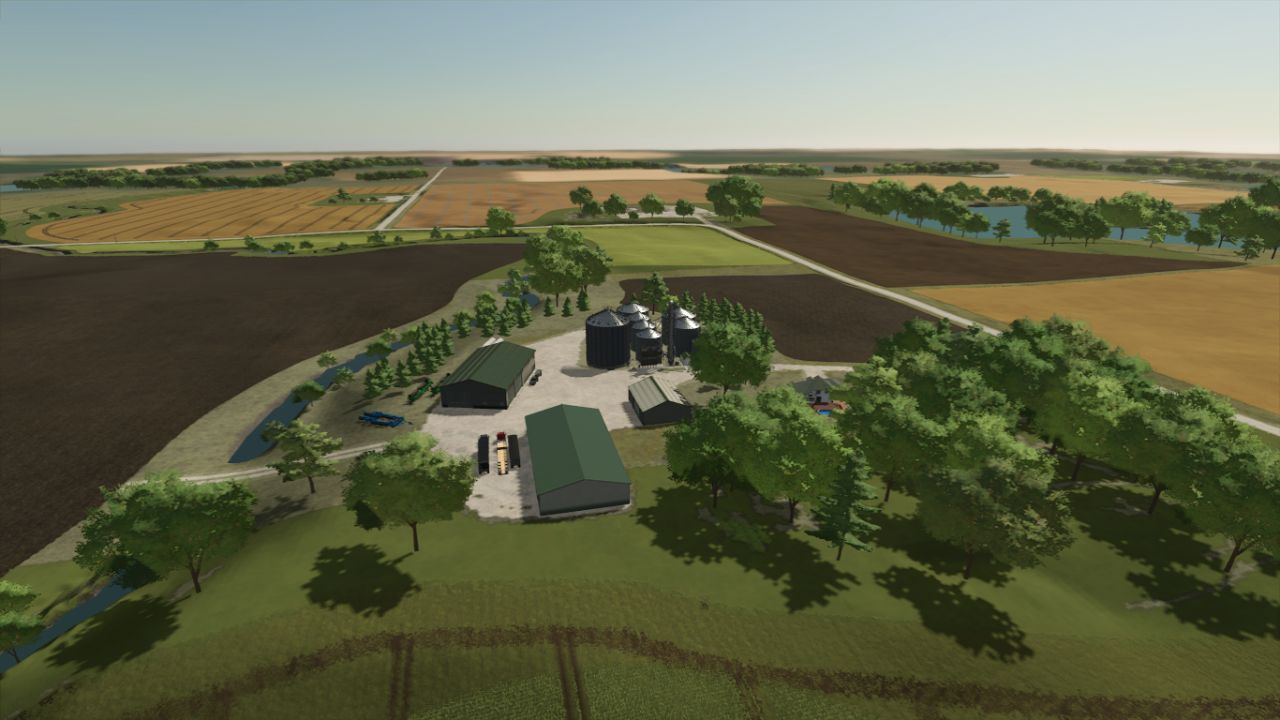
Welcome to the Millennial Farmer Map based in Minnesota, USA. The “Millennial Farmer” Zach Johnson is a 5th-generation farmer who’s spent his life growing, working, and learning on his family’s farm.
He has also grown to be one of the most popular farmers on Youtube giving viewers a chance to see what it’s like to be the Millennial Farmer.
Now it’s your turn to take control and find out if you can make it as a Millennial Farmer.

On the map you will find:
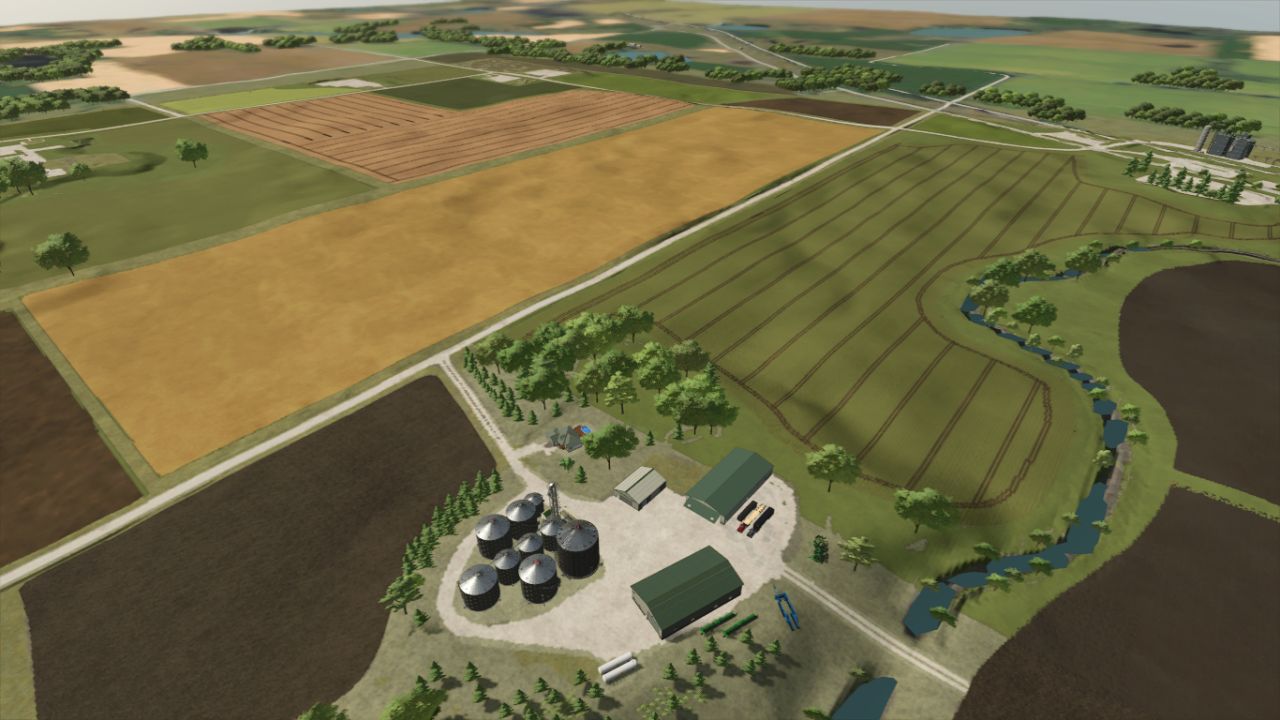
– 24 fields, from small to big.
– 41 farmlands
– 1 small forestry site.
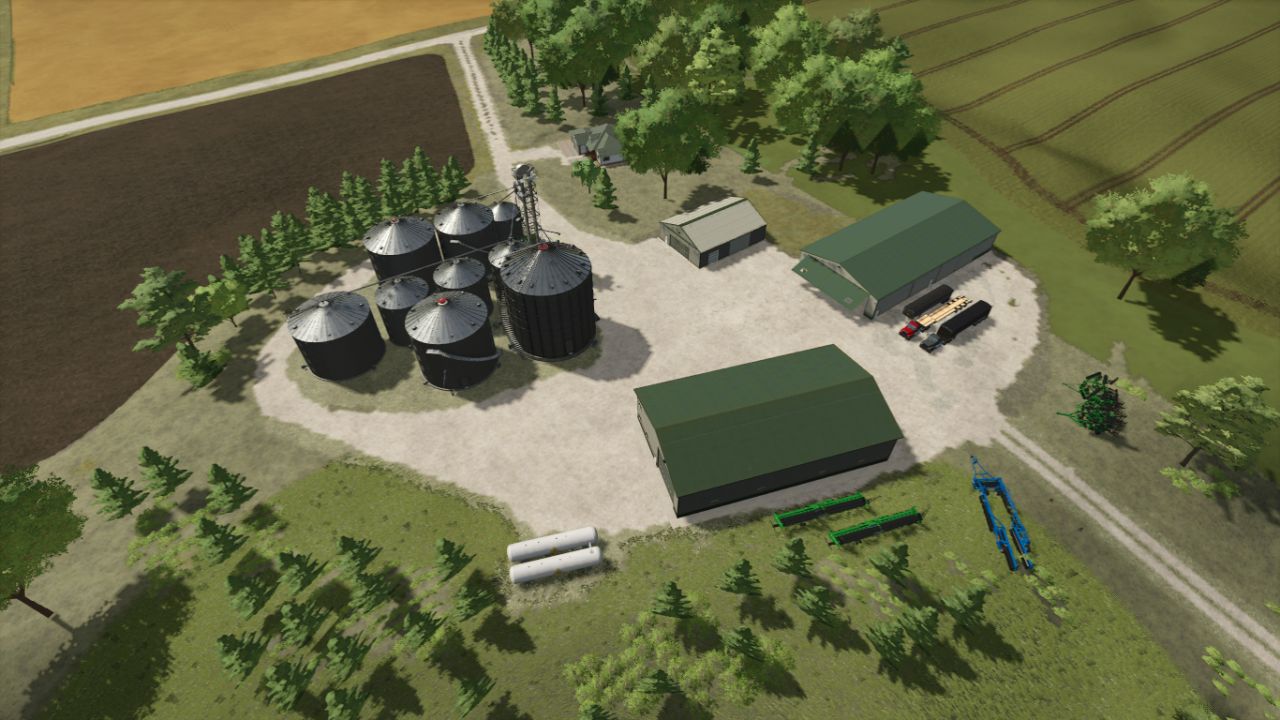
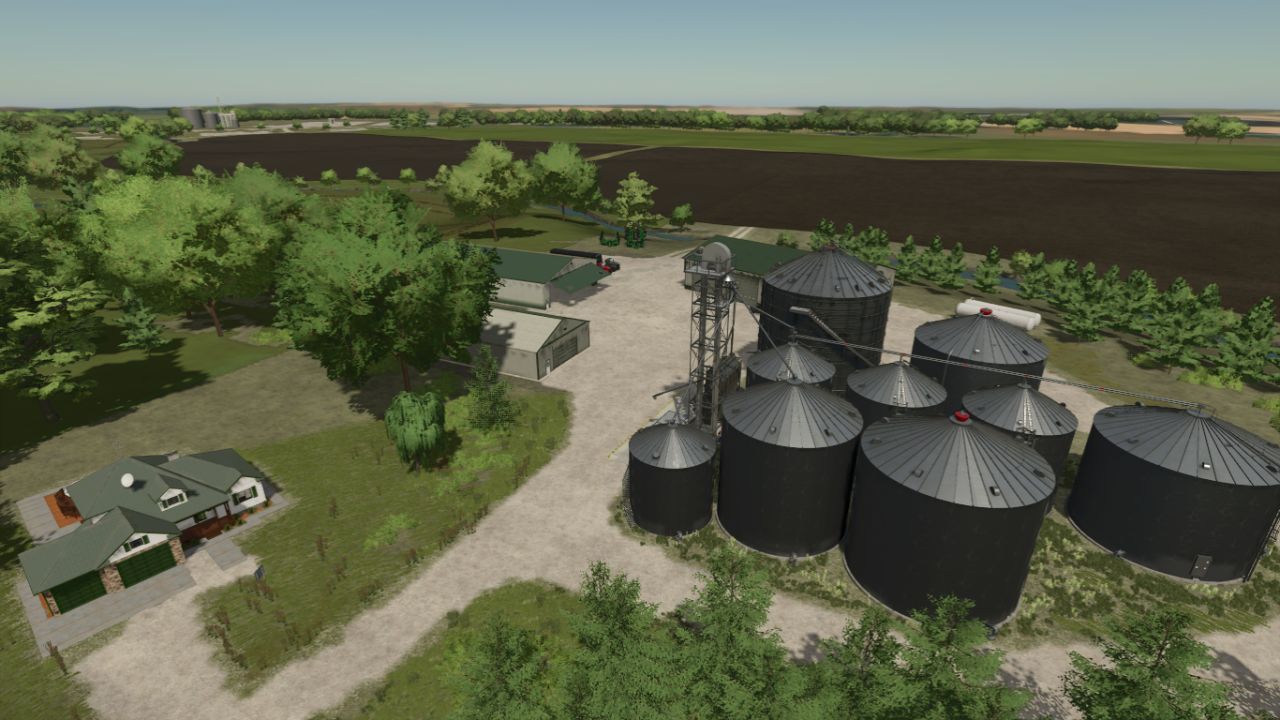
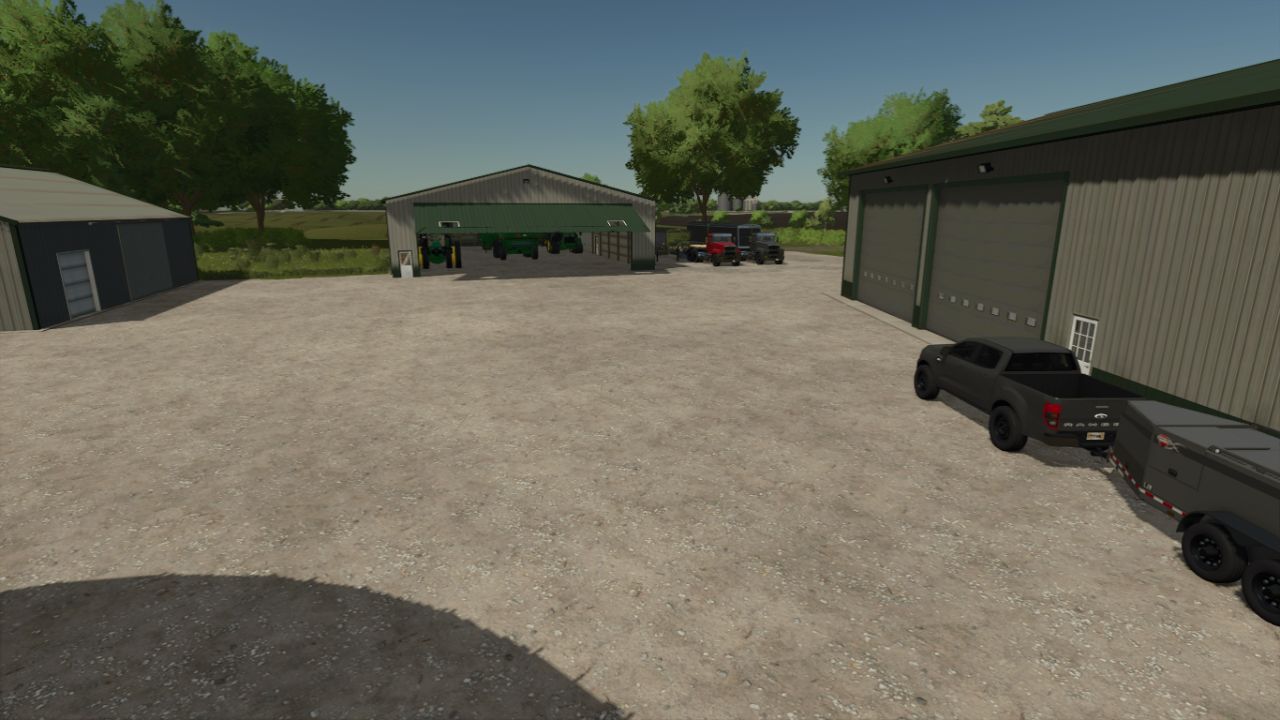
– Main farm with starting vehicles and equipment.
– BGA
– Traffic
– Pedestrians
– Custom crop calendar

Productions available:
– Sawmill
– Dairy
– Corn Dryer which is part of the silo system on the main farm, that will dry your corn into dry corn, which you will be able to sell or send to the Grain mill to produce fine corn flour, and which you will also be able to sell or use in the local bakery.
To dry the corn, you will need Propane gas, which you can buy at gass station.
– Grain Mill that will take your corn, durum and rye and produce corn flour, durm flour and rye flour.
– Bakery with new products: cornbread, sweet cornbread, pumpkin pie, apple pie, pasta and rye bread.
– Placeable greenhouses with new fruits: pumpkins, lemon, orange, apple and pineapple.
– Placeable Juice Factory with products: apple juice, lemonade, orange juice, pineapple juice.
– Added 2 liquid trailers for transport Propane, and you can find it in Miscellaneous category.

Selling stations are:
– Grain Sell Point.
– Shop will take your production goods.
– Bale sell Point.
– Train Sell Point
– Selling Station 2 will take your root crops.
– Seeds silo where you can replenish your reserves seeds, fertilizers and lime.


Author: FarmerTV, Celobuki, FS Modding

Report bugs in the comments and help modders improve this mod. Always check the comments, you can find a solution.


Helpful Information: How to install FS25 mods | FS25 System Requiremnts | FS25 Modding Tutorial | Giants Editor for FS25 | How to Convert mods | FS25 Cheats

More Maps mods


About Farming Simulator 25 mods
Farming Simulator 25 supports game modding for PC, Xbox, or PS5. FS25 Mod may change your game from small to complete changes. You can create a Farming Simulator 25 mod file and share it with our community. When is a good time to try Farming Simulator 25 mods? We recommend playing a game with these FS25 mods after you finish the Farming Simulator 25 starting pack and are bored with the game basics. So it's time to try new machines, such as harvesters or tractors, which are not included in the basic game version.
As you already know, Farming Simulator 25 developers support mods installation, which will add more vehicles or lands to your game. Check our Best FS25 mods lists for PC, Mac, PS5 or Xbox Series. Just follow these simple steps: choose the LS25 mods category, download the mod for the Farming Simulator 2025 version, and install it into the mod folder. Remember, all Farming Simulator 25 Mods are free, and download as many as you want with no limits. We want to create one of the biggest Farming Simulator 25 Community and invite you to share FS25 mods with everyone.

Leave a Reply

Do you need help or to say thanks to the mod author? Just leave a comment below!