Slow Steering V2.1
Slow Steering V2.1
What does the mod do?
In vanilla Farming Simulator 25, vehicles steer just as aggressively at 80 km/h as when maneuvering. This is unrealistic and feels sluggish on a keyboard/gamepad.
Slow Steering links the steering angle, steering speed, and return-to-center response to the vehicle speed—at higher speeds, the steering becomes smoother and more precise, and you won’t lose control in the first roundabout.
At Slow Speed At Full Speed
Full Steering Movement Available Reduced Maximum Steering Angle
Fast Response Smoother, More Precise Inputs
Fast Return Delayed Return
Direct Input With “Servo Effort” — Steering Time Increases
Features
Realism Layers
Speed-Sensitive Reduction — Steering angle, steering speed, and return scale with speed along an adjustable curve
Counter-Steering Damping — Additional reduction when exiting a curve
Input Dead Zone — Filters out micro-wobble
Input Curve — Exponential, smoother in the middle (perfect for keyboard)
Servo Effort Simulation — Steering time increases with speed, as if without proper power steering
Brake Force Scaling — Optionally reduce braking for extra realism
Polished In-Game UI
4 Tabs — General / Steering / Realism / HUD
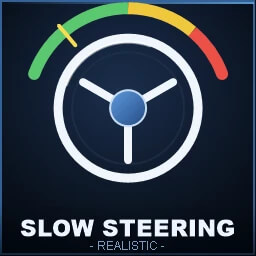
Live Curve Diagram with a yellow cursor that aligns with your current position Speed-sensitive
5 Presets: Arcade · Standard · Realistic · Simulation · Custom
Change values → automatic switch to “Custom”
Slider with knob under each value
Green/red on/off indicators instead of just text
Help text explains each setting
F1 = selected value resets to default · F5 = everything resets to profile
Live preview of the steering curve, which changes as you adjust values
HUD display
4 positions (top/bottom × left/right)
Optional: colored bar (green → yellow → red)
Optional: speed indicator
Configurable opacity
Author: AMS-ABSTAND