Realistic Shopping v1.0

Realistic Shopping v1.0
Realistic Shopping changes the default shop flow by adding realistic purchase handling, delivery timing, shop access restrictions, and optional rush delivery.
Main features:
– Normal vehicle, tool, and trailer purchases are queued for delayed pickup instead of appearing instantly.
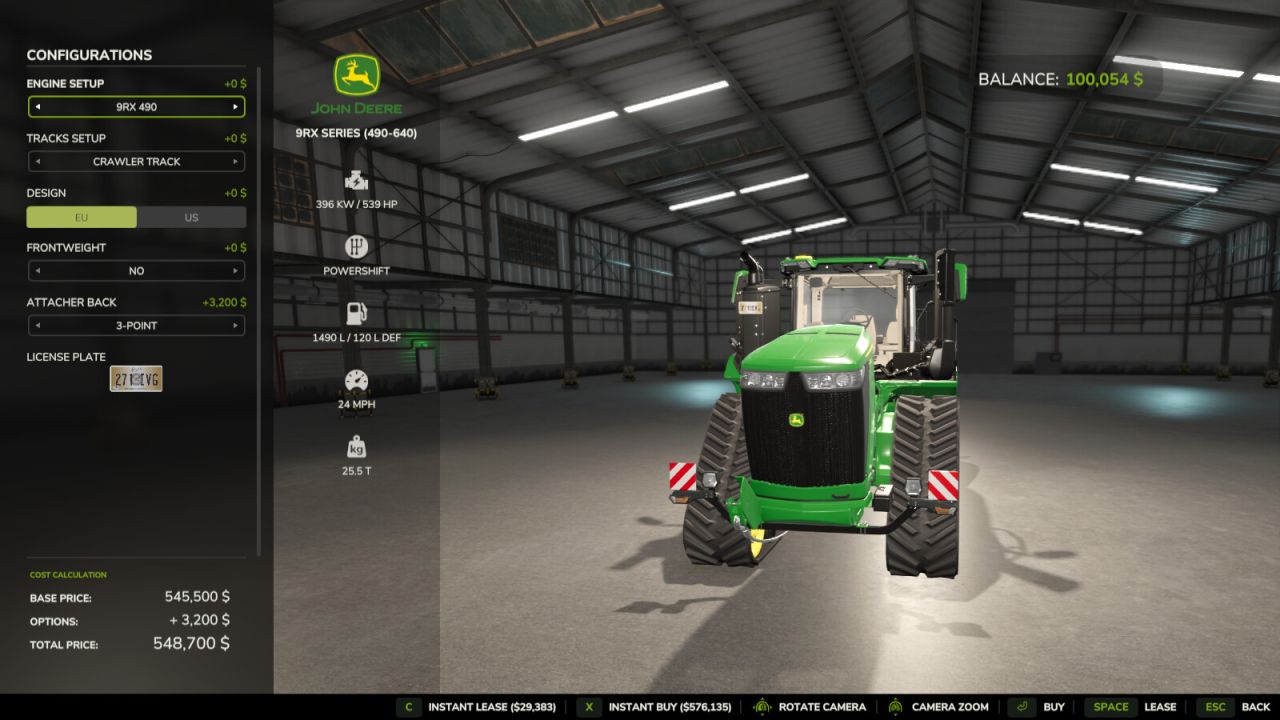
– Instant Buy and Instant Lease options are available with an added rush-delivery fee.
– Pallets, bags, bales, big bags, fertilizer, seed, lime, and herbicide are handled through a buy-only delayed order flow.
– Pending orders are saved per save game and shown to the player until available.
– A short purchase cooldown prevents repeated buy/lease actions from overlapping while the shop is still processing.
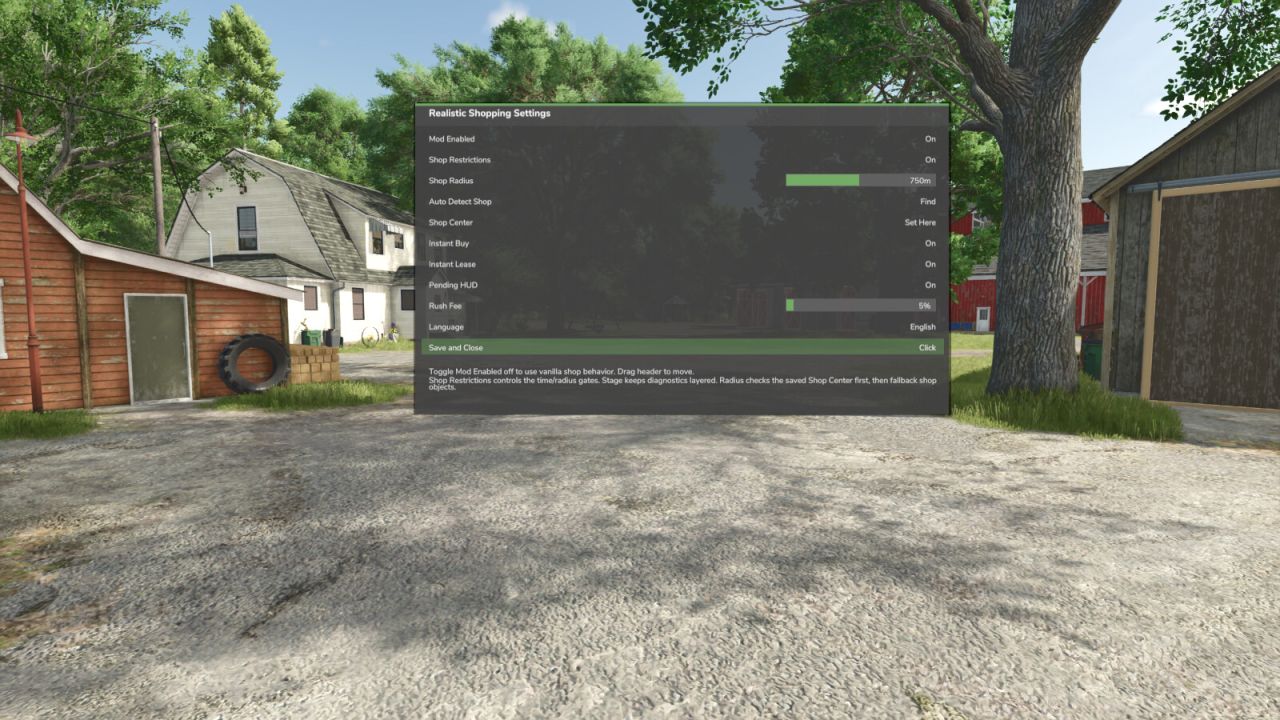
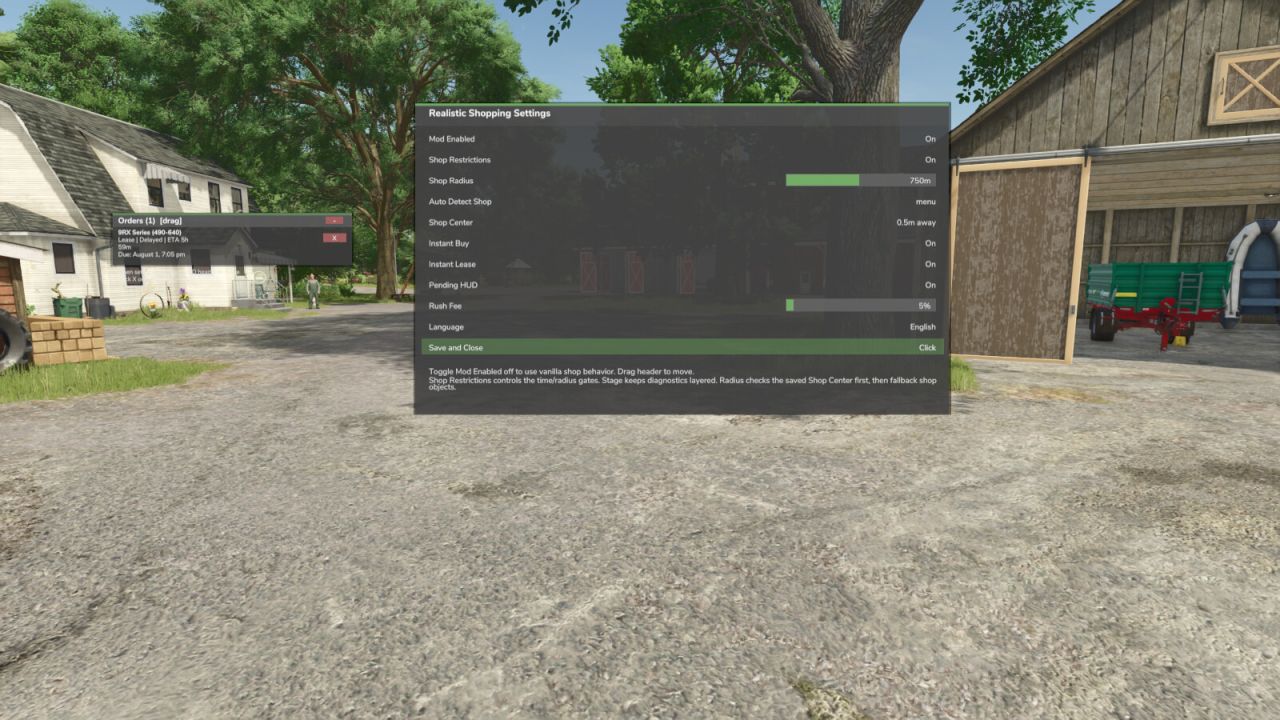
– Shift + R opens the Realistic Shopping menu for settings and shop setup.
Shop access restrictions:
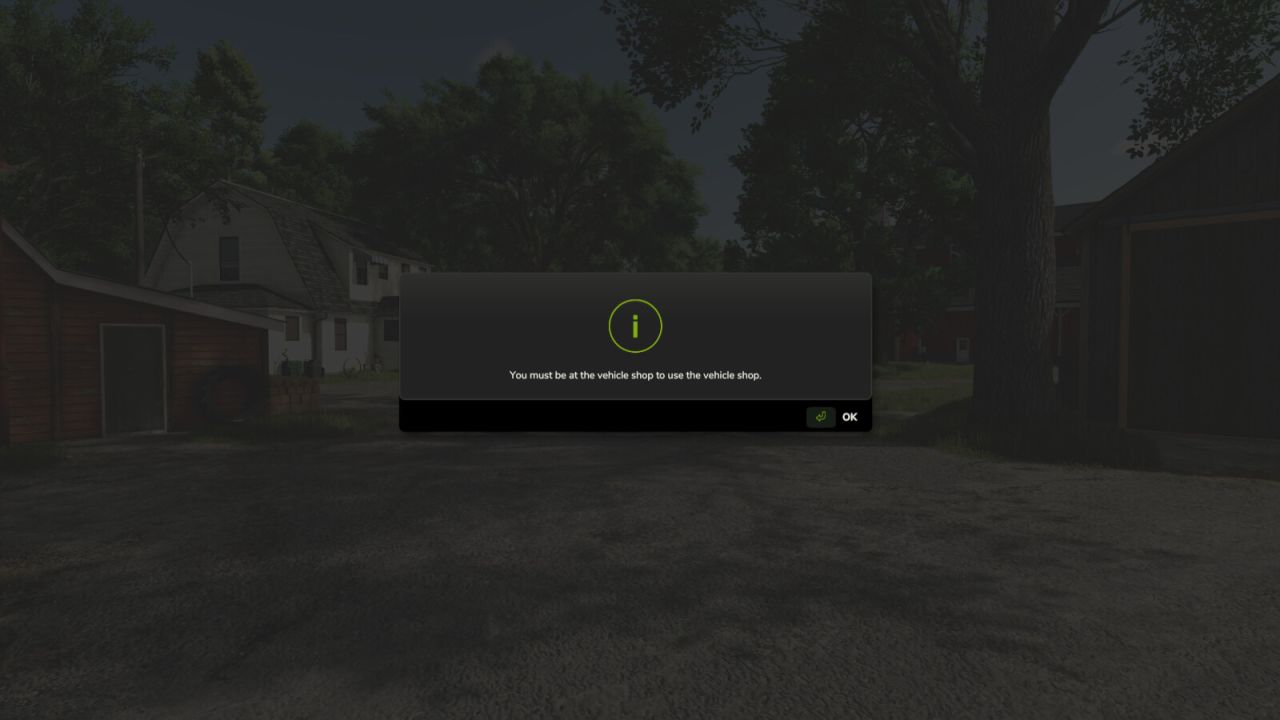
– The vehicle shop can be restricted by opening hours and radius from the shop/dealer area.
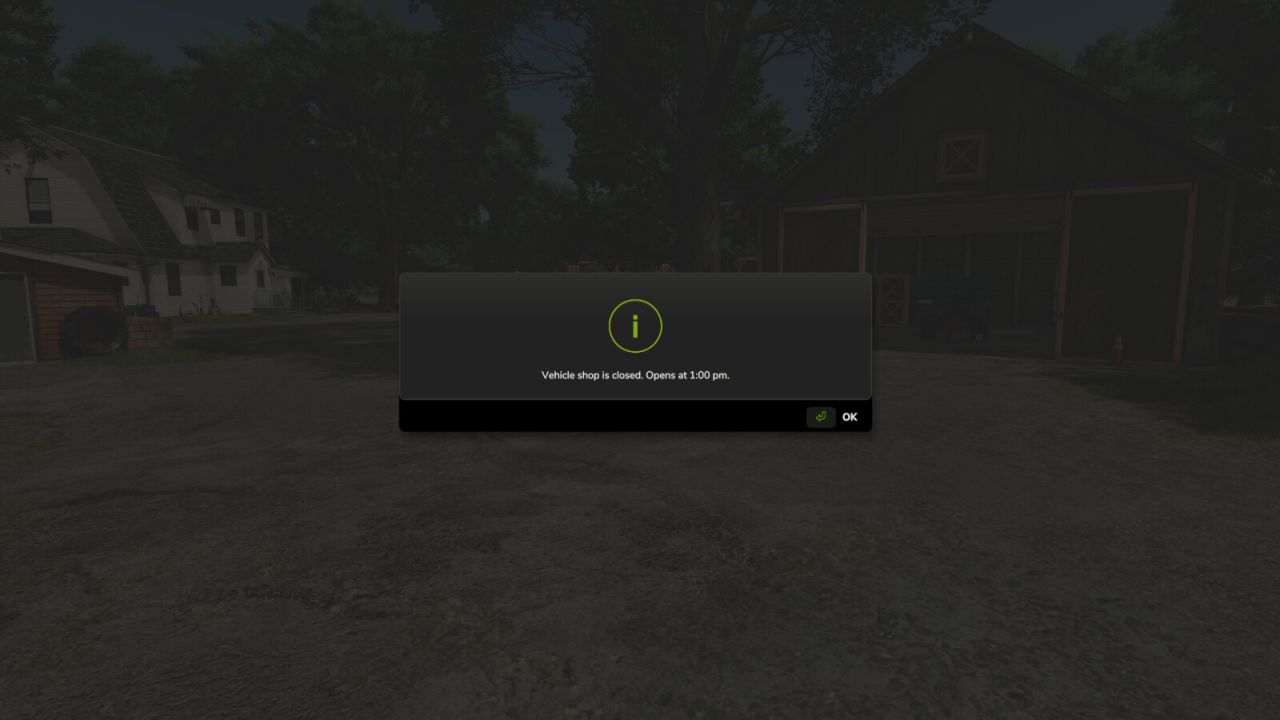
– Shop open hours are 6:00 am–12:00 pm and 1:00 pm–8:00 pm.
– The shop is closed from 12:00 pm–1:00 pm for lunch and from 8:00 pm–6:00 am overnight.
– If the shop is closed, the menu tells the player when it will open again.
Shop setup instructions:
– In most saves, the shop location should auto-detect when the player is near the vehicle shop trigger.
– If the radius restriction does not detect the correct shop location, stand at the shop/dealer area where purchases should be available.
– Open the Realistic Shopping menu with Shift + R.
– Use Auto Detect Shop first.
– If auto-detect still does not find the correct point, use Shop Center to manually save the current player position as the shop center.
– Adjust Shop Radius in the same Shift + R menu until the allowed shop area feels correct.
– Shop restrictions can also be disabled from the Shift + R menu if needed.
BETA
Added:
– Added shop access restrictions for more realistic dealer usage.
– Added shop opening hours.
– Shop is open from 6:00 am to 12:00 pm and 1:00 pm to 8:00 pm.
– Shop is closed from 12:00 pm to 1:00 pm for lunch and from 8:00 pm to 6:00 am overnight.
– Added a closed-shop message that tells the player when the shop will open again.
– Added adjustable shop radius settings in the Shift + R menu.
– Added Auto Detect Shop option for shop center setup.
– Added manual Shop Center setup option for unsupported/custom maps.
– Added hardcoded shop center support for basegame maps:
– Riverbend Springs
– Hutan Pantai
– Zielonka
– Kinlaig
Improved:
– Improved shop detection on basegame maps.
– Auto Detect Shop now uses verified basegame shop locations when supported.
– Improved shop radius logic so supported maps do not require manual setup.
– Improved the Shift + R settings menu.
– Improved pending order handling for vehicles, tools, trailers, pallets, bags, bales, seed, fertilizer, lime, and herbicide.
– Improved instant buy and instant lease handling.
– Added purchase cooldown handling to reduce repeated buy/lease conflicts.
– Reduced right-side notification spam from settings changes.
– The mod now follows the game’s built-in language setting automatically.
Fixed:
– Fixed shop access being blocked when the mod was disabled from its own menu.
– Fixed shop access failing when no reliable shop trigger was detected.
– Fixed Auto Detect Shop not finding the shop correctly on basegame maps.
– Fixed radius checks using incorrect shop center positions.
– Fixed misc shop items being treated like leases.
– Fixed several duplicate purchase handling issues.
– Removed the manual in-mod language selector to follow game language settings.
Author: plutogaming91