Przysady Map V1.1
Przysady Map V1.1
V1.1.0.0
Decorations and Paintings on the housing estate
Decoration In Backyards
Painting in yards
removed trees in the forest for better performance and smoothness of the game
Added Static Electrical Panel Farm
The pitch has been changed and the icon has been removed
Removed mountain of mud and added rotten forest
Decorations at shopping malls
painting at shopping centers
removed traffic disturbing the game
Removed two windmills and added one in a more sensible location
New paint schemes on dirt roads
I Fixed minor errors reported by mod players
Fixed errors in the Map Description
Welcome to Przysady!
About this map:
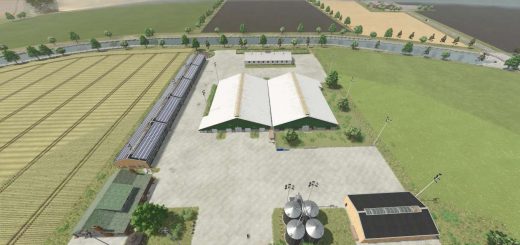
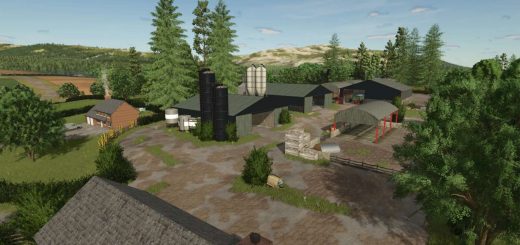
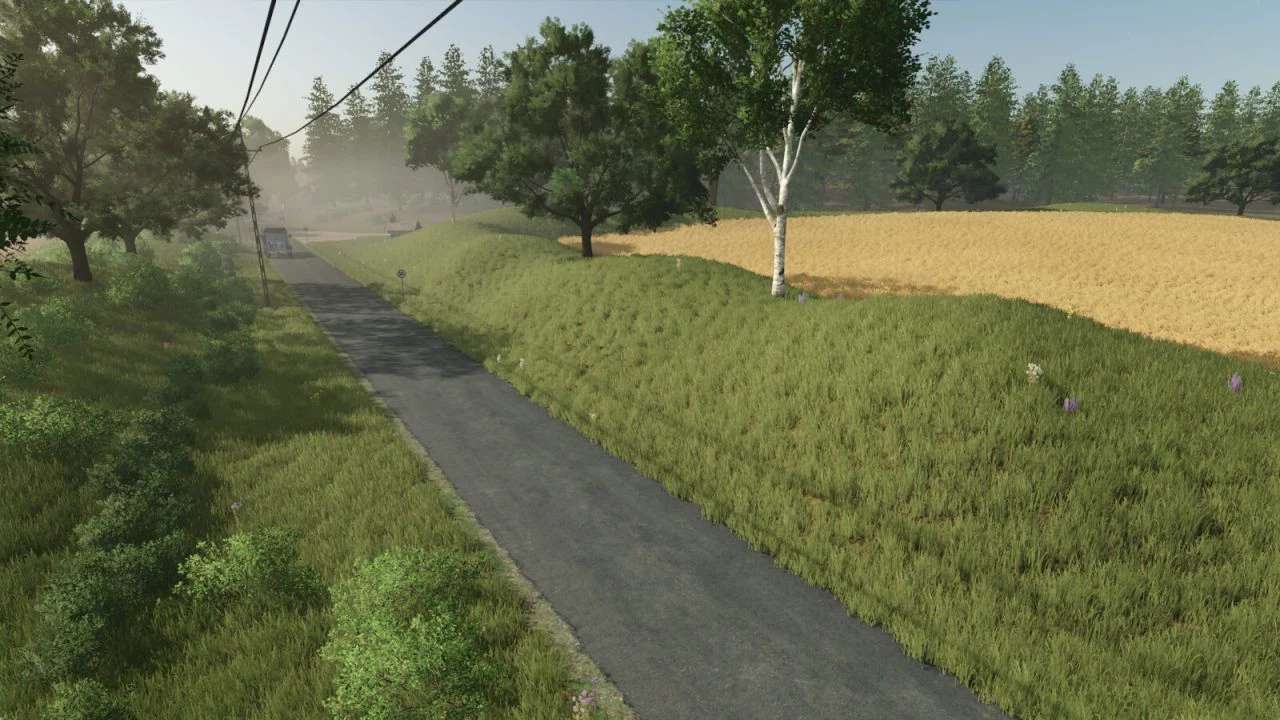
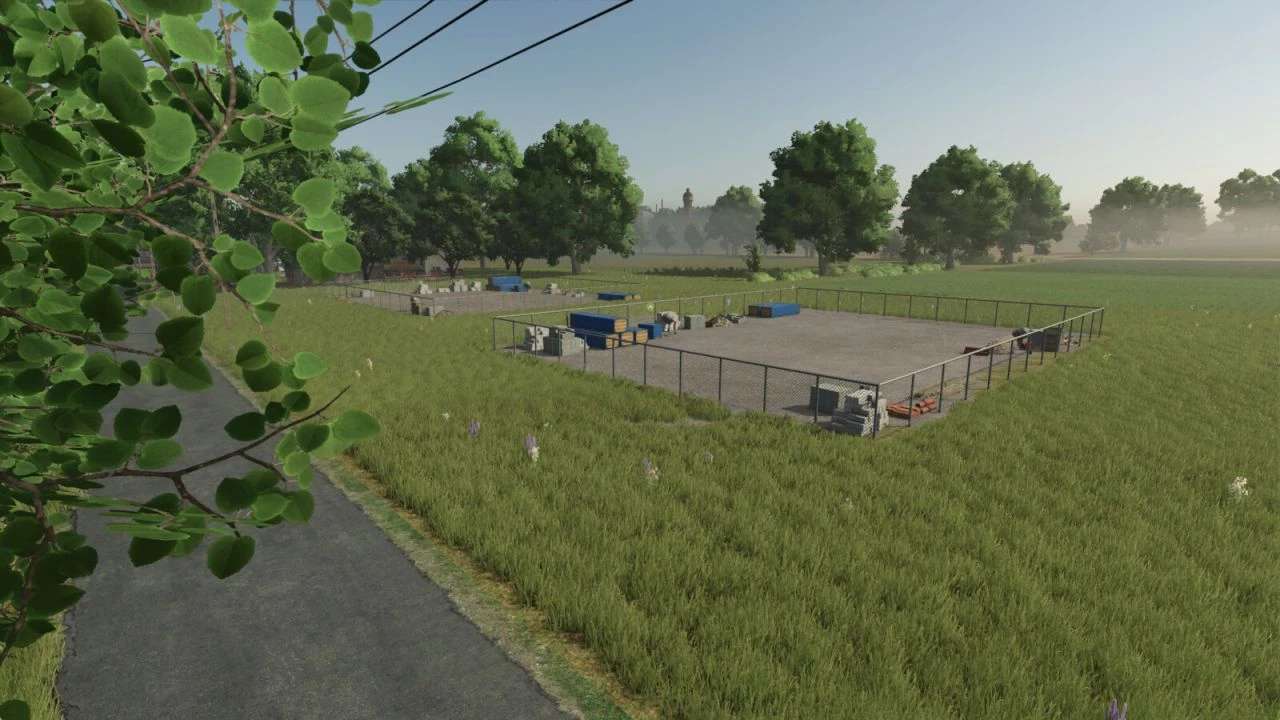
Przysady is a European-style farming map inspired by regions of Poland and Germany. The map combines flat farmland with hilly terrain, forests, and industrial areas.
Map features:
– 88 fields of various sizes
– Two farm areas (starting farm and industrial farm)
– Forestry areas for logging
– Biogas plant
– Dairy production
– Sawmill
– Bakery
– Stone crusher
– Multiple selling points
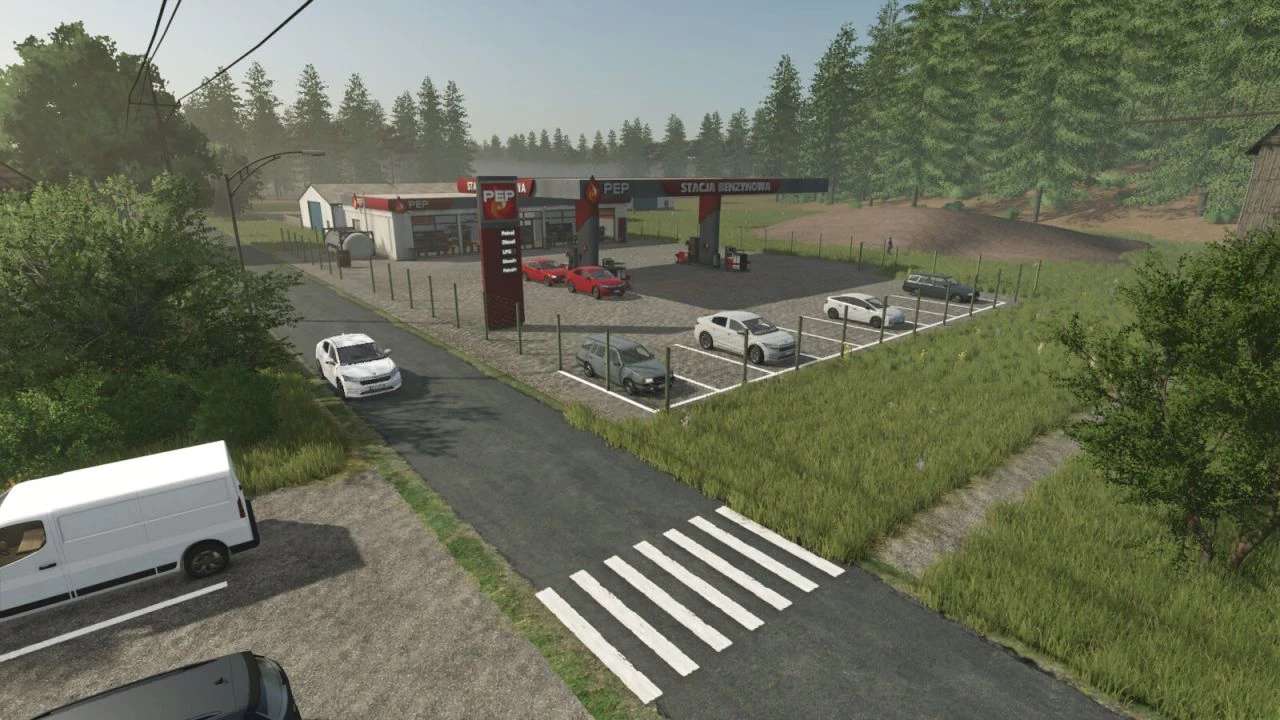
– Fuel station
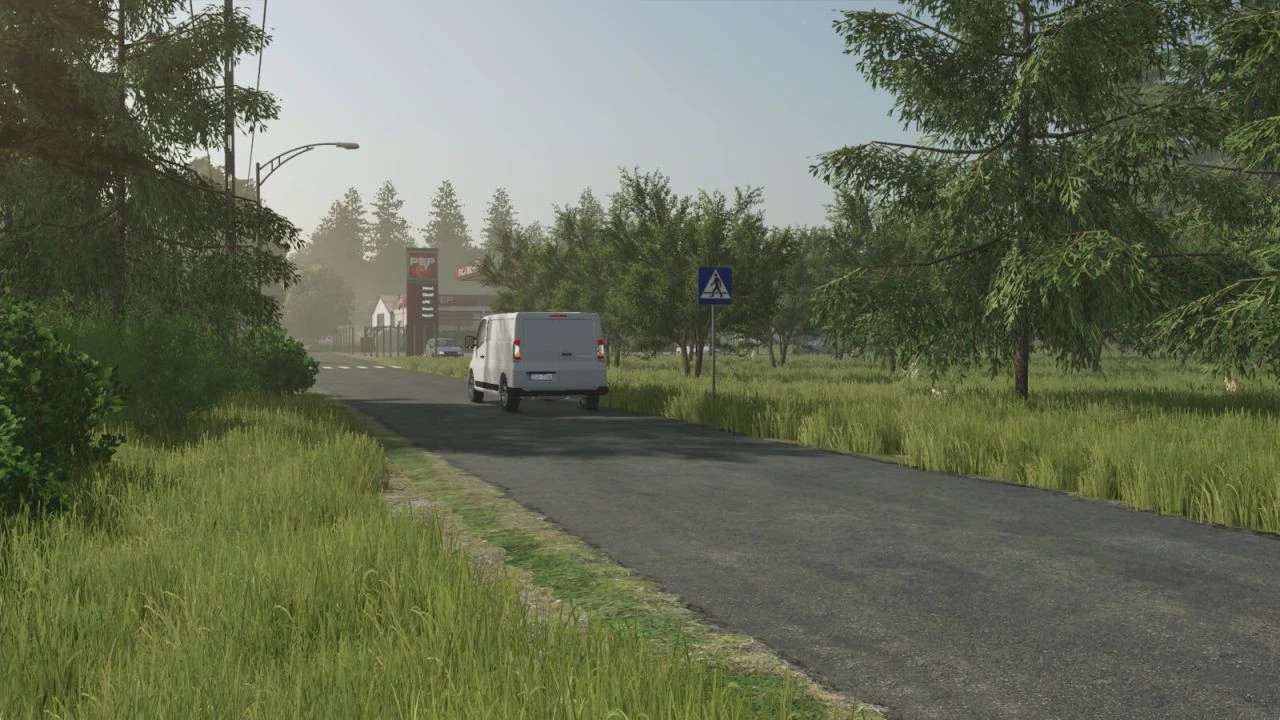
– Main road across the map
– Vegetable market
– Wind turbines
– Fruit orchards
– PGR-style farming area
Author: Aiekmf