Autodrive Myropillya v1.0
Autodrive Myropillya v1.0
Under development
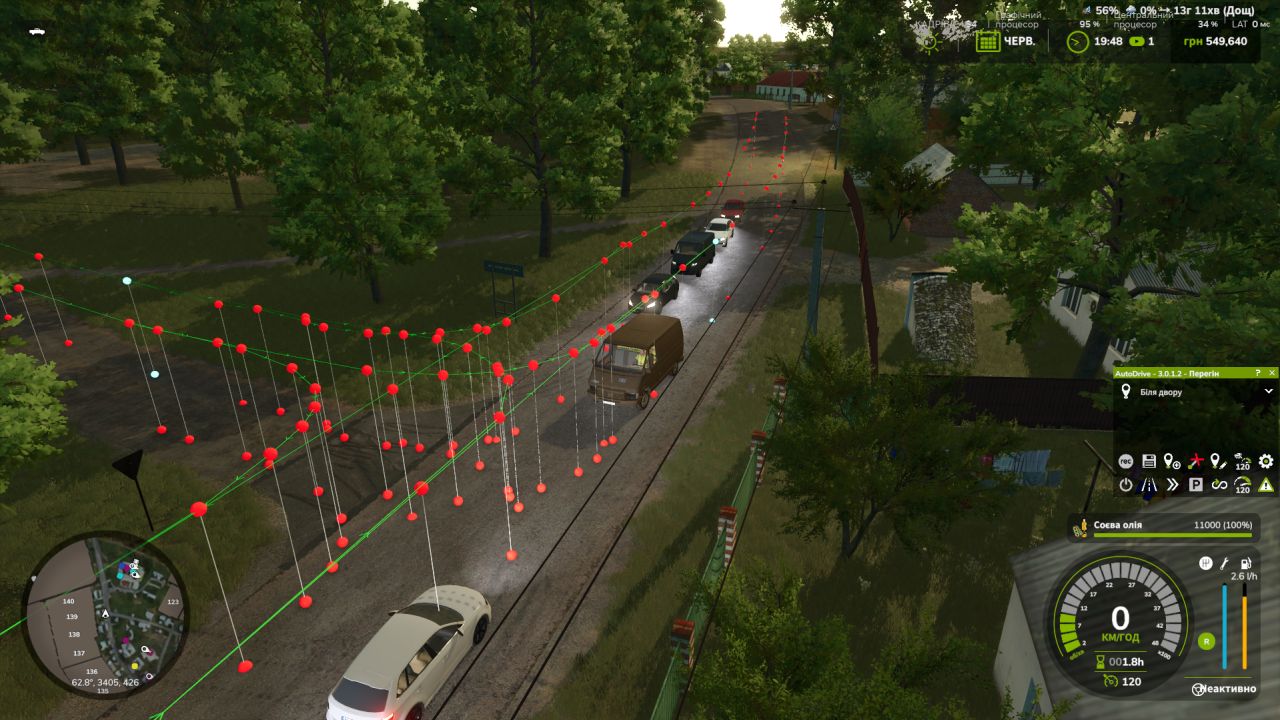
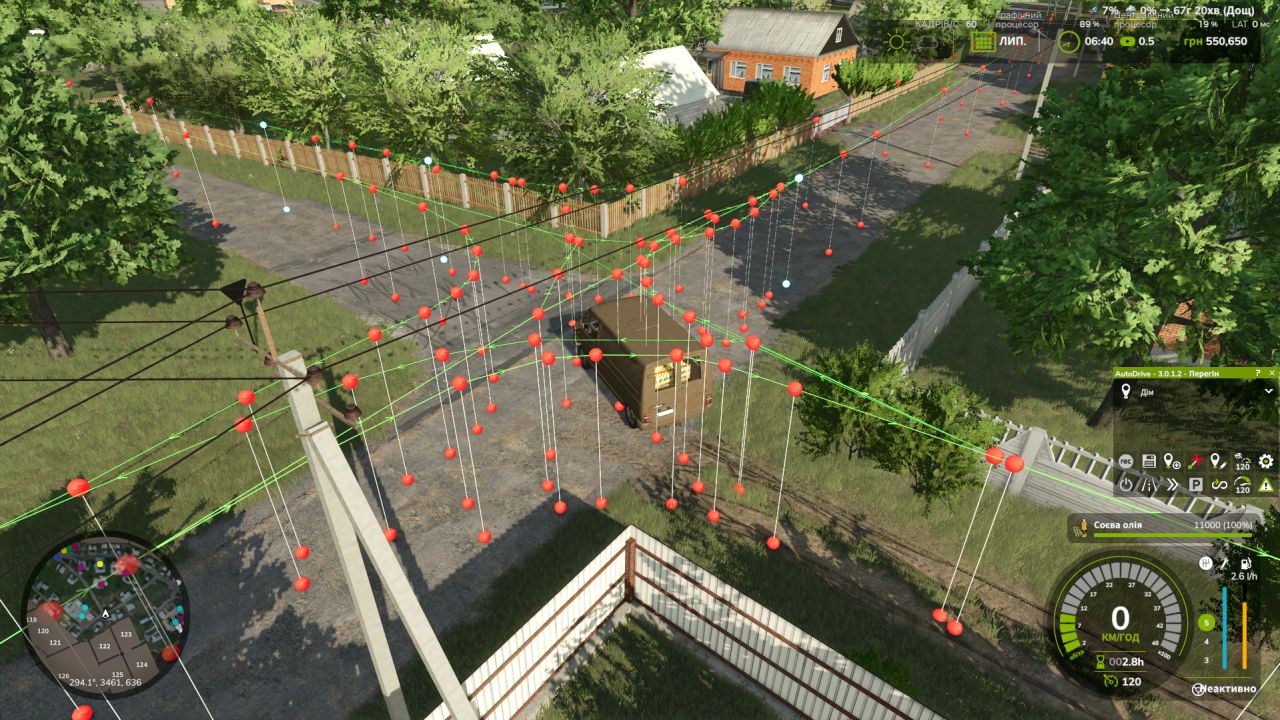
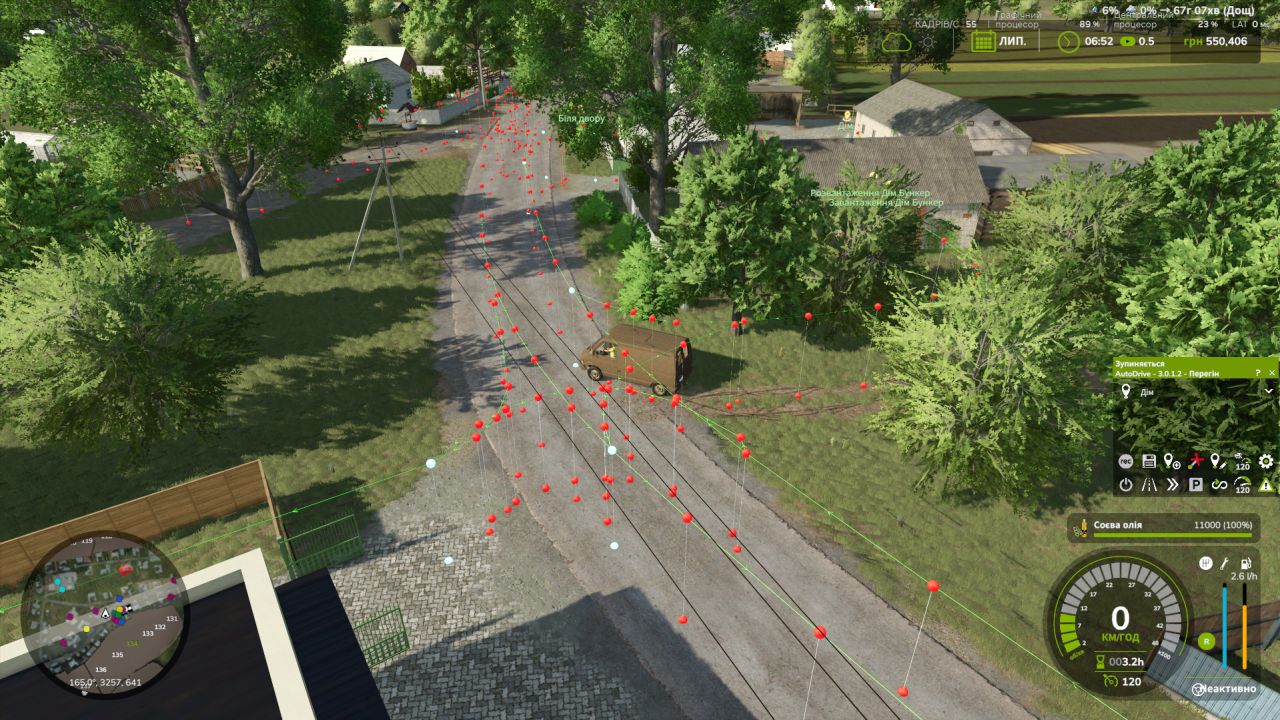
Description of auto-drive routes in the village of Myropylia
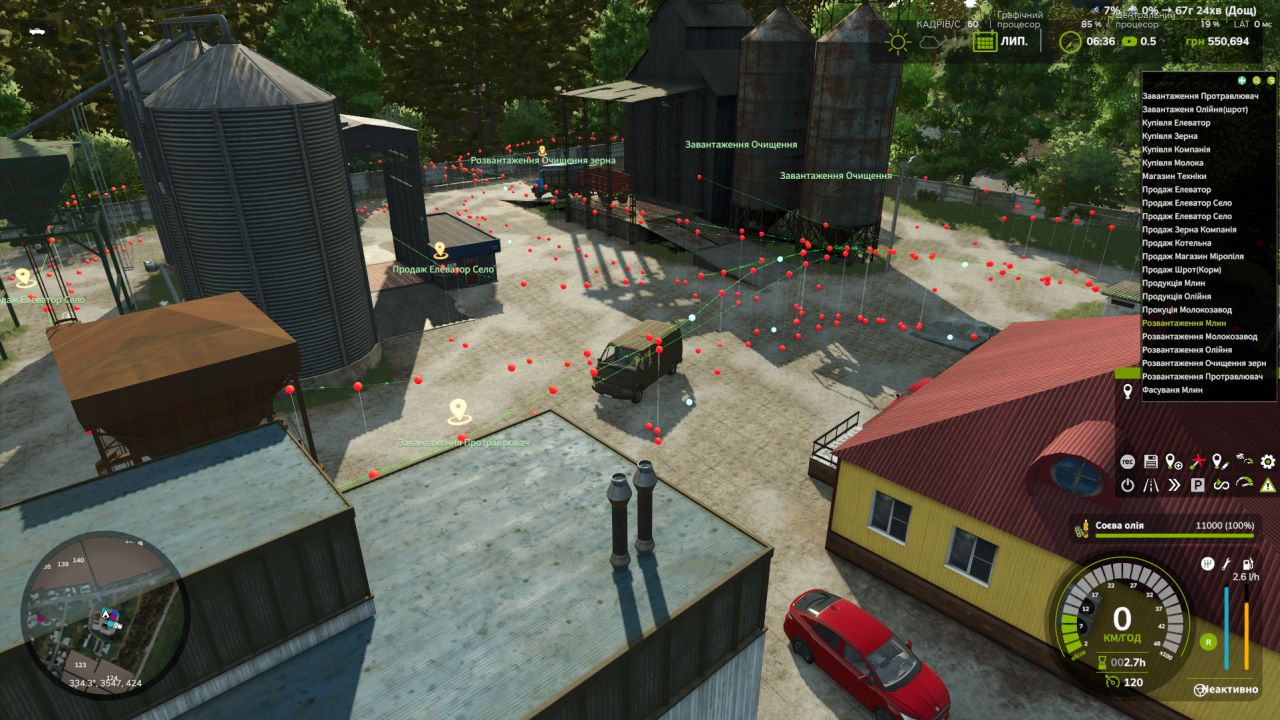
The images show the AutoDrive routes, which are marked with red and white dots that form the lines of traffic throughout the village of Myropil. Green lines connect route points, showing direction of travel. The main structure of the route includes:
Village Central Roads – Routes run through major streets and intersections, allowing trucks and cars to move freely through the village.
Linking to productions – routes are prescribed for the delivery of products to all the main enterprises of the village:
Mills
Oily
Dairies
Elevators and grain cleaning stations
Sale of grain and meal
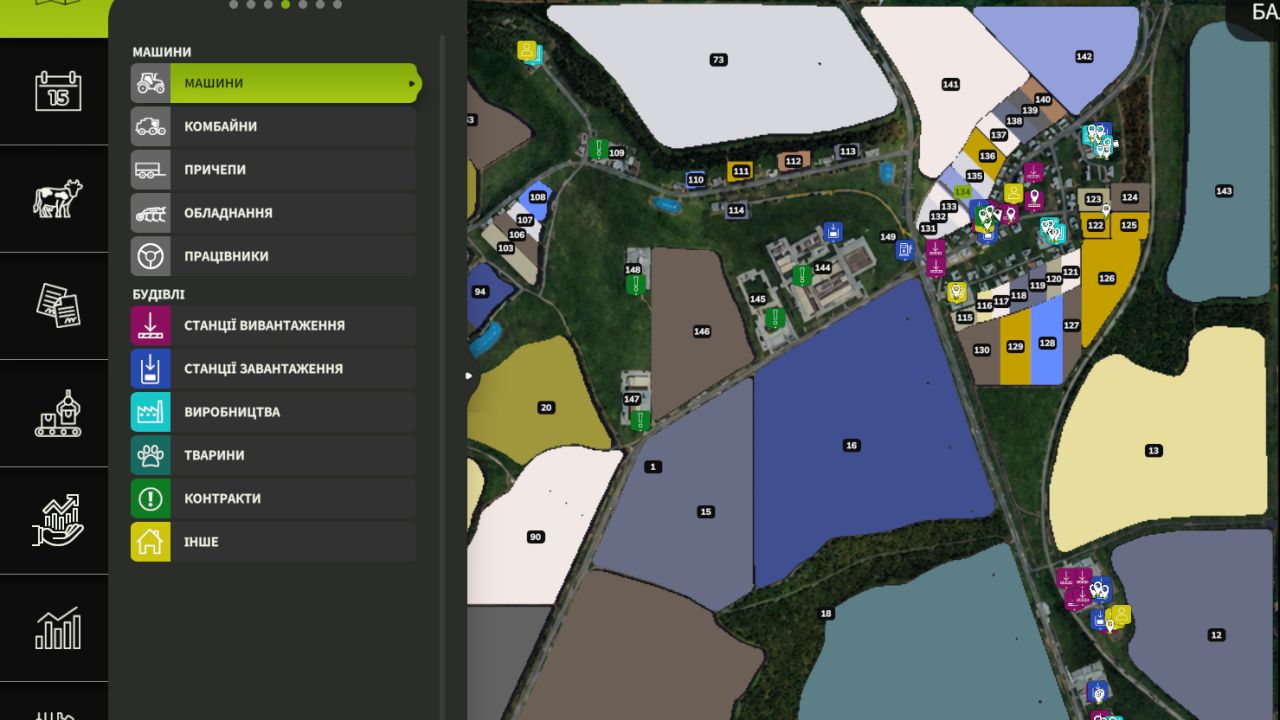
Entry and exit to the fields – the routes will be connected to all the fields of Myropyl, which allows vehicles to easily approach for the transportation of agricultural products.
Animal logistics – routes include entrances to feeders and silos for feeding animals, as well as points for buying and selling animals.
Work plan and expansion
First stage: Myropylia
All productions and fields of the village are registered.
Configured routes for self-driving trucks and cars delivering products, fodder and animals.
Prescribed routes to feeders, silos, entrances to the farm where animals are kept.
Product loading and unloading stations are included (grain, oil, milk, meal).
Second stage: Koshmak
The route for Koshmak village will be added in the next update.
All fields of Koshmak and production are registered.
Prescribed routes for transporting products, fodder and animals are similar to Myropol.
Thus, in the first update, the village of Myropil will be fully developed with all productions and fields. In the next update, routes and farming points will be added for Koshmak, including a farm and animals.
Required mods:
Autodrive
Myropillya
Author: Farming man