GIANISHADE ULTRAREALISM 2.0 V1.0
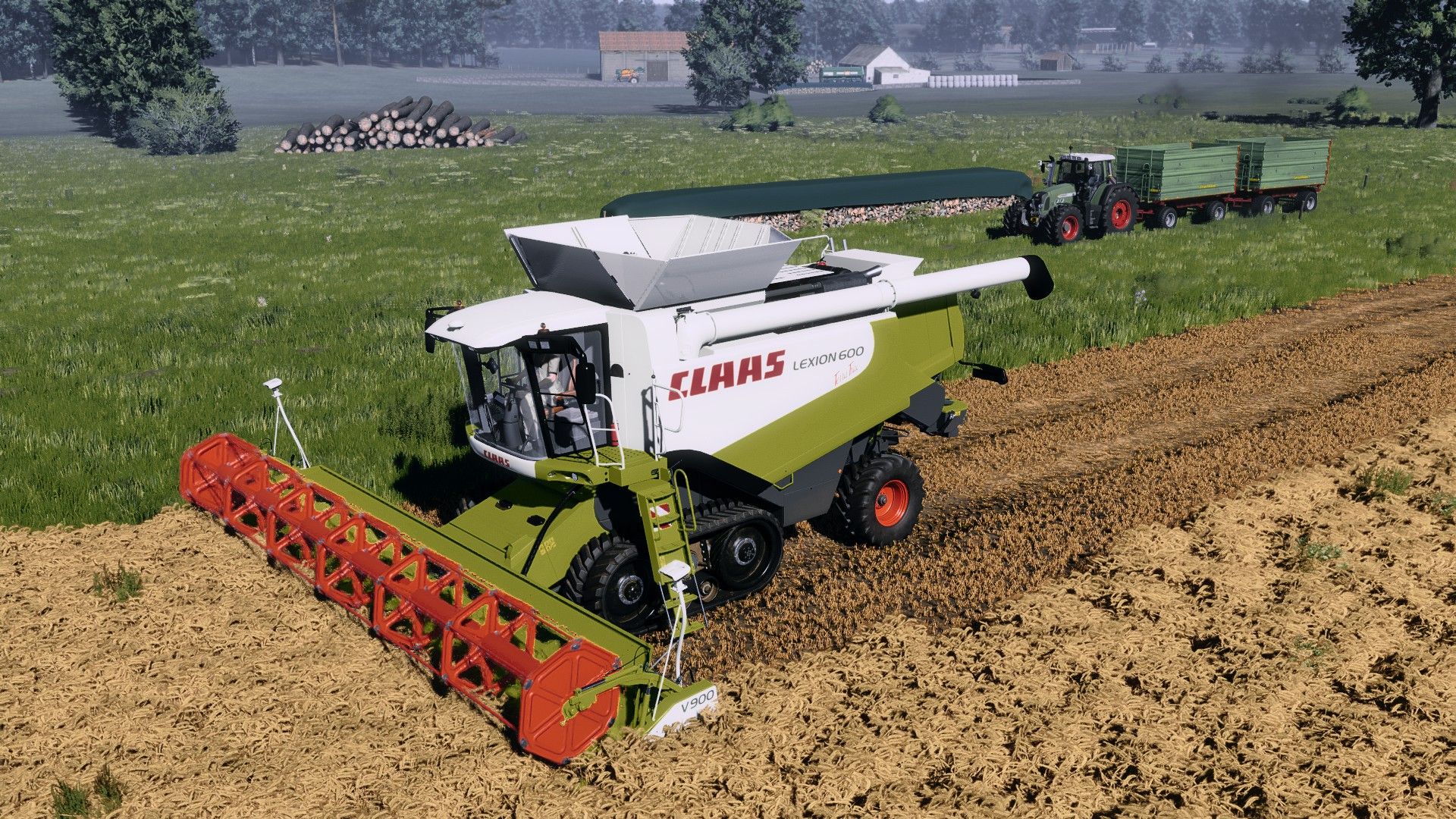
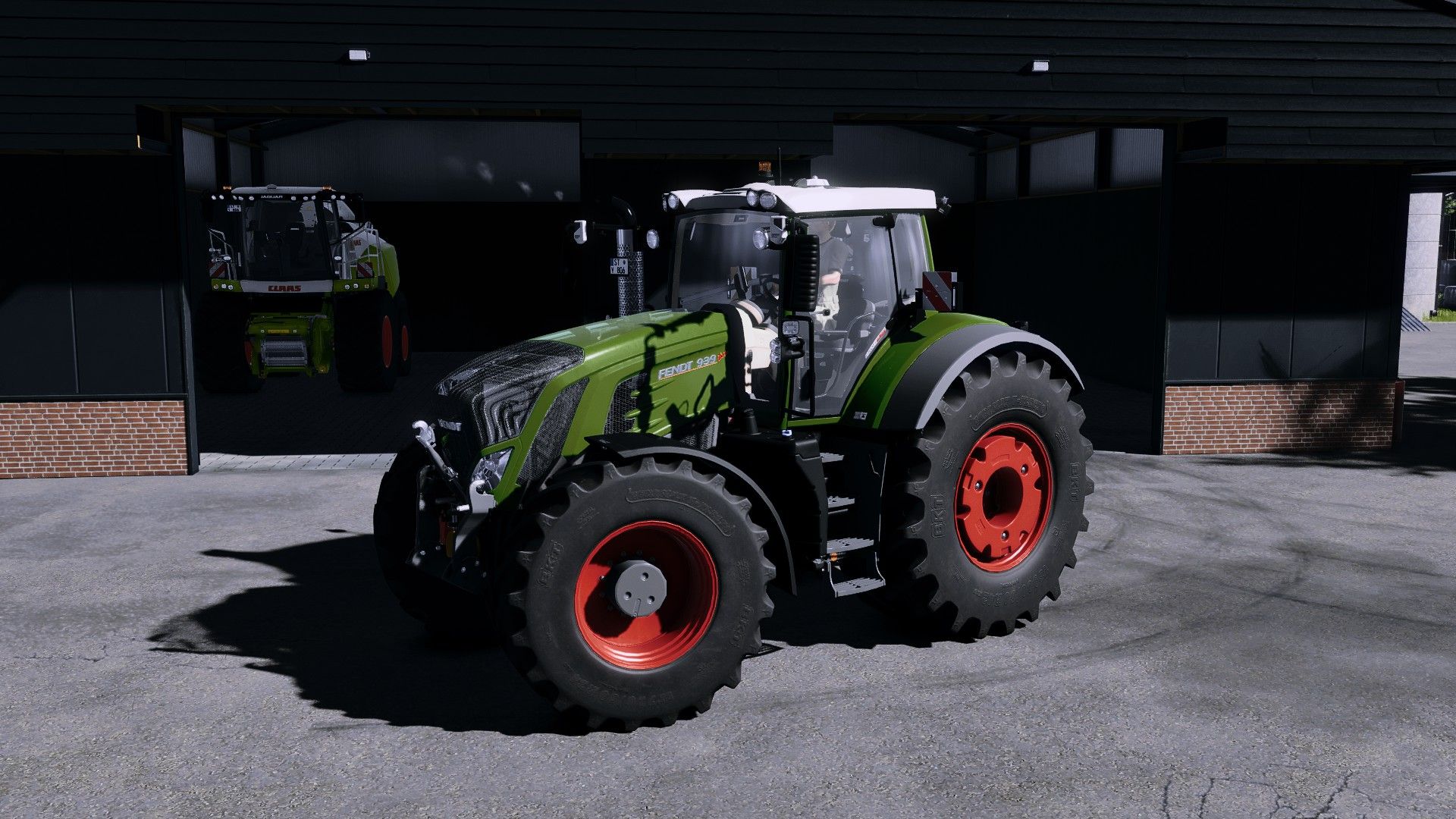
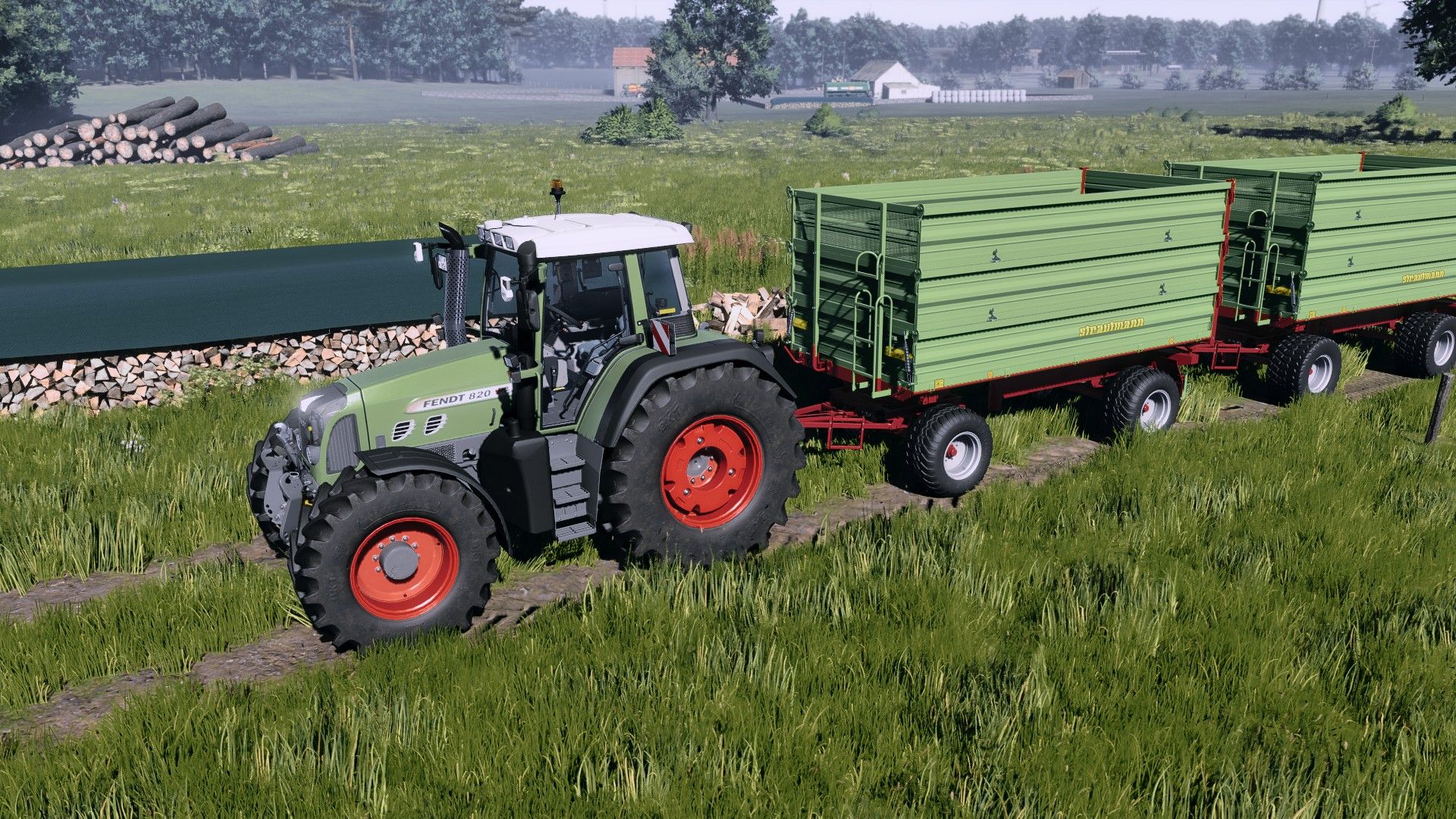
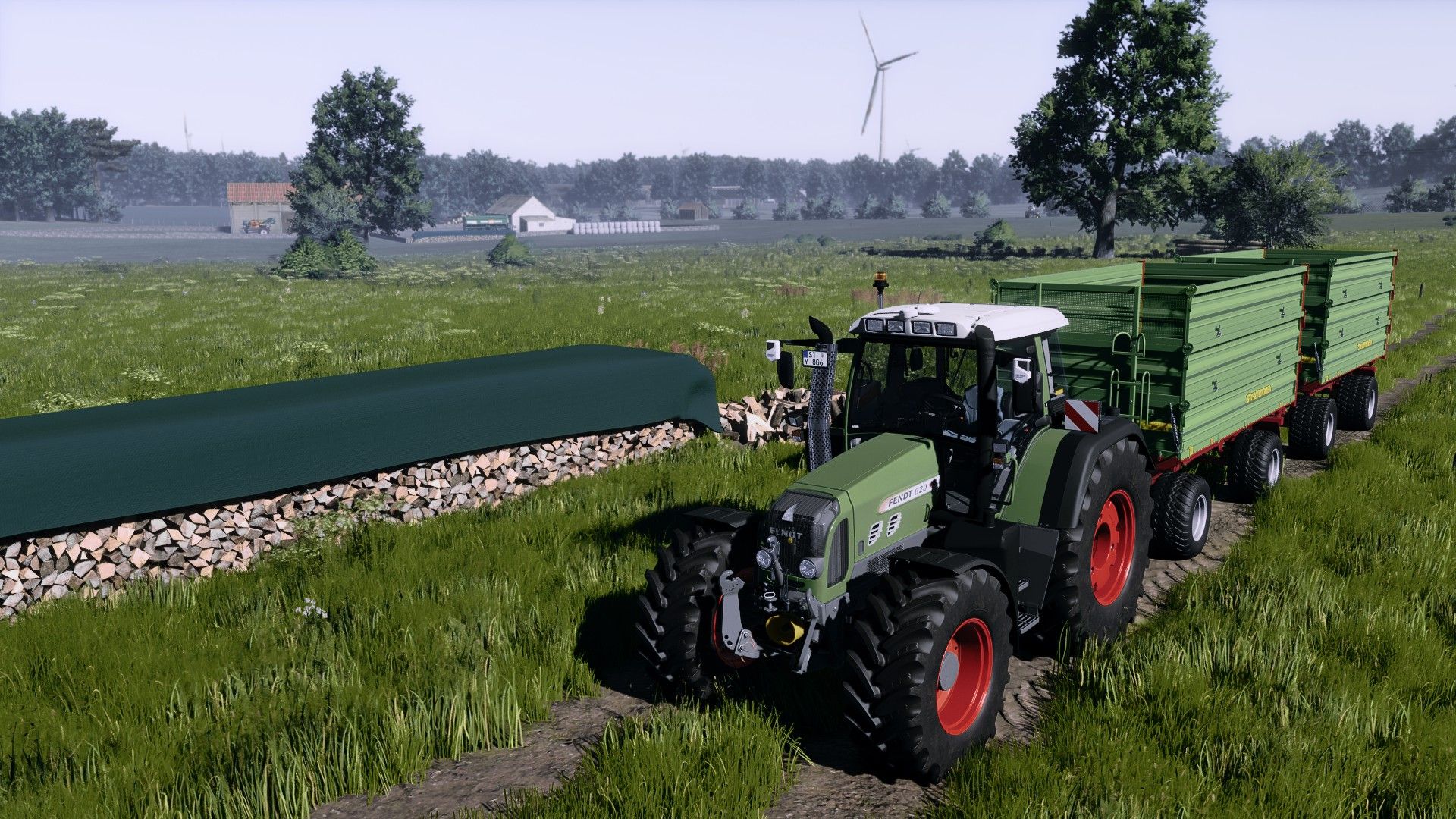
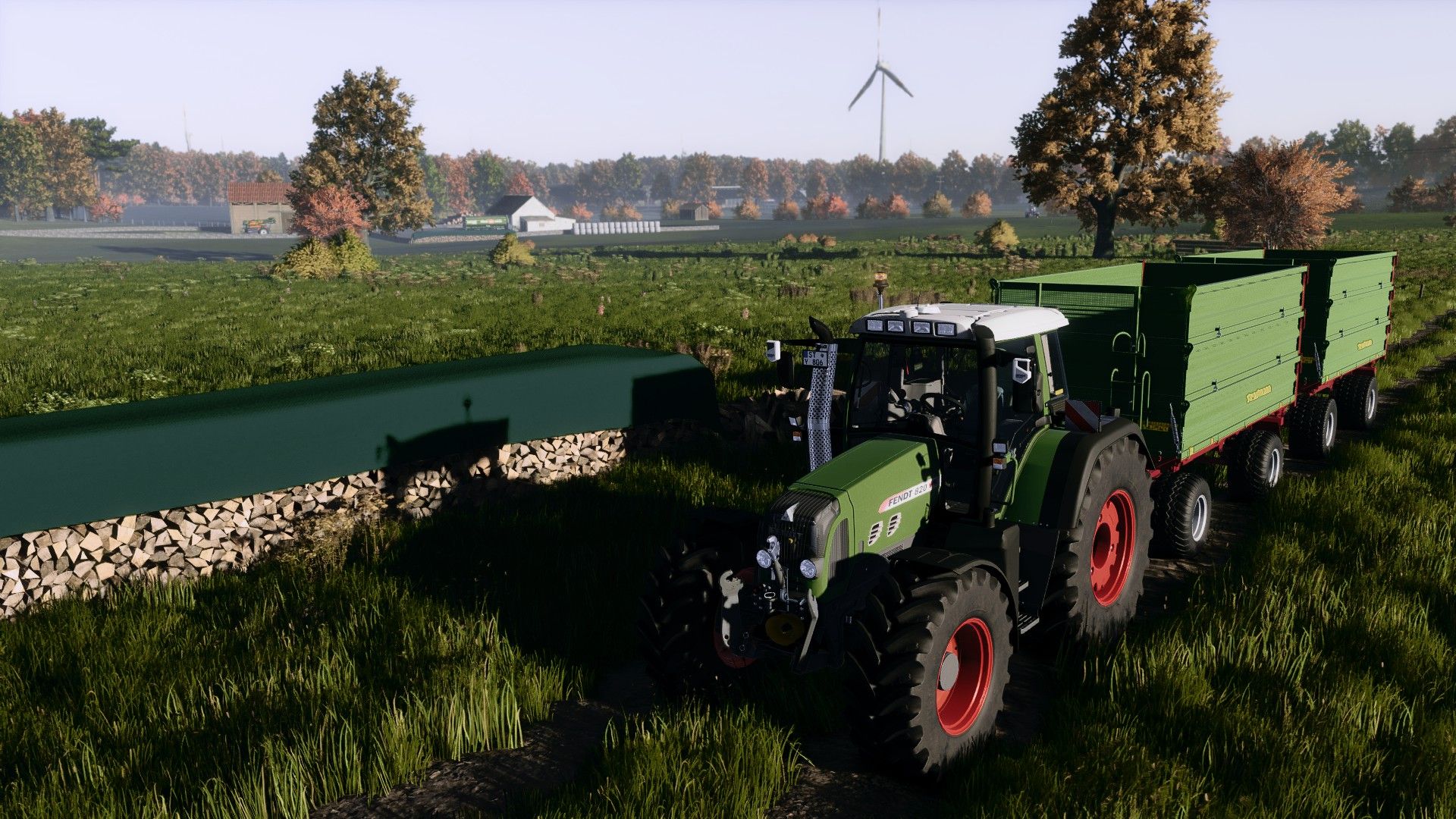
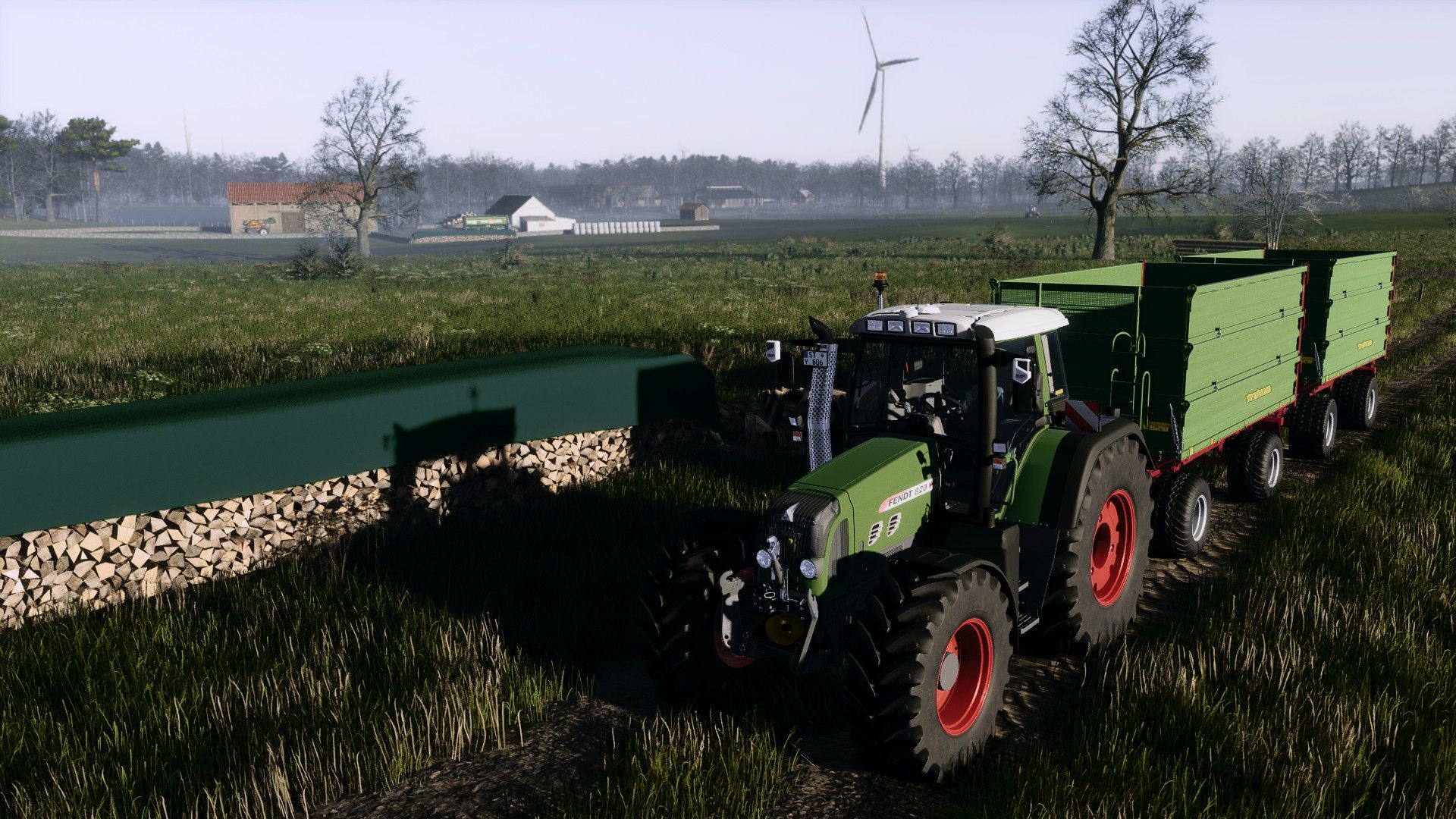
GIANISHADE ULTRAREALISM 2.0 V1.0
(BEFORE: I USE A CUSTOM ENVIRONMENT BY @DNERDY. IT COMES WITH INSTRUCTIONAL VIDEO IN THE DESCRIPTION!)
IMPORTANT!! The mod: additional game settings is also required, in which the non-standard exposure: lunow must be indicated (YOU MUST HAVE THE LUNOW INSTALLED FOR THIS!) I also use the environment xml from dnerdy
Here is a YouTube video on how to add the envi:
I hereby release my shader preset 2.0, inspired by the well-known “Dnerdy” look – but slightly adjusted and further developed to offer an even more pleasant visual experience – NOW ALMOST 1:1!
Features and Functions
Natural colors – neither too bright nor too dull
Harmoniously coordinated overall picture
Stronger, more colorful display on vehicles and paint
No need to use additional effects such as PPFX (SSDO).
Easy compatibility with DLSS and similar technologies
Supports upscaling without loss of quality
Smooth performance without stuttering ⚡
Note
The preset is optimized so that it is ready to use straight away – without complicated additional settings. Just install and enjoy!
A NOTE!!! After installing the shader, click “Extensions” in the Reshade menu, uncheck it once (with a mouse click), and then click the second box from the top to render the shader in the respective graphics setting (1080p, 4k, etc.).
Have fun and kind regards, you Gian1.
(IMPORTANT: THIS SHADER IS NOT INTENDED TO BE AN IMITATION BUT JUST AN INSPIRATION. ALL IMAGES WERE TAKEN AND PUBLISHED BY ME (GIAN1).)
Author: gian1