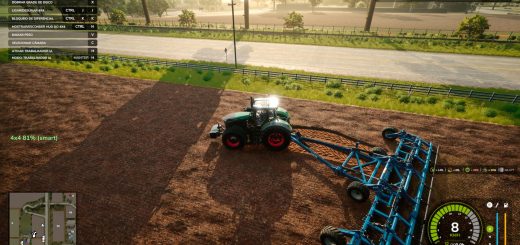
Farm Tablet V2.5.1
Farm Tablet V2.5.1
FarmTablet: a complete farm management tablet for Farming Simulator 25.
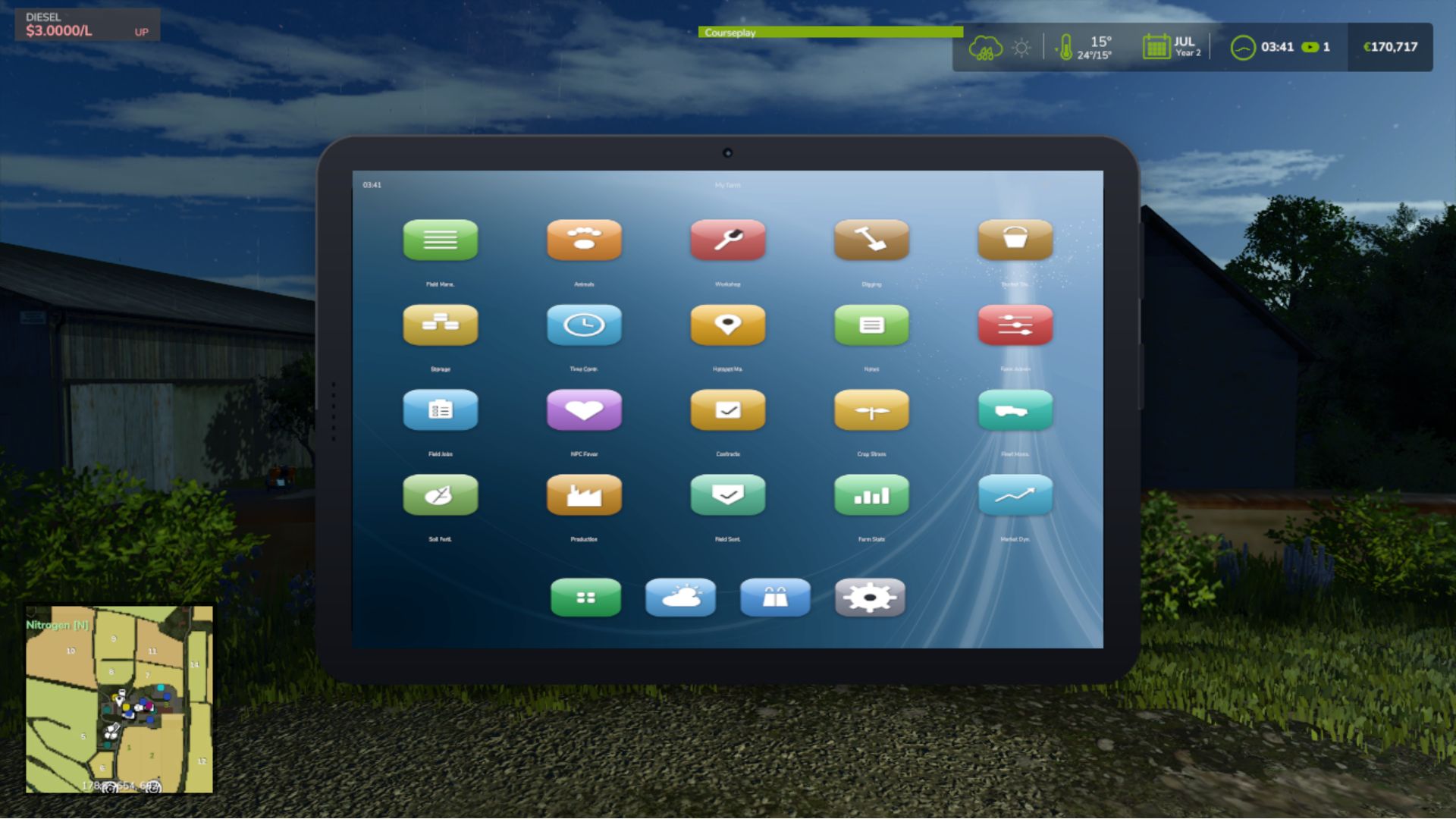
Open it with one key and your whole farm is right there. A phone-style tablet with a lock screen, a home screen full of glossy app icons, a dock for your favourites, and as many pages of apps as you need. Tap an app, check what you need, tap home, and get back in the cab. No pausing, no menus stacked four deep, no alt-tabbing to a spreadsheet.
Originally inspired by a tablet mod for FS17, built from scratch for FS22, and now fully rewritten from the ground up for FS25. The goal is still simple: useful farm info at a glance, without getting in the way. Every app lives in its own file, so the mod is easy to expand, fix, and improve, and it is actively shaped by community feedback.
What is in it right now
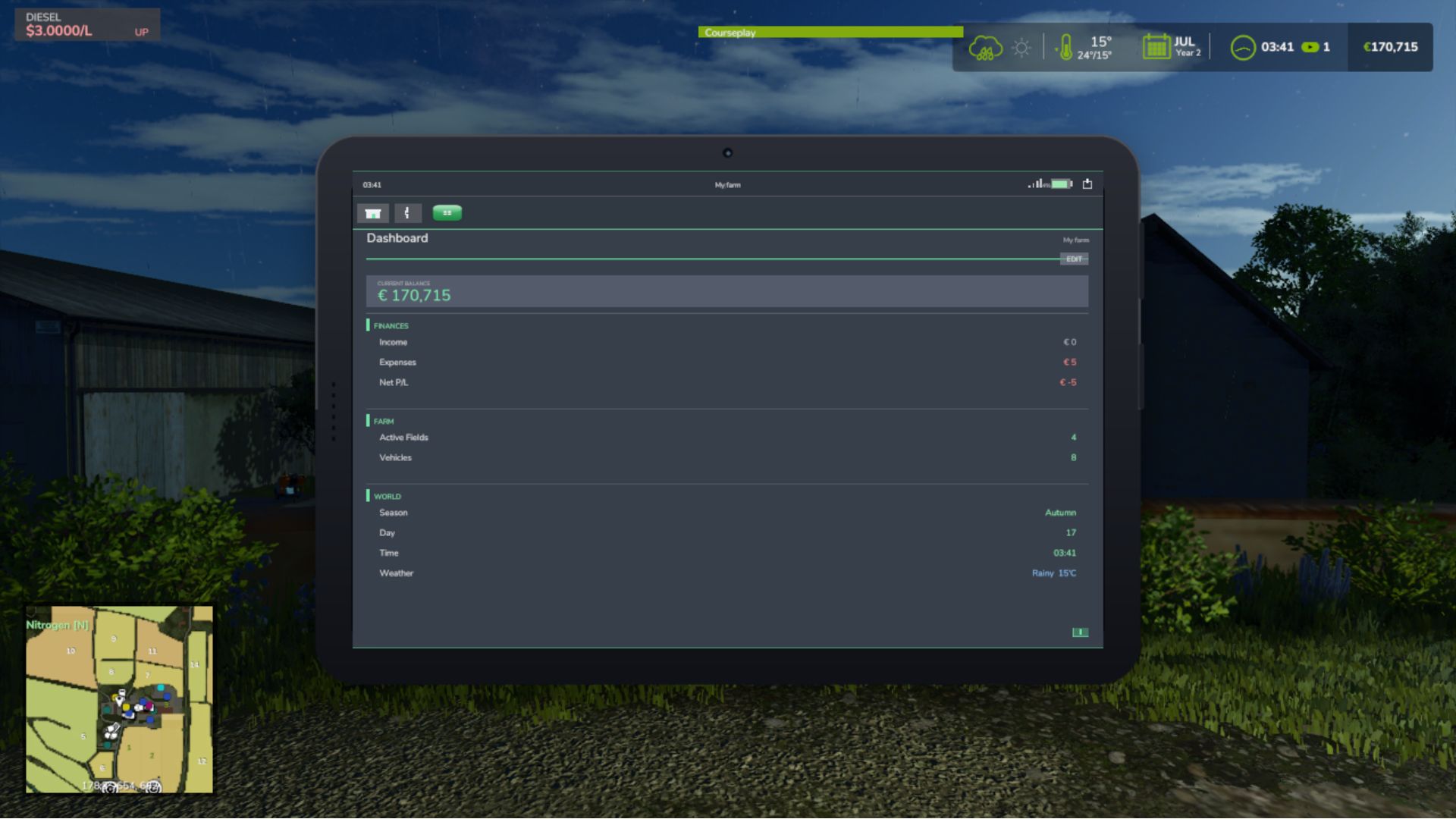
– Dashboard: farm overview with balance, income, fields, vehicles, time and weather, with widgets you can arrange
– Weather: current conditions, temperature, wind, cloud cover and a five-day forecast
– Field Manager: every owned field with crop type and growth state
– Animals: pen status with food, water and cleanliness levels
– Workshop: nearby vehicle diagnostics with fuel, wear and hours, plus one-click repair
– Digging: live position, terrain height and dig depth
– Bucket Tracker: load counter for wheel loaders and excavators
– Storage: silo inventory and the best sell price per crop
– Time Controls: set the time scale and skip to a time of day
– Hotspot Manager: view and clear map pins
– Notes: a simple farm todo list
– Farm Admin: money, time and vehicle controls (host only)
– Field Jobs: log your field work sessions
– Contracts: active contracts with completion, reward and time left
– Fleet Manager: every owned vehicle sorted by fuel
– Production Buildings: your production chains, inputs and outputs
– Farm Stats: a full farm statistics snapshot
– App Store: browse every installed app, grouped by category
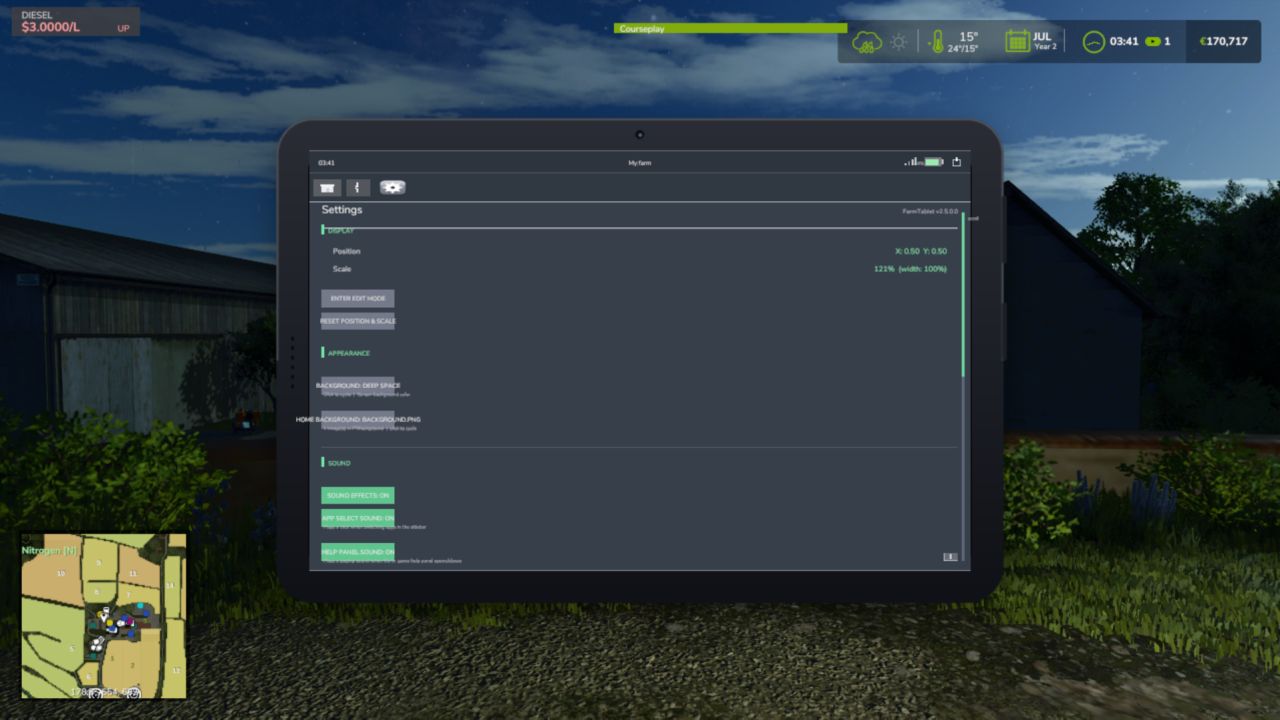
– Settings: configure the whole tablet from inside the tablet
– Updates: changelog and version history
Mod integrations
NPC Favor, Soil Fertilizer, Field Sentry, Seasonal Crop Stress, Income Mod, Tax Mod, Market Dynamics, Worker Costs, Personnel (Pro-Staff), Random World Events, UsedPlus, and Invoices (with RoleplayPhone). Load any of these mods and its app appears in the tablet on its own. No setup, no load order to worry about.
Made yours
Move, resize and recolour the tablet, set your own home screen image, choose which app opens first, and arrange the Dashboard exactly how you like. Everything saves with your game.
Other details
– Full multiplayer support; every player gets their own tablet and the actions that change the game are admin-gated
– Dedicated server safe; the tablet is client-side and skips the server with no overhead
– Reads your game data only; it never changes your save
– Ships in 26 languages and follows your game language
The mod is in active development. Bug reports, ideas and suggestions are always welcome. This is a community project, and your feedback directly shapes what gets built next.
V2.5.1.0
What’s new
– Favourites page: tap the star (in the app bar or on the home screen) to see just your starred apps. The star glows gold when it is open, and EDIT lets you pick which apps to keep. Saved per savegame.
– Clearer app bar: a little house for Home and a real left arrow for Back. Back steps up one level (it leaves a sub-page first) before going home.
– Customise app icon labels in Settings: show or hide them, and change the size and colour.
Fixed
– Status bar (signal, battery, power), dock and home indicator now render on the home and lock screens.
– App icon textures are now mipmapped DDS, clearing most of the texture warnings in log.txt.
– Worker Costs roster scrolls past the first 5 staff.
Required mods:
Income Mod
Tax Mod
NPC Favor
Realistic Soil & Fertilizer
Seasonal Crop Stress
Market Dynamics
Realistic Worker Costs
Random World Events
Author: tisonK