MGS Massey Ferguson 9s V1.1
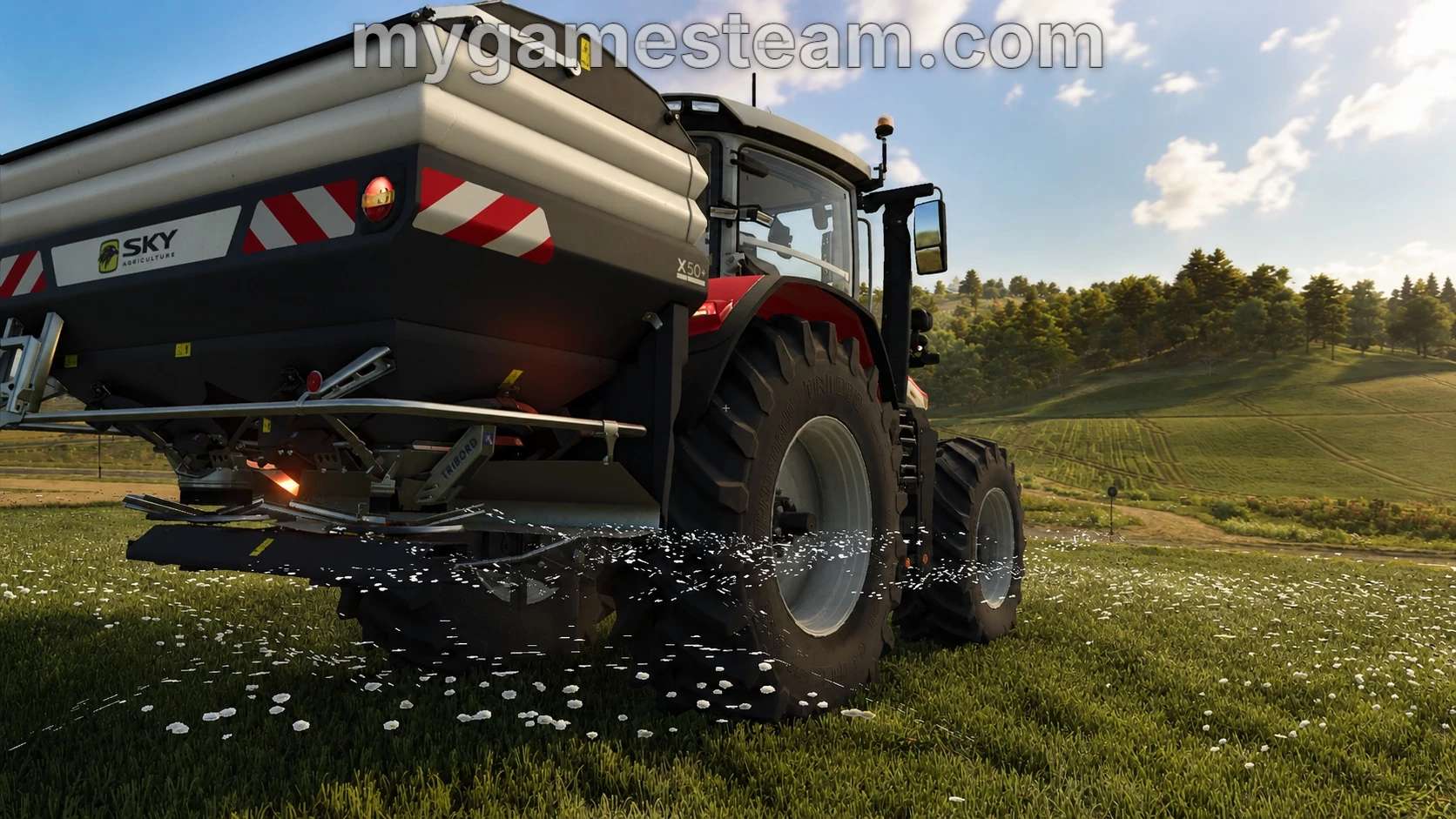
MGS Massey Ferguson 9s V1.1
NOTE: All shop options and pricing are based on the official website as of June 2026.
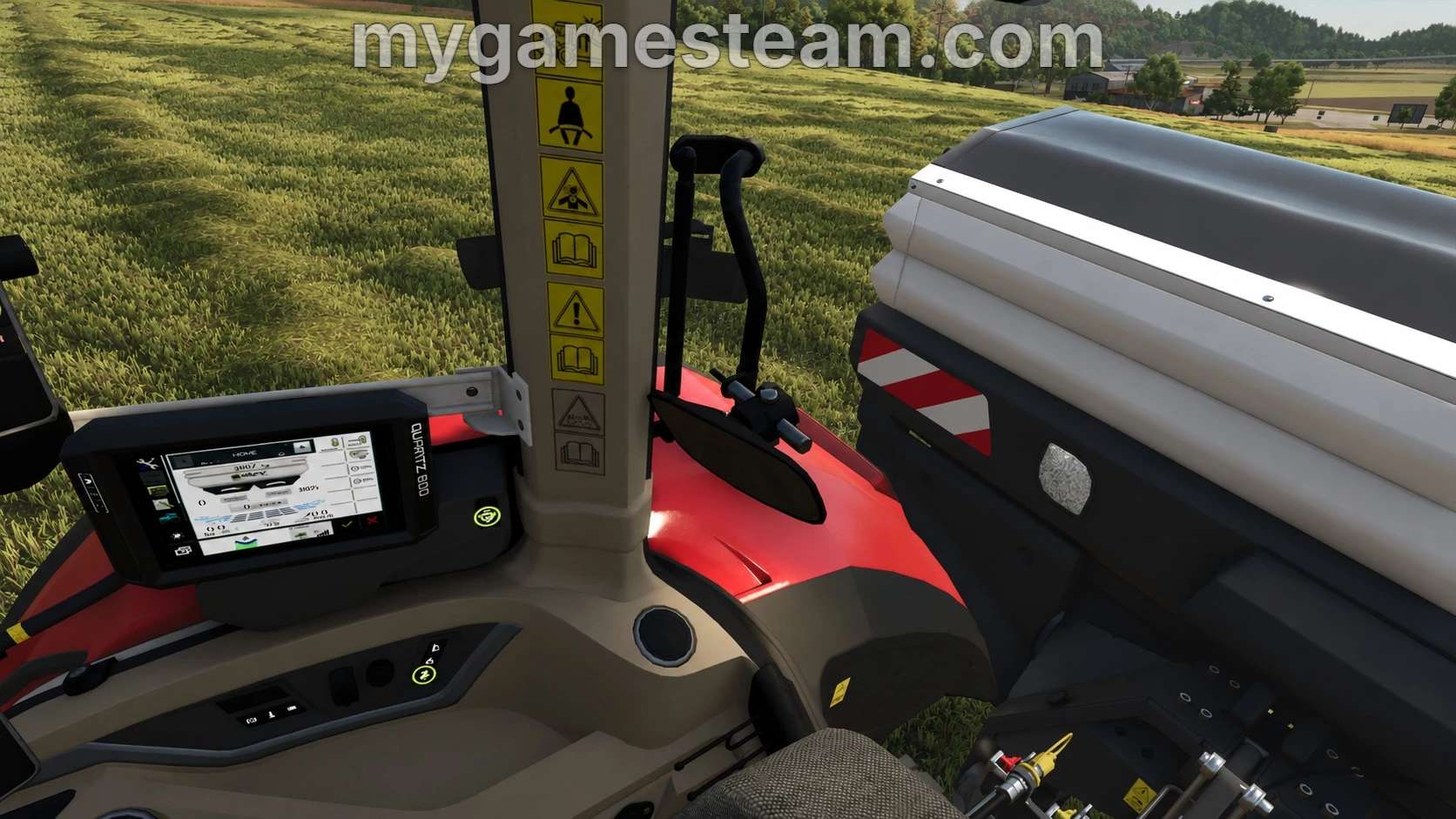
Novag terminal displays the real-time fill levels of the attached implements, seed and fertilizer.
Custom script offers Full functionality in-game for seamless monitoring while working in the field.
If you enable AI workers to “BUY” seed/fert in settings then the real time data will not display correctly.
Baler control box i3d element from Agrar Design Austria, with written permission.
Novag and Quartz terminals and associated LUA are custom made exclusively for the 9s by MyGameSteam.
Changelog 1.1.0.0:
Addded custom made Quartz 800 monitor for the upcoming Sky Agriculture DLC (not required)
Added additional IC functions in cab, adjust certain IC icon positions and sizes
Added support for real time camera display in cab (Mercedes-Benz DLC required)
Added new shop options, update modDesc to 109, new custom colors added
Various price adjustments for year 2026, support for Dashboard Live
Added new translations, various changes to all aspects of the file
New and updated custom LUA added with new features and functions
Changed upperlink design to more accurately reflect real world
Added baler control in cab with IC control
Category: Large Tractors
Starting price: 304,220 – 344,130 $
Power: 285 – 425 HP
Max. speed: 50 KM/H
Transmission: Dyna VT
Weight: 12 Tonnes
Diesel: 660 Litres
DEF: 68 Litres
Production year: 2026
Options:
Engine setup
Wheel brand
Wheel setup
Design (EU/US)
Beacon lights
Paint color
Seat trim
Speed sign
Side wiper
Windows tint
Extinguisher
Heated back window
Reverse alarm
GPS Receiver
Floor carpet
Coolbox
Monitor options
Front fenders
Isaria Pro Compact (PF)
Licence plates
Safety hammer
Interactive Control:
Left door (Open/Close)
Rear window (Open/Close)
Roof hatch (Open/Close)
Wipers (On/Off)
Radio (On/Off)
Engine start (On/Off)
Turnlight left
Turnlight right
Lights (3 stages)
Front worklights
Rear worklights
Aircon (on/Off)
Cruise control
Hazards
Beacons
Rear tool (Lift/Lower)
Front tool (Lift/Lower)
Rear tool (Fold/Unfold)
Front tool (Fold/Unfold)
Rear PTO (On/Off)
Front PTO (On/Off)
Cool box (Open/Close)
Radio channel (Previous/Next)
GPS/Camera System switch
Various IC options for monitors
Precision Farming 3.0 (optional)
Extended Outdoor Camera Zoom (optional)
Camera System (optional)
Interactive Control (recommended)
Exhaust Extension (optional)
Dashboard Live (optional)
Vehicle Years (optional)
DEF/Adblue (optional)
Author: My GameSteam