Abandoned taiga v1.4
Abandoned taiga v1.4
V1.4.0.0
“Abandoned Taiga” Radio
Added a dedicated music radio station with nine tracks.
Added three portable radios with positional audio, allowing them to be turned on and off, the volume adjusted, and songs switched.
Logging Contractor
Added saving and restoring of active logging contracts.
Implemented tree species selection when concluding a contract.
Added a setting for trimming large branches.
The algorithms for removing branches and foliage from trunks have been significantly improved for different tree species. Processing of oaks, birches, pines, spruces, beeches, aspens and deadwood has been improved. The sequence of felling, delimbing, bucking and stump removal has been reworked.
Tree processing has been optimized by distributing heavy operations across frames.
New Rating and Contract System
Added a farm rating with a history of bonuses and penalties.
Added a window for viewing the rating, history and contract requirements.
Added rating-based restrictions on accepting certain contracts.
Implemented the ability to restrict production recipes based on the farm rating.
Added new product delivery contracts with calendar-based rotation and delivery deadlines.
Fixed issues with the display and generation of logging contracts.
Warehouses and Productions
Added manual transfer of products from built-in storage directly to production facilities, feeding troughs and bedding storage, with a separate material transfer interface.
Expanded the storage and use of feed in the cow barn under construction.
Improved the information menu for productions, construction sites and warehouses.
Fixed individual triggers, markers and unloading zones.
Shop and Construction Materials
Added the option to purchase groups of 1 to 10 pallets of tools, nails, OSB boards, salt and construction steel.
Adjusted the placement layouts for multiple purchased pallets.
Other Changes
Updated the dynamic road map system and the initial data for new savegames.
Fixed the settings for forest land plots and the hiding of service plots.
Fixed various models, triggers, markers and construction objects.
Optimization and fixes have been made based on test results.
Open beta testing has begun.
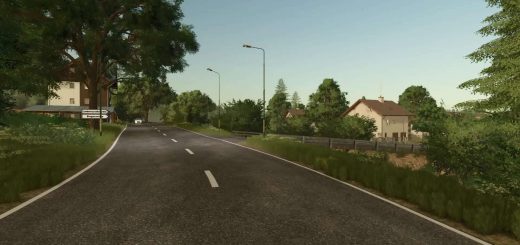
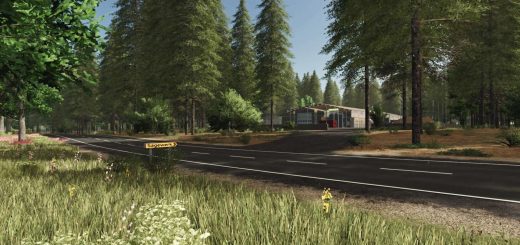
Forest map with 101 thousand trees (birch, pine, spruce, oak, beech).
– 30 plots of 5 hectares each
– 30 plots of 10 hectares each
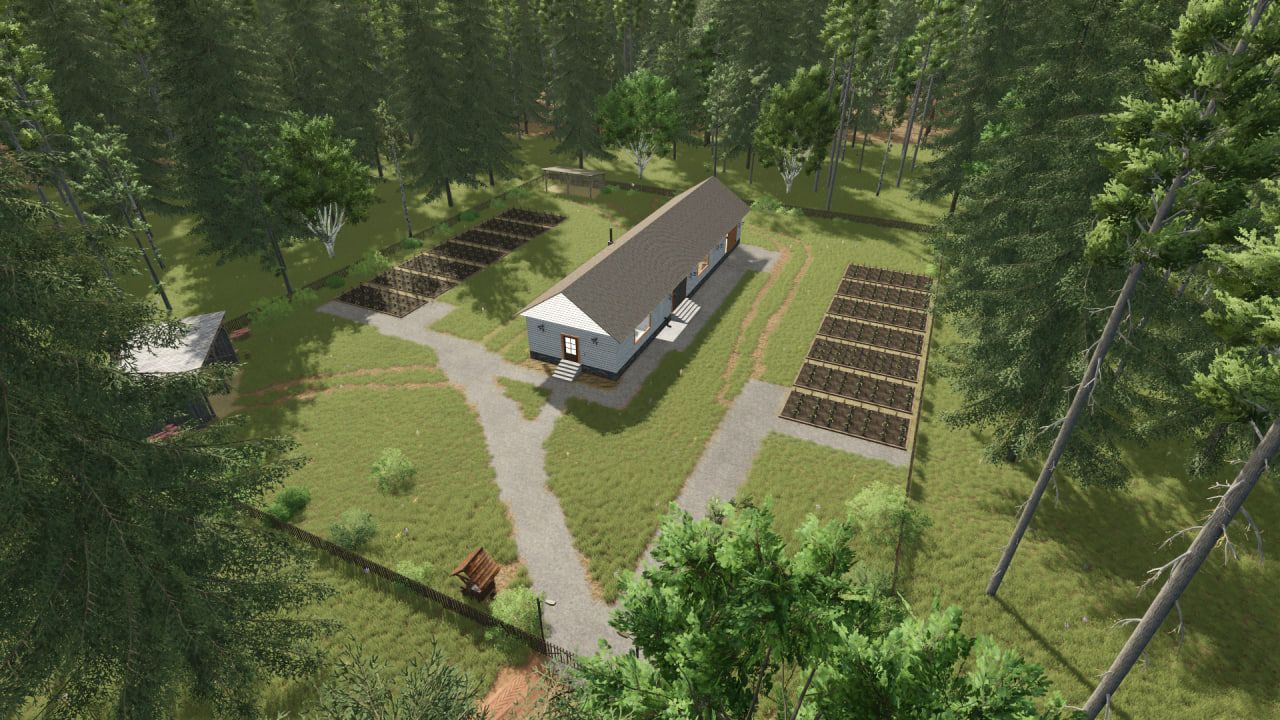
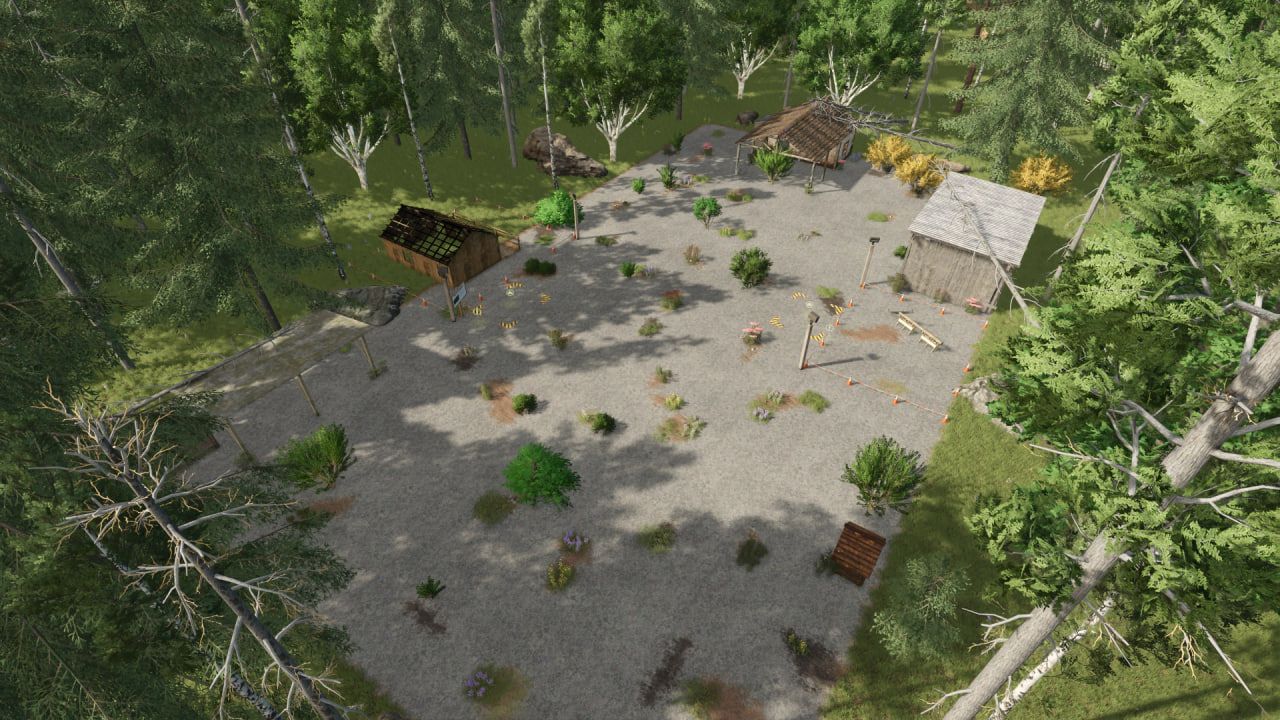
– an old base where you need to restore the house and build a small sawmill
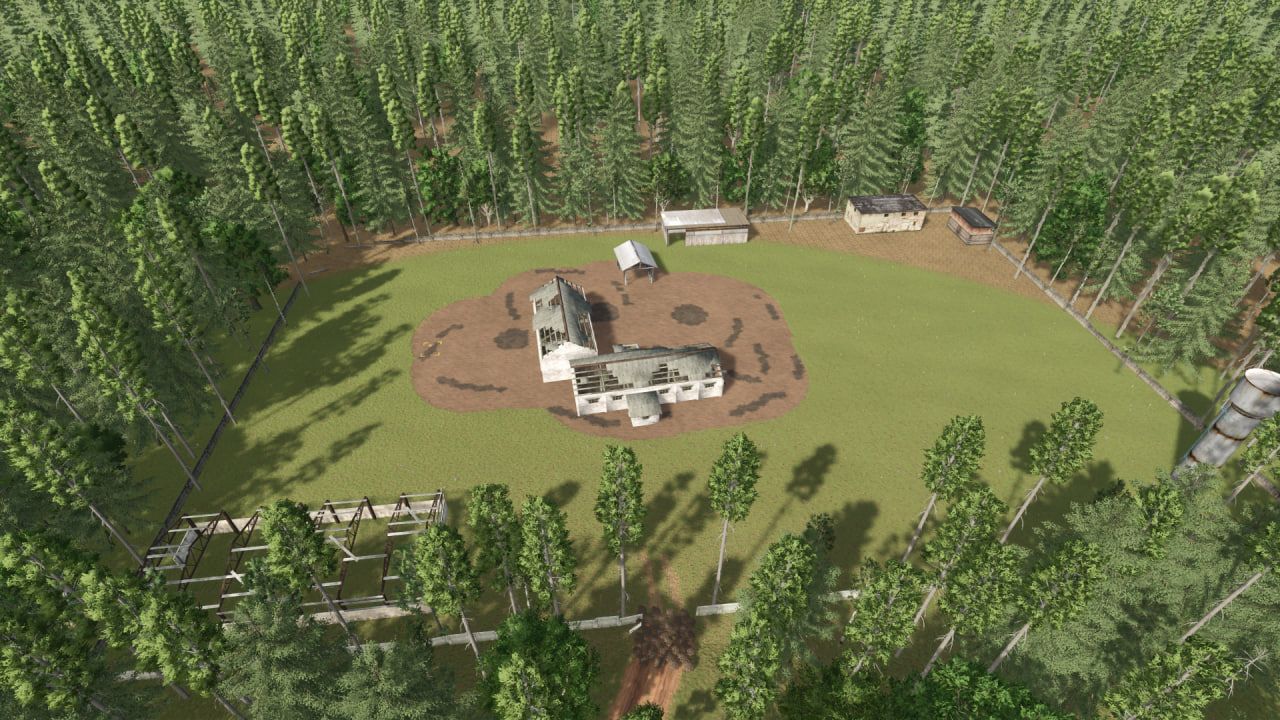
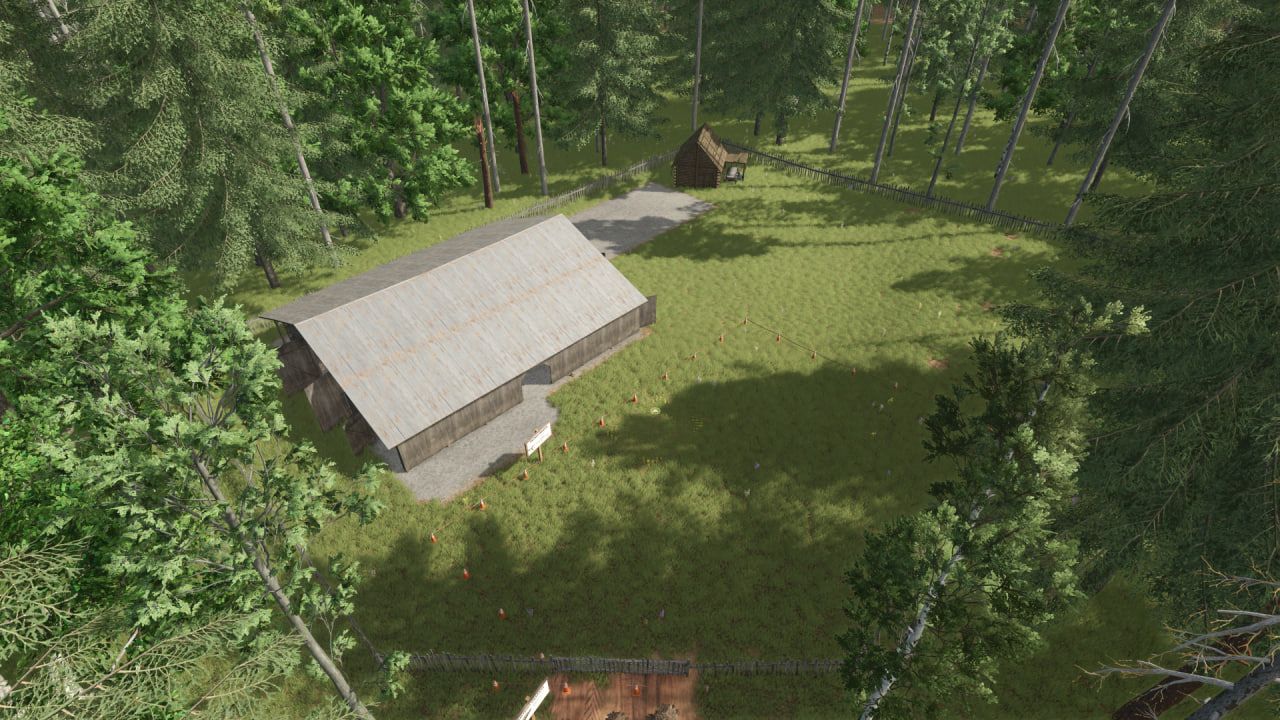
– an old barn that needs to be rebuilt
– an old sawmill, which is also subject to reconstruction
– a farm with beds and storage of preserves
– two small collections
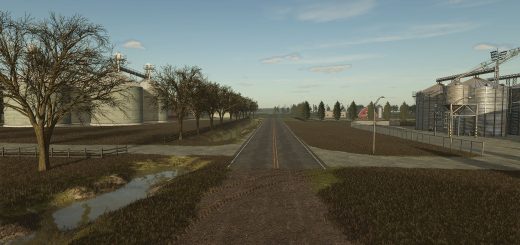
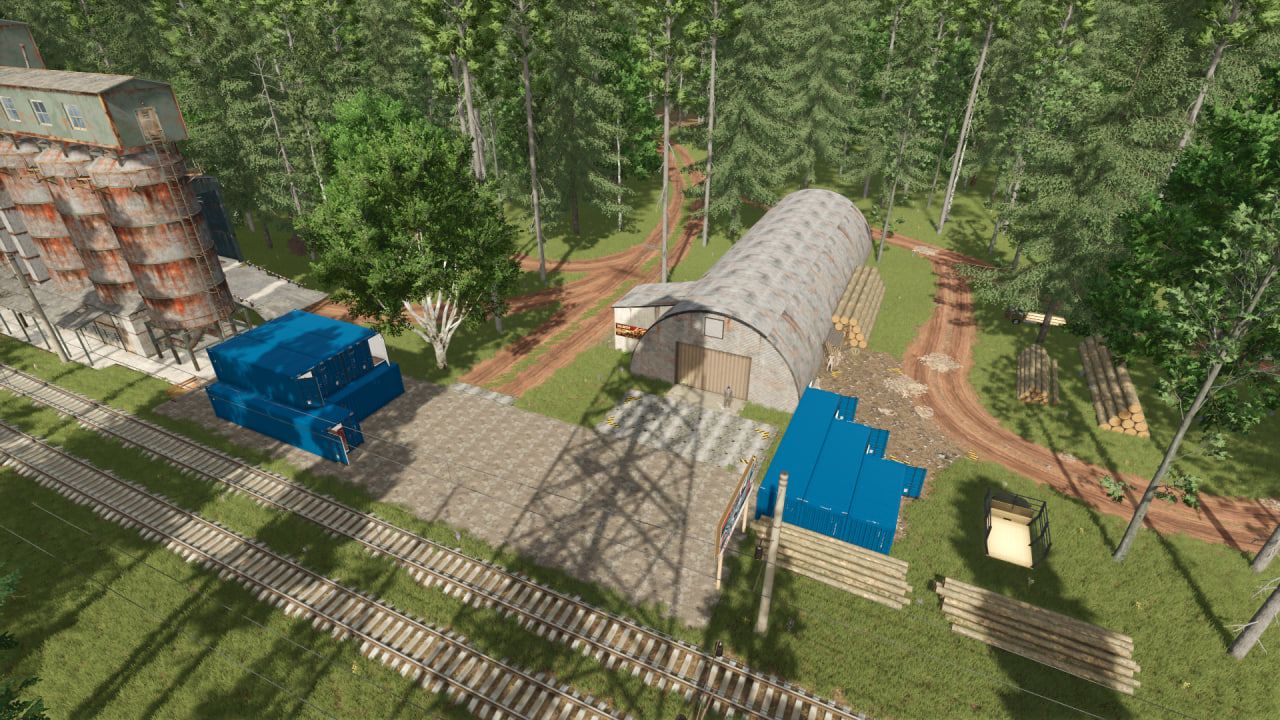
All purchase/sale points are located at the railway station.
For construction and restoration, you will need to purchase sheet metal from Semenych’s warehouse, and tools and construction iron from the store.
You can sell bulk products at Stepanych’s elevator. Mikhalych is in charge of the tree. And processed and packaged products are accepted by Dmitrich.
The territory cleared from the forest can be developed for fields, animal pens and production. For this purpose, there is a set of projects for independent construction of production facilities, warehouses, and animal pens. Examples of constructed objects from the addition to the map can be viewed on the telegram channel https://t.me/ModsFarmingSimulators using the tag #constructibles.
The author of the card idea is BULDOZER_221
ATTENTION! There is an addition to this map – “A set of projects for houses, industries, and animal shelters.” (FS25_AbandonedTaiga_BuildingsUnderConstruction)
Author: MaxKra1985