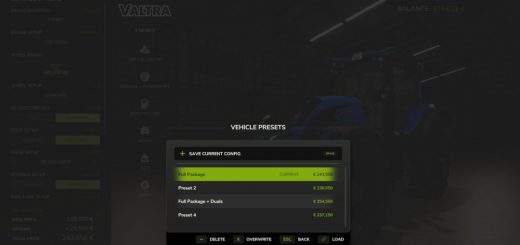
Advanced Damage System v0.9.2.6
Advanced Damage System v0.9.2.6
V0.9.2.6:
– Added adjustable throttle input for keyboard players, simulating gas pedal pressure. A corresponding tutorial message – has been added to explain this mechanic.
– Fixed an issue where AI workers could not operate large plows in multiplayer (issue #131).
– Improved the mechanism for detecting whether a vehicle is under cover.
– Fixed incorrect ADS behavior on servers with no players, which could cause unpredictable issues such as voltage drops despite a charged battery (issues #154 and #124). Special thanks to JoellenbeckModding for helping reproduce the issue and test the fixes.
– Fixed an issue where the tutorial module could cause an infinite loading screen in multiplayer (issue #179).
– Added a console command to manually include or exclude vehicles from ADS: ads_setExcluded true|false.
– Added a setting to adjust the thermal model simulation speed.
– Fixed a conflict with TerraFarm that could prevent certain vehicles from starting (issue #118).
– Fixed a conflict with Courseplay that caused vehicles to slow down while collecting soil samples (issue #152).
– Improved engine load calculation compatibility with the More Realistic mod.
– Fixed an issue where AI workers ignored vehicles stalling due to active breakdown effects and continued driving them with the engine turned off.
– Updated the Turkish translation (by GHART-coder).
V0.9.2.5:
– Added vehicle icons to the ADS Fleet Management menu (by Squallqt).
– Improved protection against invalid values received from the game engine.
– Excluded more unsupported vehicle types from ADS processing.
– Fixed a tutorial error when using CVT Addon.
– Rebalanced most wear factor multipliers, generally reducing them by 20-30%.
– Fixed incorrect wheel slip and stationary steering wear triggers.
– Improved PTO angle calculation.
– Added minimum and maximum inspection price limits.
– Capped overhaul cost so it cannot exceed the vehicle value.
– Mobile workshop service and repairs no longer wash vehicles.
– Improved service interval display in reports and workshop status.
– Added Czech, Finnish, Turkish, and Ukrainian translations.
– Updated Hungarian translation.
Changelog 0.9.2.0:
– Significant rebalancing of system wear factors.
– Enabling the “Quick Inspection” setting while an inspection is in progress now completes it instantly.
– Enabling the “Park Vehicle” option during service procedures now applies immediately to vehicles currently being serviced.
– Warnings for cold or overheated engine/transmission now appear as a single notification instead of staying on screen.
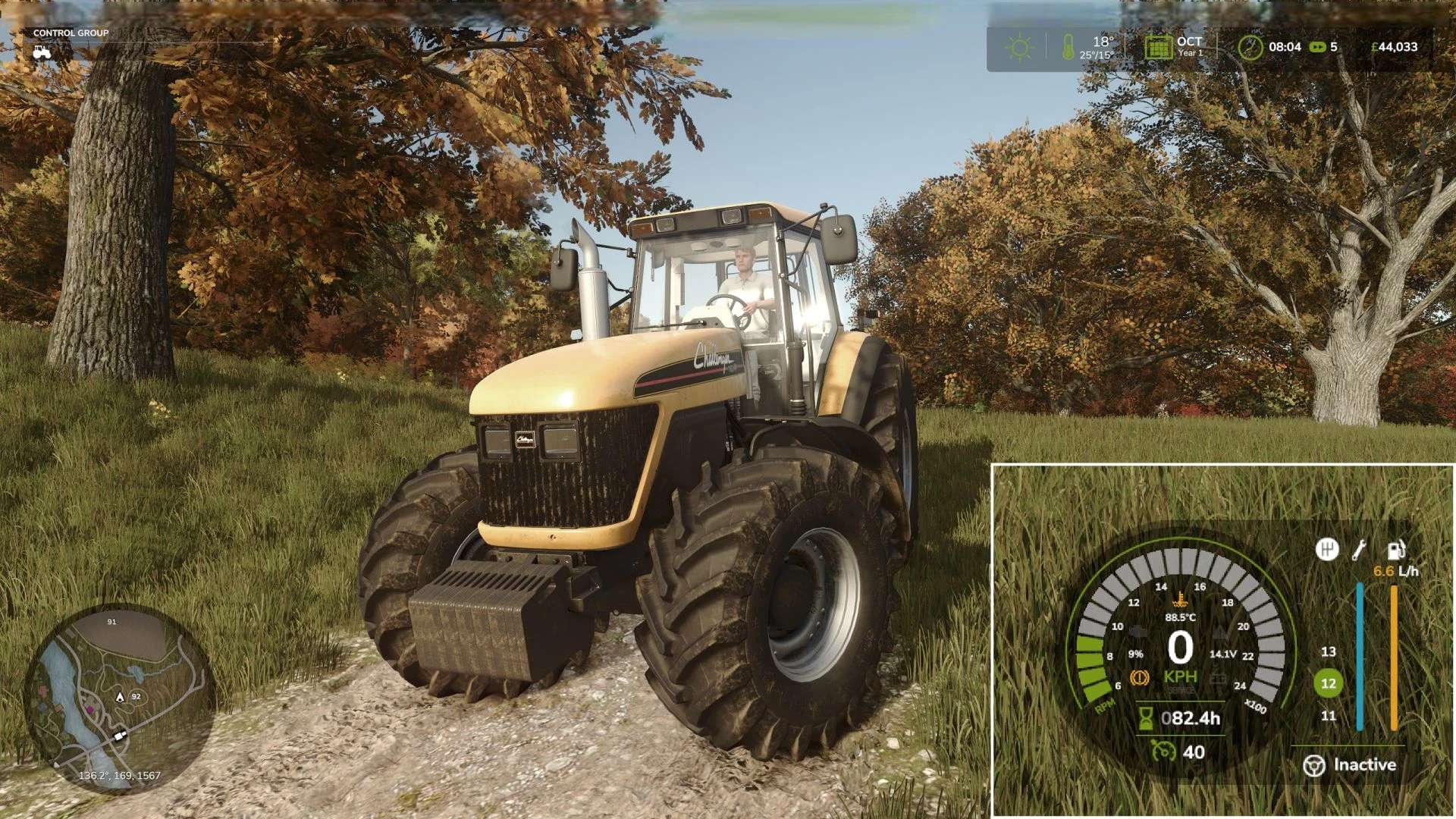
– Added dashboard alerts for vehicles experiencing critical loads.
– Redesigned dashboard indicators with added sound effects upon activation.
– Added an option to disable all warning messages (cold engine, overheating, breakdowns).
– Fixed engine and CVT temperature synchronization when the engine is under load.
– Battery capacity setting changes now apply correctly and no longer cause mass discharge across all batteries.
– Maintenance Log: Fixed the counter for repaired breakdowns in the maintenance log.
– Fixed an issue where queuing service procedures (e.g., “Do X after Y”) caused unintended vehicle repainting and unexpected charges.
– Fixed an issue where AutoDrive AI ignored critical breakdowns and continued driving.
– Minor UI improvements.
Attention: BETA Version
Please note: this mod is currently in BETA. Always back up your savegames before using it.
Important: It is strongly recommended to read the Mod Guide at the bottom of the GitHub main page. Without understanding the core mechanics, ADS can easily become frustrating, as improper maintenance and rough operation will lead to frequent breakdowns.
Advanced Damage System (ADS)
Advanced Damage System is a complete overhaul of the standard vehicle damage and maintenance mechanics in Farming Simulator 25.
A machine’s reliability now depends directly on how carefully and efficiently you operate it. The harder you push your equipment and the less attention you pay to maintenance, the more often it will fail. 🔧
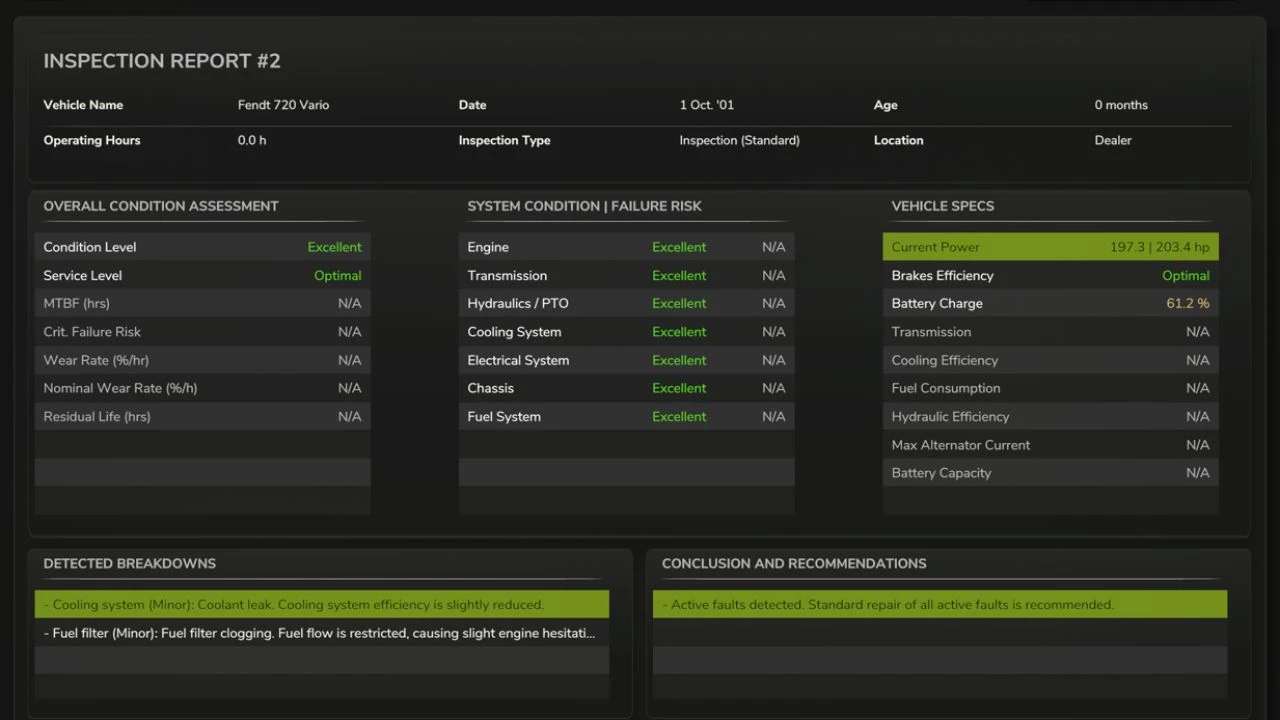
There are no more instant “one-click” repairs. Maintenance now takes time, resources, and planning. You will need to monitor wear, service your vehicles on time, and manage your fleet properly so that a breakdown does not interrupt important fieldwork.
Quick Guide
If you do not want to read the full guide but still want to play with ADS without constant breakdowns and unnecessary frustration, just follow these three rules:
1. Always follow the service interval.
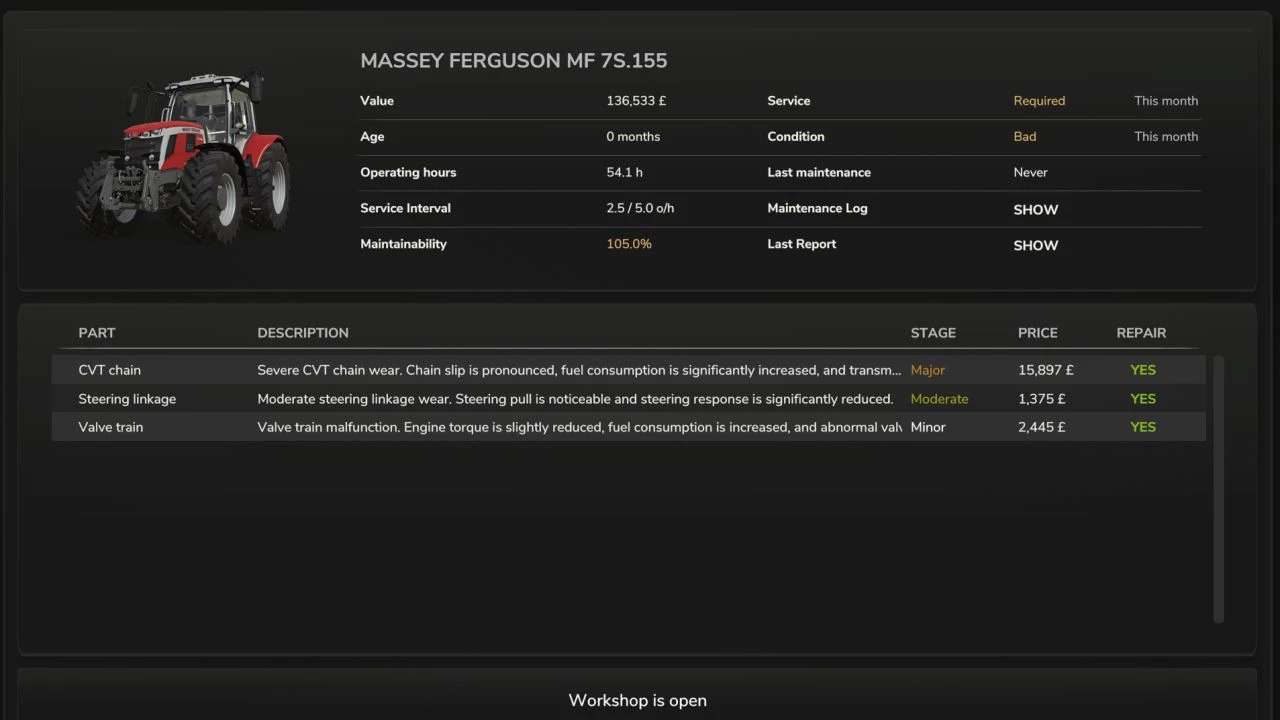
By default, the recommended interval is about 5 operating hours on average. You can check it:
– in the workshop,
– in the vehicle info panel when looking at the machine,
– in the ADS fleet management menu opened with the P key.
Once the interval is reached, perform the Maintenance procedure in the workshop.
2. Inspect and prepare your machines every day.
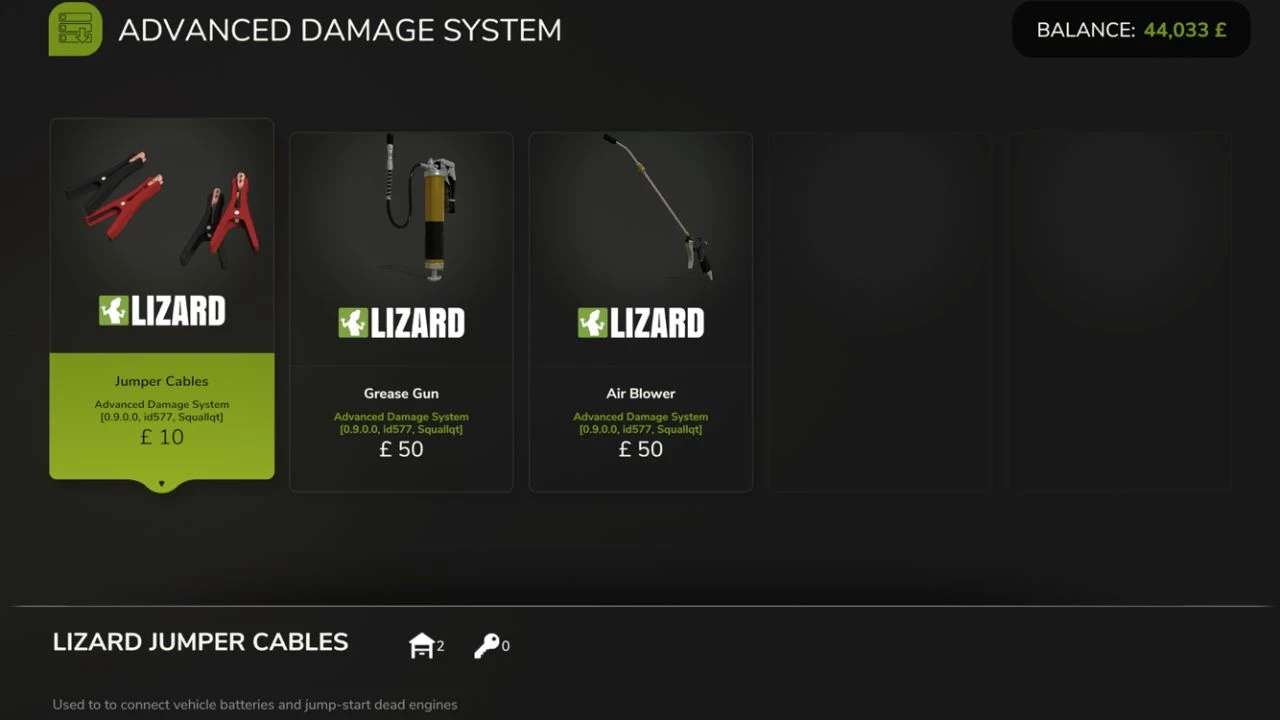
Perform a daily inspection by holding the R key near the vehicle, and do basic pre-shift maintenance. Clean the machine with the Air Blower and lubricate machines that require it with the Grease Gun. These simple routine actions greatly reduce the risk of avoidable failures.
3. Do not abuse your equipment.
Avoid overloading, overheating, using implements that are too heavy or too demanding for the machine, excessive wheel slip in mud, hard work on a cold engine, and high-speed driving over rough terrain.
A simple rule applies here: if something would be harmful to the machine in real life, it is harmful in ADS too. ⚠️
Key Features
Complete Replacement of the Vanilla Damage System
Vehicles are divided into separate critical systems: engine, transmission, hydraulics, cooling, fuel, working systems, electrical, and chassis. Each system has its own wear factors based on operating conditions. For example, excessive wheel slip increases transmission wear, while rough high-speed driving damages the chassis.
Regular Maintenance Becomes Essential
Scheduled servicing is no longer optional. It is the main way to prevent accelerated wear and avoid expensive repairs or overhauls.
Dynamic Breakdowns
The mod includes dozens of breakdowns tied to specific systems. Each failure has its own gameplay effects and can develop into more serious problems if ignored.
Reworked Workshop Logic
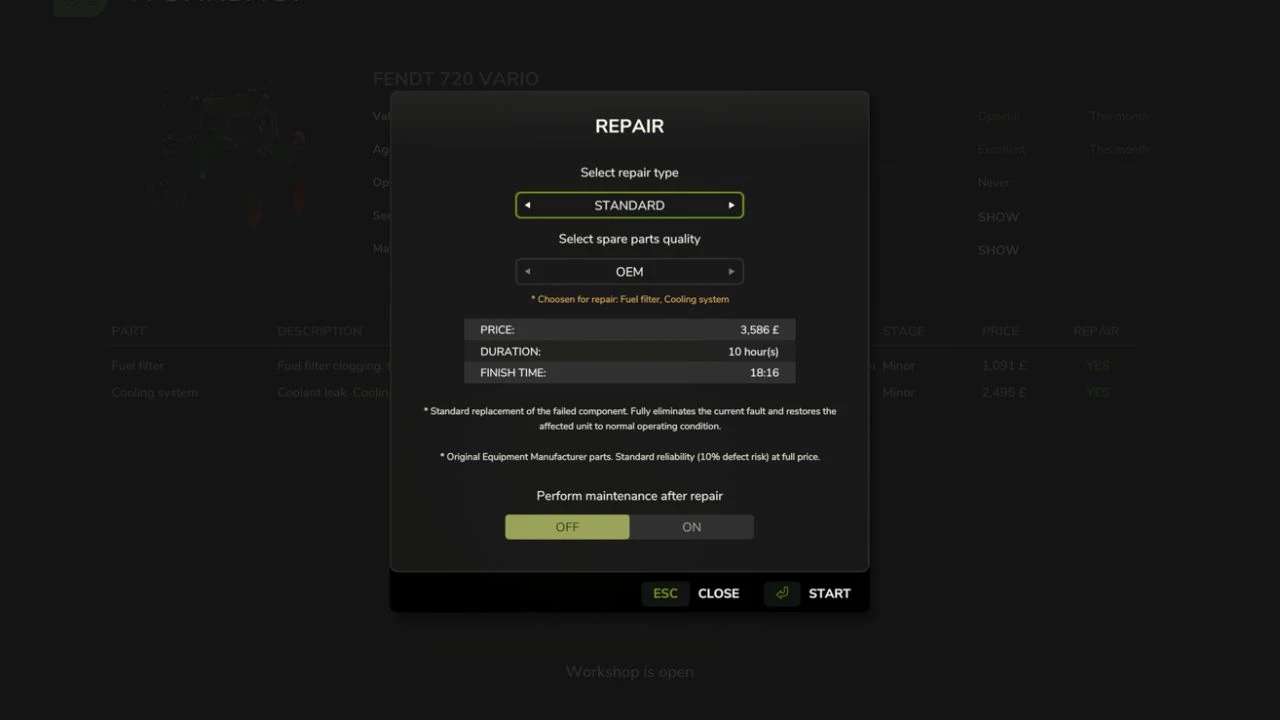
The workshop menu now includes inspection, repair, maintenance, and overhaul. Every procedure takes real in-game time, so repair planning becomes part of normal vehicle management.
Realistic Thermal Simulation
Engines need proper warm-up and can overheat under heavy load, especially in hot weather or when cooling airflow is restricted. Ignoring temperature can have serious consequences.
Battery and Alternator Simulation
Batteries can discharge, alternators can fail, and starting the engine can become difficult. If necessary, you can use one vehicle to jump-start another.
Vehicle-Specific Characteristics
Machines differ by brand and age in Reliability and Maintainability. More reliable vehicles wear more slowly and break down less often, while more maintainable vehicles are cheaper and faster to repair.
Pre-Shift Inspection and Maintenance
Before heading to the field, vehicles should be inspected and prepared for work. This includes checking the machine, cleaning radiators and air intakes, and lubricating equipment that requires it.
Author: id577 Squallqt