Lightning Shock V1.1.1.6
Lightning Shock V1.1.1.6
What if the storm were no longer just a visual effect?
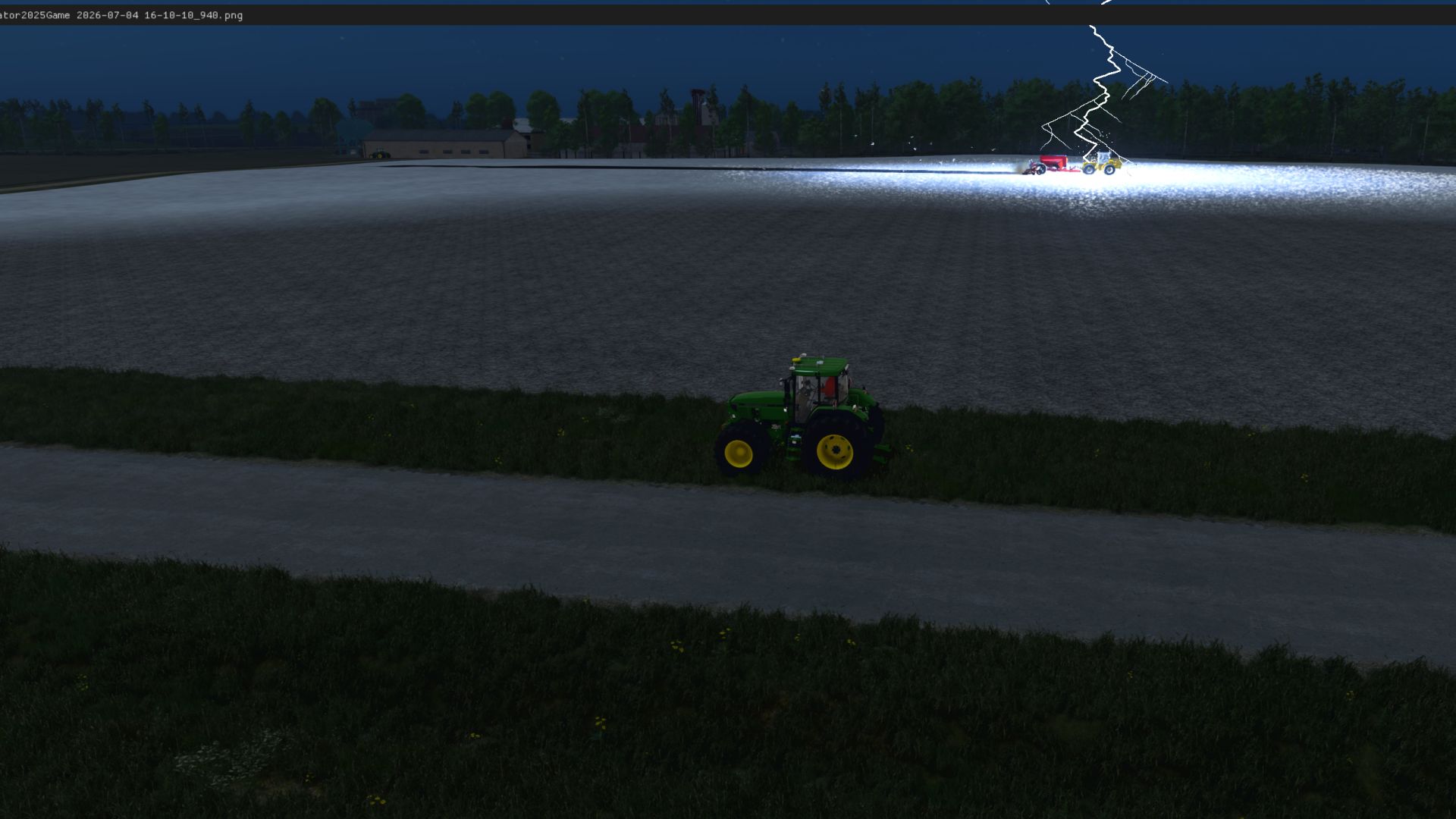
Lightning tears across the sky and thunder shakes the countryside—but this time, something else is happening. This mod goes beyond lights and sounds: the storm actively interferes with the gameplay, forcing you to adapt.
GIANTS once rejected one of my ideas simply because I dared to create something unusual. This time, I’m not going to explain myself.
I’ll let the storm answer for me.
Read readme from file…
I created this mod for my own enjoyment and according to my personal vision. I aim to recreate realistic situations.
Regular updates are planned, as I still have plenty of ideas. Let’s push the limits of the GIANTS Engine…
FS25_BXRLightningShock adds a dynamic lightning system to Farming Simulator 25. Automatic lightning only runs from the beginning of March to the end of October, and only when any rain or hail is detected. The first strike is prepared shortly after suitable weather begins; later strikes arrive at randomized intervals while preserving the three-minute rule. Each event may also create a separately delayed second strike.
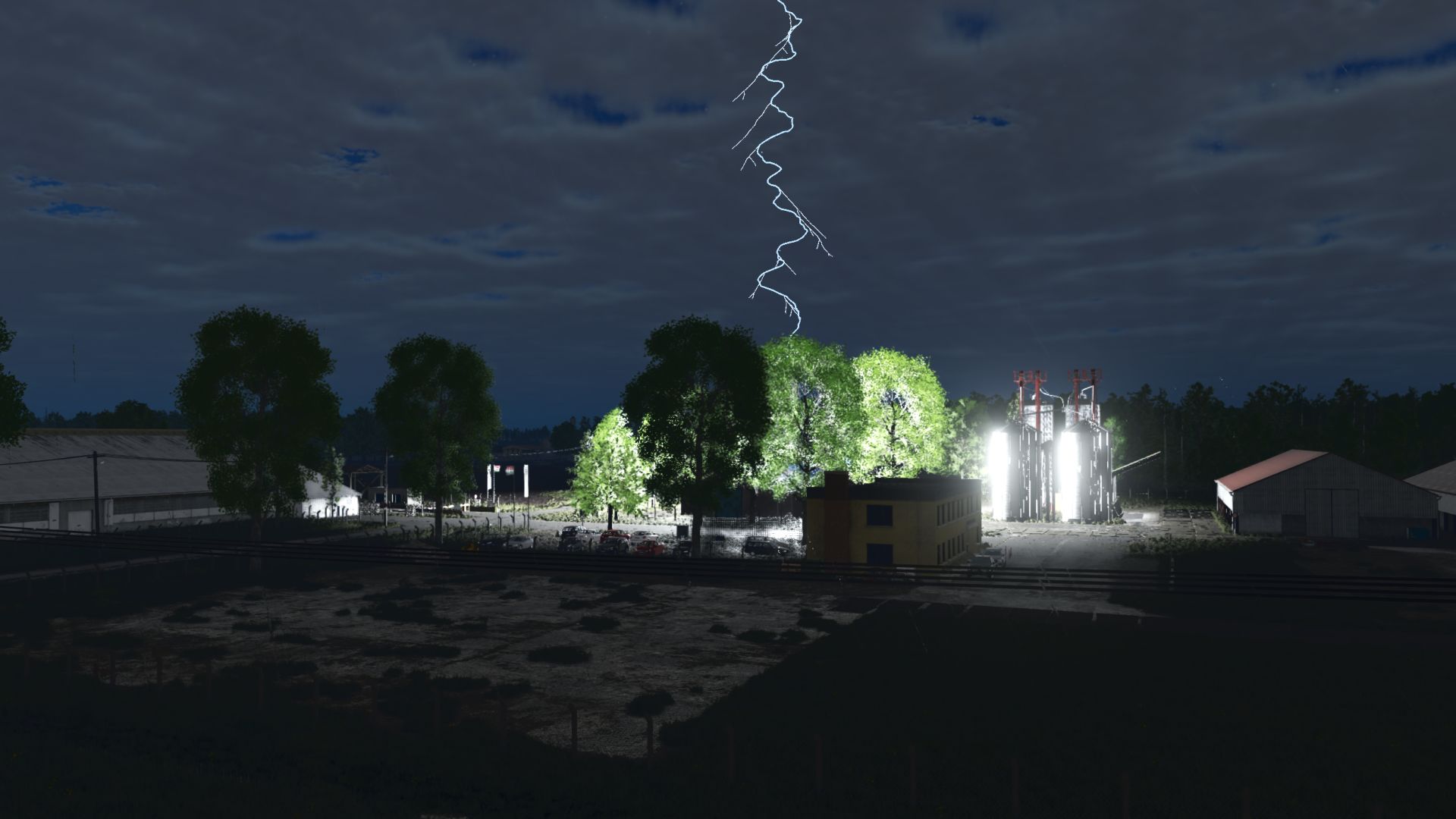
The lightning is not a simple straight line. The main channel grows downward quickly, with dense direction changes and many control points. The wandering/secondary main channel can search for a separate target, strike with a delay, and trigger its own flash, thunder, particles, vehicle shutdown or power outage. The main and side branches emit bluish-white light, glow and channel illumination. During the dark part of the final flicker, the channel disappears instead of turning black.
Target selection first looks for environmental objects. Streetlight and power poles, water towers, silos, storage structures, factories, taller buildings and other elevated constructed objects are preferred. Trees and ground are fallback targets, and ground strikes are heavily reduced under the current rules. Recent impact positions are remembered, and an exclusion radius prevents repeated strikes at the same location.
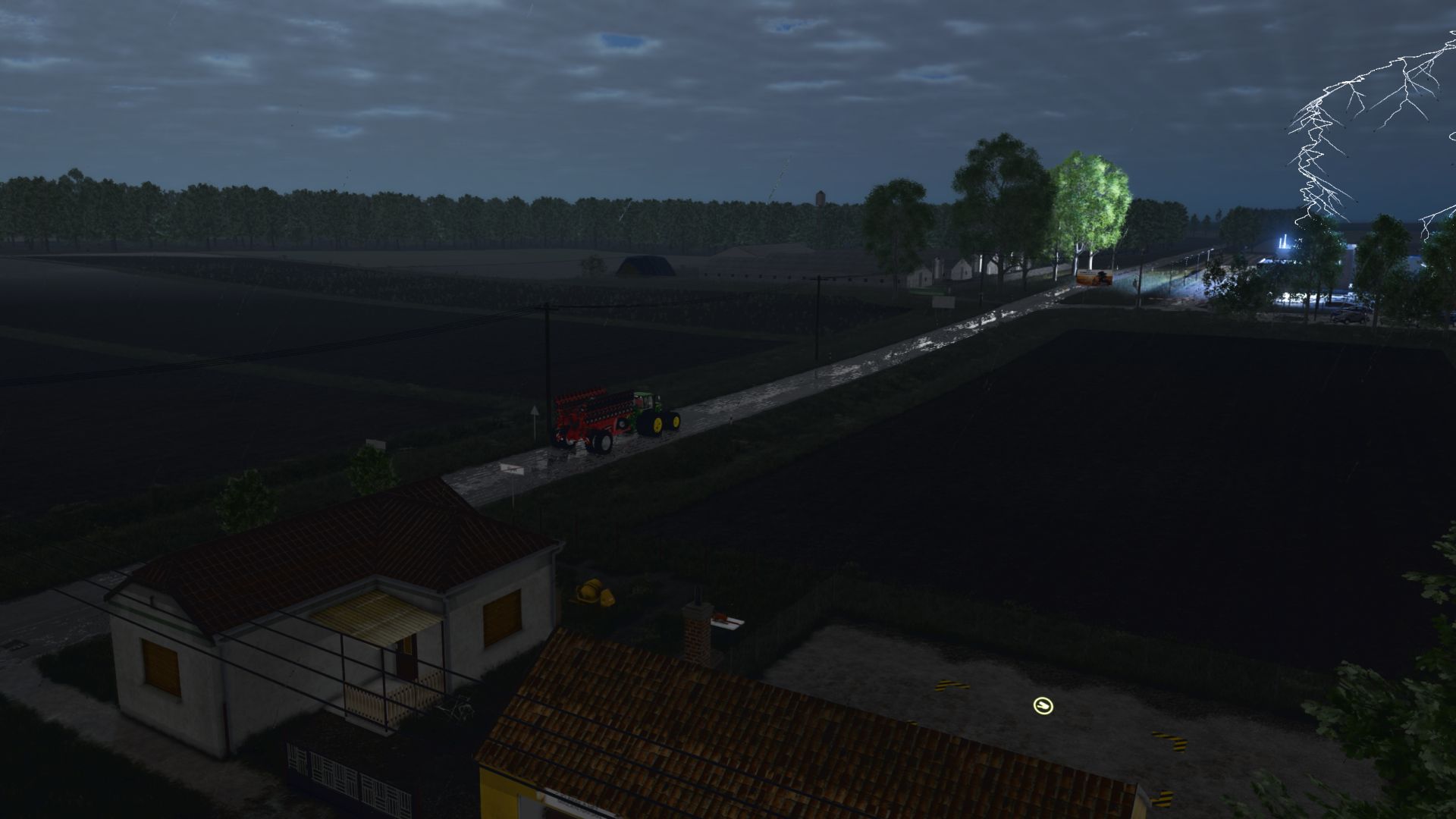
For vehicle targeting, AI vehicles are last in the targeting order. An AI vehicle in the active view and another AI vehicle both have a unified 15% strike chance. The player’s active vehicle without AI has a 5% chance. Vehicle strikes aim for the cab, and covered vehicles are excluded. The mod handles the full consist: tractor, attached implements and further connected implements are stopped and restored together.
When a vehicle is struck, the mod saves its state: controller type, active work/job, motor state, light state, cruise-control state, speed data and active-view status. Controller types are never mixed: CP stays CP, AutoDrive stays AutoDrive, and GIANTS AI stays GIANTS AI. CP only uses freezeCp/cpHold, then unfreezeCp/cpHold(0,false). AutoDrive only uses pause/unpause/release. GIANTS AI only resumes the saved GIANTS job. If safe restoration is not possible, the mod logs the issue and does not start another AI system.
During vehicle power loss, the whole consist’s lights turn off and the motor is forcibly stopped. Recovery keeps the current sequence: low beam slowly brightens, fades out, brightens again, waits half a second, flashes twice, then the motor restarts. If multiple AI vehicles are affected, their restarts receive a random 1-15 second stagger. Work resumes only through the original controller’s own path.
If lightning hits a non-vehicle target, it causes a power outage within 300 metres. Building lights, outdoor lamps, streetlights, advertising and information lights, LED/digital display characters, light cones, ground-light pools, emissive surfaces and other non-standard light solutions are turned off where the cache can find them. The outage also covers industrial barriers, electric gates, site entrance gates and compatible railroad-crossing controllers: their lights and control logic stop or pause, then return according to the restoration rules. Physical lamp housings, gates and barrier models remain visible. Productions, factories and compatible processing facilities stop. The sky, Sun, Moon, stars, clouds and vehicle lights are not affected by regional power outages.
Recovery timing differs by object type. BXR LED/InfoBoard-style panels are exempt from long outages and return around 10 seconds later. Other objects may recover after variable outage durations, with the two quick restoration flashes preserved. The world light cache is built once when the map loads, avoiding full scene scans right before impact.
The thunder system uses multiple thunder samples, including the two most recently added sounds. Each has a normal and enclosed-cabin/muffled version. Sounds rotate through a shuffled pool, and the mod avoids playing the same thunder sample twice in a row.
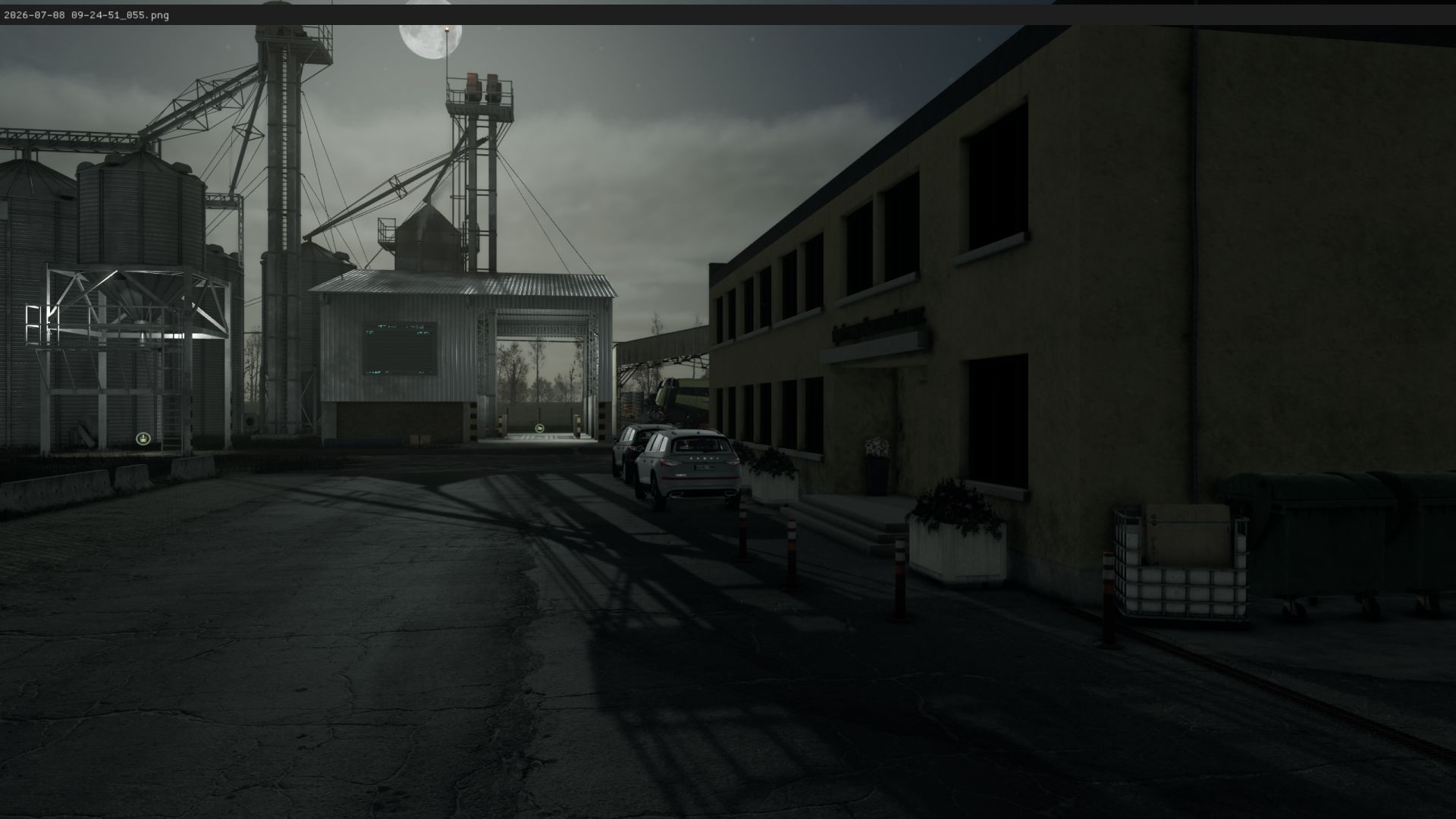
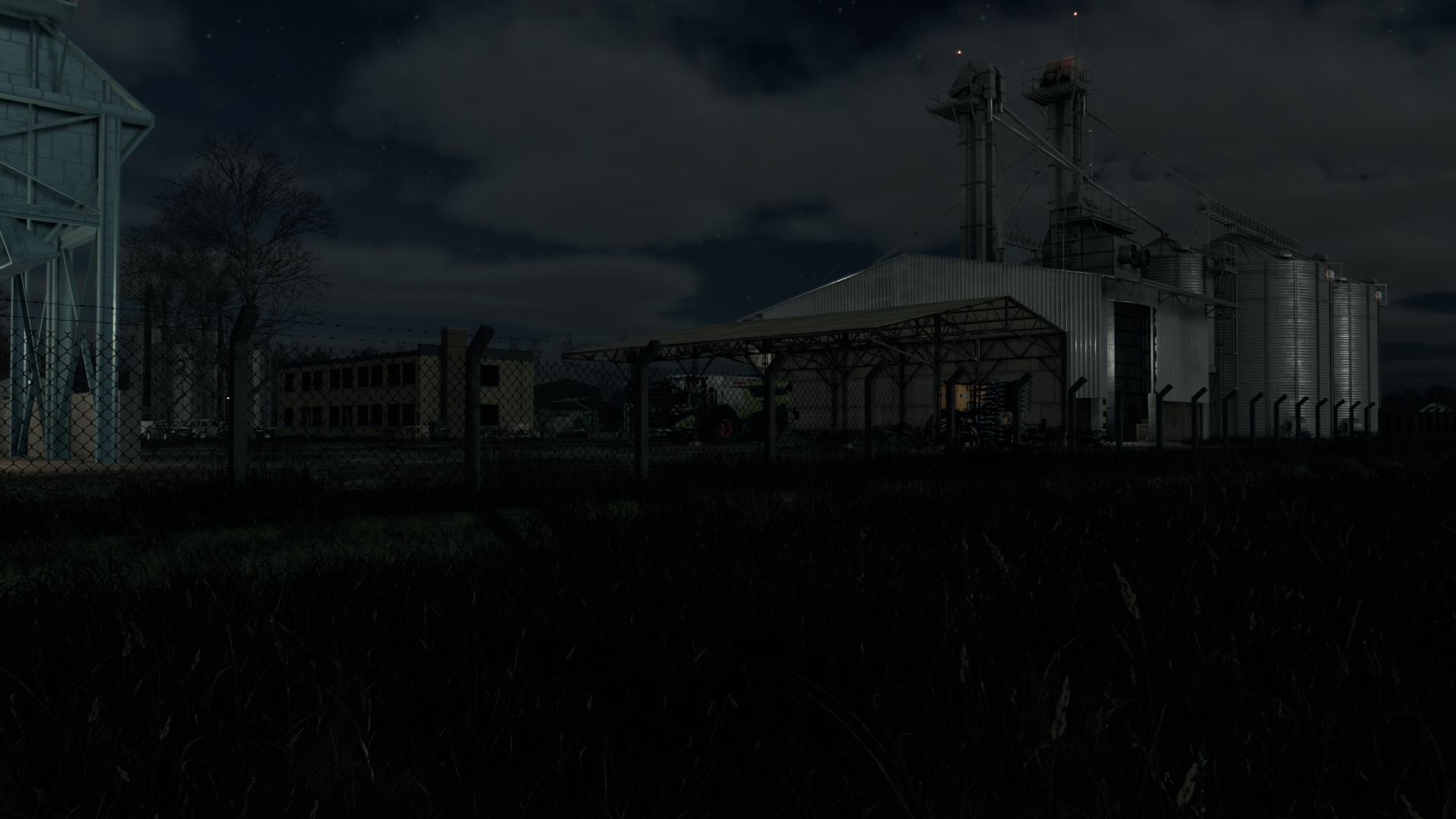
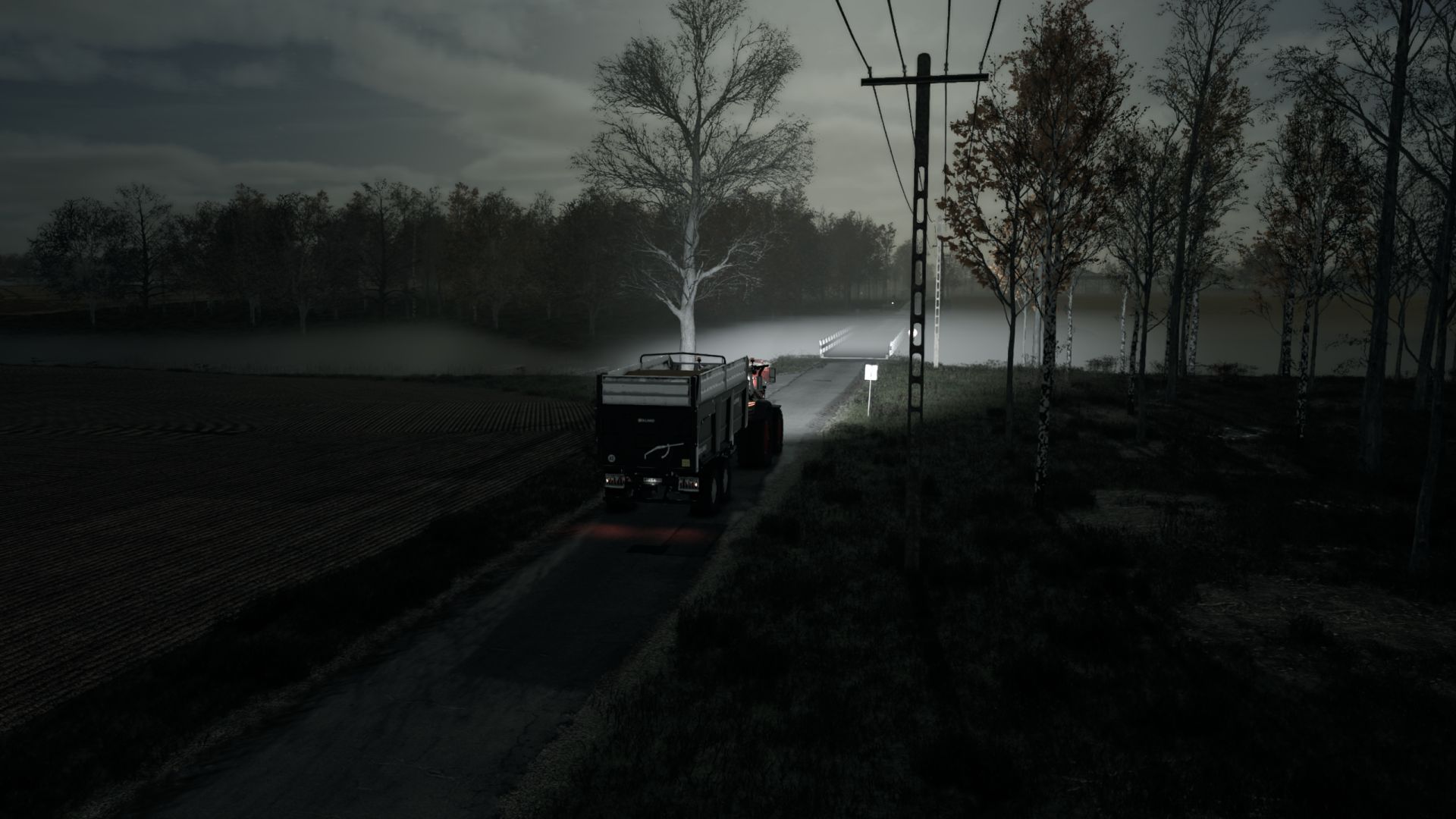
The mod also uses its own environment override. It includes Hungary/Central Europe-style day-night transitions, a darker night sky, stronger moonlit surroundings, moon-phase-style scaling and darker night cloud undersides. The underside brightness of night clouds is reduced through targeted cloudGroundAlbedo values, without globally darkening the entire night exposure. These sky, moonlight, night-lighting and cloud changes are fully effective only when no other active graphics, weather, sky or lighting mod overrides the same environment values.
V1.1.1.6
– The sun and moon paths were moved deeper below the horizon so they no longer disappear above it.
– The sun/moon handover still follows the game’s native primary/secondary lighting system.
– Sunrise and sunset lighting transitions were smoothed, removing the instant light switch.
– Sunlight, moonlight, and sky scattering curves were refined.
– Fixed the issue where the sky became completely pitch black when the sun or moon moved below the horizon.
– A very subtle bluish night-sky floor was added so the stars remain visible.
– This is not intended to strongly illuminate the ground, only to prevent the sky and starfield from vanishing.
Author: B O X E R