Realistic Seeder V1.0
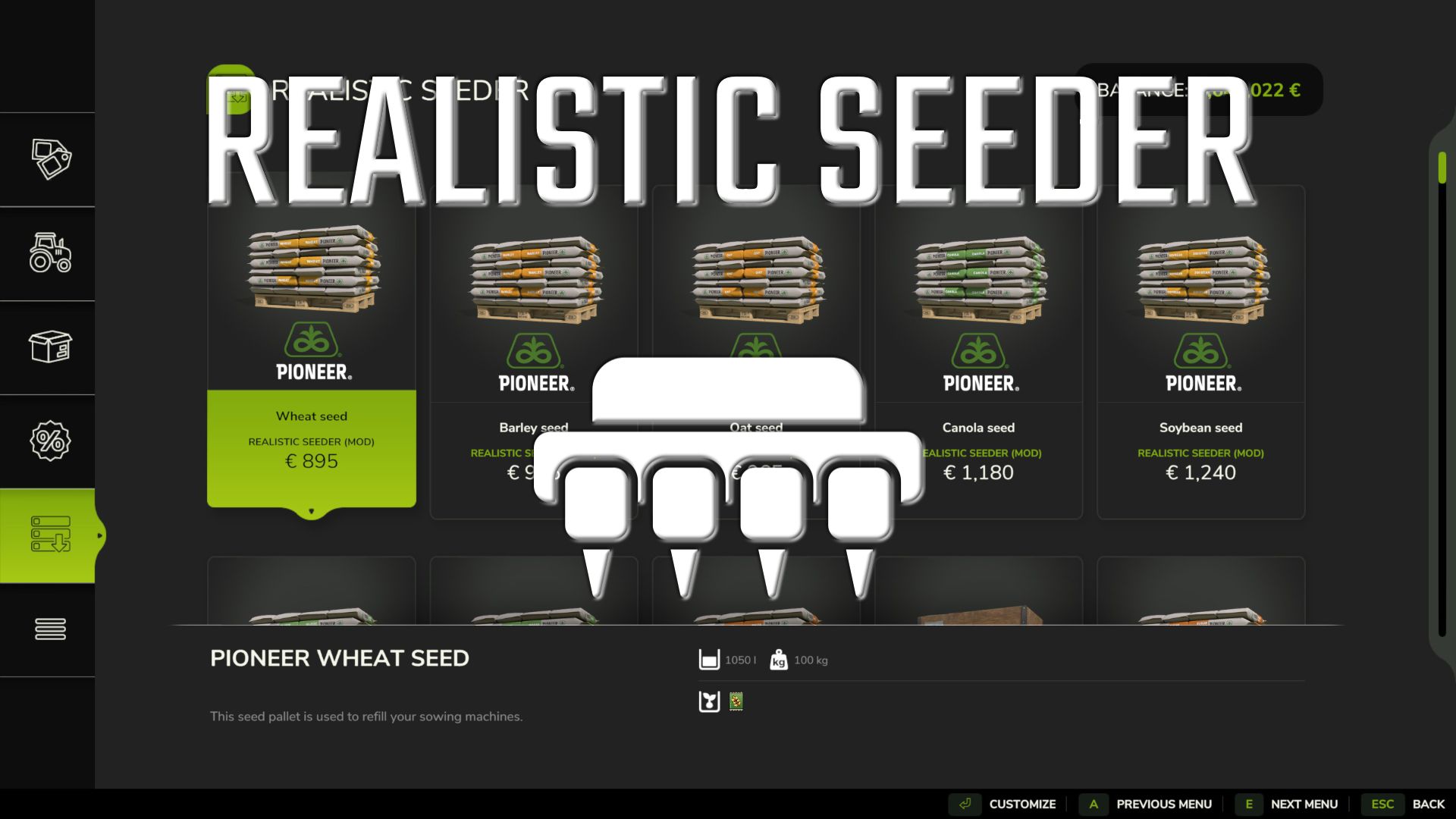
Realistic Seeder V1.0
This mod is intended to make working with seed drills a bit more realistic.
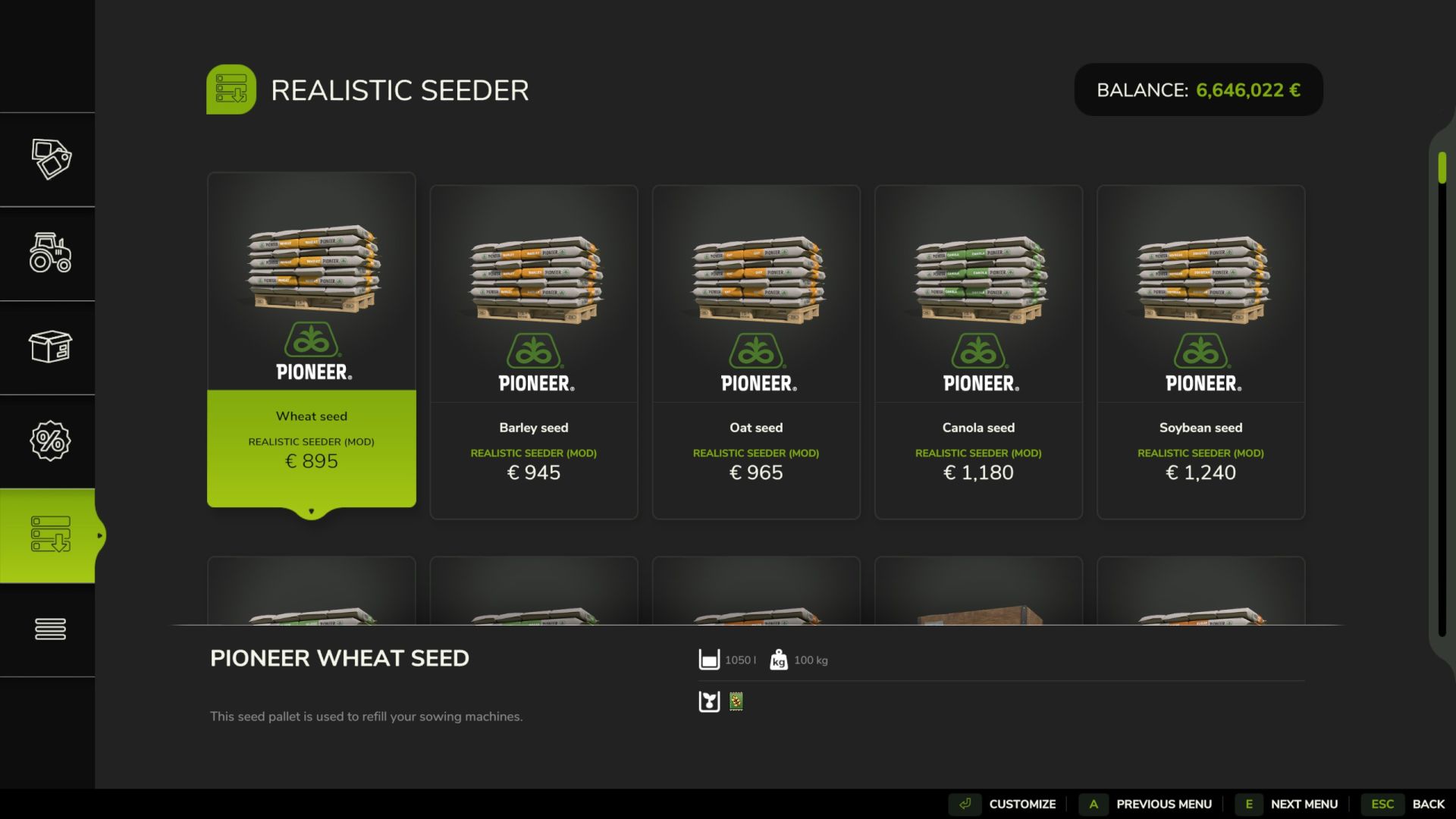
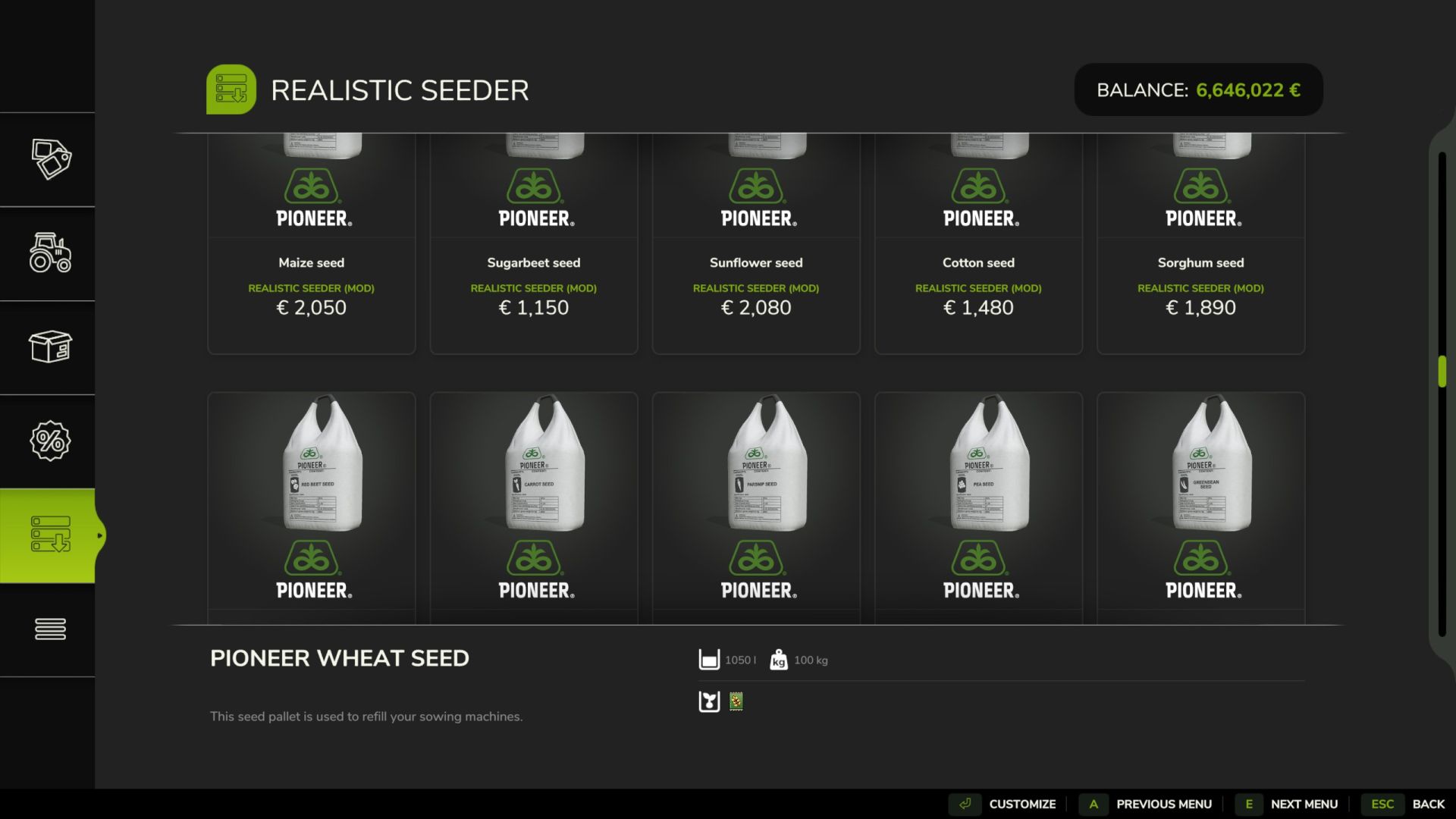
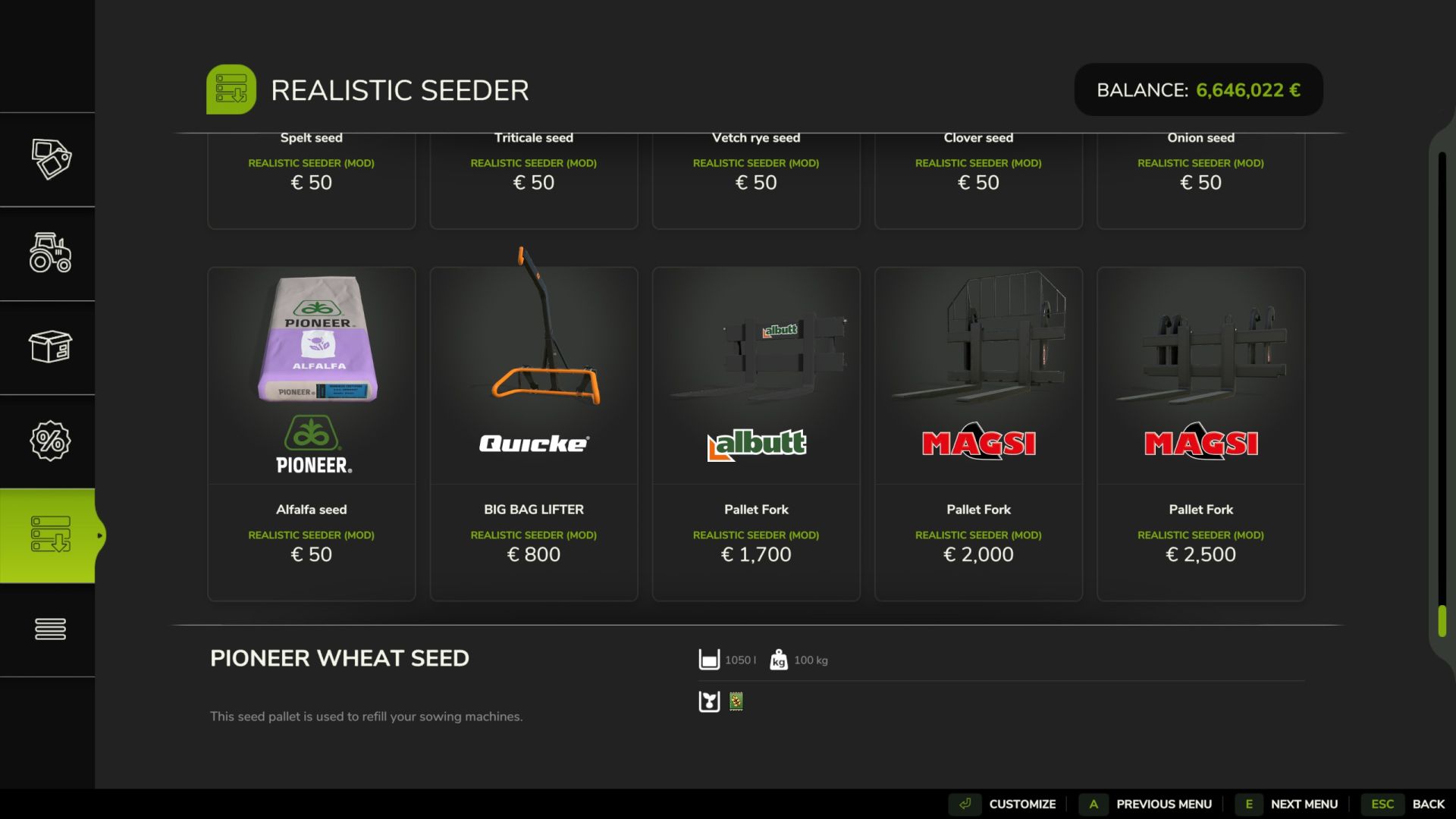
This mod adds separate seed pallets, big bags, and individual sacks for the following fruits.
The English names of the fruits are always in parentheses. If they are registered on the map with these names, then you can use them:
Standard fruits:
– Barley
– Rapeseed (canola)
– Cotton
– Grass
– Maize
– Oilseed radish
– Potatoes (potato)
– Soybeans
– Sugar beets (sugarBeet)
– Sunflowers
– Wheat
– Beetroot
– Carrots
– Parsnips
– Peas
– Bush beans (greenBean)
– Spinach
– Long grain rice (riceLongGrain)
Multifruits:
– Field grass
– Green rye
– Flowering cover crop (humusactive)
– Mustard
– Rye
– Silage maize (silageMaize)
– Spelt (spelted)
– Triticale (triticale)
– Vetch rye
– Clover
– Onions
– Lucerne (alfalfa)
If you are unable to sow a particular crop on your map, then the seed pallets are available.
Big bags and individual sacks for this fruit are also not available in the shop.
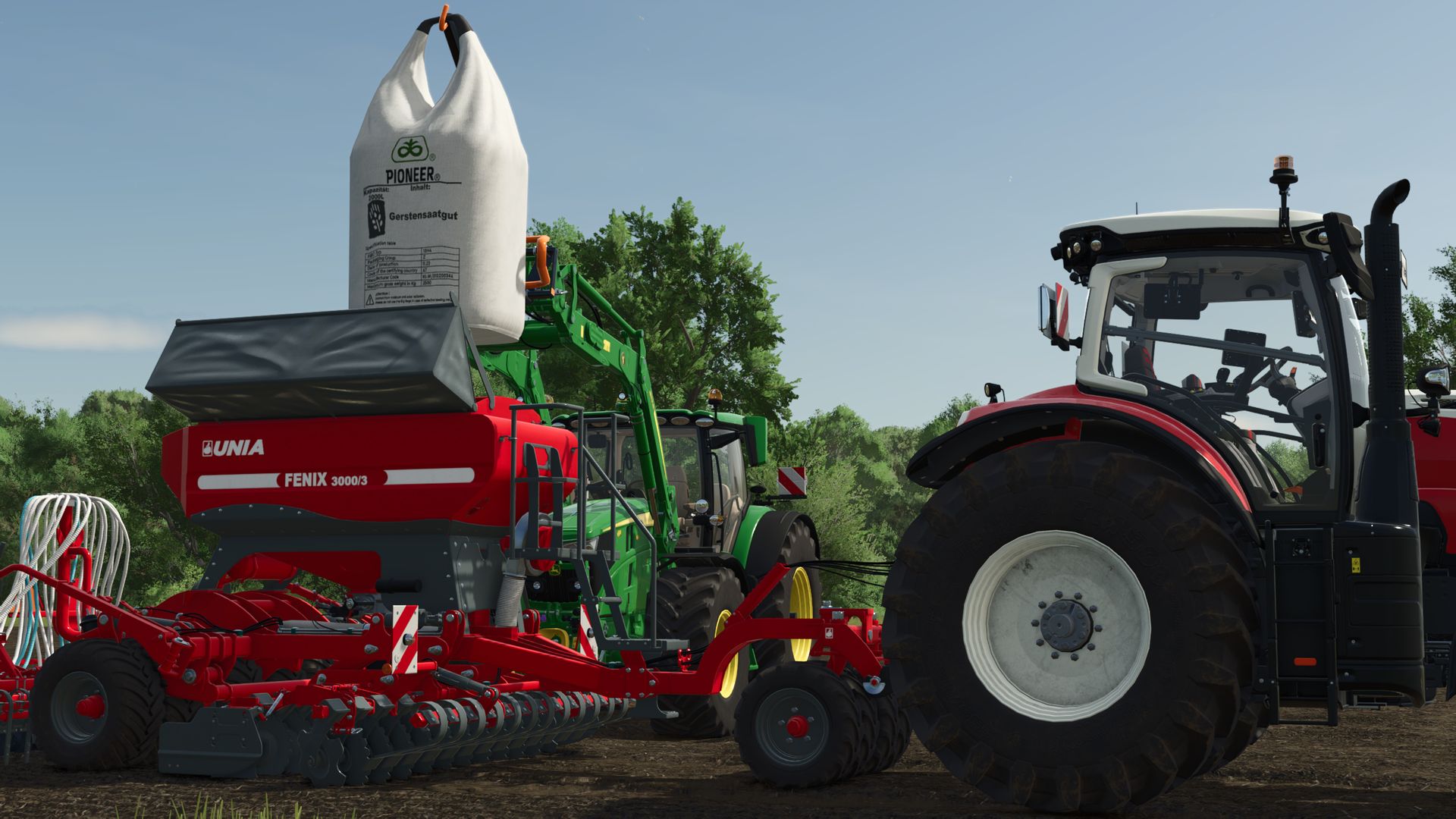
Are you filling a front tank or seed drill with one of these seed pallets, big bags, or individual bags?
Then you can only sow the fruit for which the contained seeds were intended. Switching between fruits will no longer be possible.
However, if you fill it with the standard seeds, you can switch between the fruits as usual.
The Grimme GL 420 and Grimme GL 860 potato planters now also feature a “fillLevelAnimation”. This means that the hopper tilts upwards when the number of potatoes in the hopper decreases, allowing them to slide forward towards the metering units.
The following 4 new categories will also be created under “Objects” in the shop:
Realistic Seeder Pallets
Realistic Seeder Bigbags
Realistic Seeder Bags
Realistic Seeder Accessories
You can buy up to 8 pallets and big bags at once.
Each bag contains up to 24 seeds. This is useful if you need a larger quantity of seeds.
The individual bags are all intentionally priced the same and are cheaper compared to pallets or big bags. This is simply because each bag has to be held individually over the seed drill for filling. Driving up and pressing “R” won’t do anything.
The textures of the seed trays have all been reworked and are now sharper. They are now in 2k resolution.
Now, each front tank can also load both fertilizer and seeds.
It is now possible to select the cargo space for unloading, so that the seeds and fertilizer can be unloaded separately if the machine has loaded both.
You can also choose between pallets and big bags for unloading.
Furthermore, the unloading side can now be selected. You can therefore unload pallets and big bags either to the left or right of the machine.
The mod also includes pallet forks with attachers. A big bag lifter is also included.
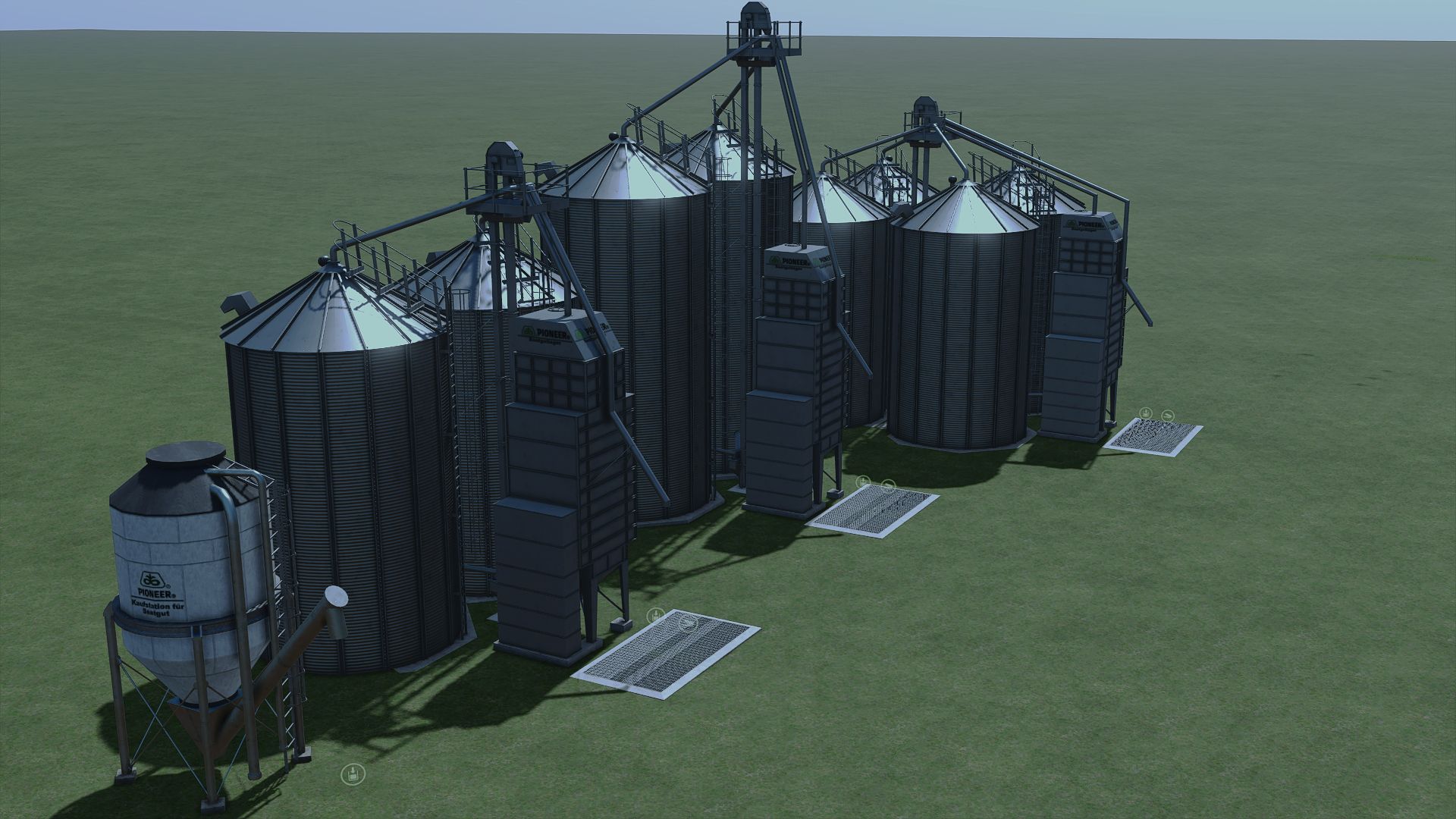
In the Build menu, under the Silos tab, there are now three seed storage silos that you can place to store larger quantities of seeds.
There is also a seed buying station there. Ideal for buying larger quantities of seeds.
Supported languages (in parentheses these are in English):
German
English
Polish
Czech (Czech)
French
If you play a language other than those listed here, then English will be used.
Key assignments:
Unloading:
Keyboard: [ALT] + [I]
Controller: [LB] + Left D-pad
Switch cargo space: (Only available if there is more than one in the device)
Keyboard: [ALT] + [F]
Controller: Press [LB] + Right Stick
Change unloading method:
Keyboard: [ALT] + [Q]
Controller: [LB] + [Y]
Change unloading side:
Keyboard: [CTRL RIGHT] + [N]
Controller: Press [LB] + [RB] + right stick
Attaching/removing the pallet:
Keyboard: [X]
Controller: [LB] + [A]
Have fun with the mod!
Author: Ifko[nator], RepiGaming, Pejay