Vehicle Trade In V1.0
Vehicle Trade In V1.0
Tired of selling your old vehicles for peanuts and then having to buy new ones at full price? The Vehicle Trade-In Mod brings a realistic trade-in system to Farming Simulator 25: just like at a real dealer.
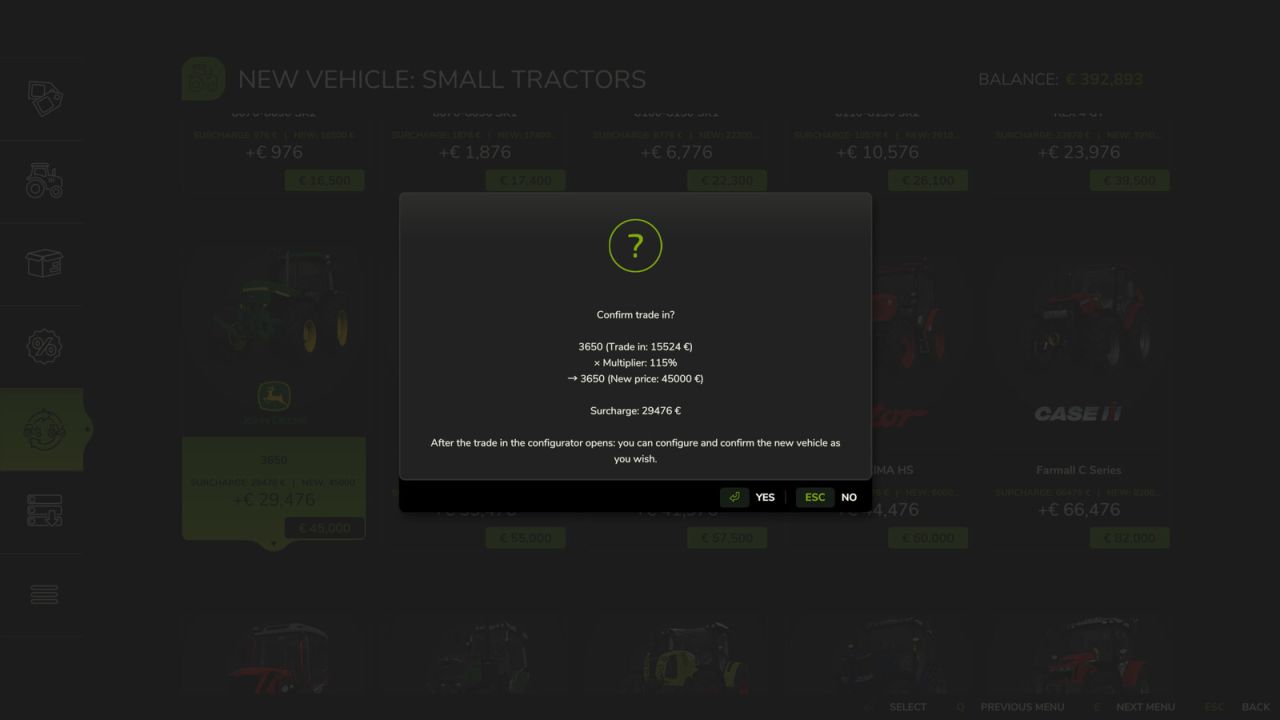
Instead of selling and buying separately, you can now trade in your existing vehicles directly for new ones. The trade-in value is calculated realistically based on several factors and is automatically deducted from the purchase price.
Controls:
CTRL + T: Open the Trade In menu
How it works:
Press Ctrl+T to open the Trade In menu
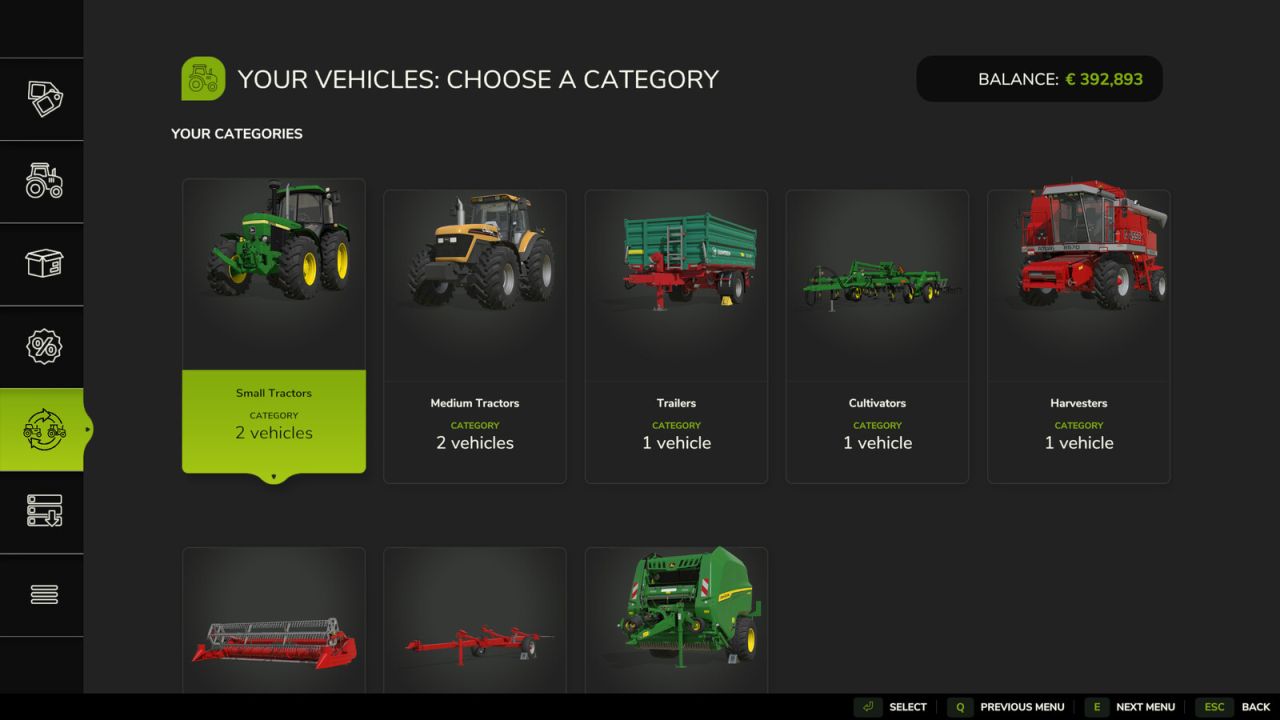
Select a category and choose the vehicle you want to trade in
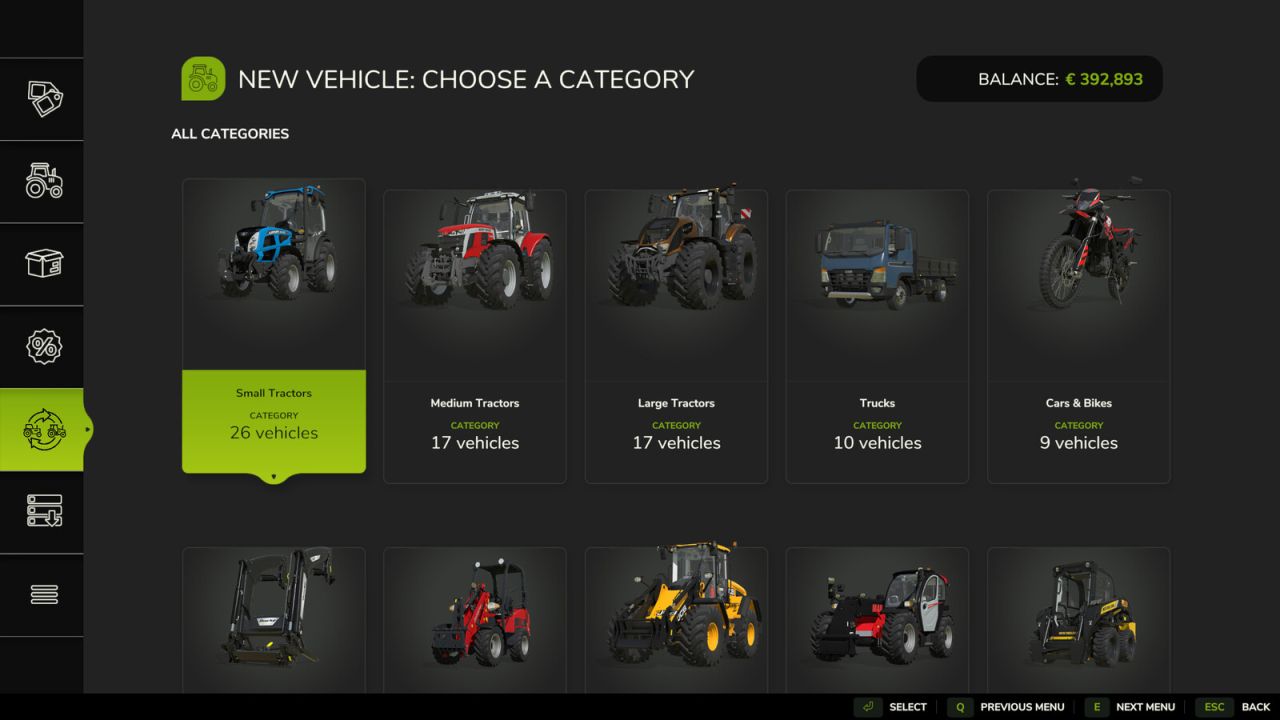
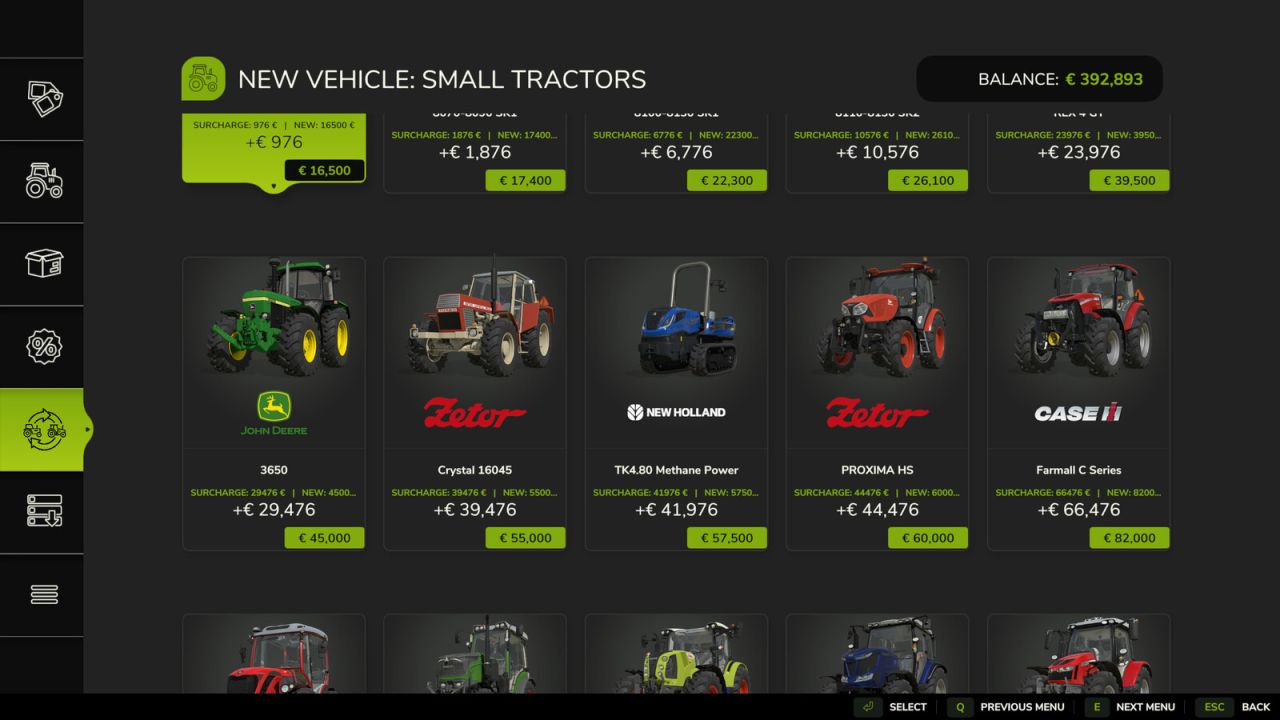
Browse the shop and pick your new replacement vehicle
Confirm the trade: the trade in value is automatically credited
The vehicle configurator opens immediately so you can choose colors, wheels, license plate and other options
The new vehicle spawns at the nearest dealer
6 Stage Price Calculation:
Stage 1: Base value (original purchase price)
Stage 2: Operating hours deduction (the more hours, the less value)
Stage 3: Damage factor (damaged vehicles lose value)
Stage 4: Dirt deduction (dirty vehicles lose up to 10%)
Stage 5: Age factor (older vehicles are worth less)
Stage 6: Minimum value floor (vehicles always retain a minimum value)
Features:
Realistic trade in value based on age, hours, damage and dirt
All standard FS25 vehicle categories supported (tractors, harvesters, trailers, implements, trucks, etc.)
Full vehicle configurator after trade (colors, wheels, license plate)
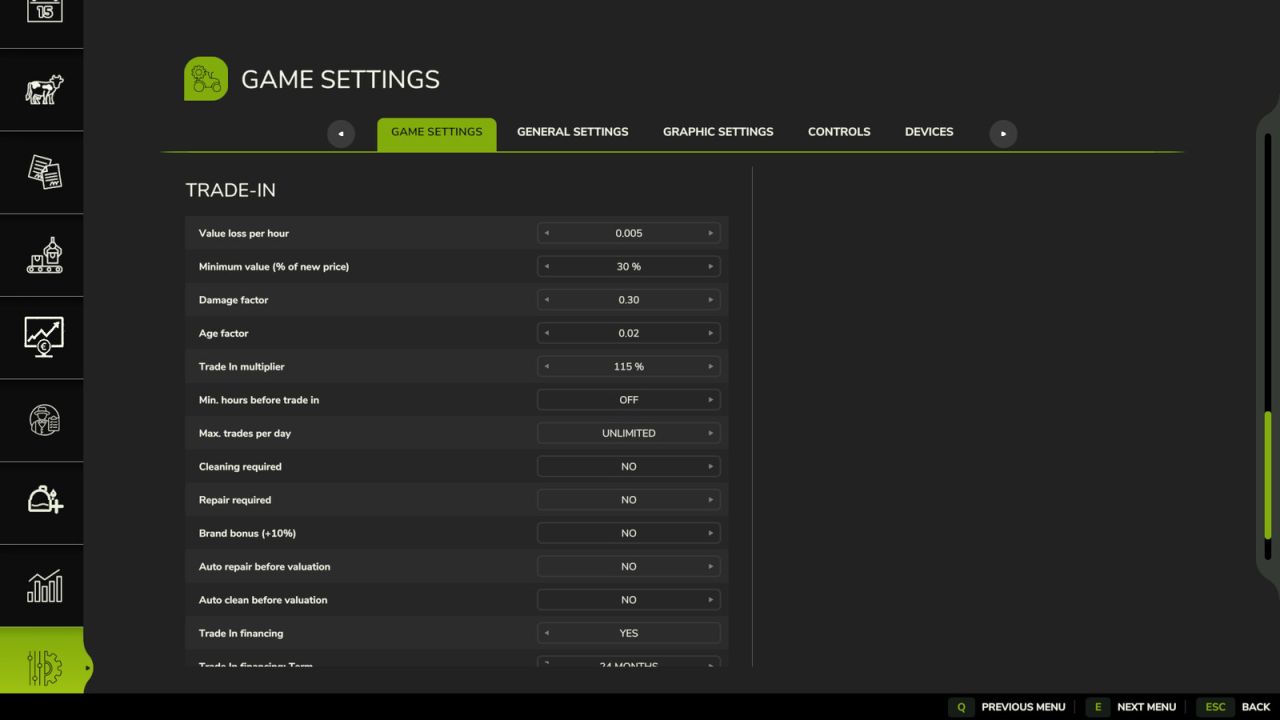
Customizable pricing rules (value loss per hour, minimum value, damage factor, age factor, etc.)
Complete sales statistics with totals, averages and records
Optional cleaning and repair requirements before trade-in
Fully translated into 27 standard FS25 languages
Important:
Works in both single-player and multiplayer
Placeables and bundled items are automatically filtered out
The mod does not modify any base game files
Author: Pat95