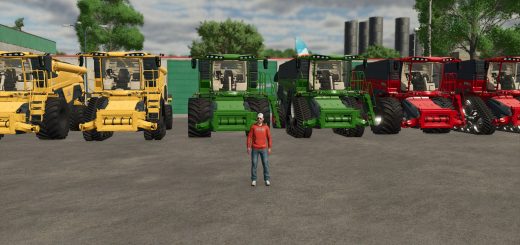
Case Axial Flow 150 Series V1.2


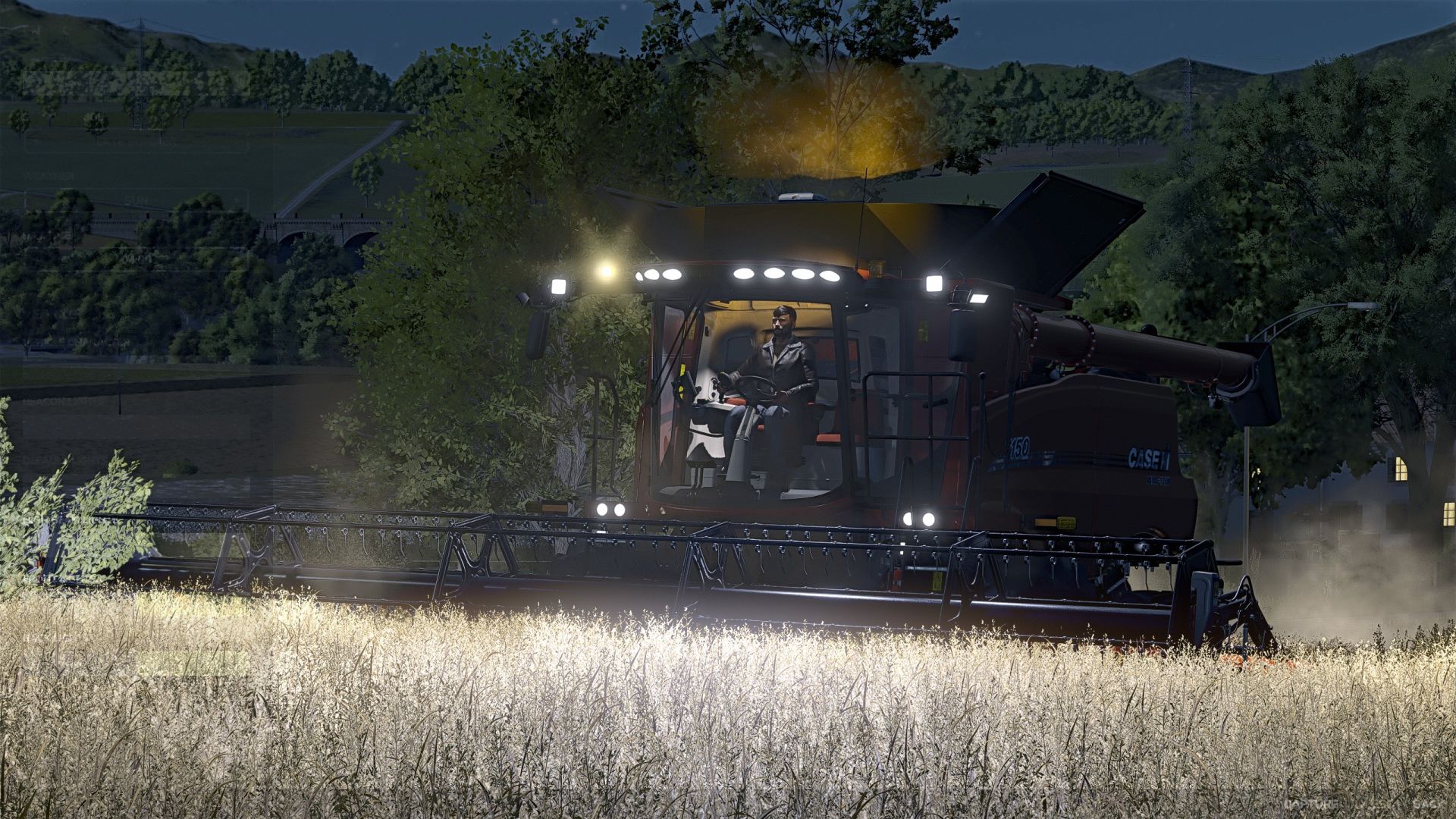
Case Axial Flow 150 Series V1.2
I’ve got the Case Axial Flow 150 series pack for you.
Included in the pack are:
Case Axial Flow 5150, 6150, 7150 combine harvesters,
Case TerraFlex 3050_28 header, and
Case n60_35 header trailer. Here’s
What’s been done:
Combine Harvester:
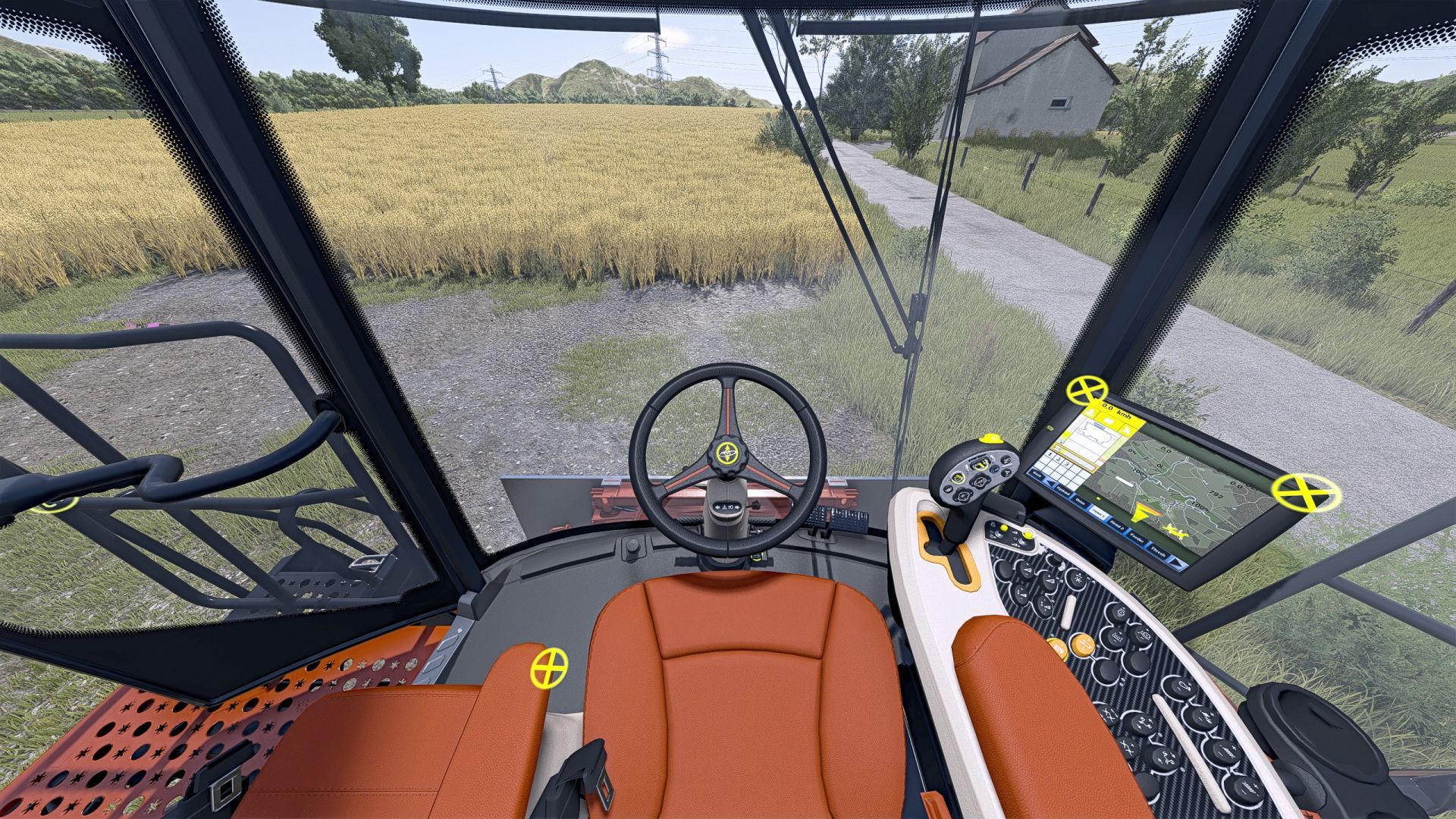
Full InteractiveControl integration,
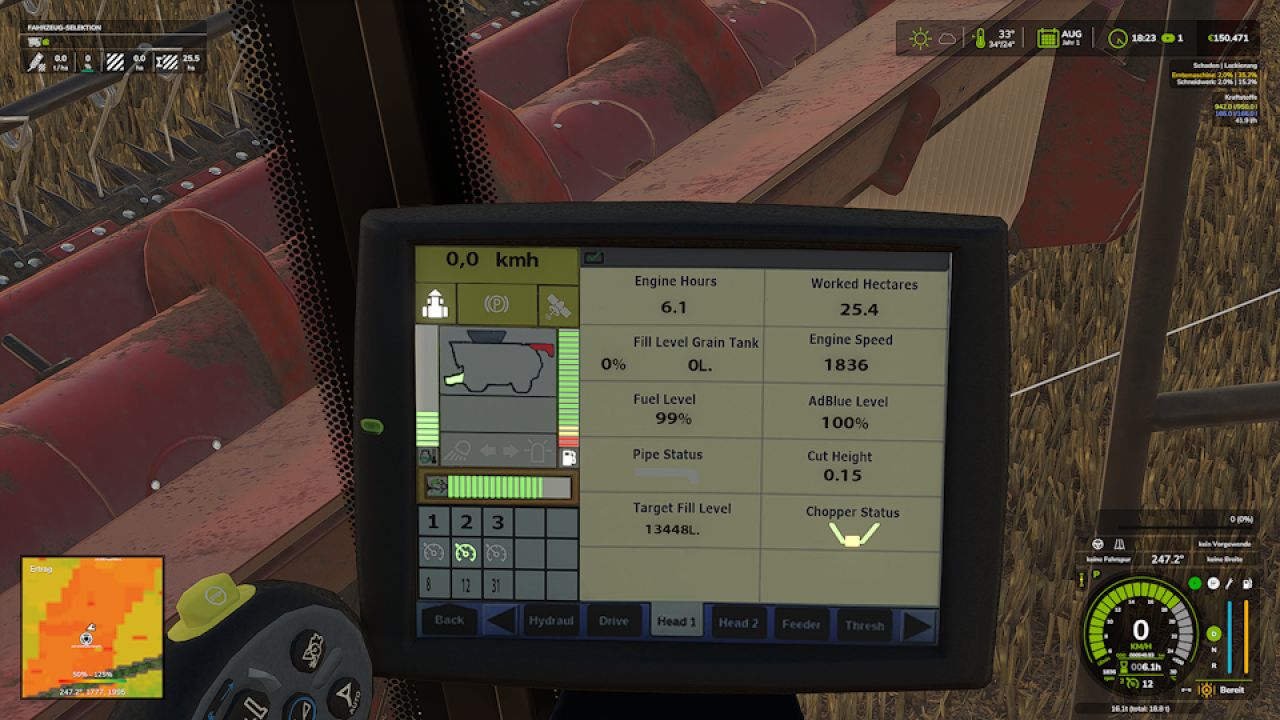
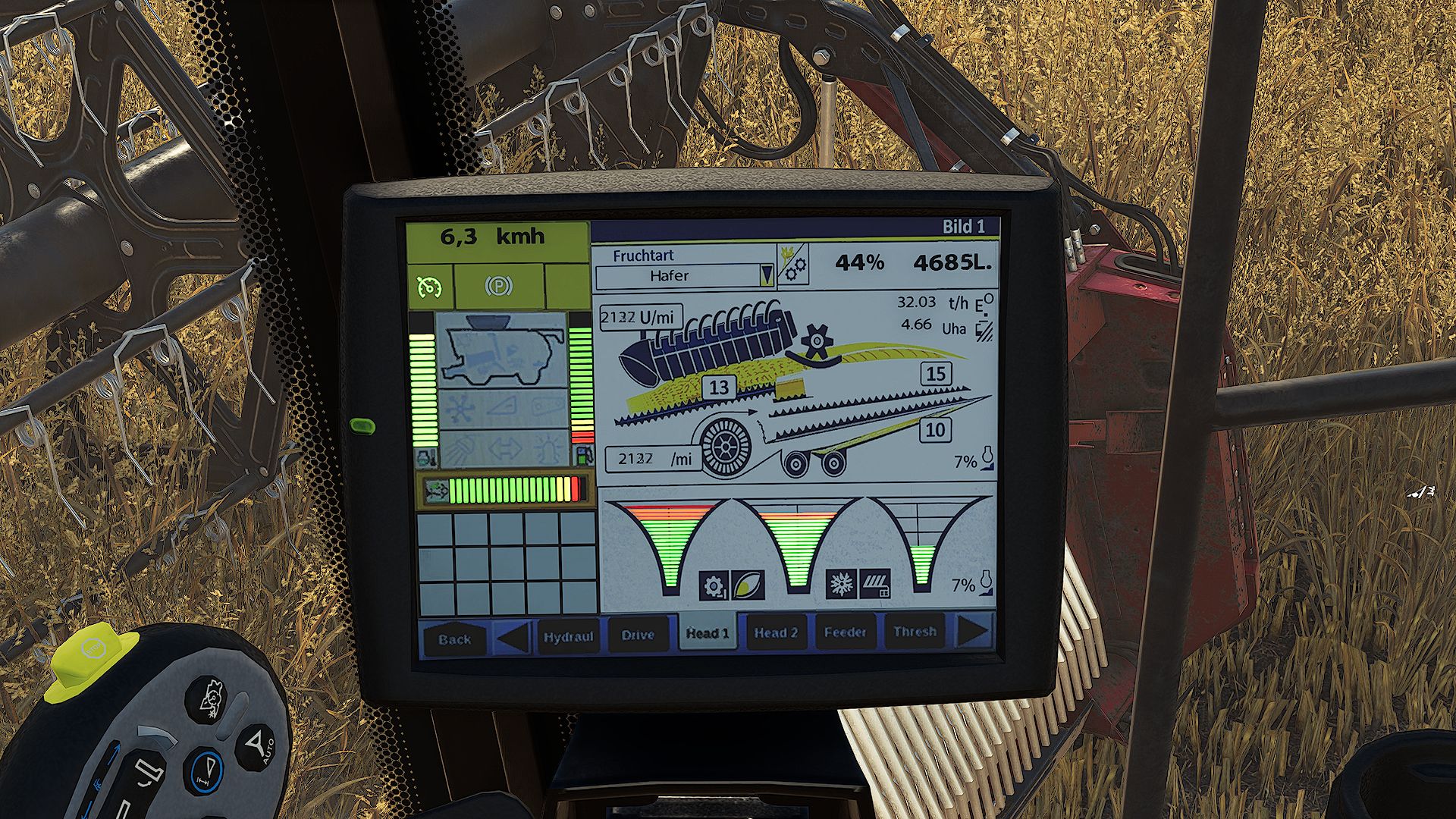
Custom DashboardLive displays,
work cameras installed (pipe, reversing camera, and trailer hitch),
the (in my opinion) ugly dual tires removed,
warning sign for the feeder house
added, chopper guard added , realistic sounds added , minor physics adjustments made.
The work camera displays are switched via DashboardLive!
Configurations:
Warning sign for the inclined conveyor.
Cameras can be selected as follows:
Top left in the cab,
top right in the cab,
above the terminal on the seat.
Chopper guard: Yes/No.
Header:
Rapeseed knives can be shown/hidden separately on the left and right via IC.
Crop dividers can be shown/hidden separately on the left and right via IC.
Crop lifters can be shown/hidden via IC .
Header trailer:
Here, only the color configuration was removed, adapted to Case colors, and the Case logo added.
A big thank you to
FarmingDuds for allowing me to use their sounds for InteractiveControl! Thanks to
Finanzamt31er for letting me use their icons for InteractiveControl!
And thanks to Rohne for providing the realistic sounds !
V1.2.0.0
– Decals revised
– Added tire pressure control system for the rear wheels (only if tape drive is selected)
– Added rear license plate configuration
Required mods:
Enhanced Vehicle
DashboardLive
RealGPS
InteractiveControl
CombineXP
Author: Do0fy, FarmingDuds, Finanzamt31er, Rohne