Real Fuel Consumption V1.2
Real Fuel Consumption V1.2
Real Fuel Consumption turns your farm’s fuel usage into something realistic and challenging.
Unlike other mods that just multiply consumption by a fixed number, this mod uses a dynamic system that reads each vehicle’s real state in real-time.
How it works:
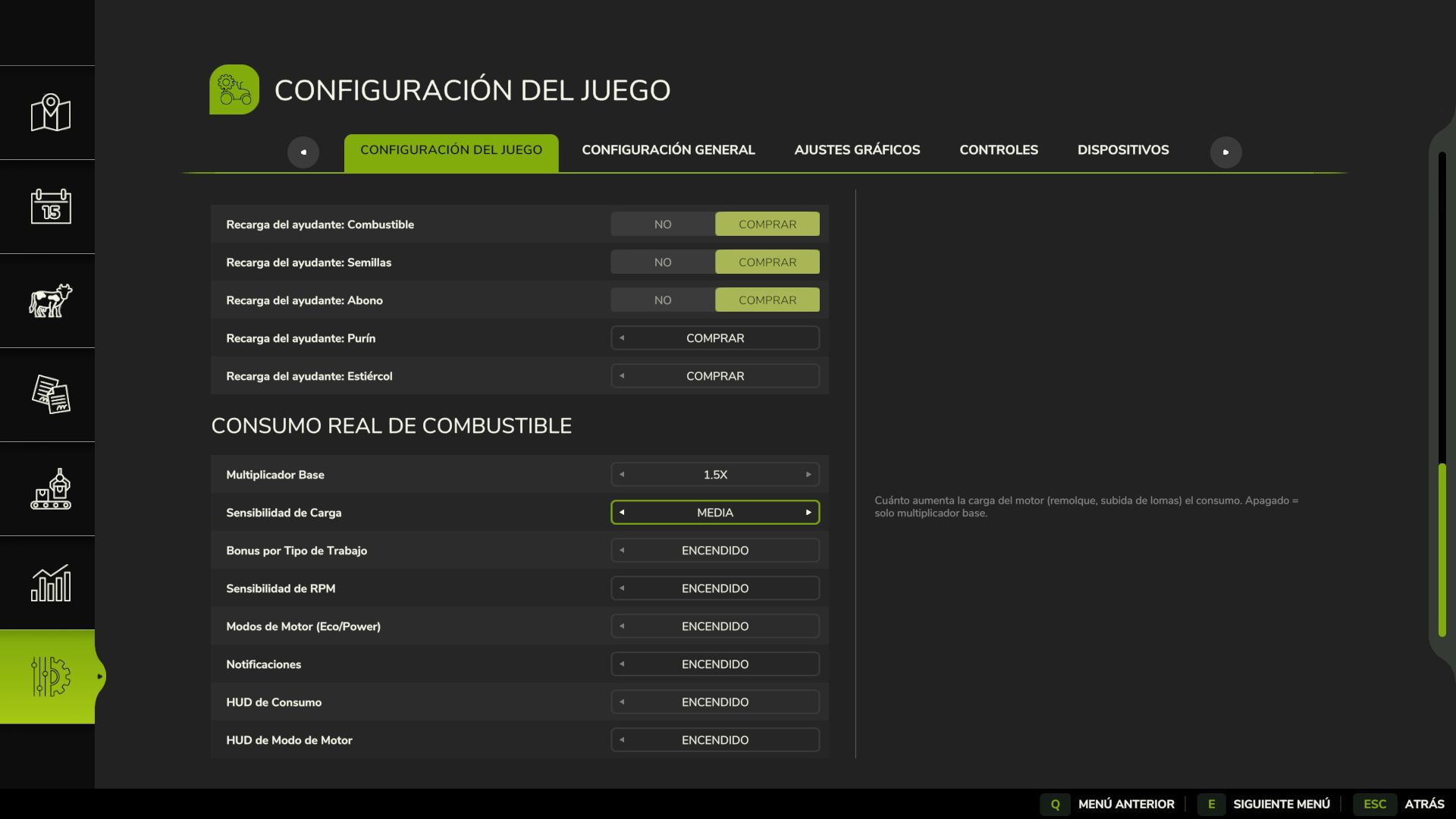
Base Multiplier configurable from 1.0x to 3.0x (default 1.5x)
Load Bonus — the engine consumes more when under real stress: climbing hills, pulling heavy implements, towing loads
Work Type Bonus — each task consumes differently, just like real life:
Plowing / Cultivating: +40%
Harvesting: +35%
Baling: +25%
Mowing / Tedding: +20%
Spraying / Fertilizing: +15%
Sowing: +10%
RPM Sensitivity — higher engine RPM means more consumption
Features:
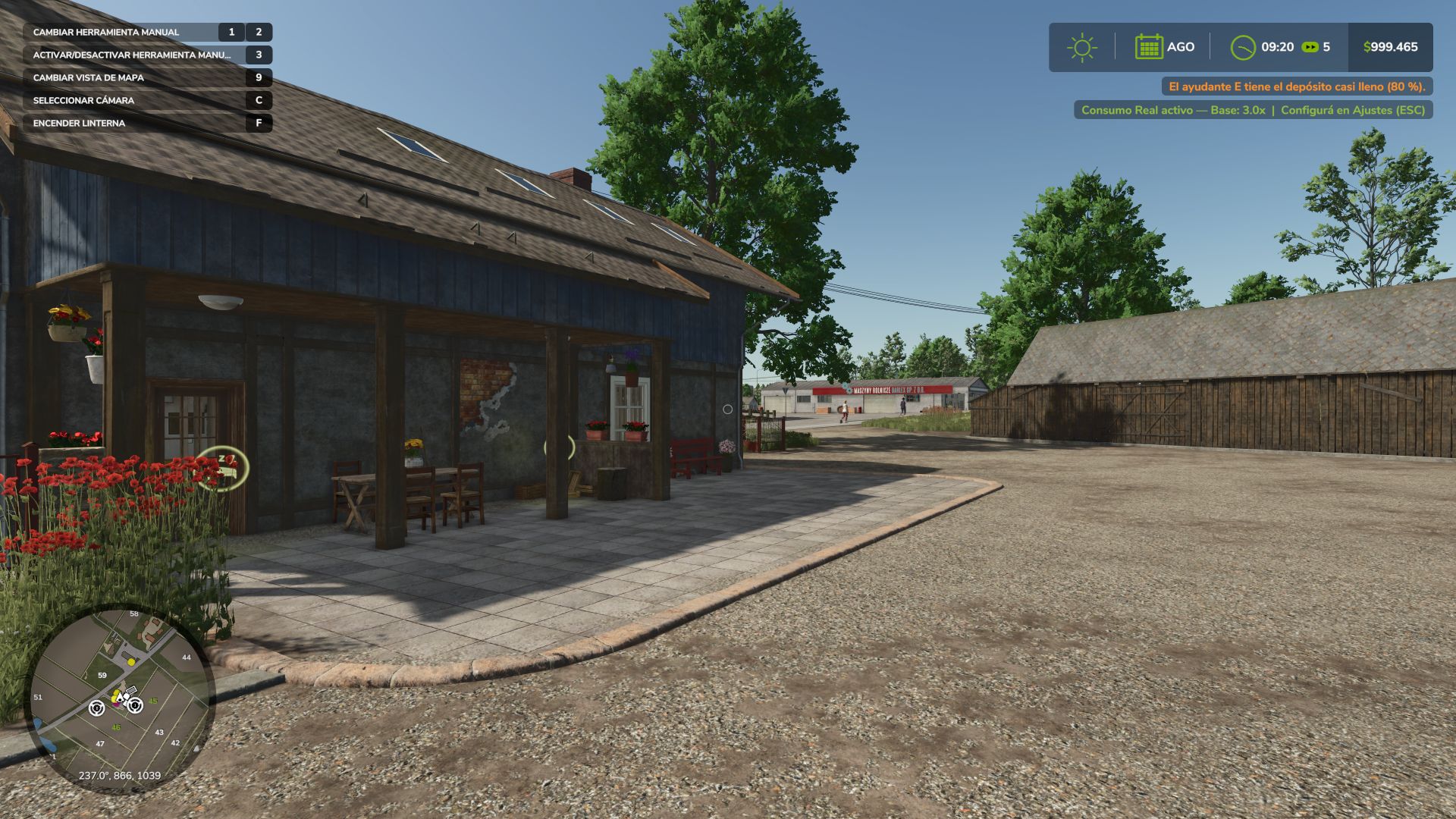
All options configured from the Game Settings menu (ESC), no commands or weird keys
Compatible with ALL vehicles and mods
Multiplayer compatible and Dedicated Server
Saves your settings per savegame
Tip: For balanced realism use 1.5x. For a hardcore challenge, go up to 2.5x or 3.0x with Load Sensitivity set to High.
Made with passion for realistic farming simulation.
V1.2.0.0
Major update: The mod has evolved from a “dynamic fuel consumption multiplier” to a complete system with selectable Engine Modes, a configurable HUD, and support for 4 languages.
What’s New in This Version
Engine Modes: Eco / Normal / Power (J key)
Based on the actual behavior of a tractor’s ECU, not made-up numbers. Press J in any motorized vehicle to cycle through three modes:
ECO: Smooth and “lazy” throttle response: the engine doesn’t rev to the redline, staying close to its efficient maximum torque band. Noticeably less power under heavy load, and speed suffers more the harder you push it. Always uses less fuel than Normal, with the greatest savings when the engine isn’t pushed to its limits.
NORMAL: The vehicle’s factory behavior, without any modifications. This is the baseline for comparison.
POWER: Aggressive and immediate throttle response, more torque, and a higher RPM ceiling. The engine struggles to maintain RPMs under heavy load, so a large plow or a direct seeder won’t stall in hard soil. However, this does result in higher fuel consumption.
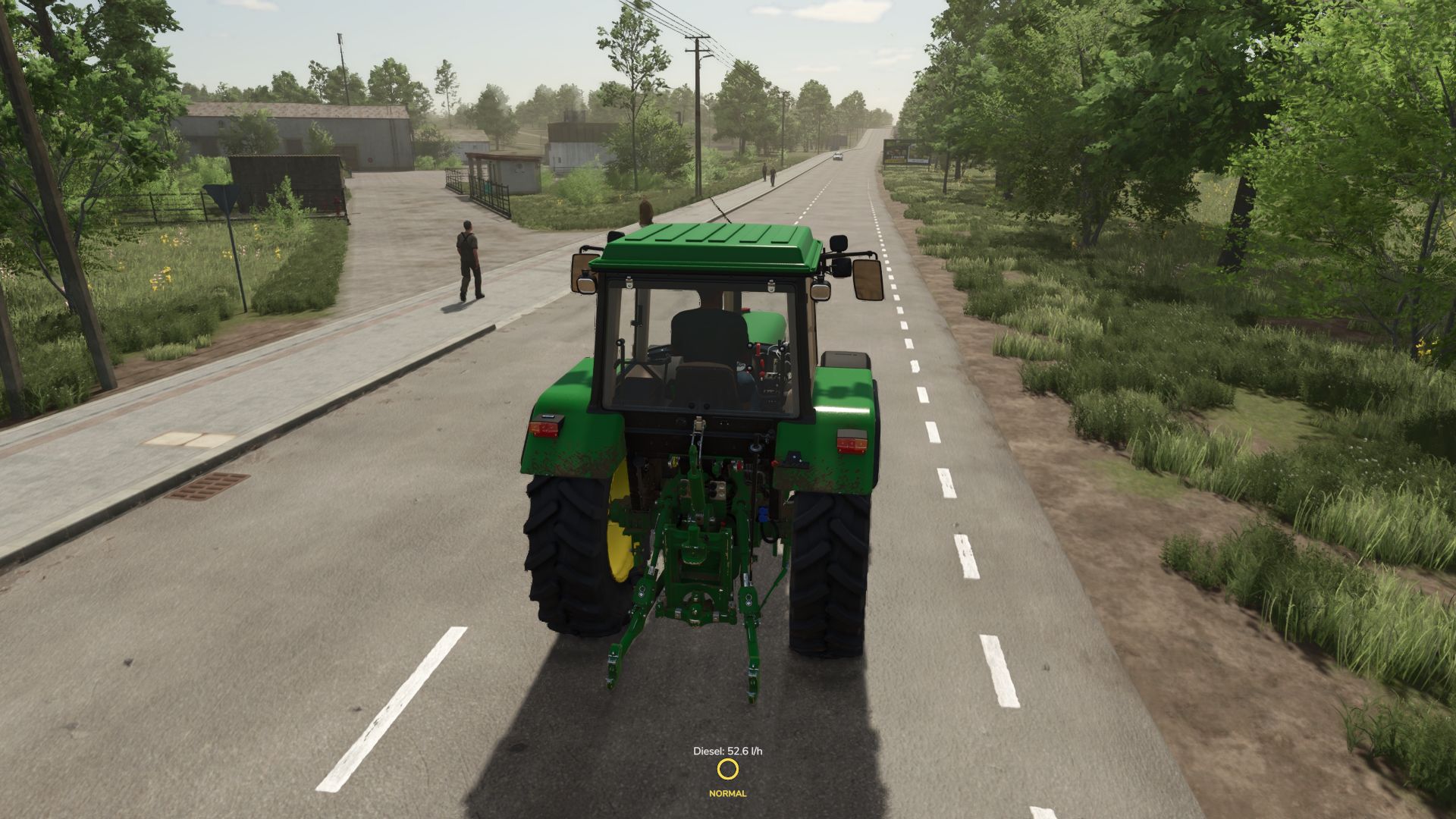
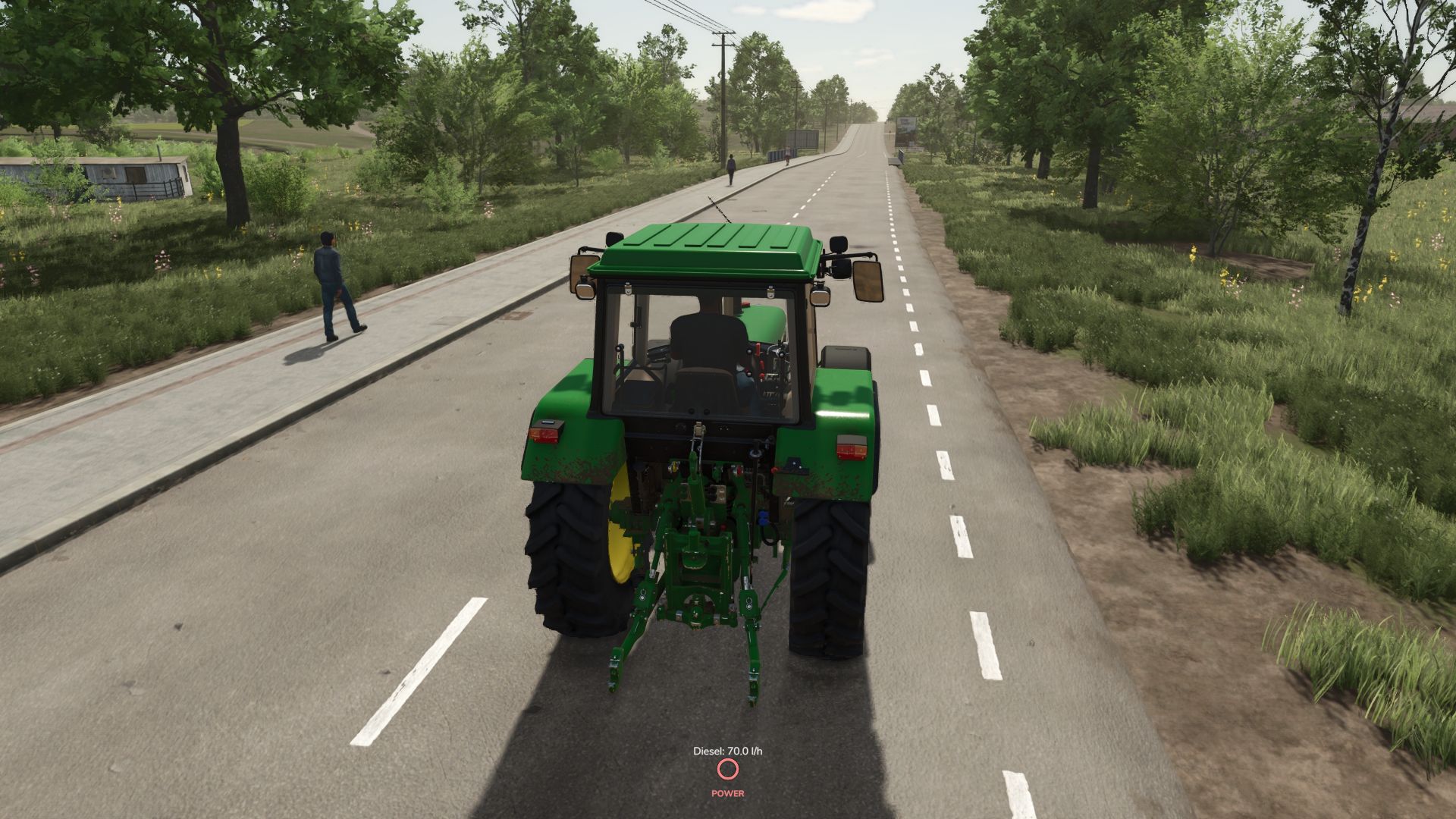
A colored circle (green/amber/red) on the screen indicates the active mode this is entirely optional and can be turned off in Settings.
Clean and configurable HUD
Real-time fuel consumption indicator: “Diesel: X.X l/h,” without unnecessary visual clutter.
Independent engine mode indicator.
Each indicator can be turned on or off separately from the Settings menu (ESC) this prevents conflicts with other mods that already display fuel consumption.
Full multi-language support
German and French have been added to the existing English and Spanish. The mod now supports four languages, both in the settings menu and in notifications.
New icon
Still works as always (and better verified)
The heart of the mod the dynamic fuel consumption system remains intact and is now verified line by line as it should be.
Default key: J toggle engine mode
Requires: no dependencies
Multiplayer: yes, synchronized
Any bugs or suggestions, please leave them in the comments. Thanks for supporting the mod!
Author: GonzaaNegro