Realistic First Person V2.0


Realistic First Person V2.0
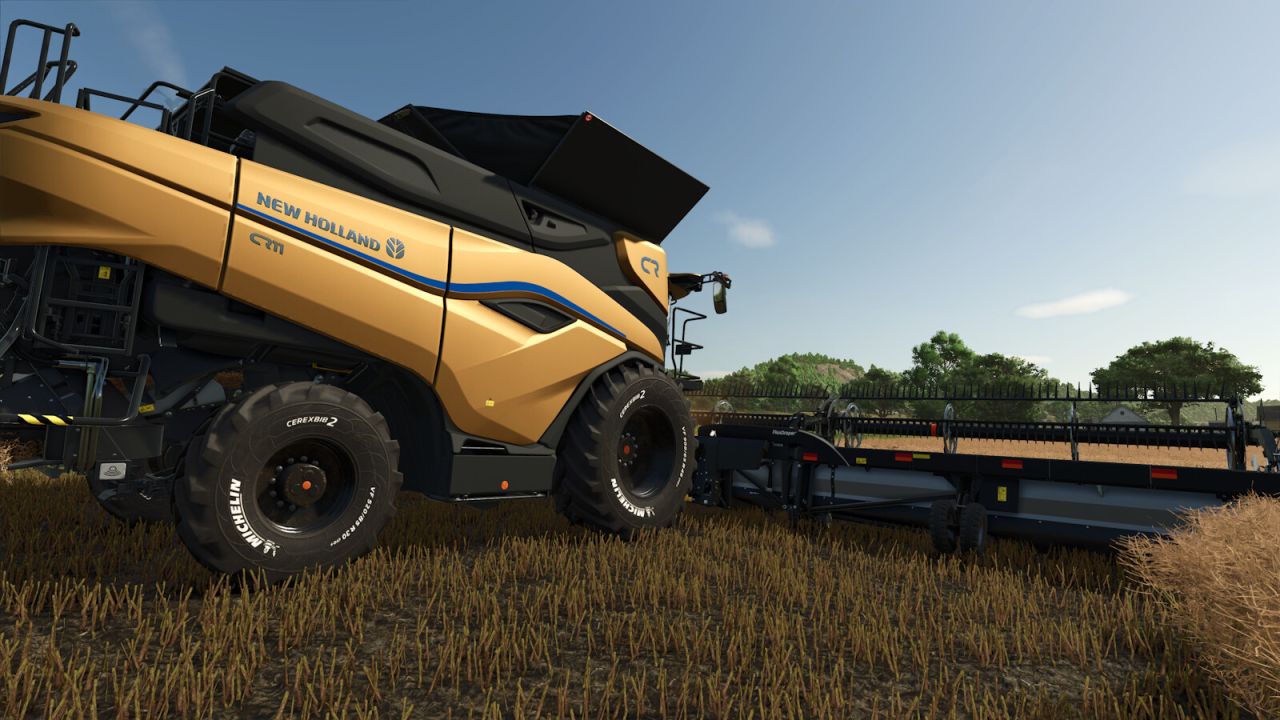
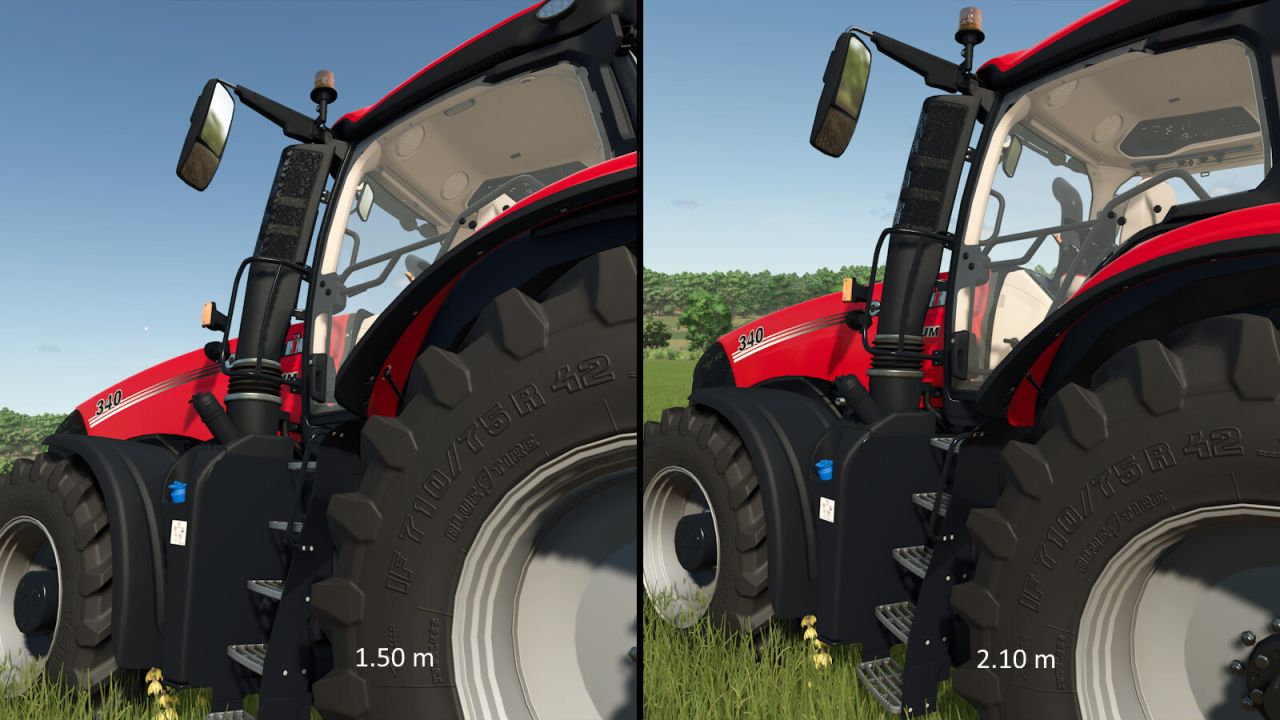
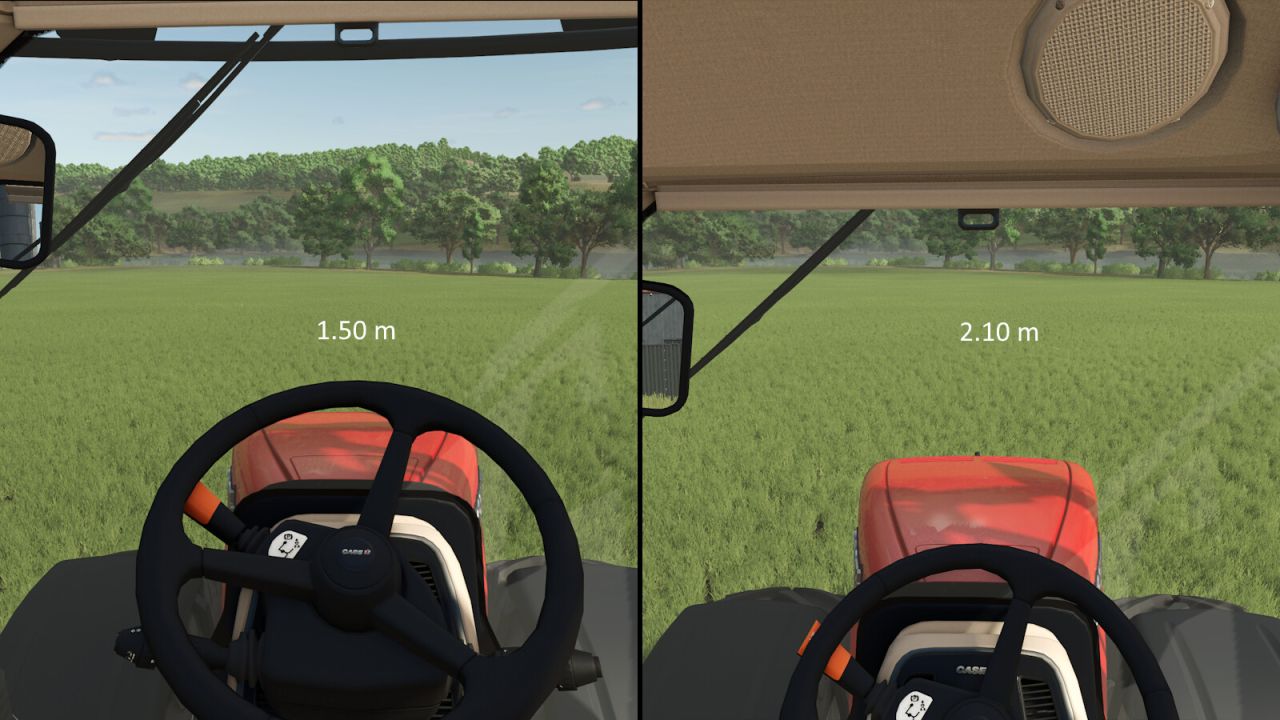
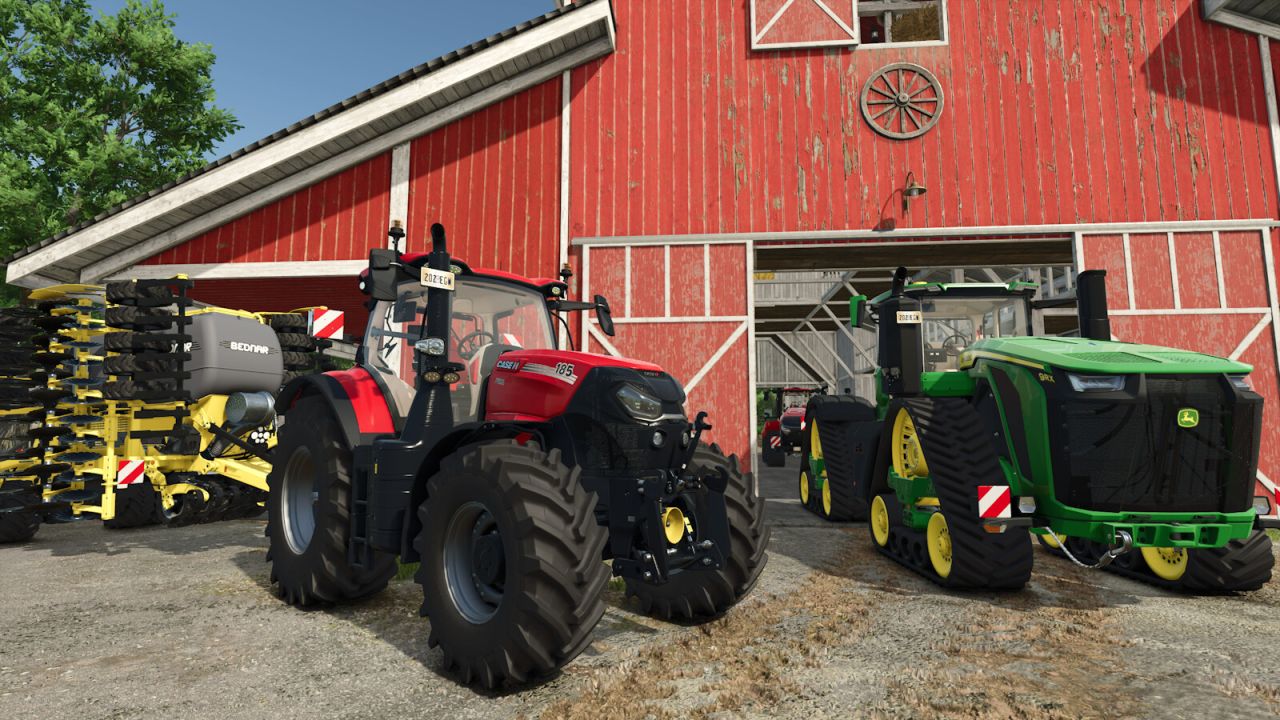
People are not all the same height, so everyone experiences their surroundings from a different eye level. This makes a noticeable difference when viewing large vehicles and machines and affects how their size is perceived.

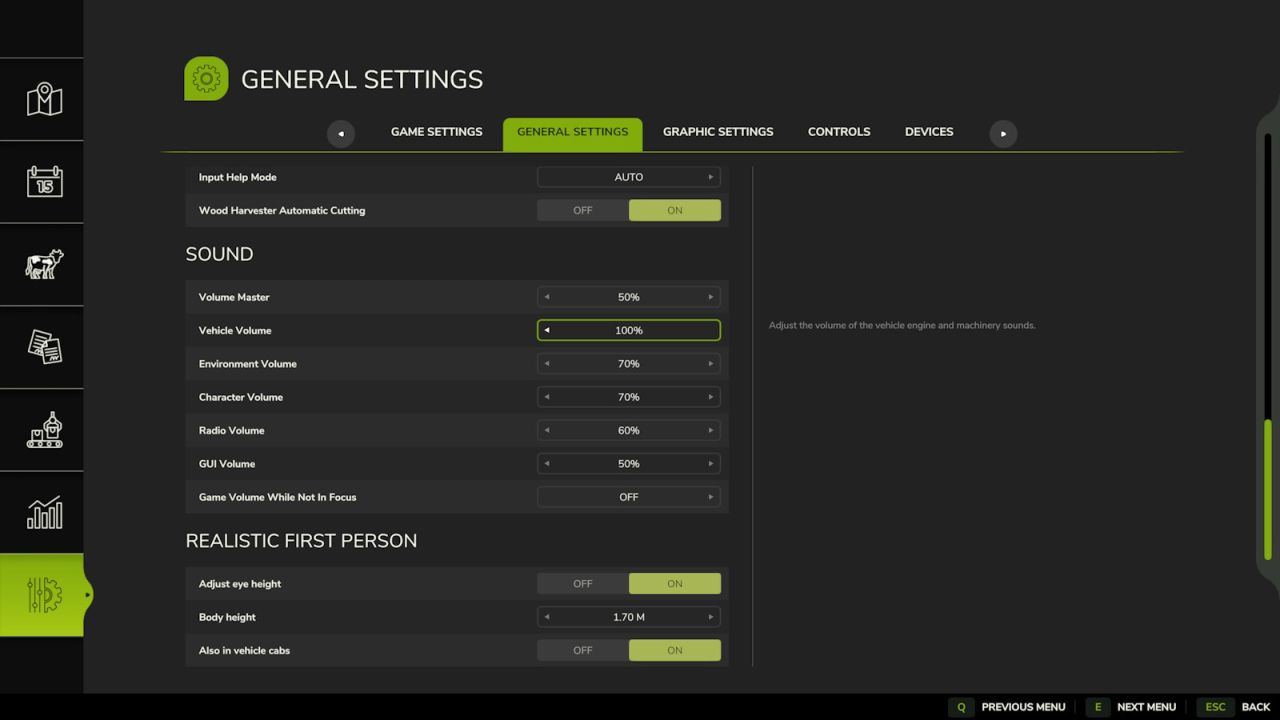
With this mod, you can set your own body height under “General Settings”. The first-person camera is then moved to a matching eye height. The first version of the mod lowered the camera by a fixed 5 cm. This update replaces that fixed value with a personal setting.

Body height can be set between 1.50 m and 2.10 m in steps of 1 cm. The adjustment works on foot and, optionally, inside vehicle cabs. While seated, the height is adjusted less strongly. Upward movement is also limited to prevent the camera from clipping through the roof of low cabs.

At the default setting of 1.87 m, the original camera height remains unchanged. Settings are stored globally and apply to all savegames. No multiplayer synchronization is required because the mod only changes the local camera.

V2.0.0.0
– Replaced the fixed 5 cm camera offset with an adjustable body height from 1.50 m to 2.10 m
– Added configuration under the general game settings
– Added optional adjustment of vehicle interior cameras with a separate seated offset
– Added global storage of settings


Author: Sandmann

Report bugs in the comments and help modders improve this mod. Always check the comments, you can find a solution.


Helpful Information: How to install FS25 mods | FS25 System Requiremnts | FS25 Modding Tutorial | Giants Editor for FS25 | How to Convert mods | FS25 Cheats

More Misc mods


About Farming Simulator 25 mods
Farming Simulator 25 supports game modding for PC, Xbox, or PS5. FS25 Mod may change your game from small to complete changes. You can create a Farming Simulator 25 mod file and share it with our community. When is a good time to try Farming Simulator 25 mods? We recommend playing a game with these FS25 mods after you finish the Farming Simulator 25 starting pack and are bored with the game basics. So it's time to try new machines, such as harvesters or tractors, which are not included in the basic game version.
As you already know, Farming Simulator 25 developers support mods installation, which will add more vehicles or lands to your game. Check our Best FS25 mods lists for PC, Mac, PS5 or Xbox Series. Just follow these simple steps: choose the LS25 mods category, download the mod for the Farming Simulator 2025 version, and install it into the mod folder. Remember, all Farming Simulator 25 Mods are free, and download as many as you want with no limits. We want to create one of the biggest Farming Simulator 25 Community and invite you to share FS25 mods with everyone.

Leave a Reply

Do you need help or to say thanks to the mod author? Just leave a comment below!