CLAAS Lexion 8000 Series v1.0
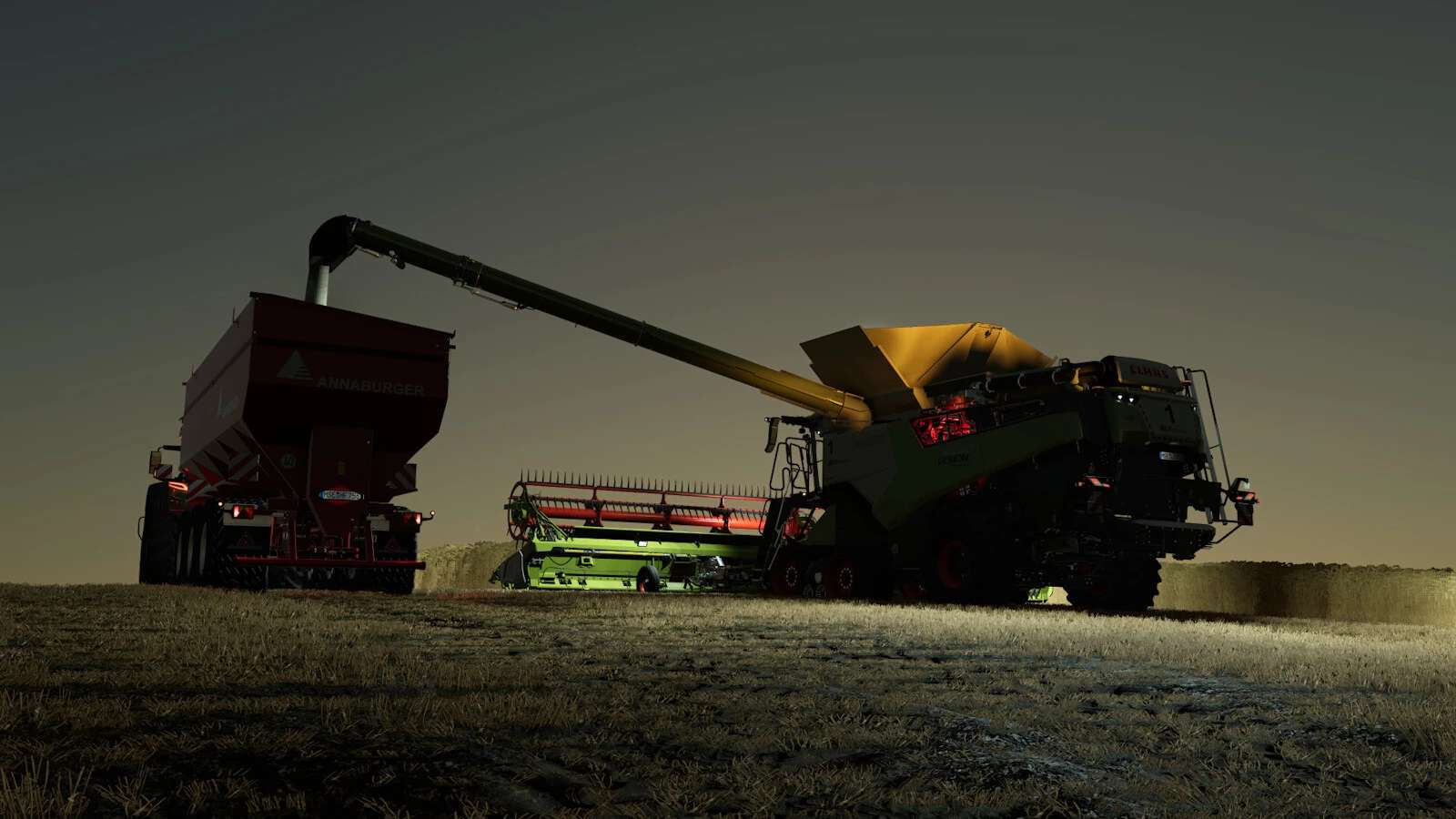
CLAAS Lexion 8000 Series v1.0
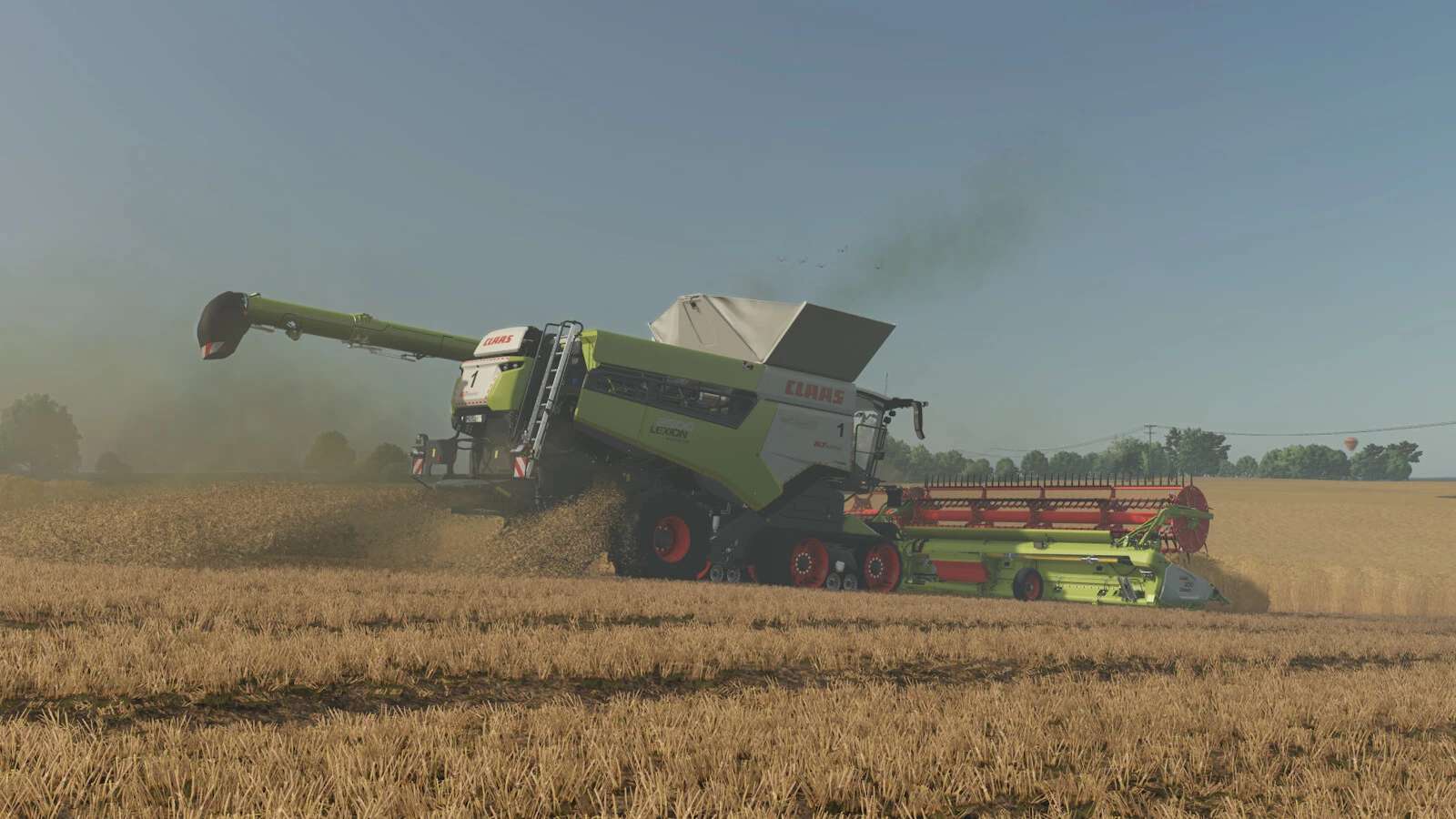
ClAAS Lexion 8000 Series
Shop Category: Combine Harvesters
Price: $427,115 – $614,009
Engine power: 549 PS – 790 PS
Top speed: 20 – 40 km/h
Grain tank capacity: 13,500 l + 18,000 l
Engine configurations:
– Lexion 8600 (549 PS)
– Lexion 8700 (626 PS)
– Lexion 8800 (700 PS)
– Lexion 8900 (790 PS)
Important Notes!
– When using the tire pressure control system in the Terra Trac configuration, it is important to note that the field values must not fall below 2.2 bar on the front axle.
To do this, set the field value to 2.2 bar in the VTP-Mod settings (Ctrl + Alt + U).
Configurations:
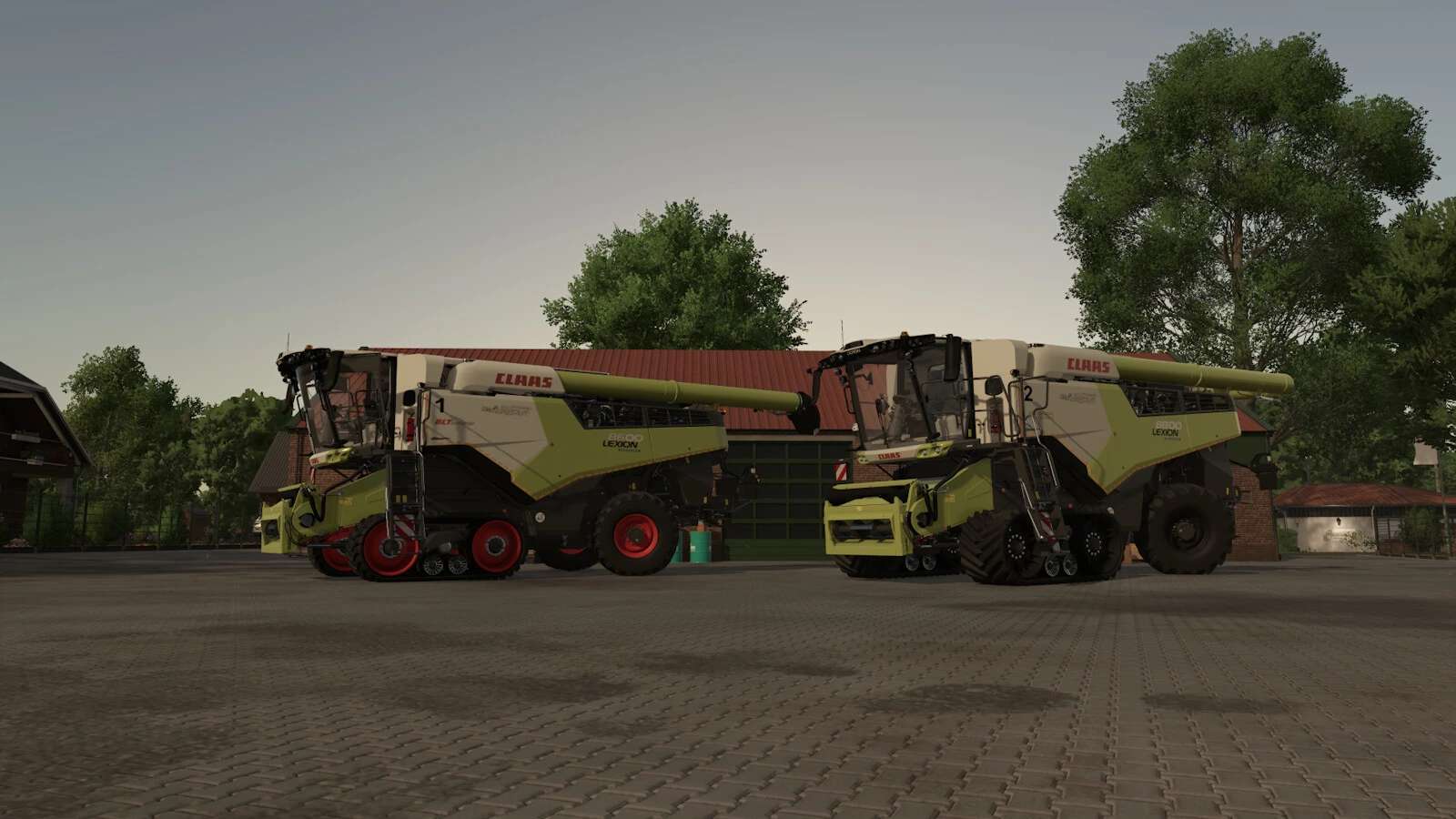
– Tire configurations (Standard, Terra Trac, VTP)
– Rotating lights (Rotating, Stroboscopic)
– Fleet number (1–9)
– Rear sticker (Warning, Agricultural Supply)
– Side stickers (Agricultural Supply)
– Straw chopper width
– Reflectors (Red, Yellow)
– Lexion evolution sticker
– Marker light for skiers (Controlled via IC on the seat’s armrest)
Animations via Interactive Control (33 IC-points):
– Step
– Door
– Window
– Sunshades
– Steering wheel
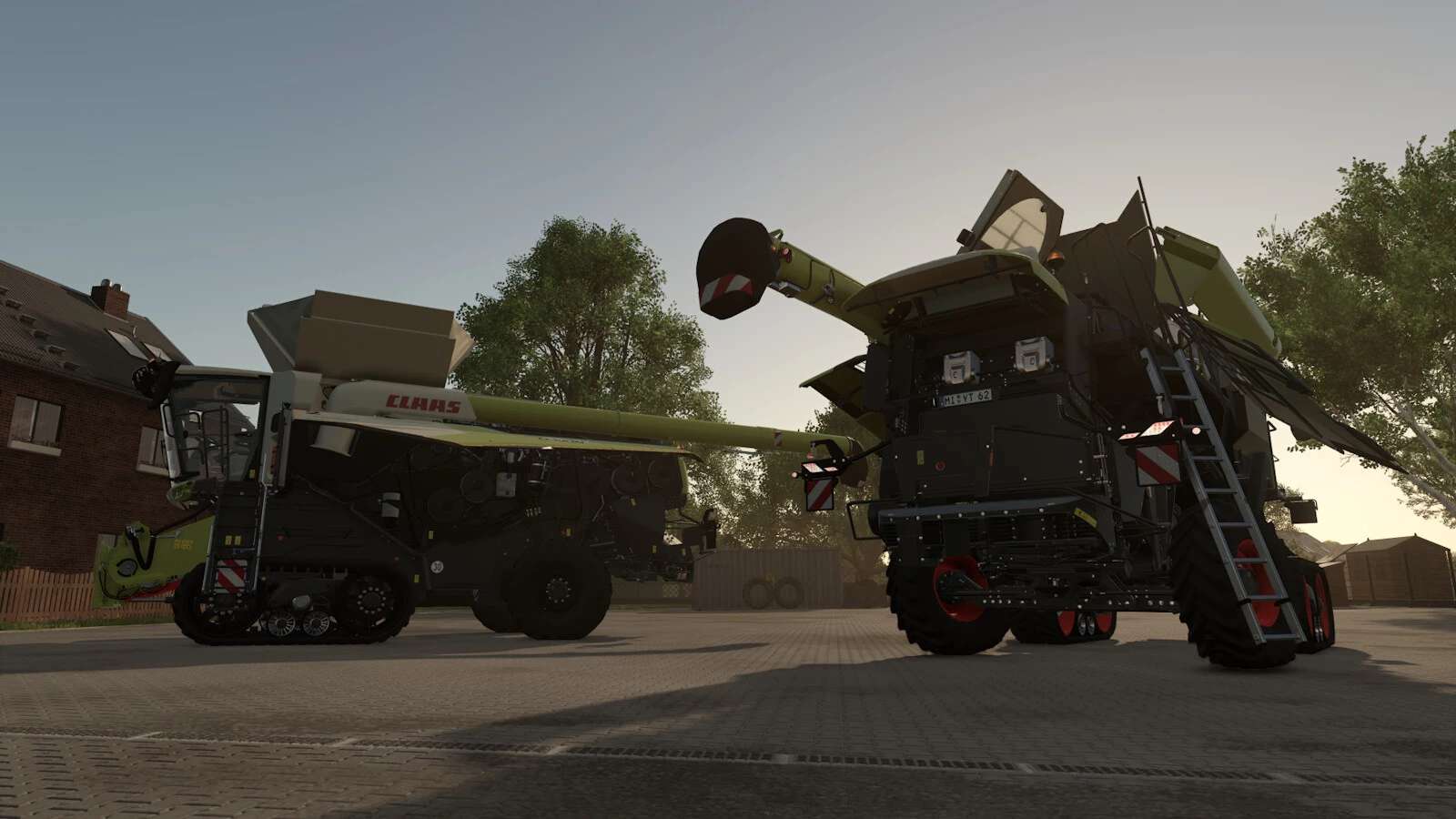
– Side doors (front (right, left), rear (right, left))
– Tailgate
– Rear ladder
– Upper side door
– Engine hood
– Radiator grille
Features:
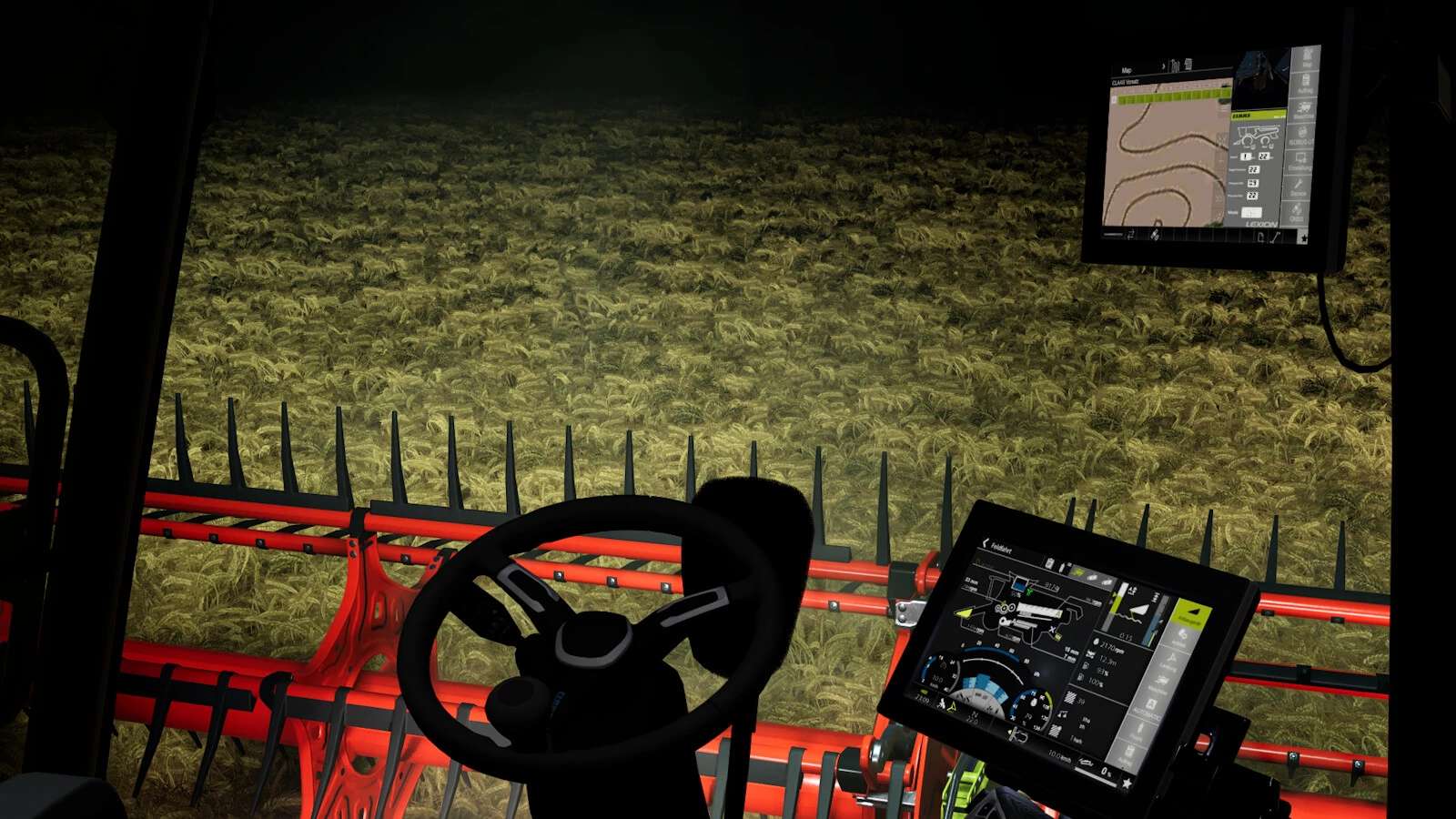
– 4 functional cameras (rear, hitch, pipe, graintank)
– Functional VTP display (with tire pressure configuration)
– 2 different Cebis screens (road driving, field driving)
– Dark and light screen modes (DBL)
– Custom LED lights + slide turn signals
– Realistic sounds
– Cabinlight
Thank you to Dachhau Agrar for providing the Hella LED Pack.
A big thank you goes out to RAZER_GAMINGHR and Rhone for providing their sound packs for the Lexion.
The Mercedes-Benz DLC and a pre-configured tractor are required to display the cameras.
Pre-configured for Interactive Control, Variable Tire Pressure and Dashboard Live.
Author: roman.1707