Crop-Dependent Rolling V2.0
Crop-Dependent Rolling V2.0
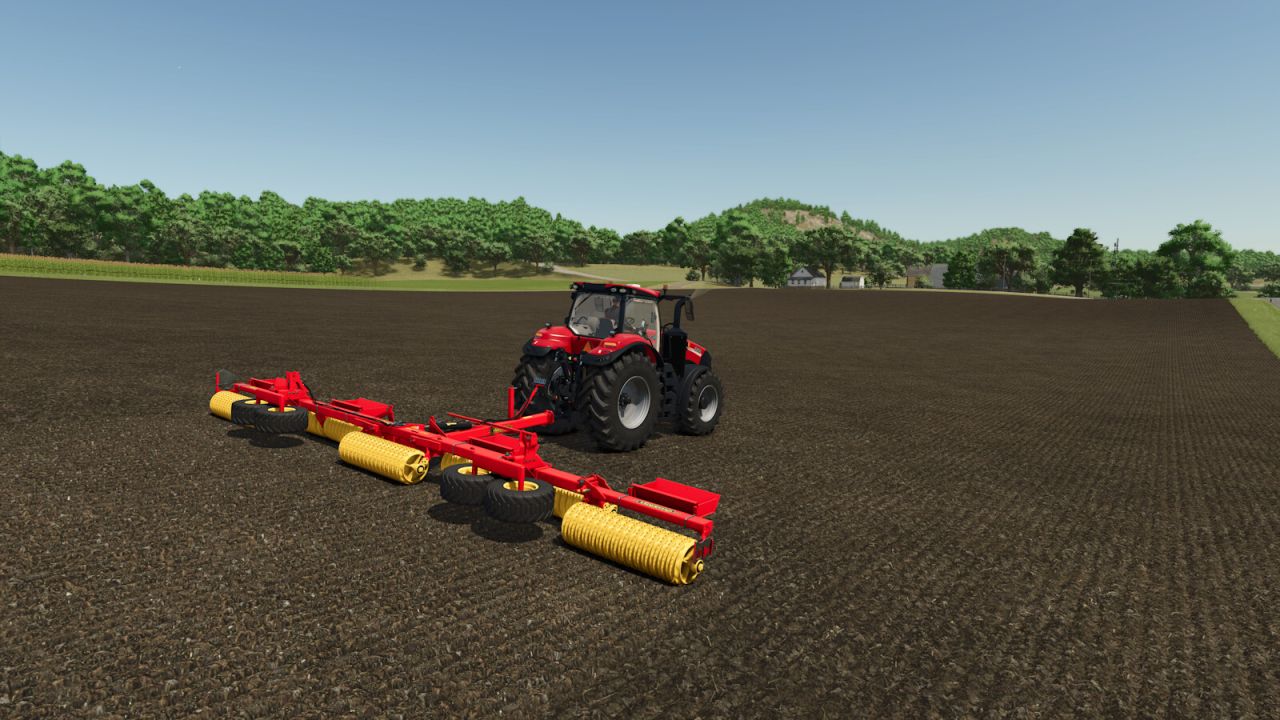
Crop-Dependent Rolling gives you control over which crops need a rolling pass after sowing.
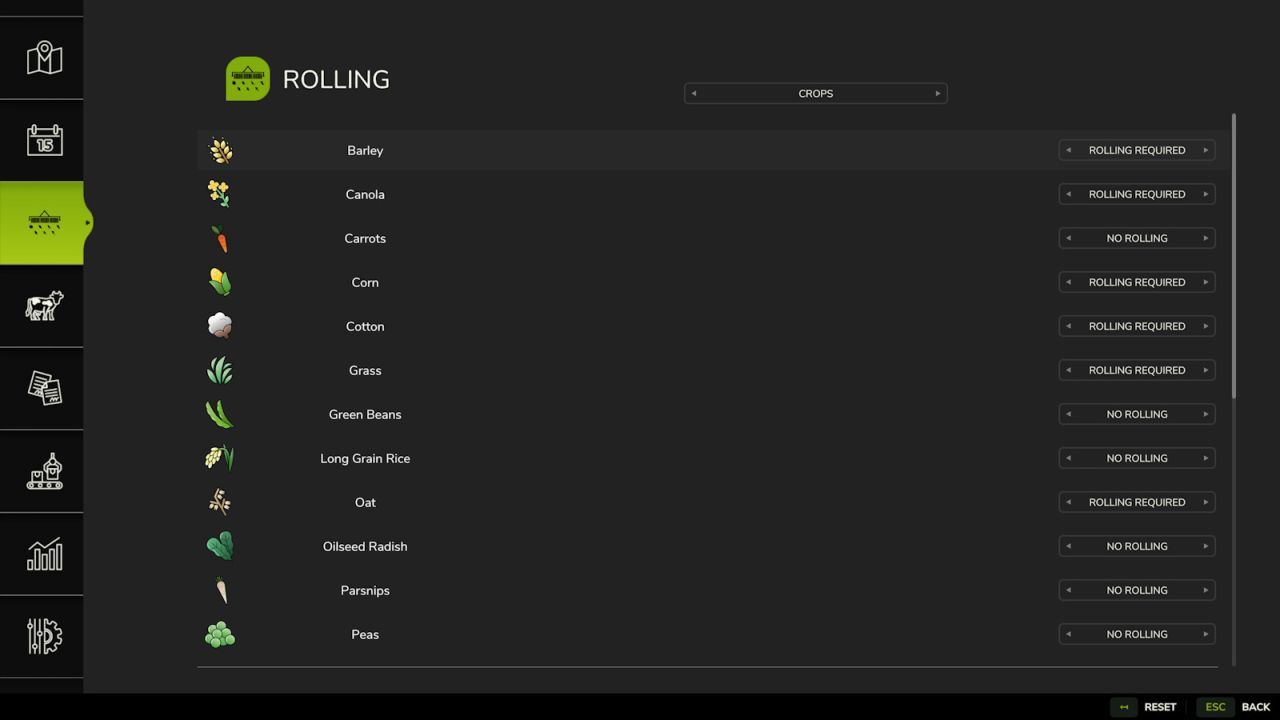
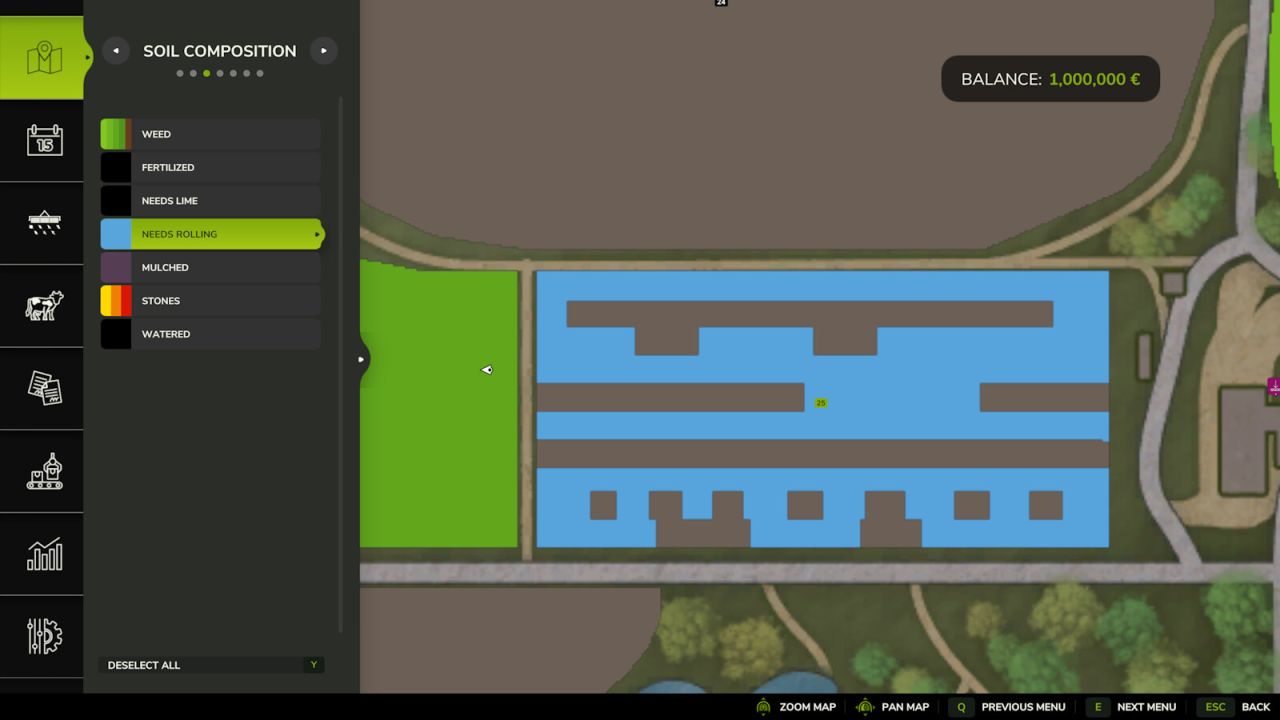
Every supported crop on the currently loaded map is detected automatically and shown clearly in an in-game menu. For each crop you can choose individually between “Rolling required” and “No rolling”. By default, the mod adopts the values given by the game or the map. This means additional crops on modded maps are supported as well. The settings apply immediately and area-precisely: areas already sown keep their state, while areas sown afterwards use the current setting.
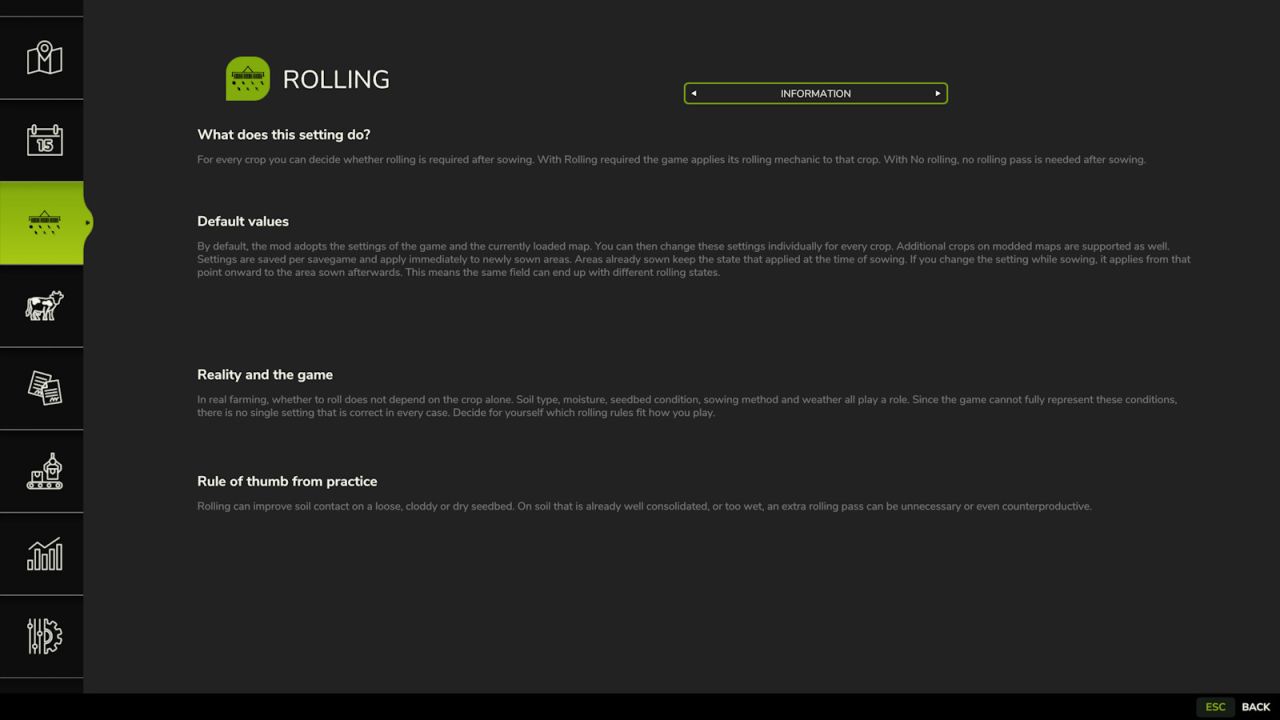
In real farming, whether to roll a field does not depend on the crop alone. Soil type, moisture, seedbed condition, sowing method and weather all play a role. This mod’s settings apply to the game’s rolling mechanic and can be adjusted as you see fit – background on this is in the Information view of the menu.
V2.0.0.0
– Major rework:
– Version 1 used a fixed list of crops that needed no rolling (maize, sunflowers, cotton, sorghum, poplar, oilseed radish). That fixed list has been fully replaced with individual configuration.
– Every seedable crop on the map is detected automatically, including modded crops
– Configurable directly in an in-game menu instead of the Lua script
– Defaults to the values given by the game/map
– Settings are saved per savegame
– Multiplayer: server is authoritative, only admins can change settings
– NOTE: your previous manual edits to the script no longer apply
Author: Sandmann