BallySpring V1.0
BallySpring V1.0
After 2 yrs of work BallySpring returns to FS25 with a fresh look and packed with new buildings, yard layouts and more. Thanks to all who support Eire Agri Modding and we hope you enjoy the map.
Welcome to BallySpring!
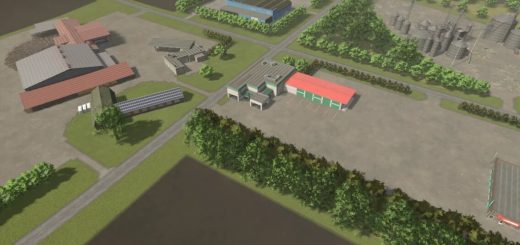
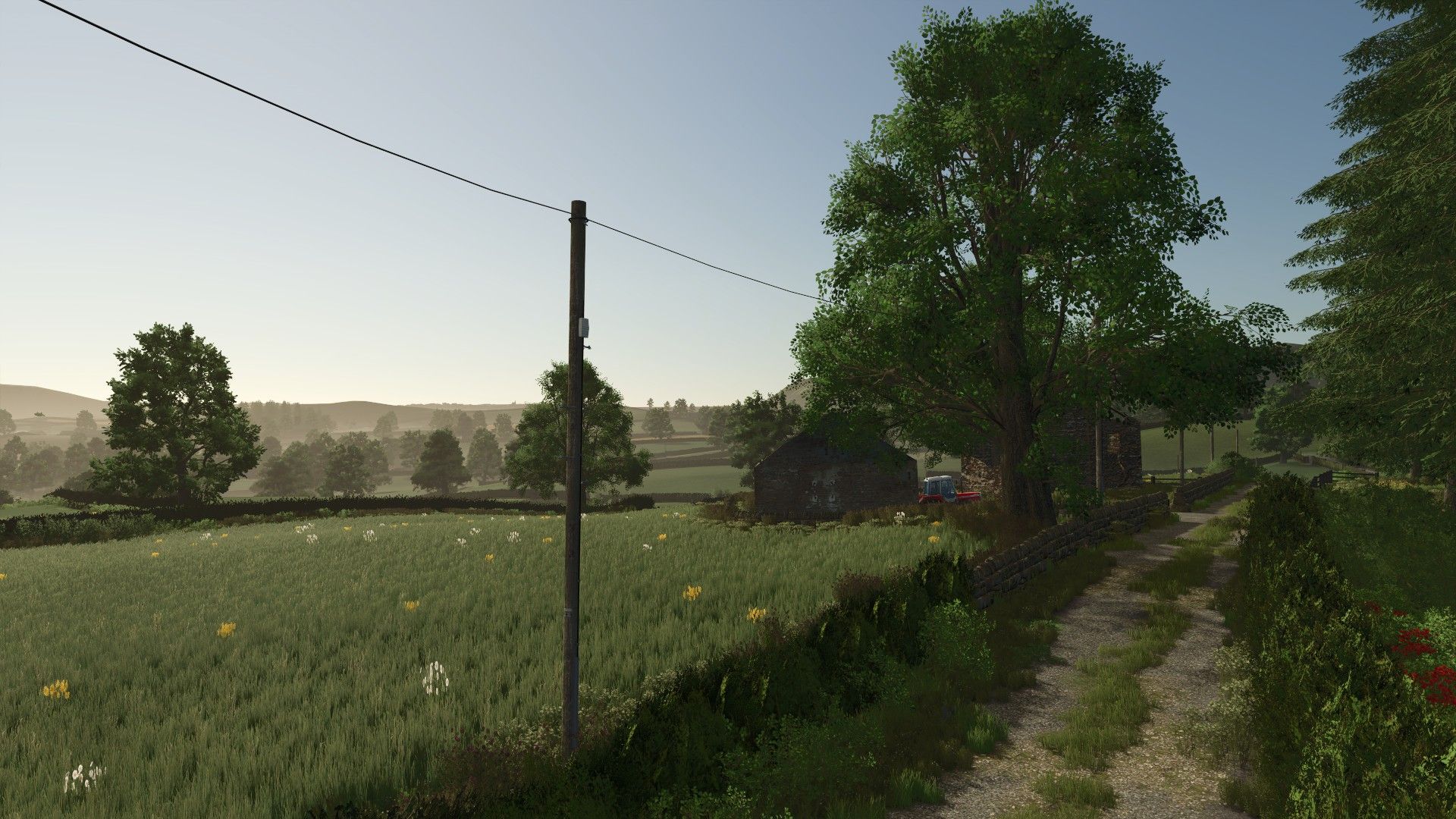
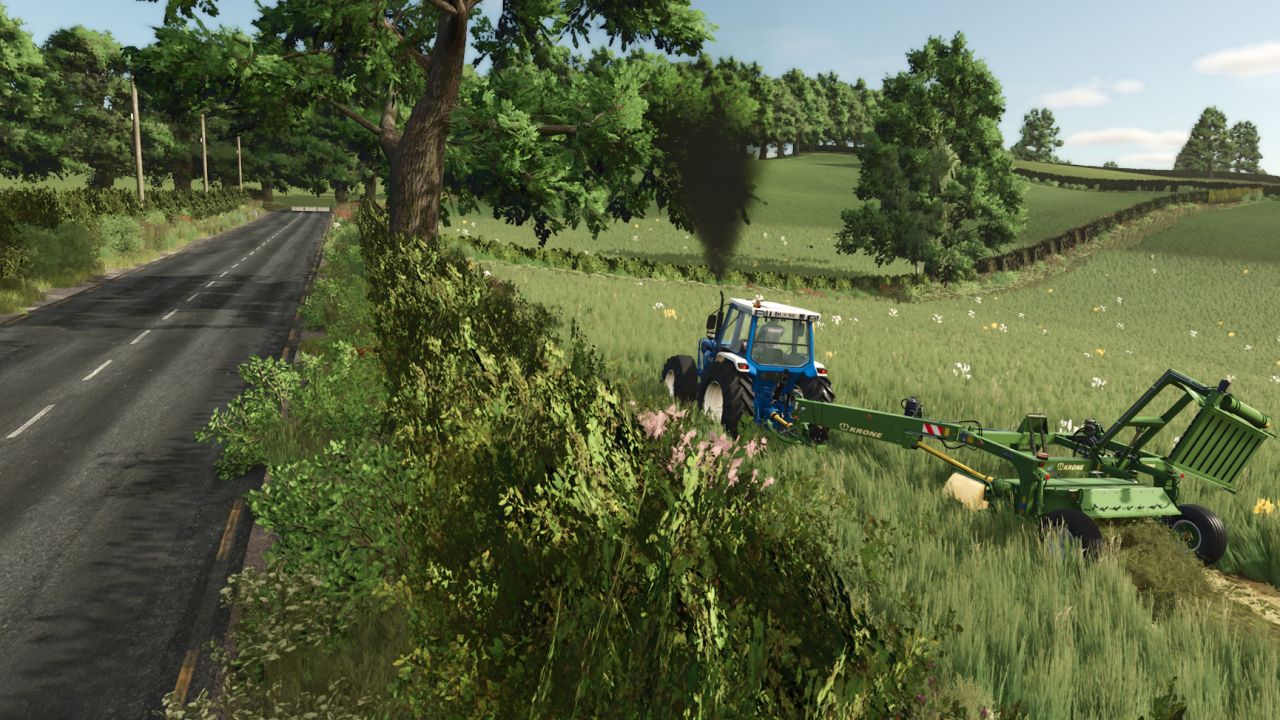
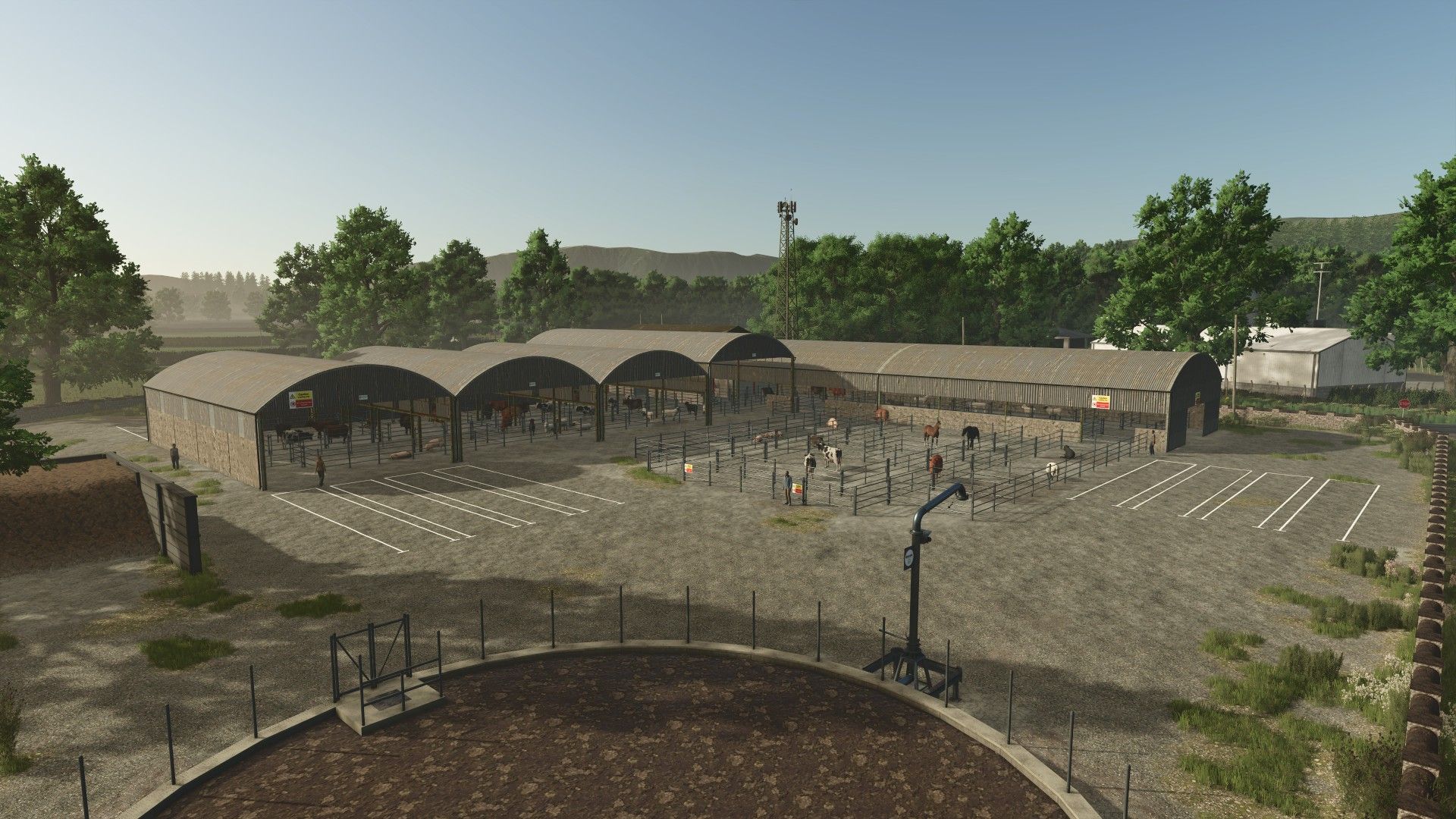
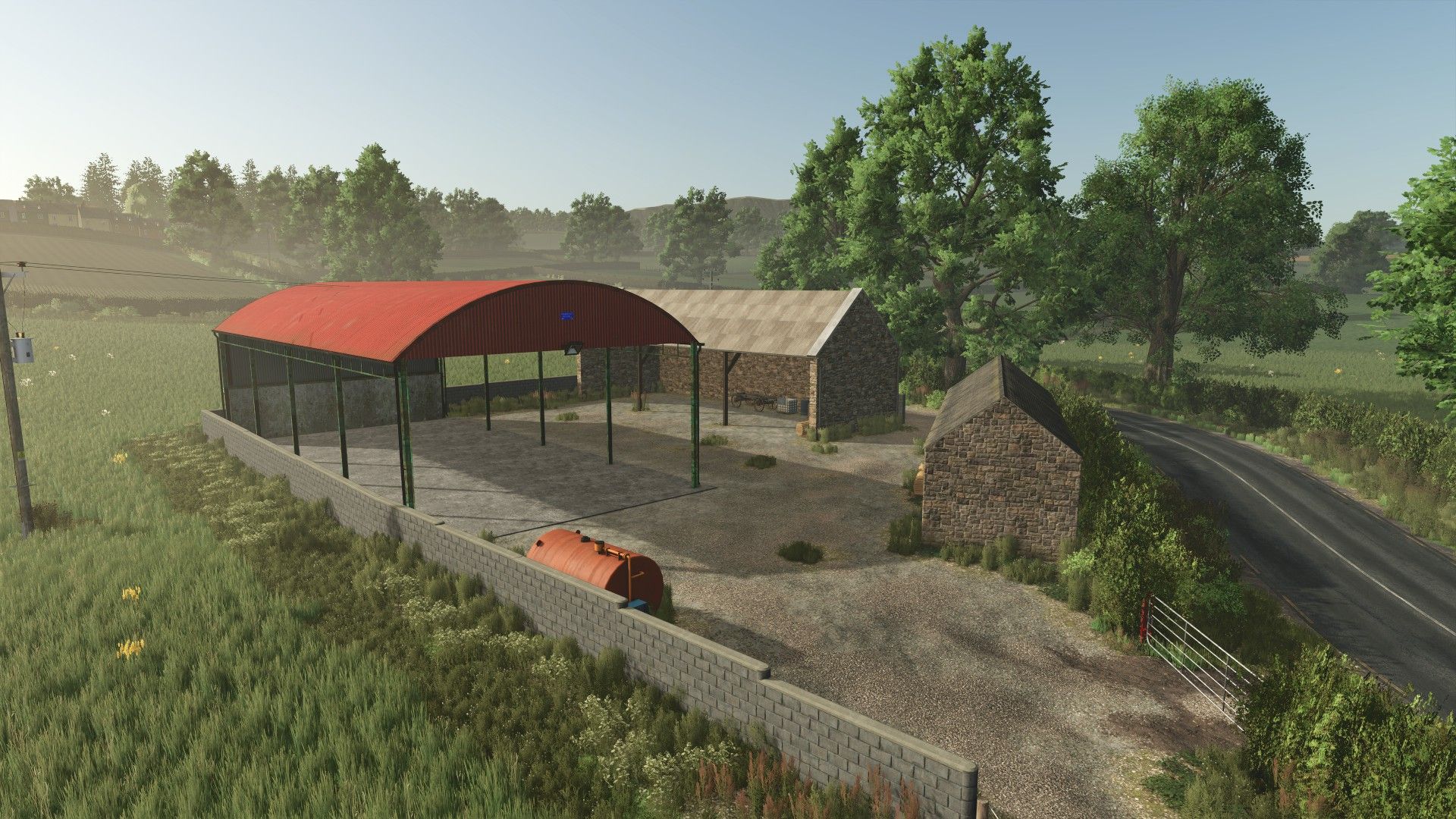
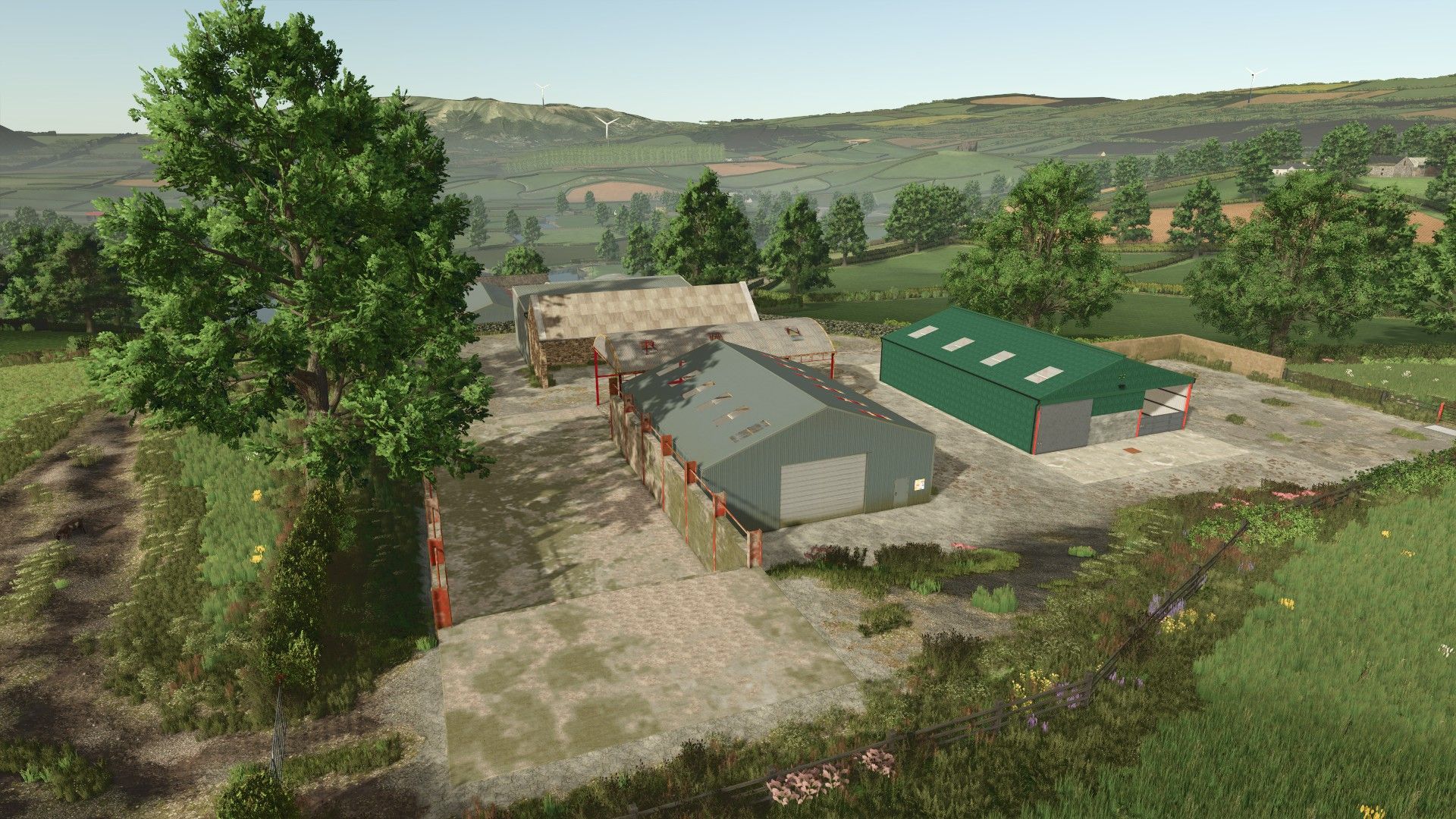
A fictional Irish map based in the West of Ireland with 226 fields, mainly grassland with some arable fields. There are 12 farm yards to choose from plus an additioanl Contractors yard at the BGA.
Note: Once you start in either Farm Manager or Start from Scratch modes, you dont own any land so wont be able to interact with any of the objects etc. until you purchase some land.
Features:
– Cows can be fed with Silage (As well as the normal TMR etc.) and the Calves can be fed with Milk
– Custom TMR recipe which will allow you to use Wheat, Barley, Oats, Maize, Fieldbean, Potato, Sugarbeet, Sugarbeet Cut, Beetroot, Carrot & Parsnip alongside Mineral Feed
– Ability to get manure from chickens and sheep (Placeable mods must support manure production to enable this feature, all Eire Agri Modding mods support this)
– The Cow, Pig and Sheep Sheds on the map have manure spawn points adding the ability for the sheds to be mucked out manually into a manure heap
– Custom Wildlife – Deer Buck & Fox
– Visual Sales mod supported
– Slurry Pipe System mod supported
– Map resources feature from Terra Farm mod supported
– No Overtake Splines mod supported
– Real GPS mod supported
– CCM Production Pack mod supported
– Maize Plus mod supported
– Highlands Fishing DLC Supported
– [BG] Lahmi’s CarboLime prefab installed. Note: Does not work with Precision Farming
– Multi Terrain Angle
– Animal Grazing from basegame supported in all animal pastures
– Fill Type and Height Type Limits increased
– Ability to get Straw from Canola
– GFSMods Realistic Irish Temperatures mod pre-installed
– Custom Growth Calendar
– Custom Grass, Hay & Straw textures
– FastFarming’s custom cut grass texture
– Weeds in Grassland Fields
– Increased Yield from Straw swaths
– Custom Tarp, Manure and Stone textures
– Multifruit Installed: Alfalfa, Clover, Field Grass, Flowering Catch Crop, Green Rye, Humus Active, Mustard, Silage Maize, Spelt, Triticale, Vetch Rye, Winter Wheat & Winter Barley
– Stubble destruction built in
– Carl-TG’s Peat System Mod Integrated
– Antler22’s Mint Foliage pre-installed
– JMZ’s custom Fertilizer & Manure ground textures pre-installed.
– Perma’s Modding’s custom Rolling texture pre-installed.
– Custom Traffic. The traffic on the back roads only have a collision on the back right of them to make it easier pass then when blocked up.
– Irish Number Plates
– Custom Sounds
– Collectibles
– Road Network built in Blender
– All hedges have collisions
– Productions and sell points
– Precision farming ready with realistic soil map
– Most things only work once the land has been bought. Animals, silos etc.
Due to the amount of pre-placed animal husbandries on the map, the “More Animal Husbandries Possible (64)” mod is required to make all husbandries functional and enable additional husbandries to be placed down.
Note: In FS25 you cannot place buildings etc. where there is an animal navigation mesh. Bear this in mind when placing the open pastures.
You can optionally enable the following mods and have extra placeables appear in a couple of the yards. Without these mods active you will see some warnings in the log for missing store items, these are harmless and can be ignored:
– WaterGate (FS25_WaterGate)
– Silos AS Pack (FS25_SilosAS)
– Sugar Beet Shredder (FS25_Sugar_Beet_Shredder)
– Automated Multi-Functional Workshop (FS25_fullServiceWorkshop)
– Storage Rack (FS25_StorageRack)
All the required dependencies can be found here and/or downloaded from modhub when loading into the map.
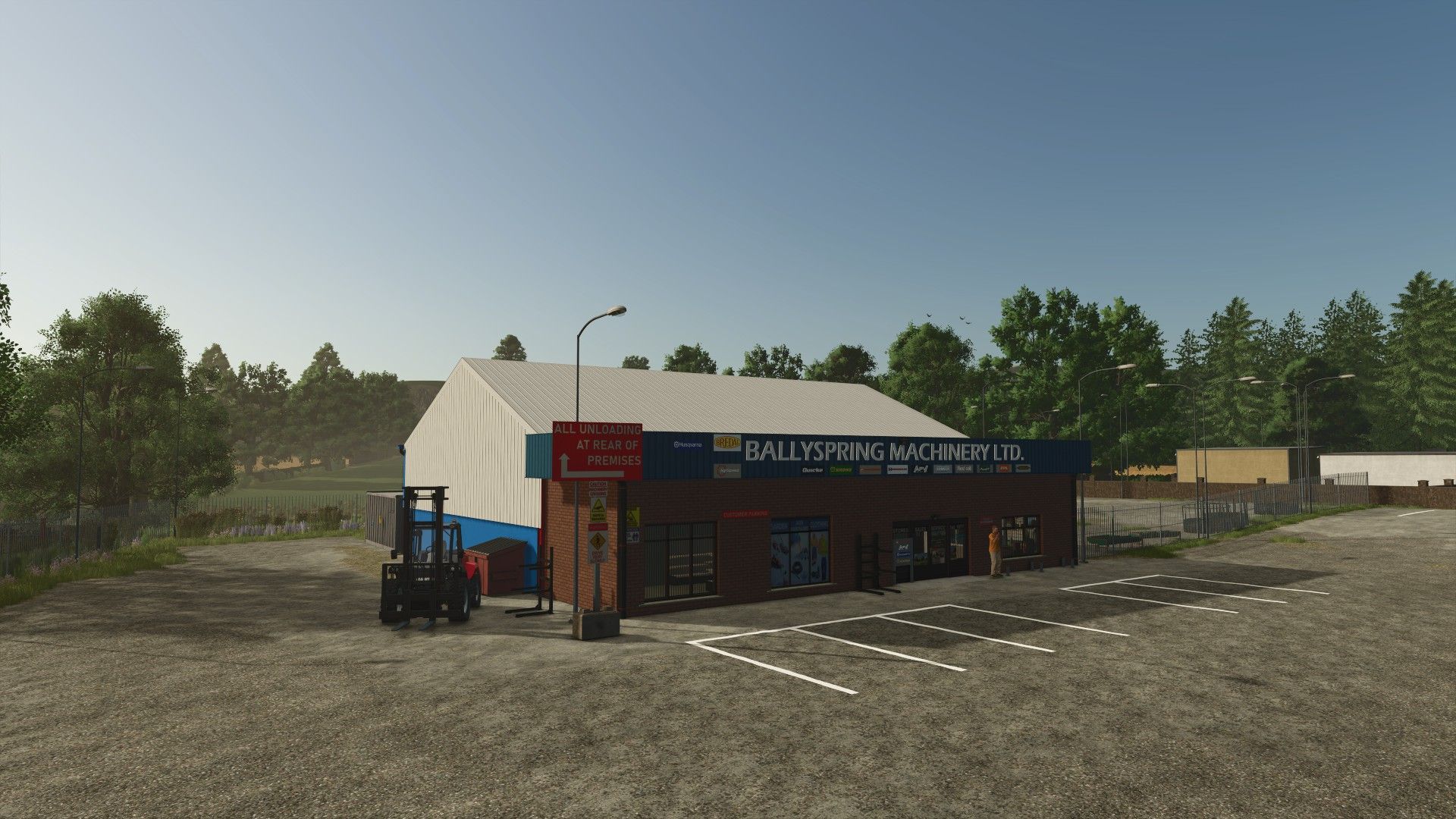
The parked cars on the map can be removed by going to the left side of the shop on the outside and up against the wall beside the bins, there is a trigger and in your help menu you will be prompted to press a button to “Hide Parked Cars”
Note: This will only take effect once you reload the game as the cars get spawned into position when the game loads up.
To enable the custom wildlife to load correctly, you need to copy the contents of the ‘data’ folder from within the maps zip file into your basegame data folder.
Included with the maps placeables pack is a tire that you can purchase from the pallets menu in the shop and use to decorate your silage pit after covering.
For an explanation of number plate format for those not from Ireland, checkout the description of our number plates prefab pack here.
Credits: Reference the Contributors tags. If there is anyone we forgot to mention, apologies.
Thanks to Carl-TG for allowing us to integrate the peat system mod into the map.
Author: Eire Agri Modding