Railway wagons V1.0
Railway wagons V1.0
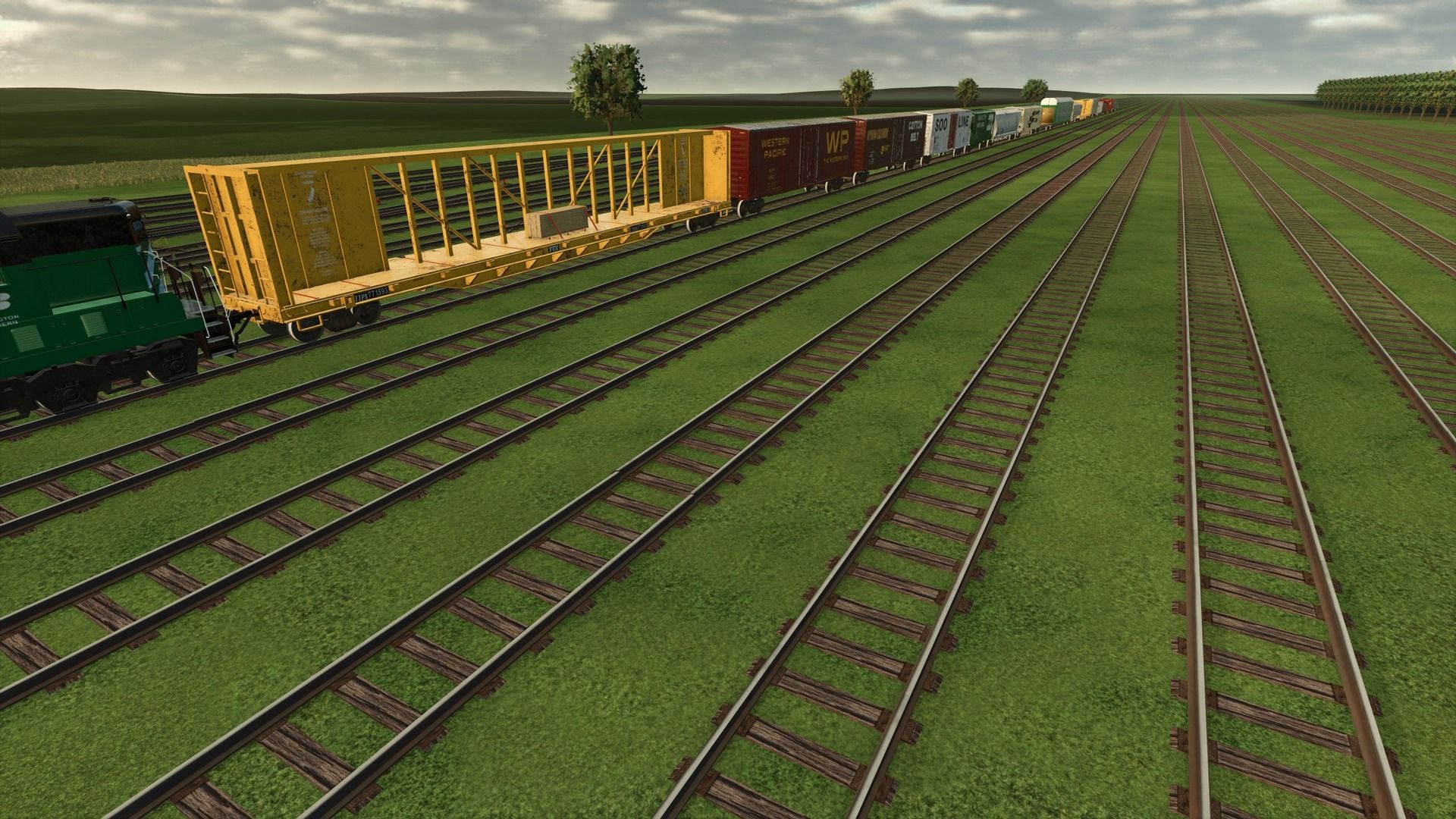
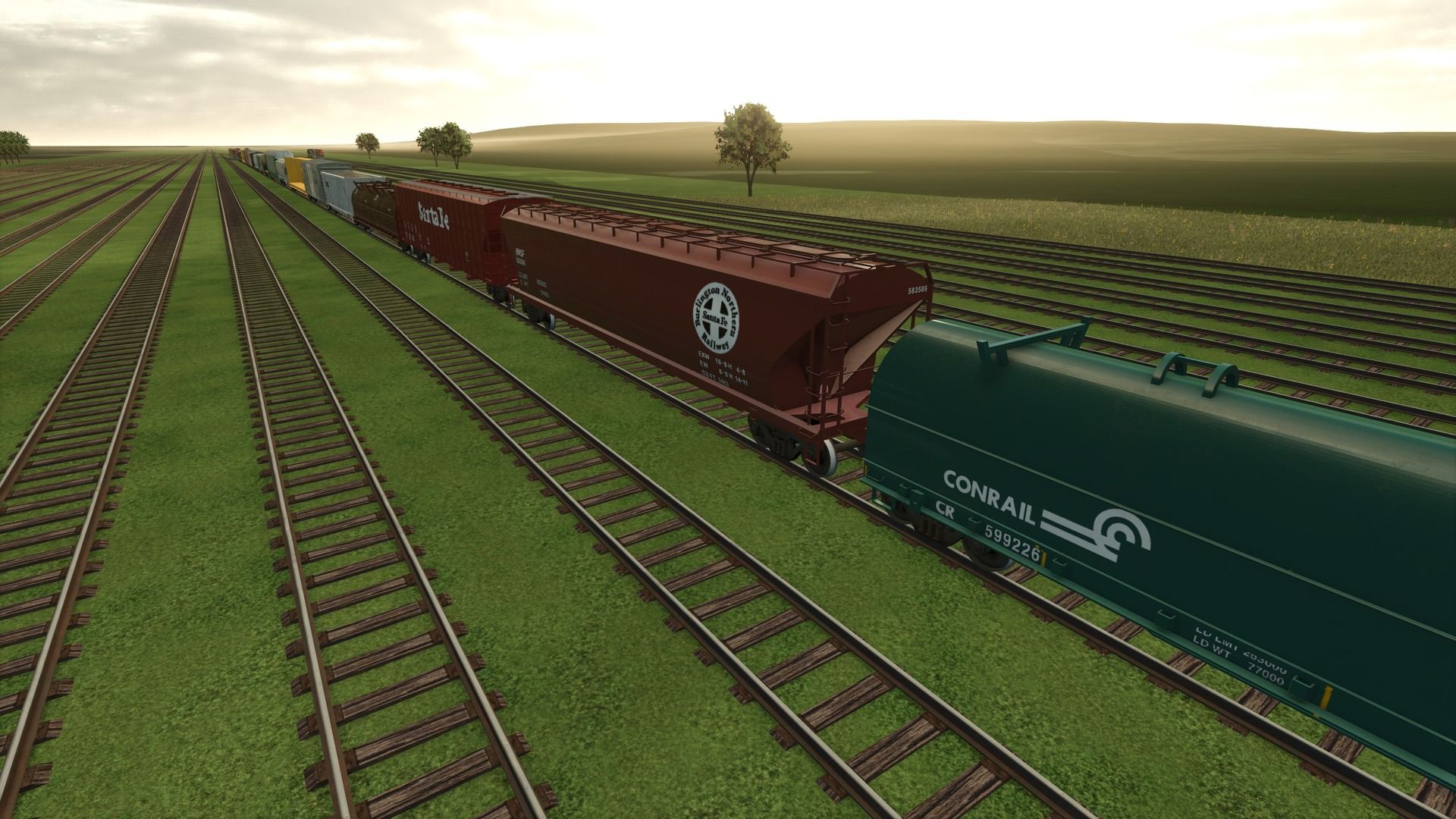
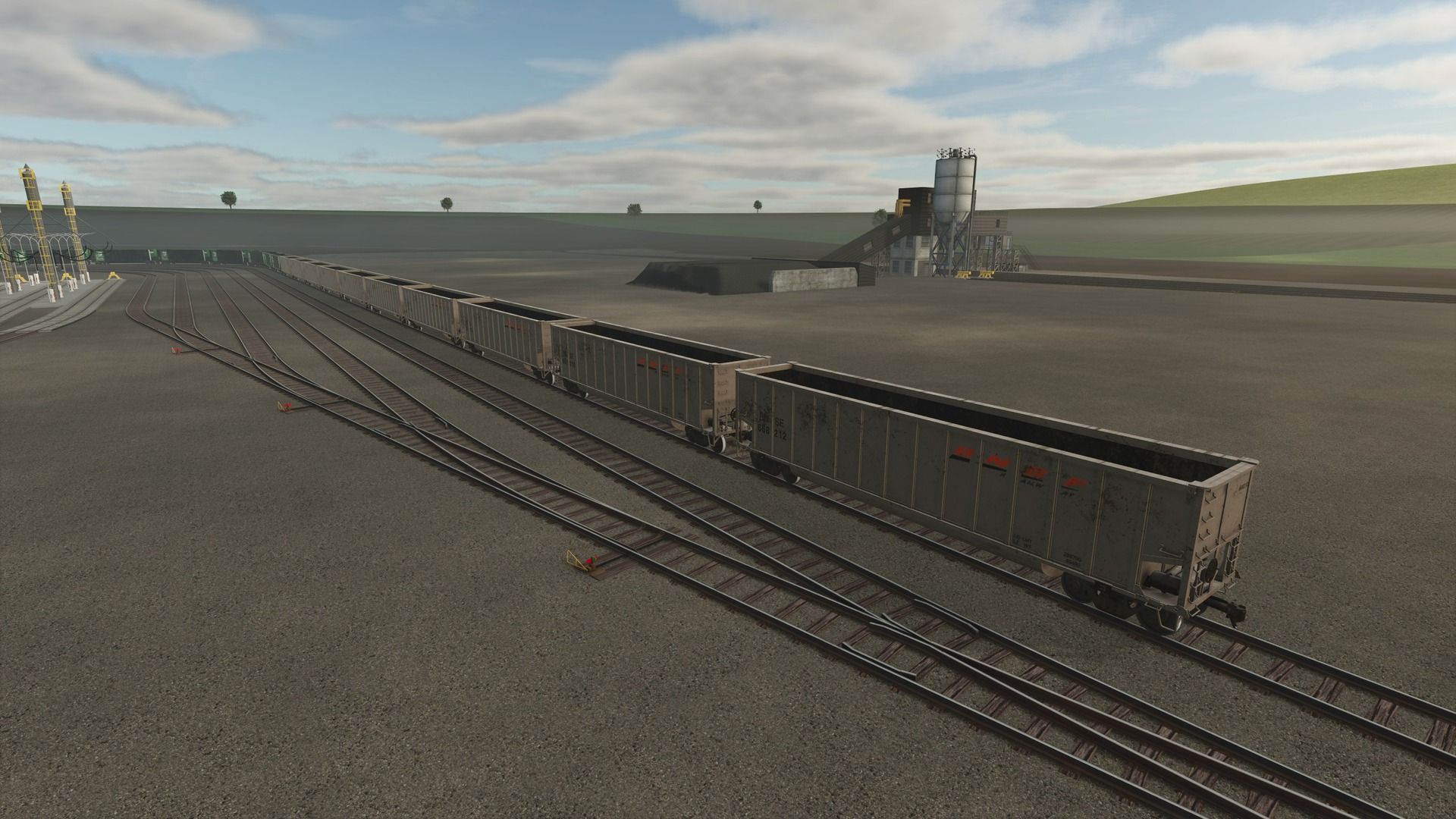
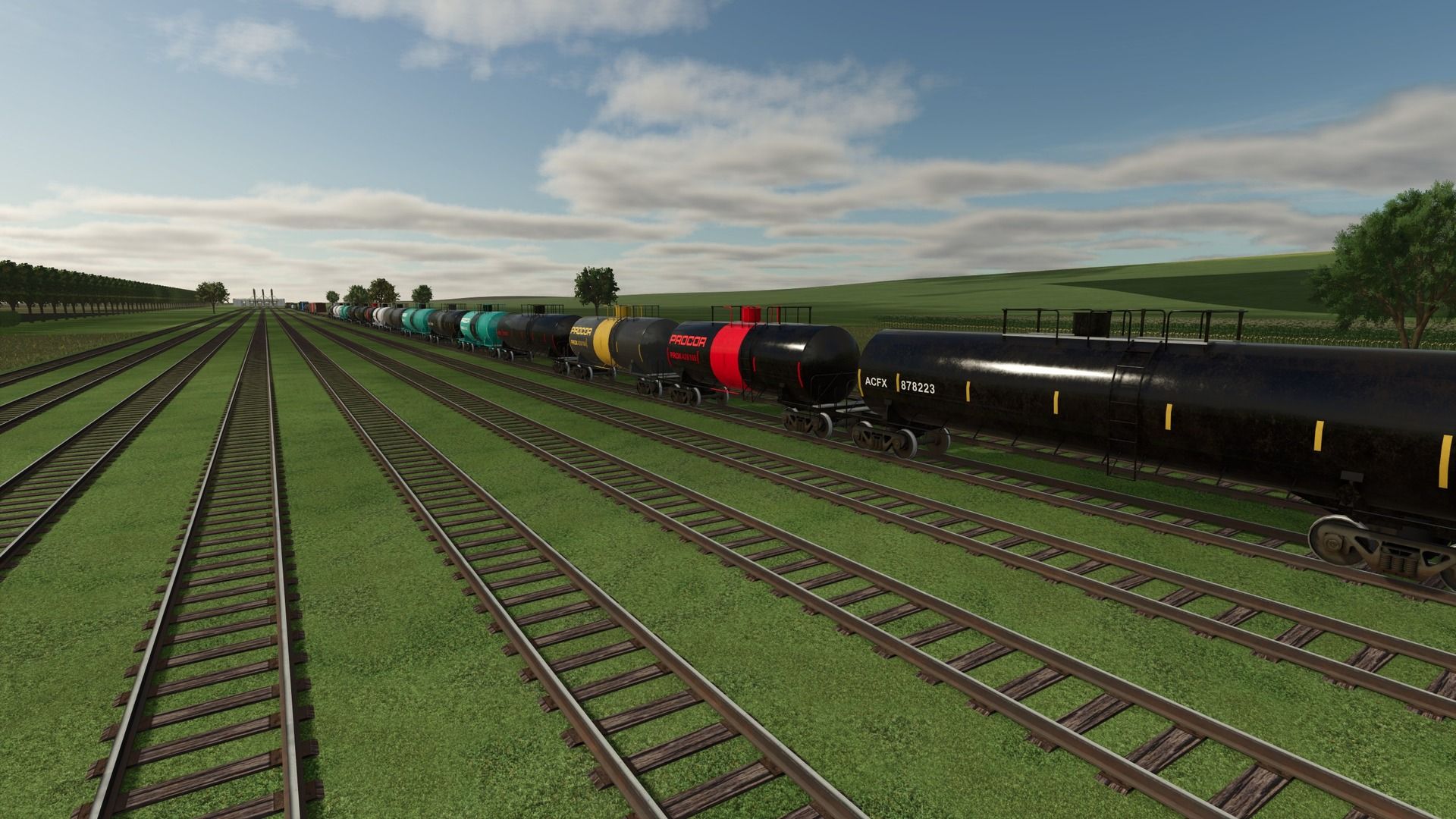
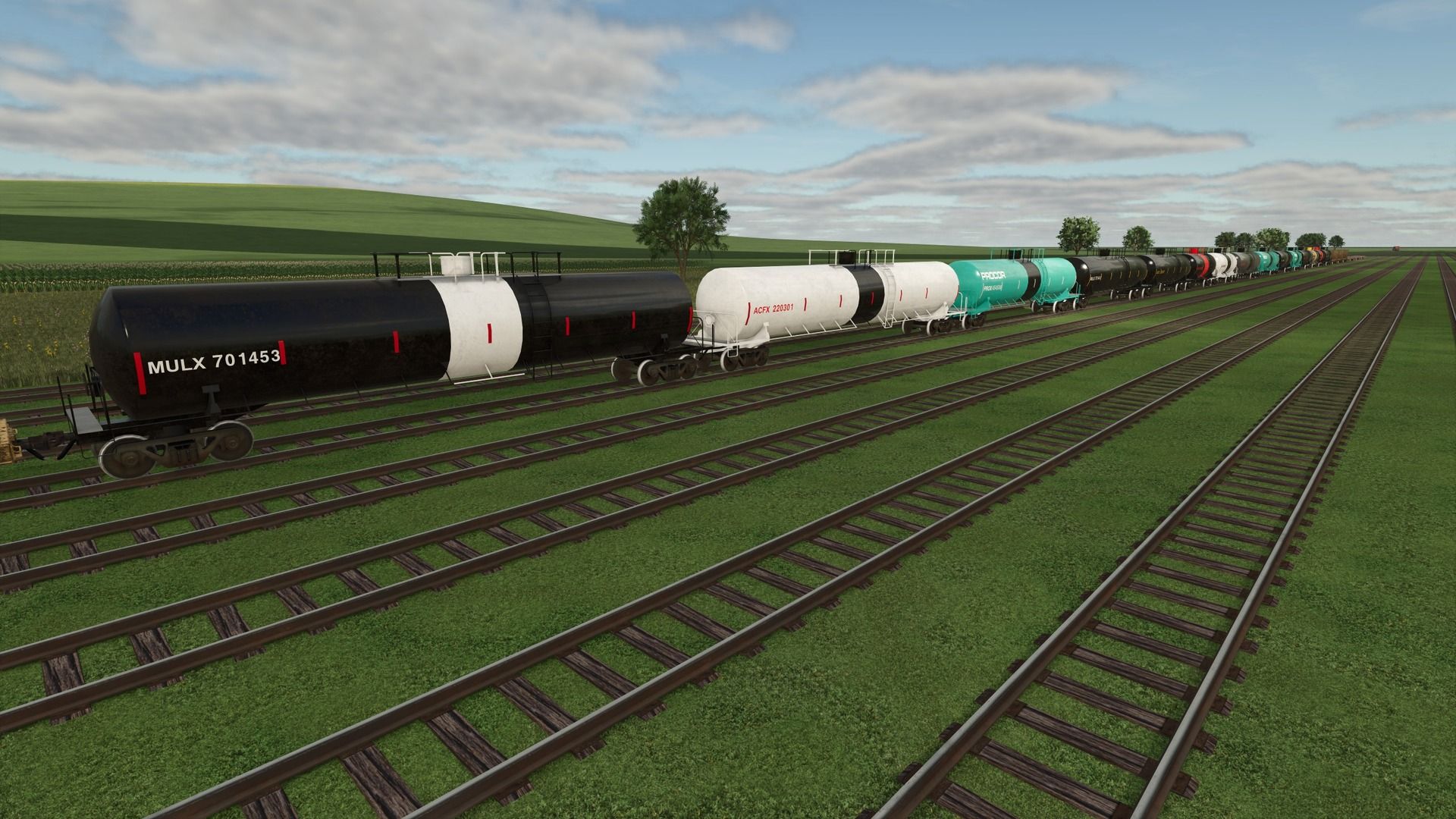
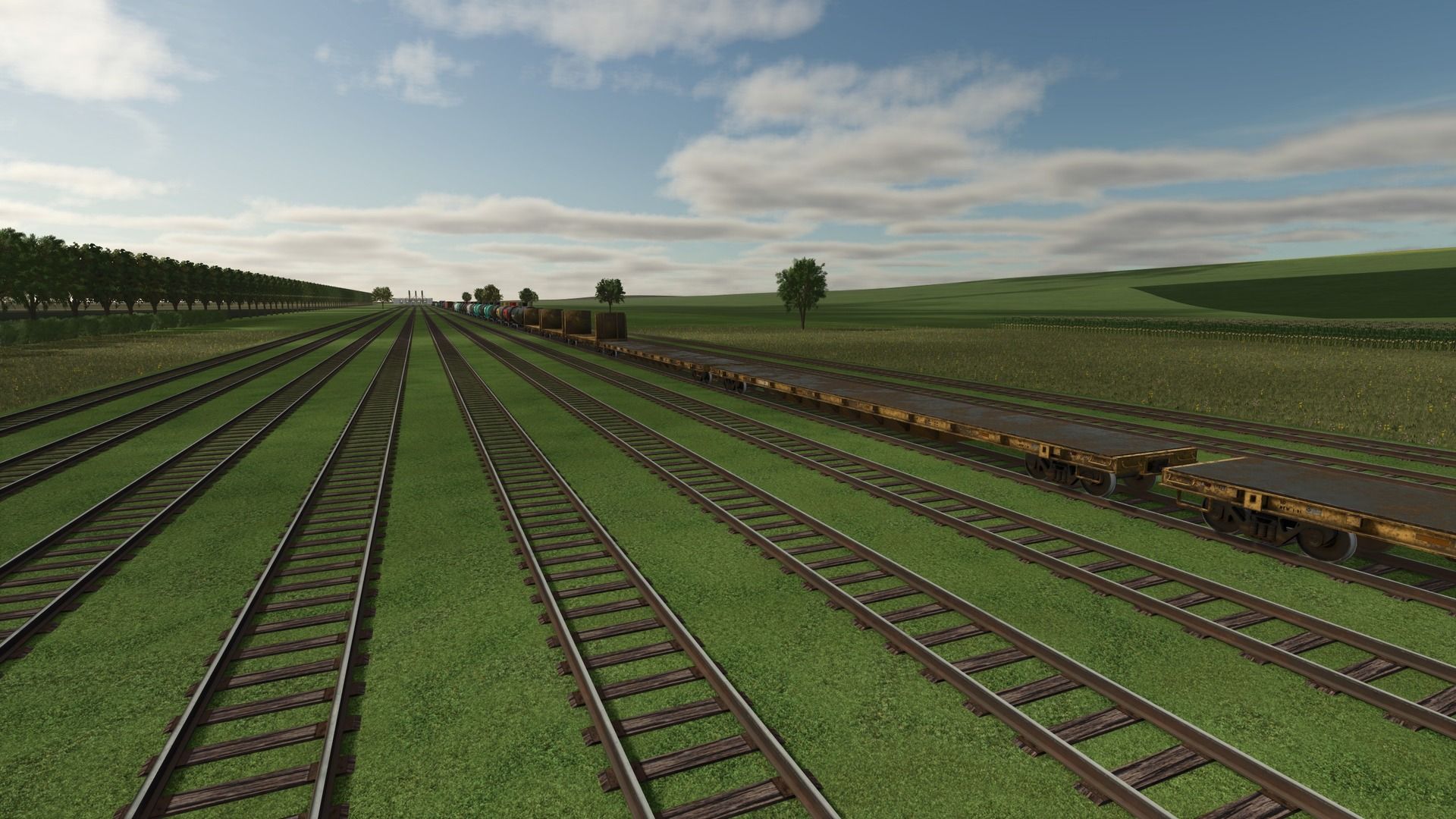
This is my railroad rolling stock converted to FS25! Not everything has been converted yet, but will be eventually. CHECK THE DEVLOGS FOR NOTES ON WHAT WAS ADDED/CHANGED IN THE MOST RECENT UPDATE.
Here is a quick guide for setup with an explanation below:
Store deliveries mod to spawn rolling stock next to track.
Some kind of extra strength to place rolling stock on the track (I recommend LUMBERJACK), with invisible wheels in the middle between the rails.
Connect a locomotive and unfold the rolling stock.
For all of the rolling stock, I use the Store Deliveries mod to spawn it next to the track, then I use super strength to place the railcars on the track. I recommend the LUMBERJACK mod, as it is capable of lifting the rolling stock if you change the settings in-game. Anyway, there are invisible wheels in the middle of the front and rear axles of every truck. Those invisible wheels sit between the rails, and that is what keeps them on the tracks. The trucks will sit on the tracks as they should. Once you have the rolling stock correctly on the tracks with the invisible wheels between the rails, you can connect a locomotive to it. You then have to use the “fold” function to unfold the rolling stock. This will allow the trucks to turn as they should and follow the rails correctly. All rolling stock can be connected from either side, except for the passenger cars and the intermodal cars. Those can only be connected when they are all facing the same way. This mod, like most of my mods, is a big WIP. I add things as I think of them and am constantly tweaking and updating it. As always, let me know if you have any suggestions or feedback.
Required mods:
JWeezy Store Category
Author: JWeezy Construction