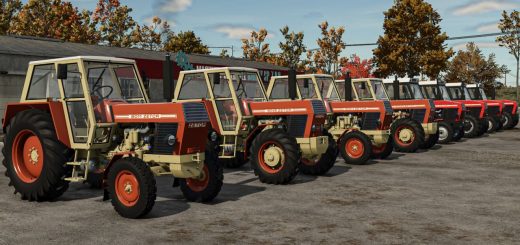
John Deere 4755 Edit V2.0


John Deere 4755 Edit V2.0
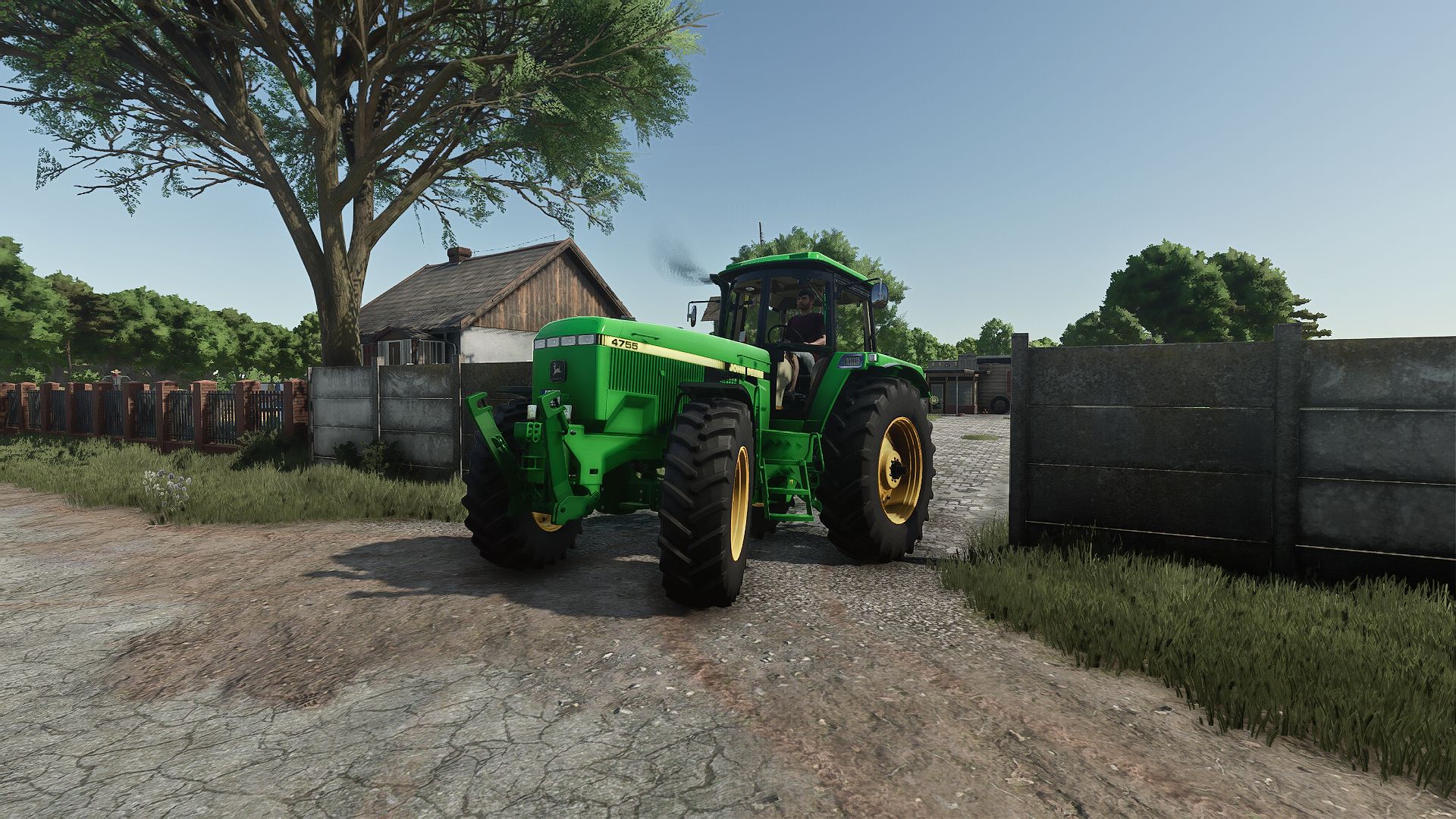
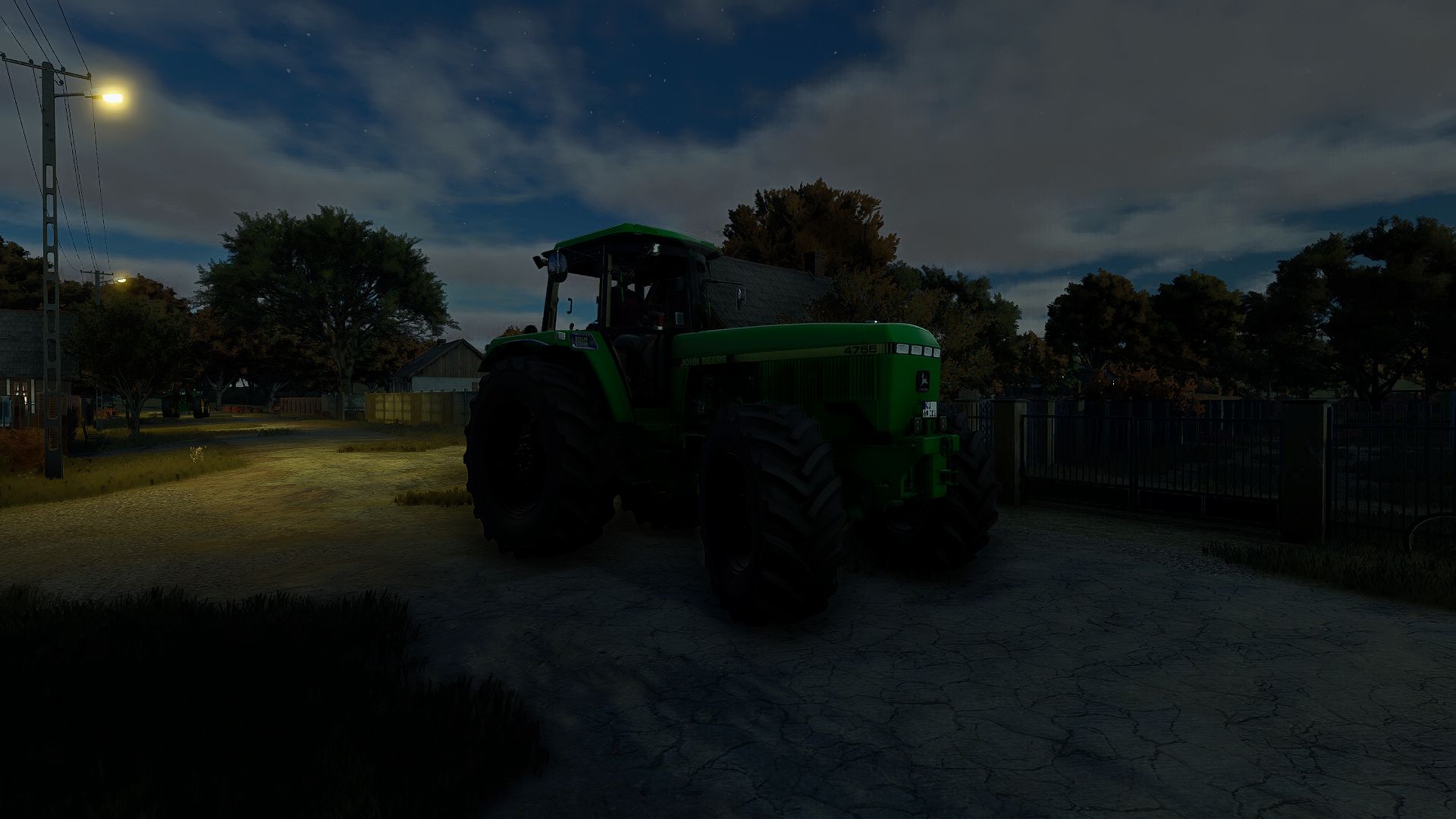
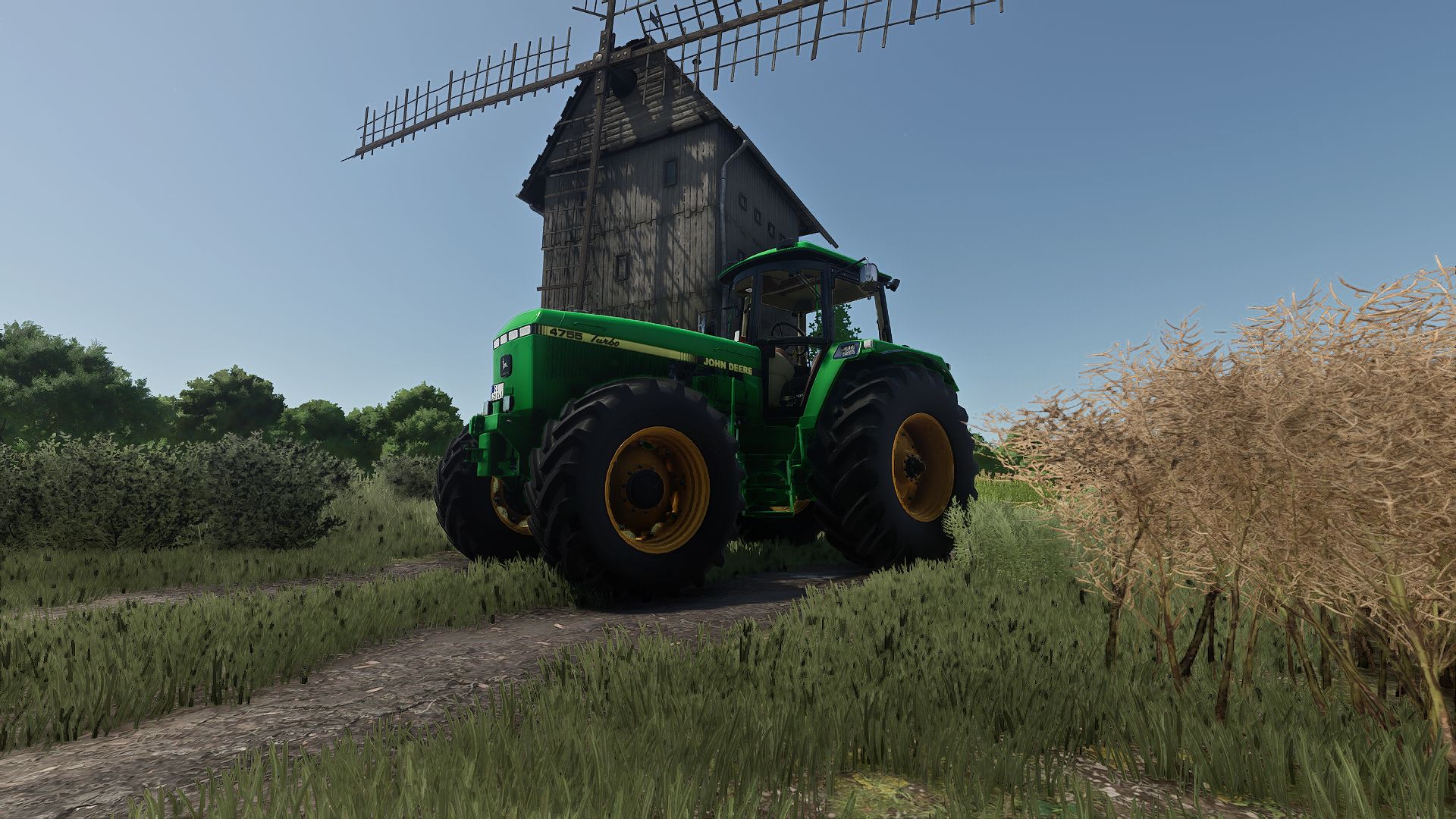
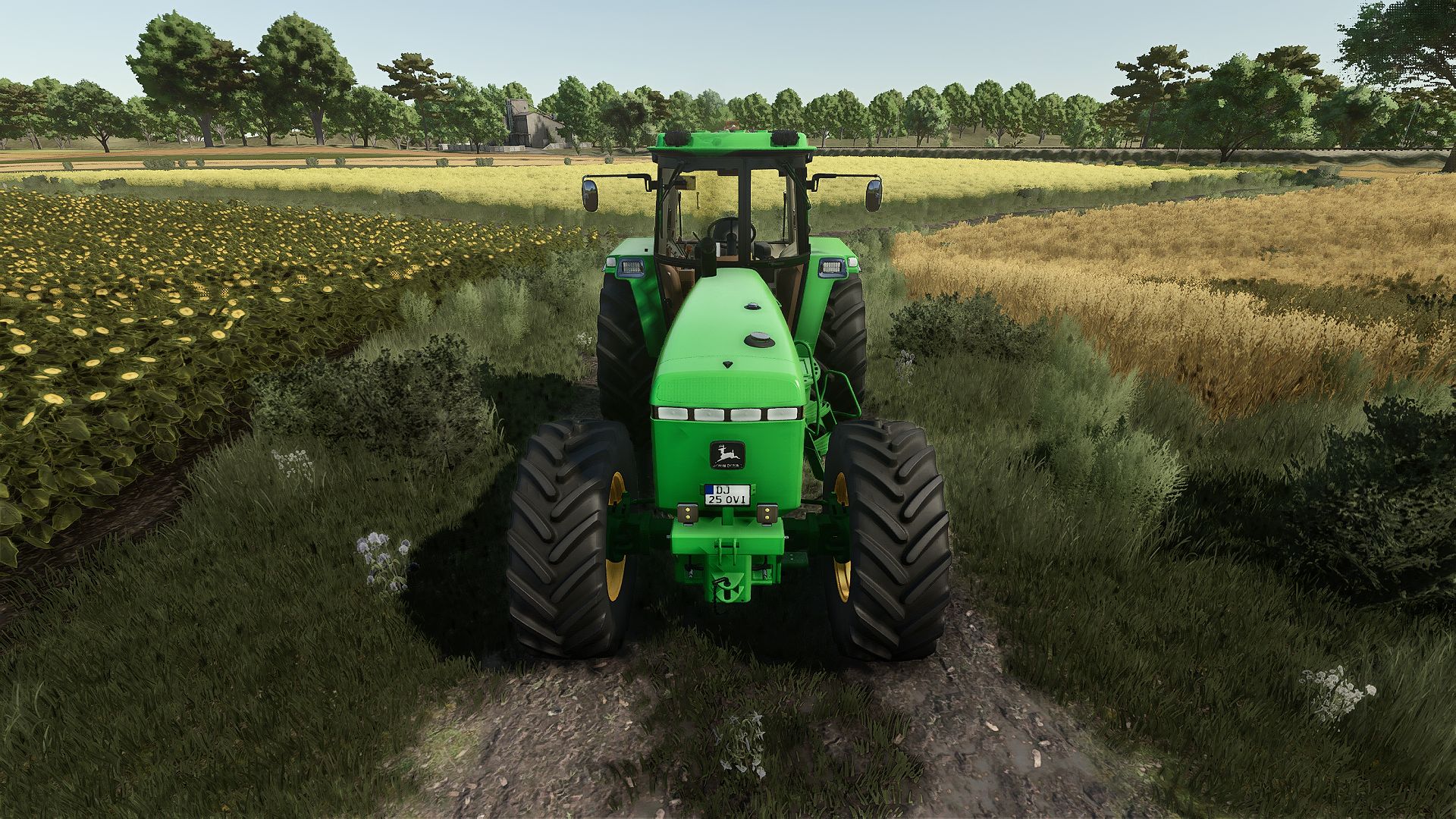
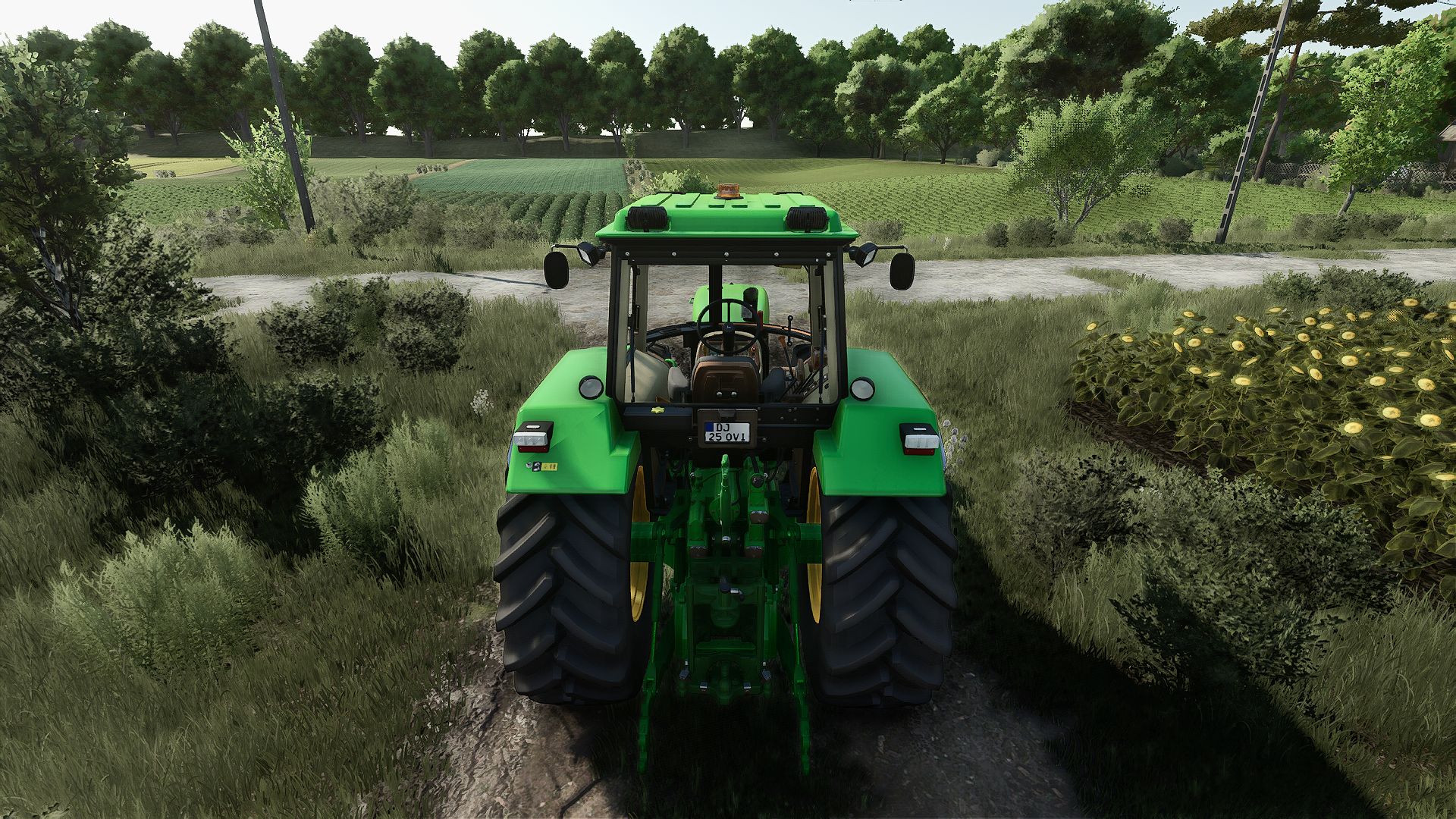
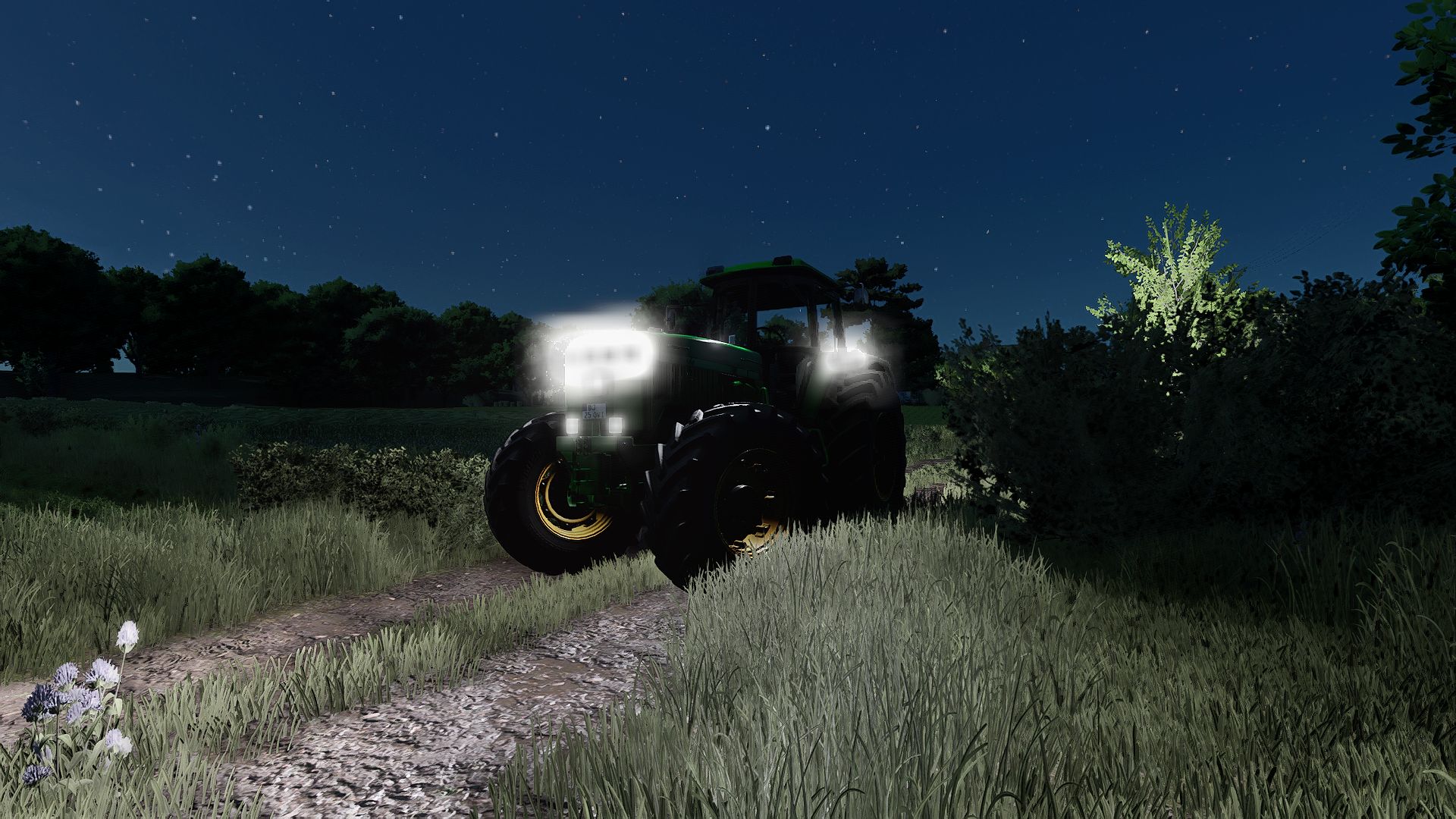
Remember that crazy John Deere 4755 for FS22 you saw on TikTok? It’s finally converted for Farming Simulator 25! Originally built by Ridiculous Dominick, I have officially converted it over with zero errors or warnings in the log.

Base Price: €93,000
Stock Engine: 190 HP (32 km/h top speed)
Tuned Engine: 890 HP (75 km/h speed limiter)
Race Engine: 890 HP (150 km/h top speed)

Whether you want to stick to realistic farming or drag race across your fields at 150 km/h, this mod has you covered.
If you encounter any bugs, please let me know in the comments! Huge thanks to Ridiculous Dominick for the original FS22 creation—I only handled the FS25 conversion.

V2.0.0.0
Distance Render Fix: Fixed a visual bug where the tractor turned orange when viewed from a distance (LOD texture fix).
Window Tint Fix: Removed the buggy window tint option that previously could not be unequipped.
Wheel Configurations: Fixed missing and non-functional wheel setups.
Decal Fixes: Resolved display issues with the “John Deere 4755” and Turbo decals.
Log Optimization: Cleared all remaining errors and warnings for a smooth, glitch-free experience.


Author: OviC, Ridiculous Dominick

Report bugs in the comments and help modders improve this mod. Always check the comments, you can find a solution.


Helpful Information: How to install FS25 mods | FS25 System Requiremnts | FS25 Modding Tutorial | Giants Editor for FS25 | How to Convert mods | FS25 Cheats

More Tractors mods


About Farming Simulator 25 mods
Farming Simulator 25 supports game modding for PC, Xbox, or PS5. FS25 Mod may change your game from small to complete changes. You can create a Farming Simulator 25 mod file and share it with our community. When is a good time to try Farming Simulator 25 mods? We recommend playing a game with these FS25 mods after you finish the Farming Simulator 25 starting pack and are bored with the game basics. So it's time to try new machines, such as harvesters or tractors, which are not included in the basic game version.
As you already know, Farming Simulator 25 developers support mods installation, which will add more vehicles or lands to your game. Check our Best FS25 mods lists for PC, Mac, PS5 or Xbox Series. Just follow these simple steps: choose the LS25 mods category, download the mod for the Farming Simulator 2025 version, and install it into the mod folder. Remember, all Farming Simulator 25 Mods are free, and download as many as you want with no limits. We want to create one of the biggest Farming Simulator 25 Community and invite you to share FS25 mods with everyone.

Leave a Reply

Do you need help or to say thanks to the mod author? Just leave a comment below!