Blackstack’s Exhaust Extension V2.0
Blackstack’s Exhaust Extension V2.0
Blackstack’s Exhaust Extension v2
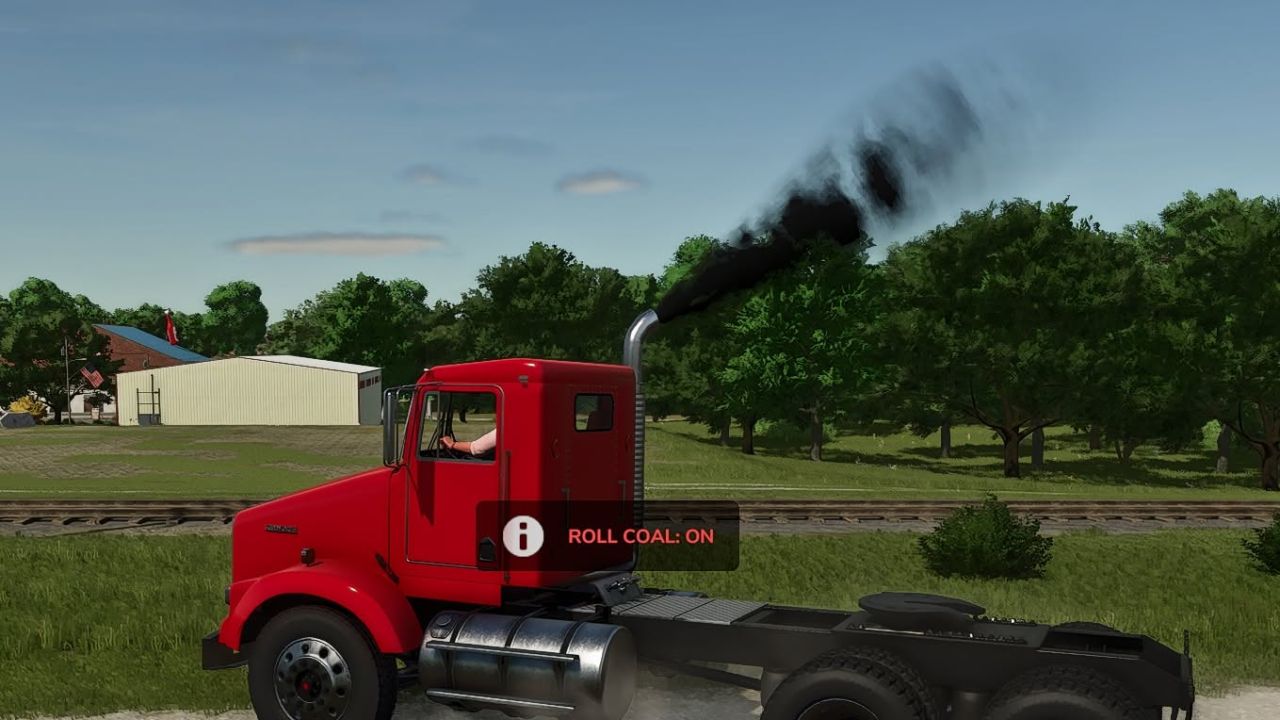
Built for diesel lovers who want to roll coal.
This mod enables thick black exhaust smoke on any vehicle that has properly configured exhaust nodes
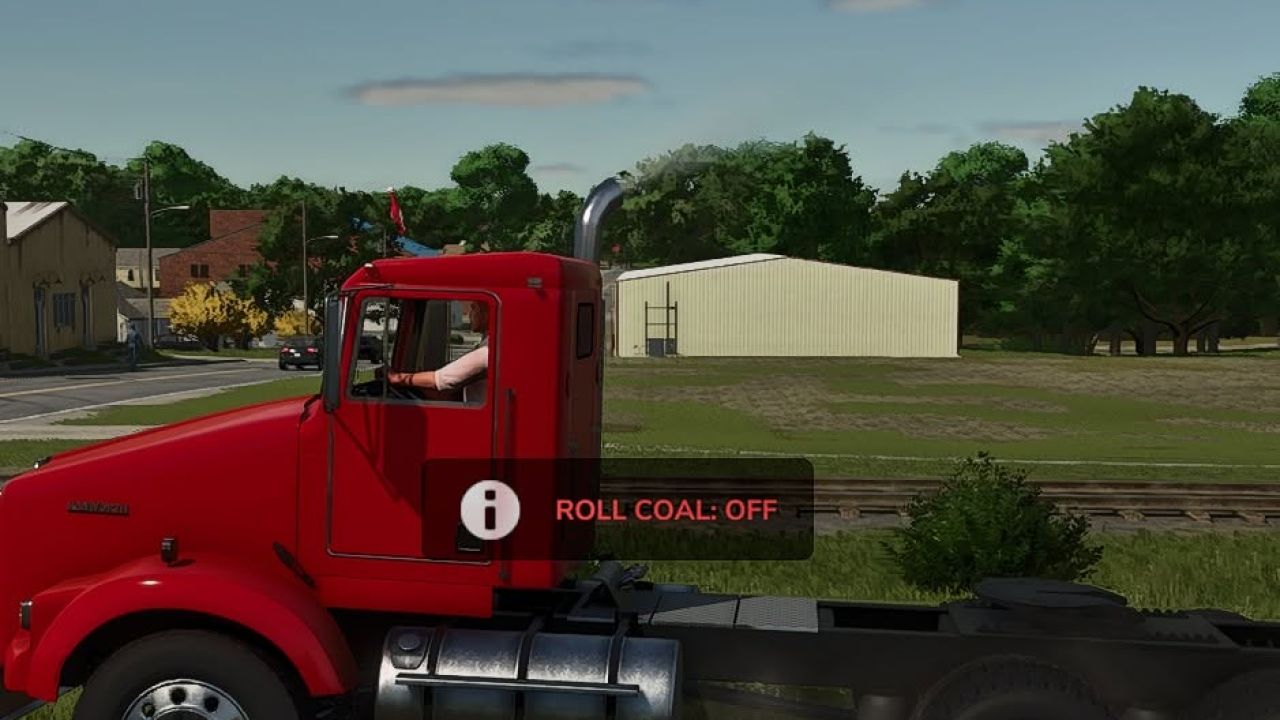
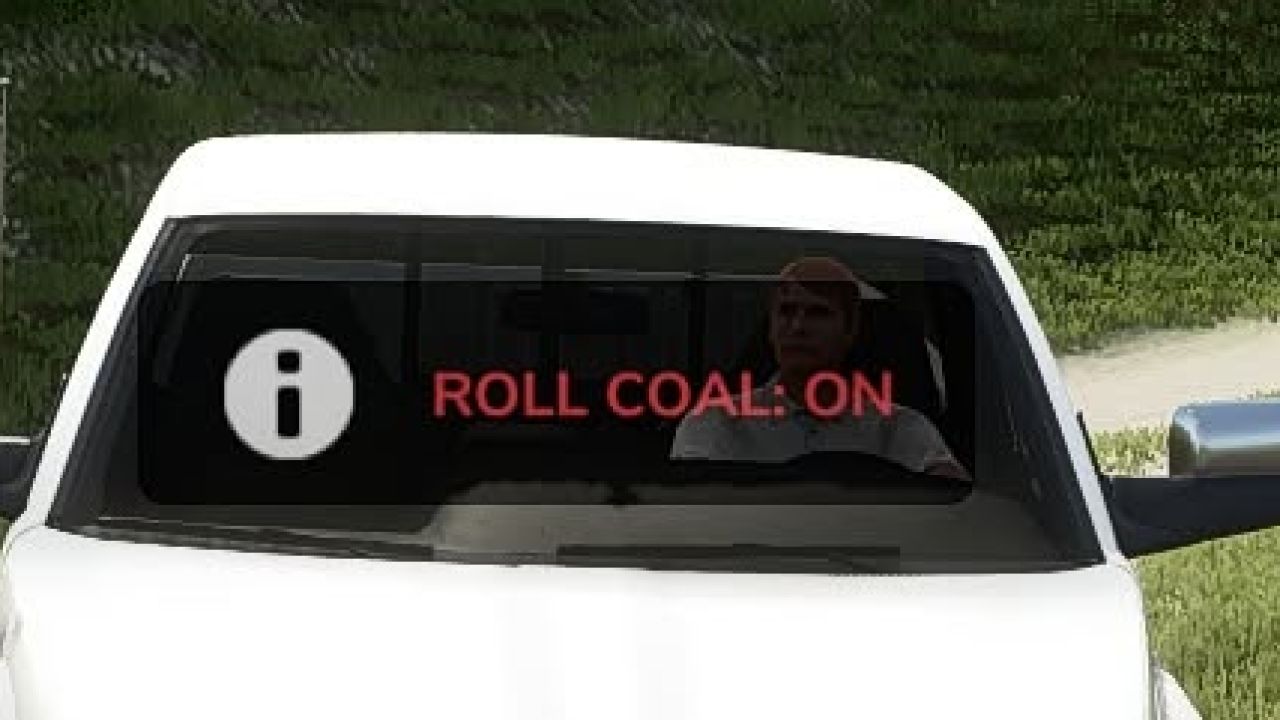
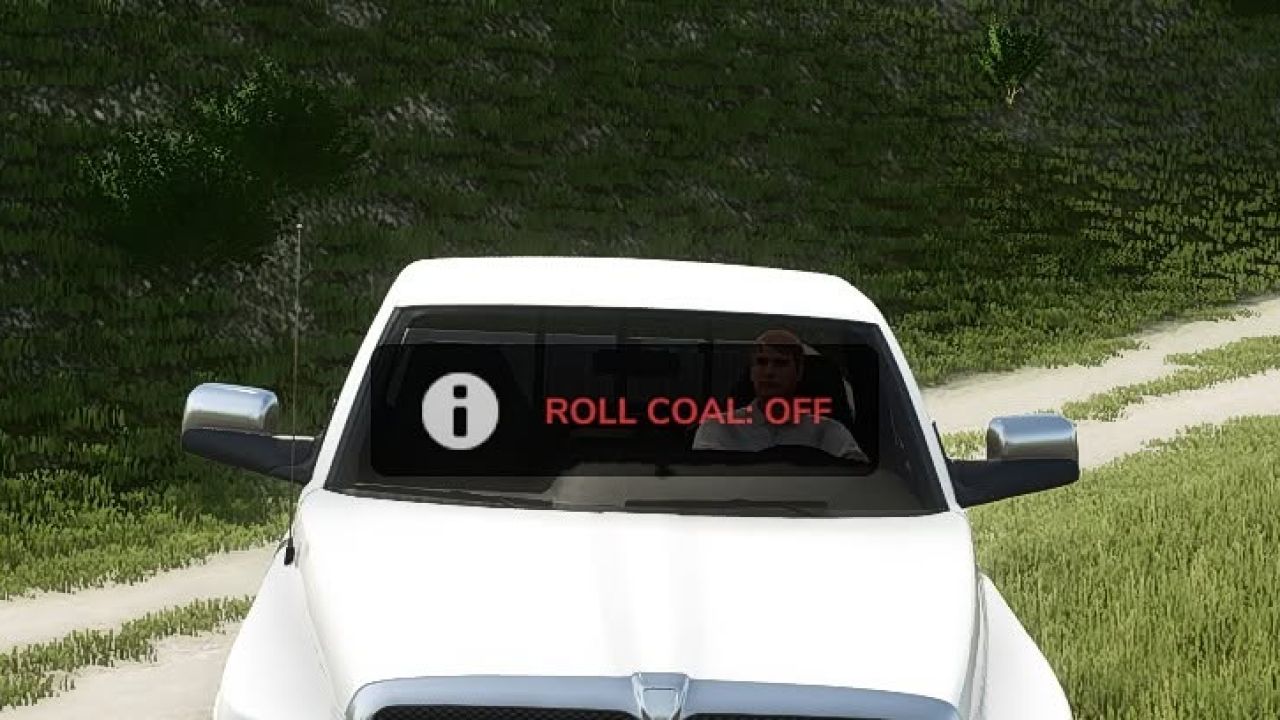
The exhaust extension can now be toggled individually for each vehicle. This allows you to disable it on gas vehicles while keeping it active on your diesel trucks and equipment.
Press C on the keyboard
Each vehicle’s setting is saved and remembered, so you only have to configure it once.
Designed to enhance diesel builds, performance trucks, and coal-rolling setups, this extension pushes heavier smoke output for a more aggressive and realistic diesel feel.
Works with any compatible vehicle
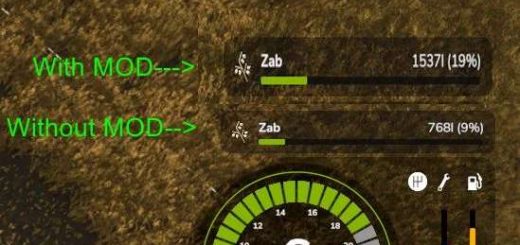
Increased black exhaust smoke
Perfect for diesel performance builds
Plug-and-play script extension
v2.0.0.0
Added a per-vehicle ON/OFF toggle
Added saved settings for every vehicle
Added automatic weight-based smoke balancing
Increased smoke density and particle output
Added multiplayer synchronization
Added keyboard and controller controls
Improved compatibility and vehicle-loading stability
Fixed exhaust values stacking incorrectly
Turning the extension off now restores the vehicle’s original exhaust settings
If the vehicle has working exhaust nodes, it’ll roll coal.
Changing Your Keybinds
Don’t like the default controls? You can change them directly in-game. Go to: ESC → Settings → Controls Find the Blackstack Exhaust Extension controls, select the Exhaust action, and assign whatever keyboard key or controller button you want. Keybinds can be changed at any time without editing the mod files.
Author: Blackstack