John Deere 9RT US V2.0
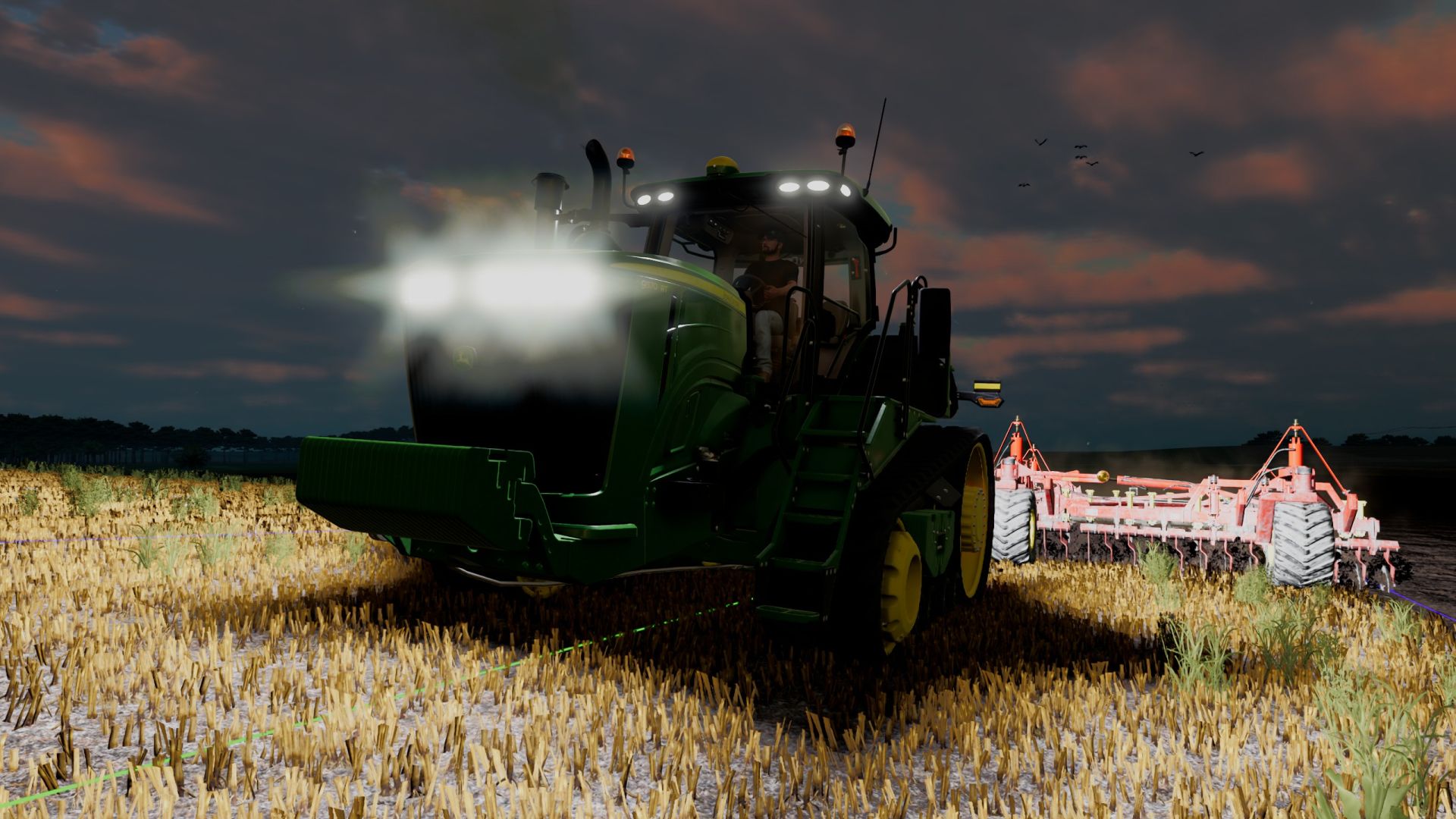
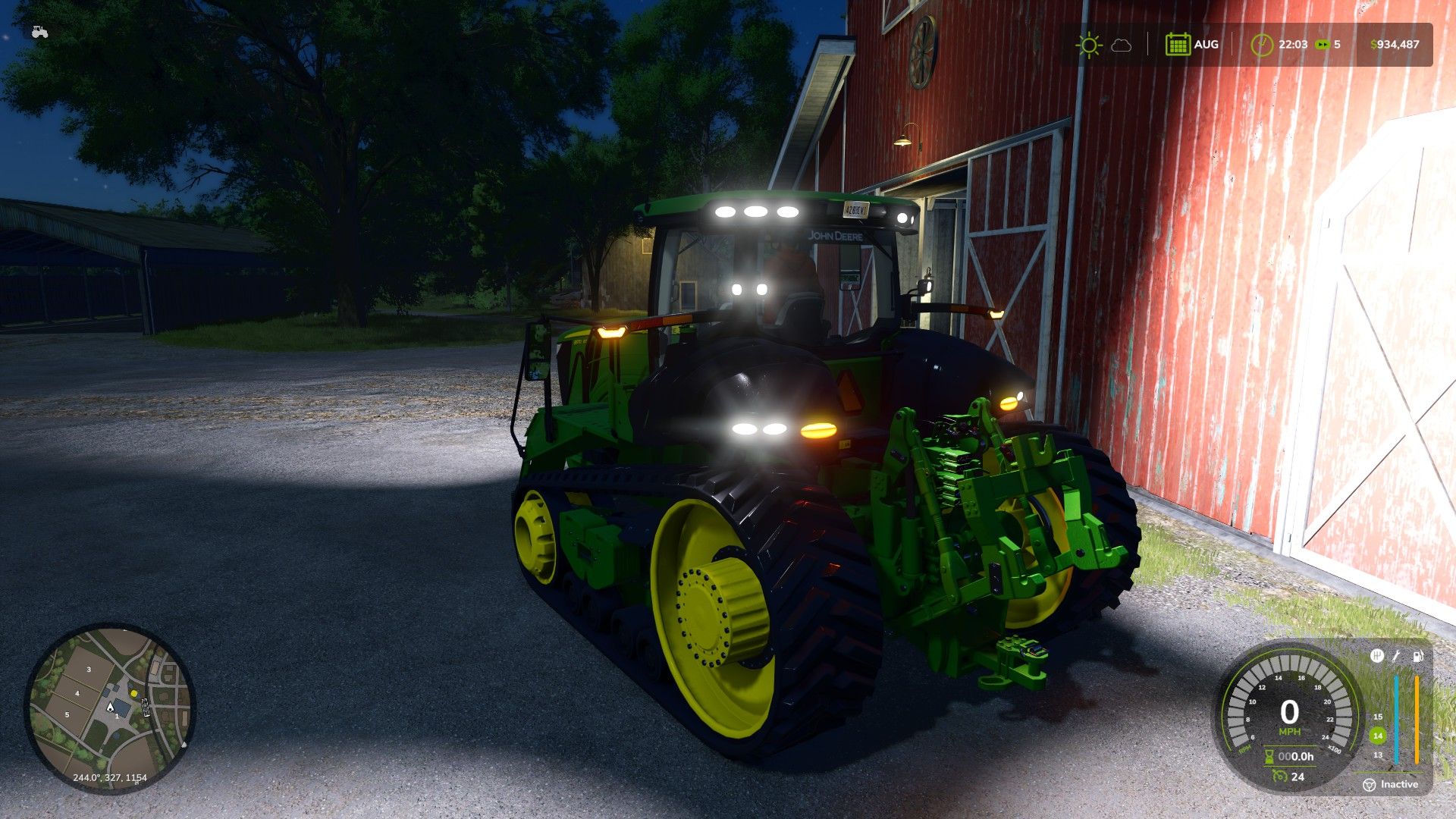
John Deere 9RT US V2.0
Version 2.0
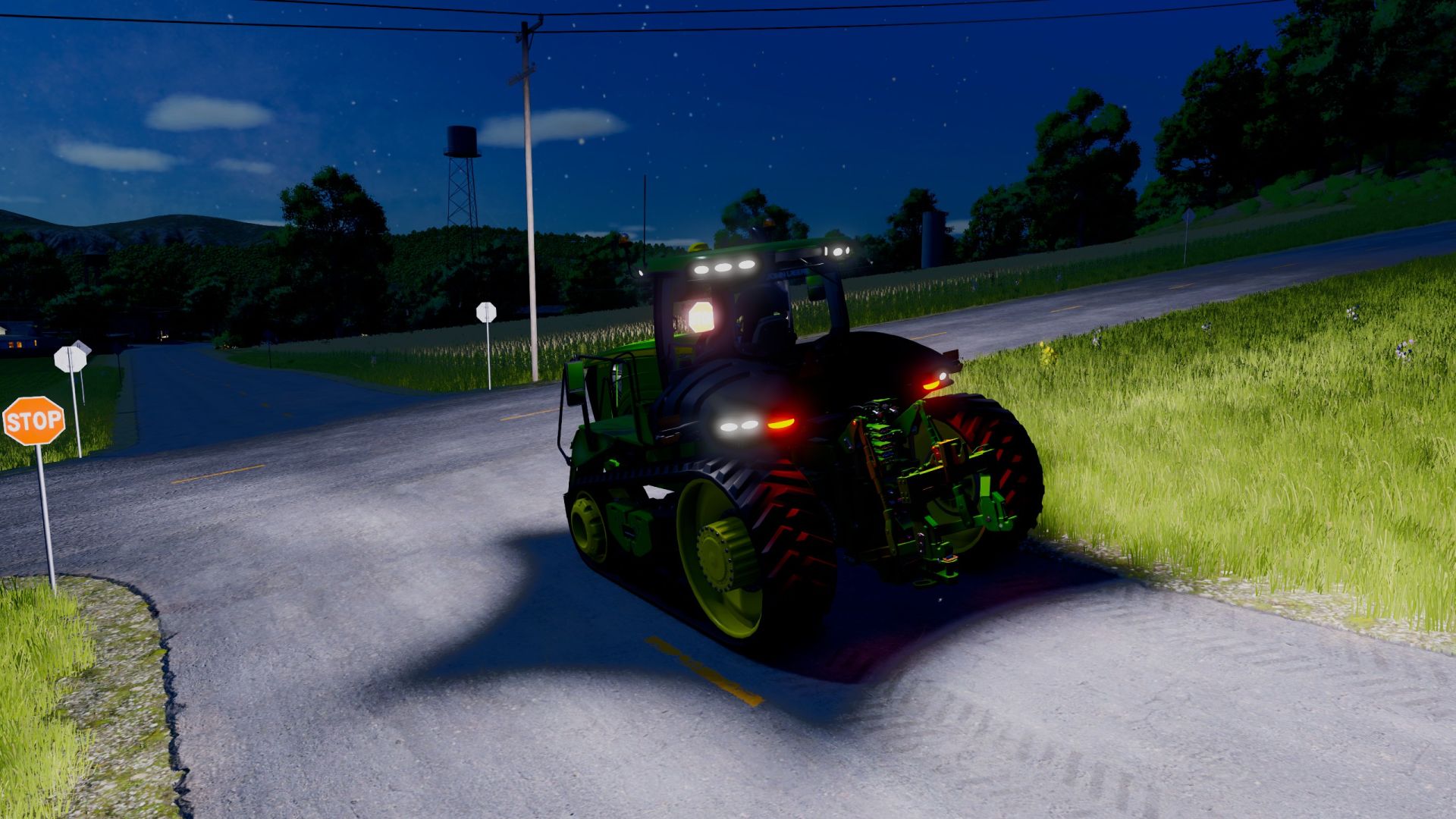
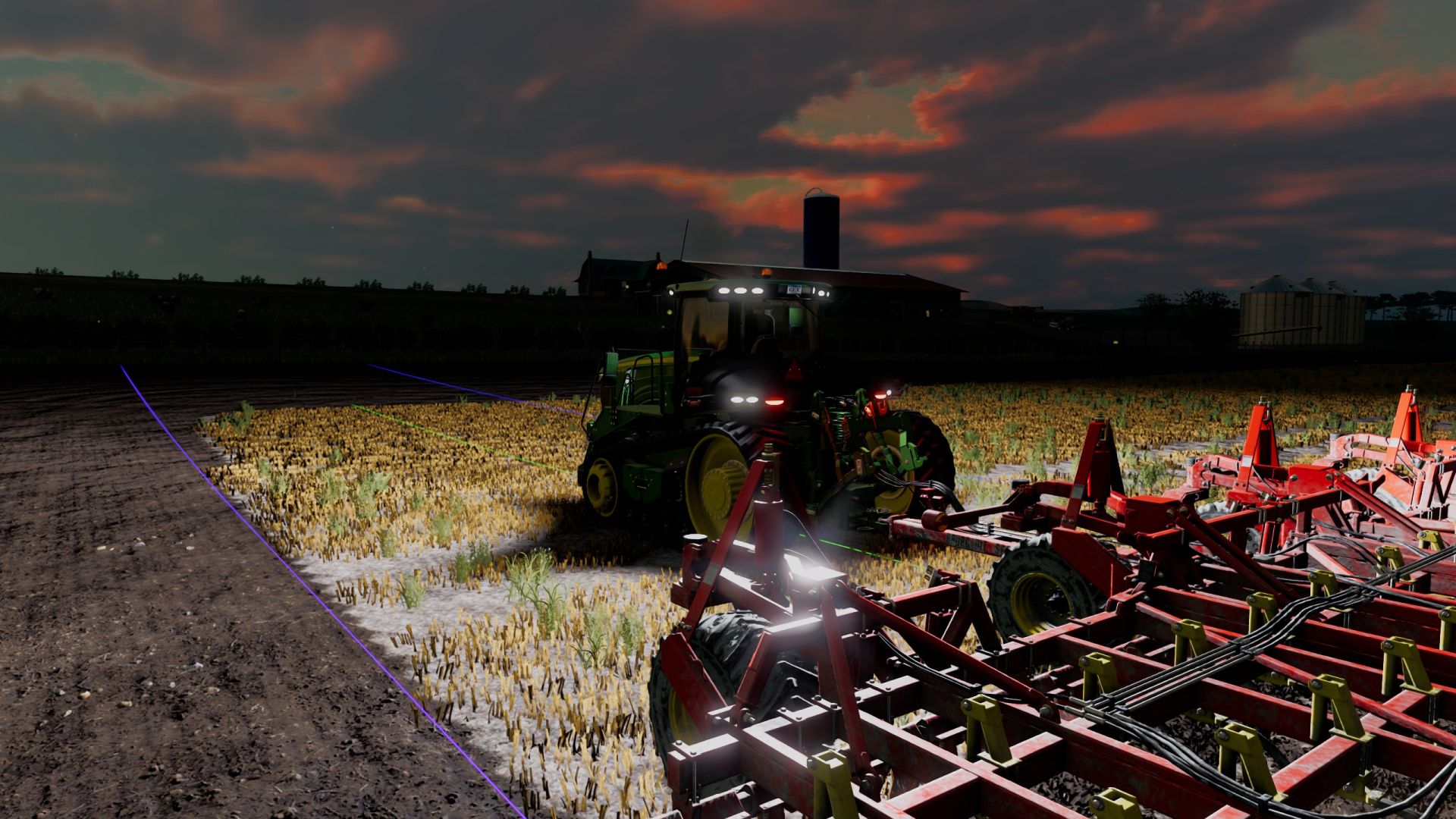
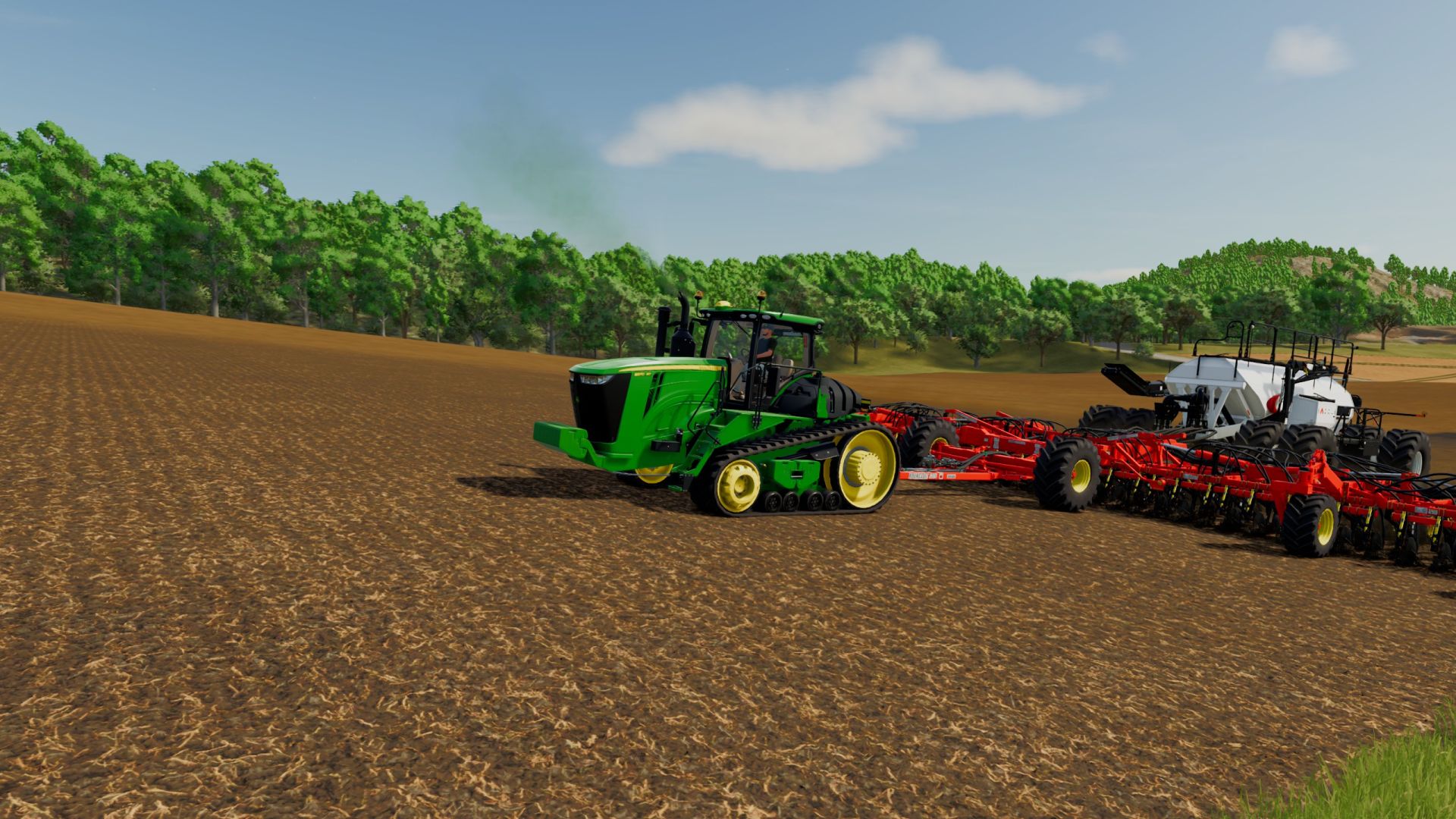
This 9RT I first did last year, and after getting a little better with this stuff I was happy with this one. So I decided to redo some of the things on the tractor, gave the model some TLC, etc.
It’s completely setup for FS25 now, correct UV maps so water droplets shows on things it should and shouldn’t.
I did rename it from FS25_JohnDeere_9RT_US.zip to what it shows now. I would recommend removing the old one.
I added a couple of design configurations for two different side markers, along with work lights for one. Along with options to have beacons or not.
Added the ability to adjust the mirrors, except for the one inside the cab.
No EU options like my original one.
I might do more with this later on, I don’t know I do have some ideas. Right now I’m happy with it. As always please let me know if there is any issues with this so i can straighten it out. Error free on my end.
V2.0.0.0
Redid some of the materials in the interior of the cab, wasn’t happy how it looked.
Added some extra configuration- Options for beacons left, right, both or none. Options to have the side engine panels visible or not(added a oil filler and dipstick cap to the engine behind the side panel on the left). Option to have a chrome exhaust tip or not.
Added a functional dome light in the interior. It’s cycled on when you first hit the lights and the last one before the shut off.
Added a fully functional sight gauge the shows the actual level of diesel fuel you have in your tank. It’s the one that’s on the left side that was only static for visual only.
Added the ability to open the hood on the tractor.
Fixed a couple of visual things that irritated me.
Author: usfsfarmer83, GIANTS Software