Hyper Realistic Maintenance 2 V1.0
Hyper Realistic Maintenance 2 V1.0
Your engine wears out. Your oil gets dirty. Your turbo fails if you never service it. This is what “realistic maintenance” should have meant all along.
Hyper Realistic Maintenance 2 adds a deep, ongoing mechanical simulation to every motorized vehicle in your save — tractors, trucks, harvesters, and cars — with real gameplay consequences, not just cosmetic numbers.
What it simulates
Engine: 5 independent components (cylinder, piston, bearings, crankshaft, valves) that influence each other — cylinder wear increases blow-by, which contaminates your oil, which accelerates wear further
Thermal: coolant temperature rises with load and overheats if your radiator is degraded
Fluids: oil level/contamination and coolant level, both trackable and serviceable
Drivetrain: clutch, gearbox, turbo, and battery/starter wear over time
Failures: probabilistic breakdowns that ramp up sharply past ~35% wear on the relevant component — critical overheating above 118°C is guaranteed, not luck
Per-vehicle-type behavior: tractors, trucks, harvesters, and cars wear at different, realistic rates
Real effects, not cosmetic
Genuine power loss — reduces actual available engine torque, you’ll feel it in the field
Real no-start conditions — a dead battery or worn starter can actually stop your engine from turning over, with an on-screen warning
Harvesters lose real threshing efficiency as engine health degrades
Scheduled maintenance, like the real thing
10 serviceable items (engine oil, filters, hydraulic/transmission oil, coolant, grease, belts, and more), each with its own interval and a real farm-money cost — scaled automatically to the vehicle’s actual horsepower. Let service slide too long and wear accelerates up to +120%.
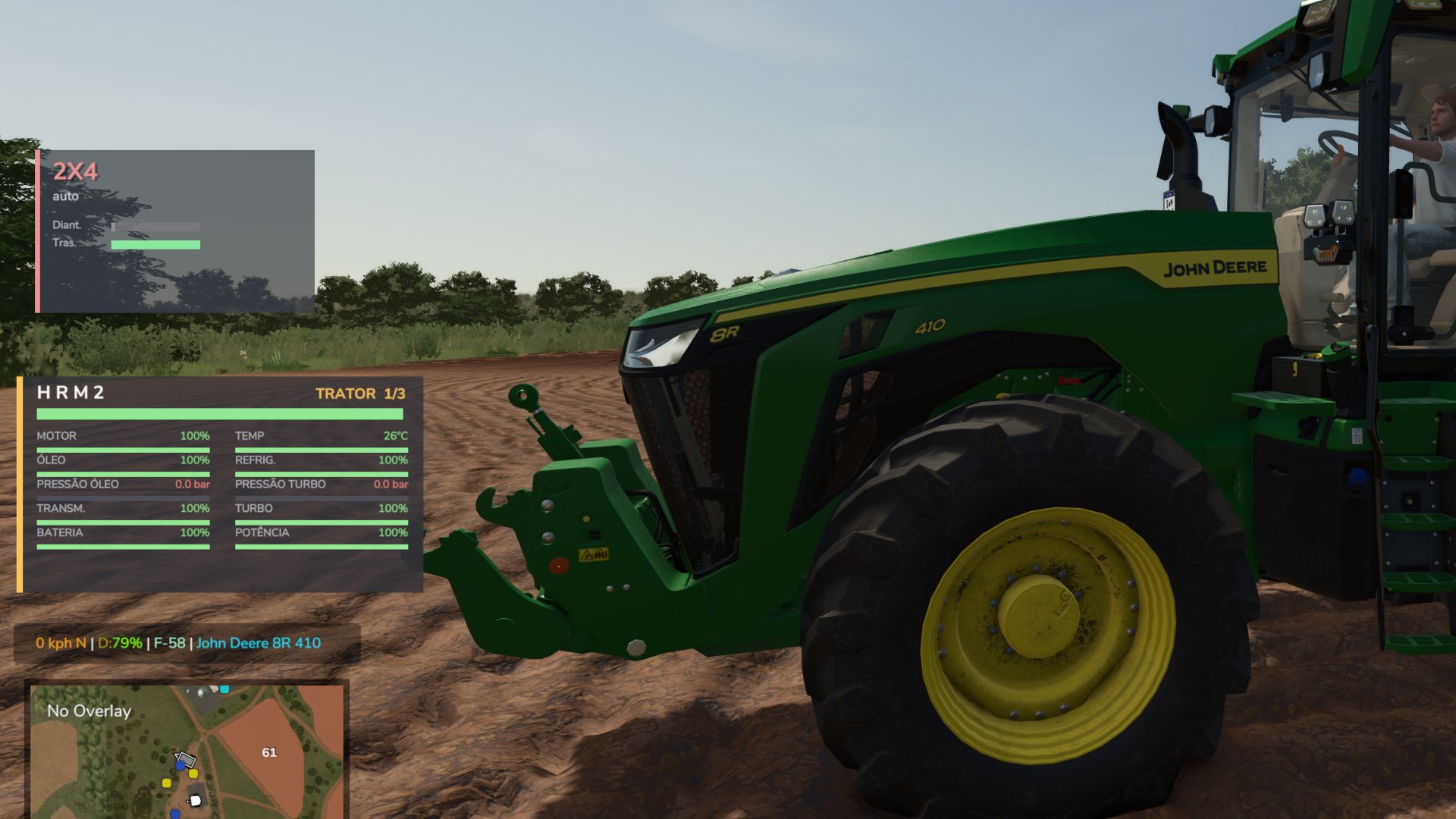
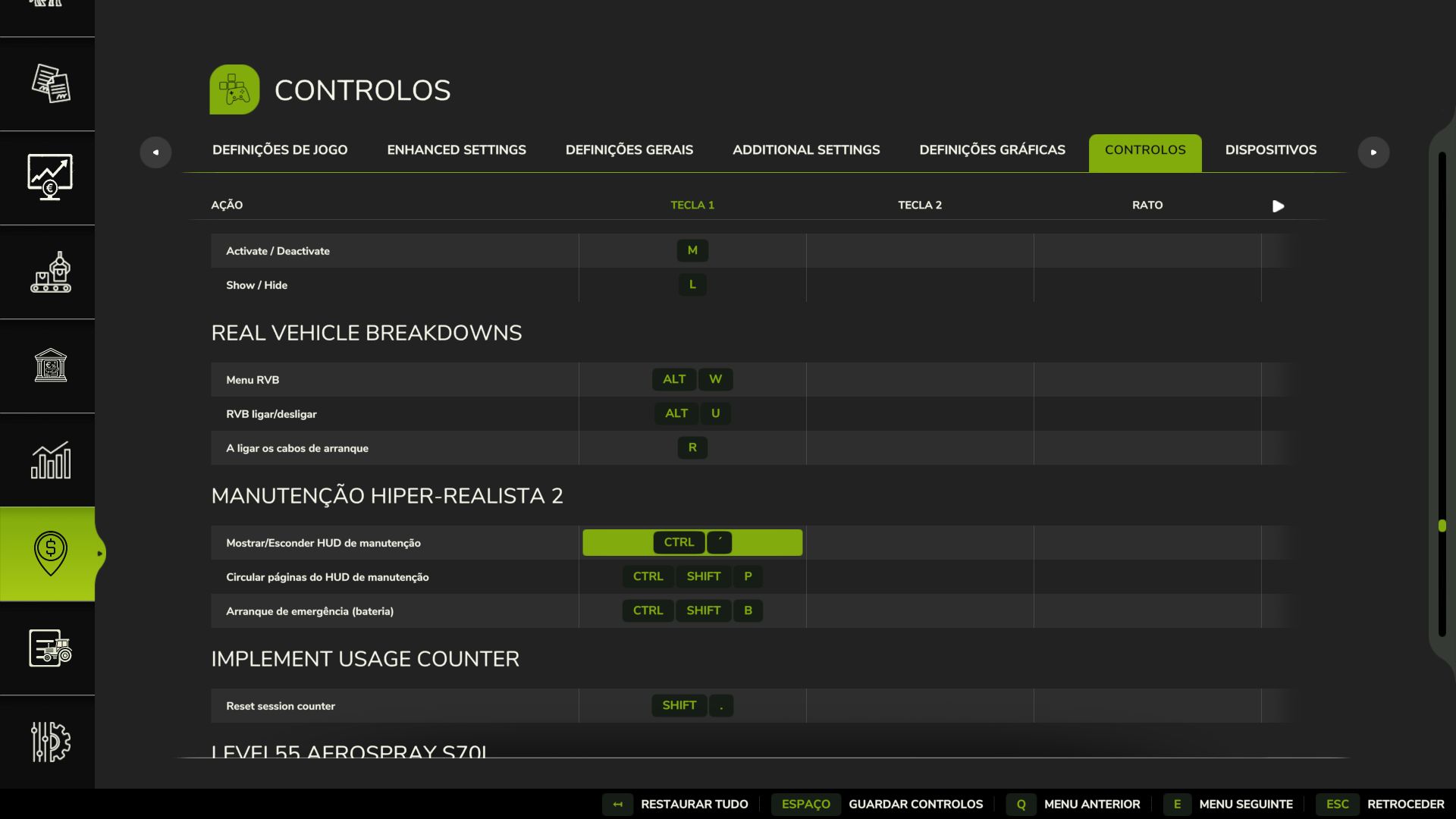
3-page in-vehicle HUD — overview, detailed engine diagnostics, and maintenance status — position adjustable from the in-game Settings menu. The game’s own repair screens (store, farm workshop, mobile workshop) now perform a full HRM2 service too.
Compatibility
Runs entirely standalone. If you also install the 4×4 Traction System mod, the two detect each other automatically — their HUDs won’t overlap, and running in 4WD/diff-lock adds a touch of extra, realistic drivetrain stress. Neither mod requires the other.
Singleplayer only for now; state isn’t yet saved to the savegame (see the README for the honest list of current limitations).
Author: zasty chalk