Improved Wheat XML V1.0.0.2
Improved Wheat XML V1.0.0.2
“Improved Wheat XML” is a mod for Farming Simulator 25 that replaces the file for destroying wheat crops.
When the mod is activated, an updated “wheat.xml” file and a corresponding rule for “maps_fruitTypes.xml” are installed.
The “wheat.xml” file retains the wheat crop type registration, growth calendar, harvest settings, and fruit categories from the base game.
Overview of “Improved Wheat XML”: “Improved Wheat XML” is a mod for fields and crops in Farming Simulator 25 by Sumro Gaming; this page explains the release before the player accesses the download source. Update: This version now also works on mod maps. Previous versions were primarily intended for the base game’s maps, but the replace and restore system has since been updated for mod maps as well. “Improved Wheat XML” is a mod for Farming Simulator 25 that adjusts the XML settings for wheat crop destruction.
When the mod is activated, an updated “wheat.xml” file and a corresponding rule for “maps_fruitTypes.xml” are installed. The wheat XML file retains the fruit type registration (fruitType), growth calendar, harvest settings, and fruit categories of the main game, simply supplementing them. “Improved Wheat XML” is an original mod by Sumro Gaming for Farming Simulator 25. It is aimed at players who want more realistic reactions from crops and fields during normal fieldwork. Its main purpose is simple: “Improved Wheat XML” is a mod for Farming Simulator 25 that adjusts the XML settings for wheat plant destruction.
The wheat destruction features
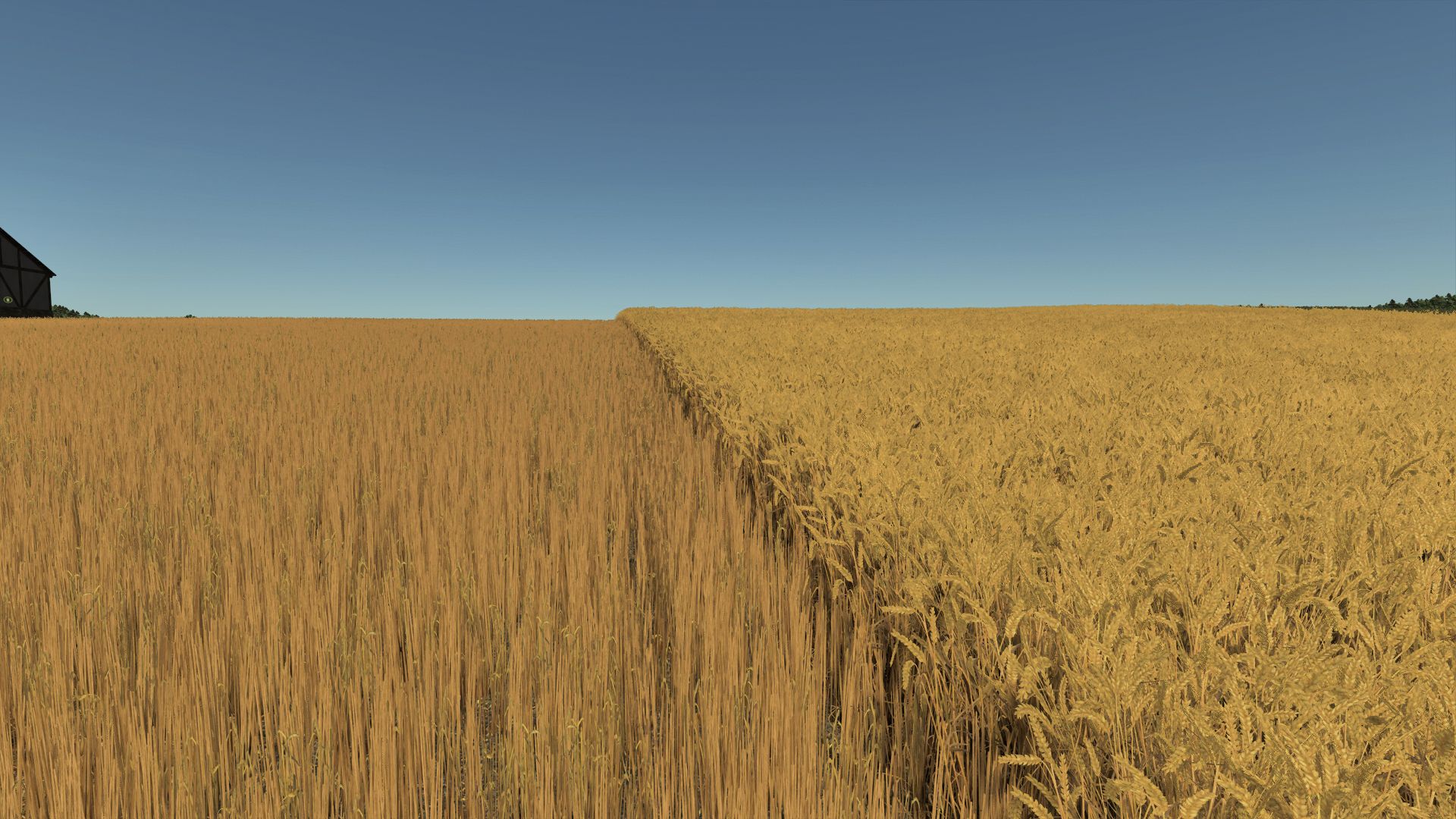
“Improved Wheat XML” focus on the following functions: adding the state for destruction by tires and stubble (required for destruction by wheels); using rules in “maps_fruitTypes.xml” so that wheat stages 4 to 10 can be moved to the destruction state; and maintaining the registration, growth calendar, harvest settings, categories, yields, prices, equipment, and economic behavior of the main game.
With the mod active, an updated “wheat.xml” file and a corresponding rule for the destruction of the crop type are installed; the normal wheat calendar and harvest settings remain unchanged. Additionally, the original files are backed up, and the main game’s wheat XML file is restored once the mission or game is completed. This release is technical in nature—as opposed to a simple texture change as it adjusts the behavior of the wheat XML regarding destruction states, while leaving the regular wheat calendar and harvest settings unaffected.
Author: SumroGaming