Agro Drone – AeroSpray S70L V1.2.0.1
Agro Drone – AeroSpray S70L V1.2.0.1
Agro Drone – AeroSpray Series
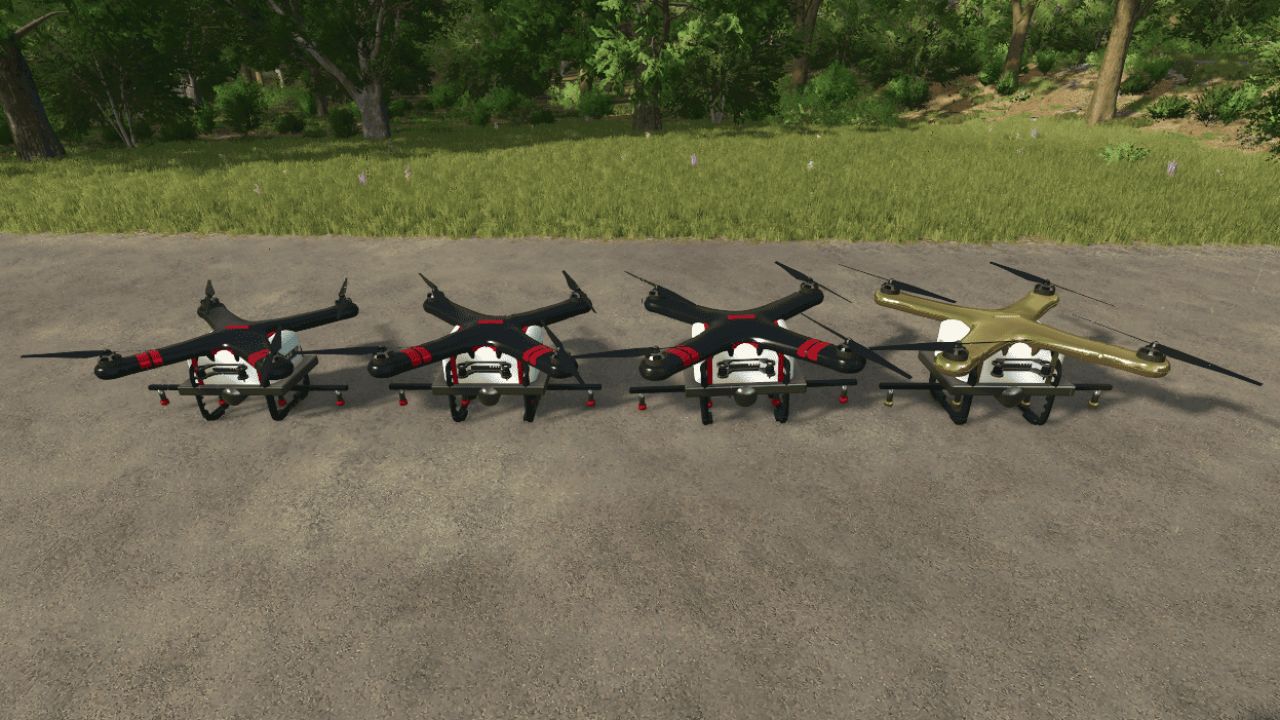
The AeroSpray Series adds several agricultural spraying drones to Farming Simulator 25, with different tank sizes depending on your farm and play style.
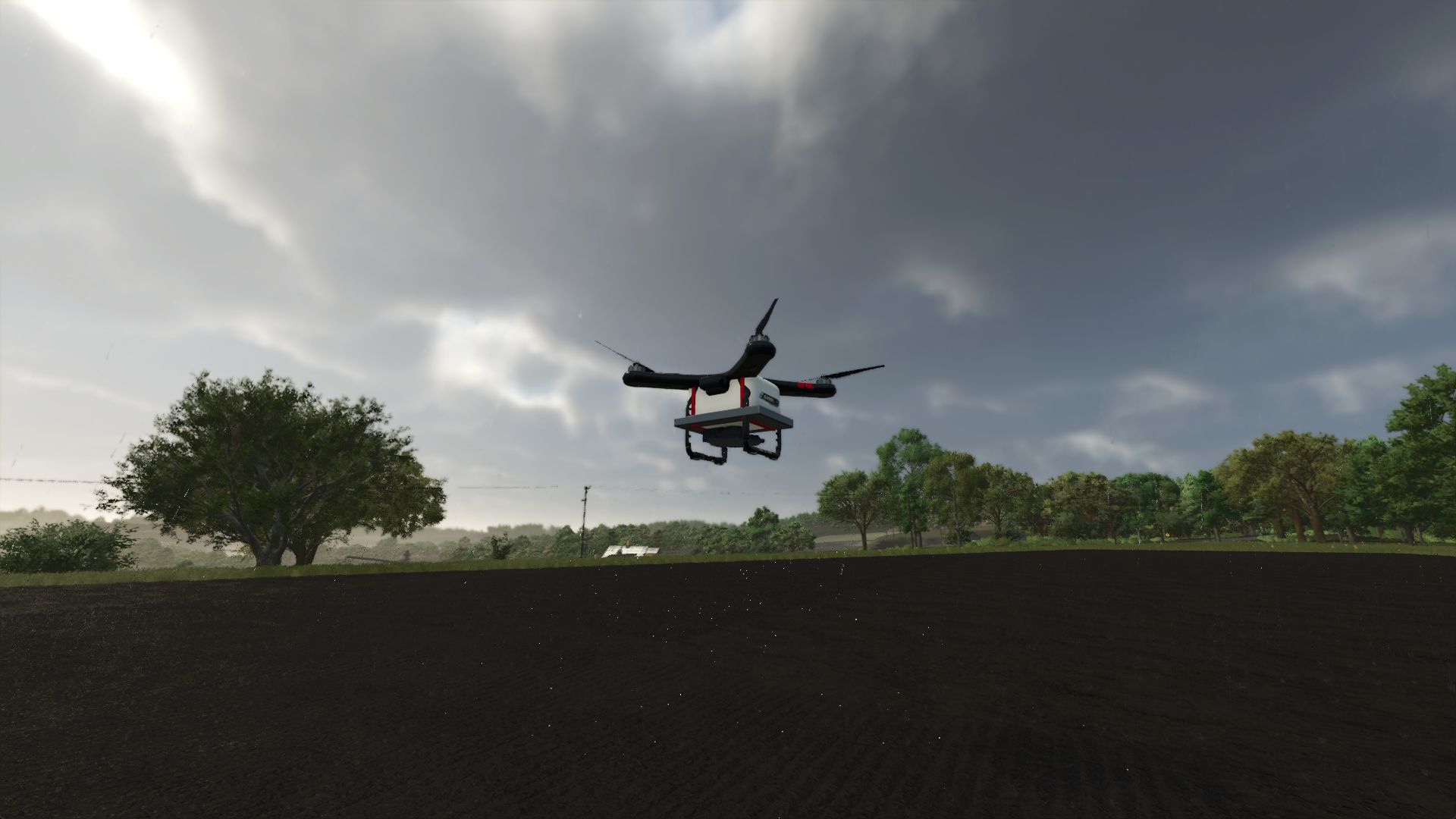
You can fly the drones manually or use the autonomous spraying system to let them handle the field work on their own.
Available Models
S45L — 45 L tank — $22,000
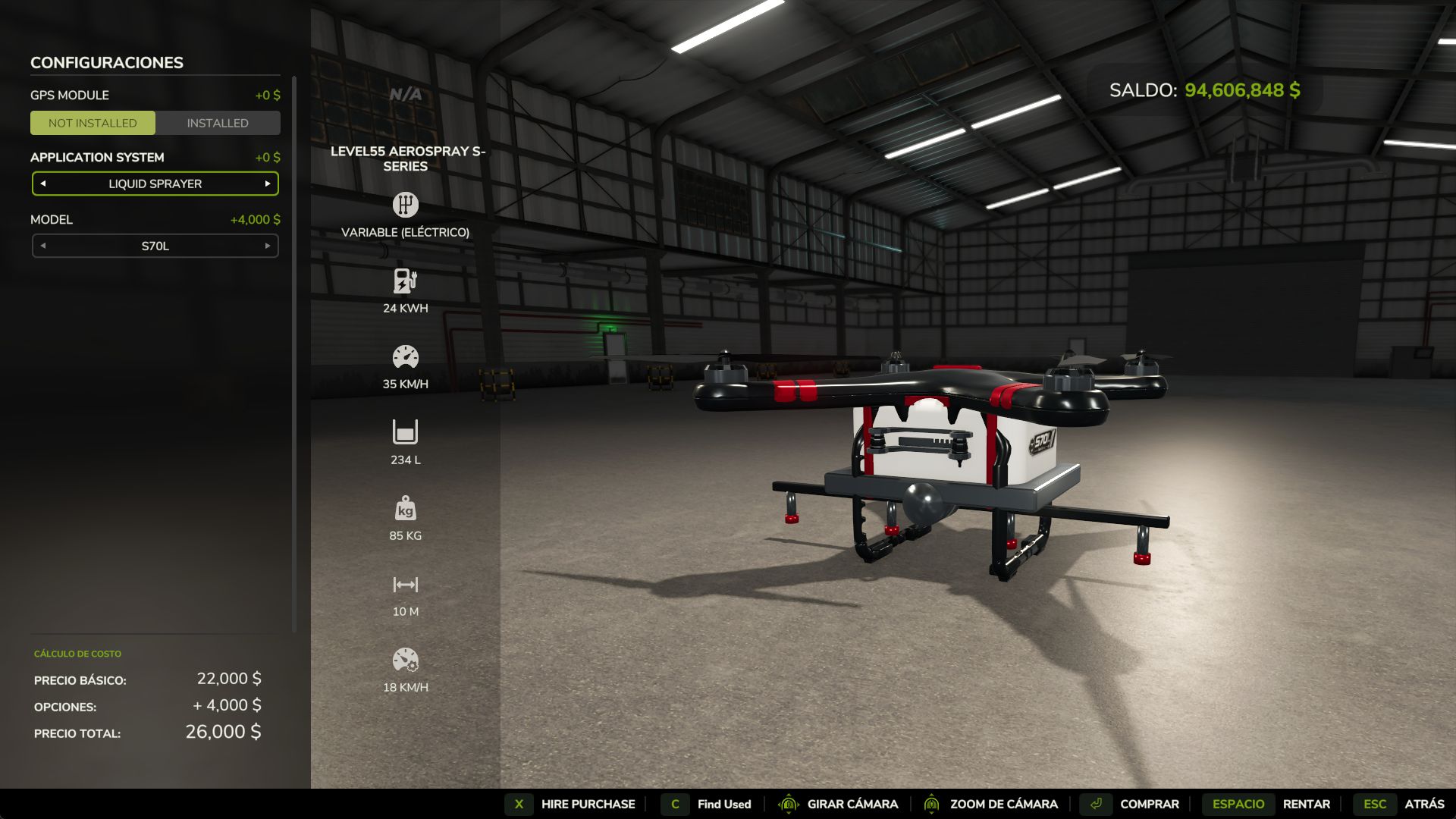
S70L — 70 L tank — $26,000
S100L — 100 L tank — $31,000
S2000L Unreal — 2,000 L tank — $40,000
Each model has its own size and identification labels, making them easier to recognize when parked on the ground.
The S70L was also reduced slightly in size so the difference between the models is more noticeable.
Main Features:
Manual flight and spraying controls
Autonomous field spraying
Automatic field detection
Can resume unfinished field work
Automatic Return to Home when battery or product is low
Supports liquid fertilizer, herbicide and compatible custom spraying products
Batteries:
Removable and rechargeable battery packs
Spare batteries can be purchased, carried and swapped manually
Working Specs:
10 m working width
Approx. 14 L/ha application rate
Recommended working speed: 15–18 km/h
Maximum flight speed: 35 km/h
The smaller models are intended for a more realistic drone setup, while the S2000L Unreal is included for players who prefer a much larger capacity and fewer refill stops.
All controls can be changed from the Farming Simulator 25 control settings.
Developed by Level55 Games
V1.2.0.1
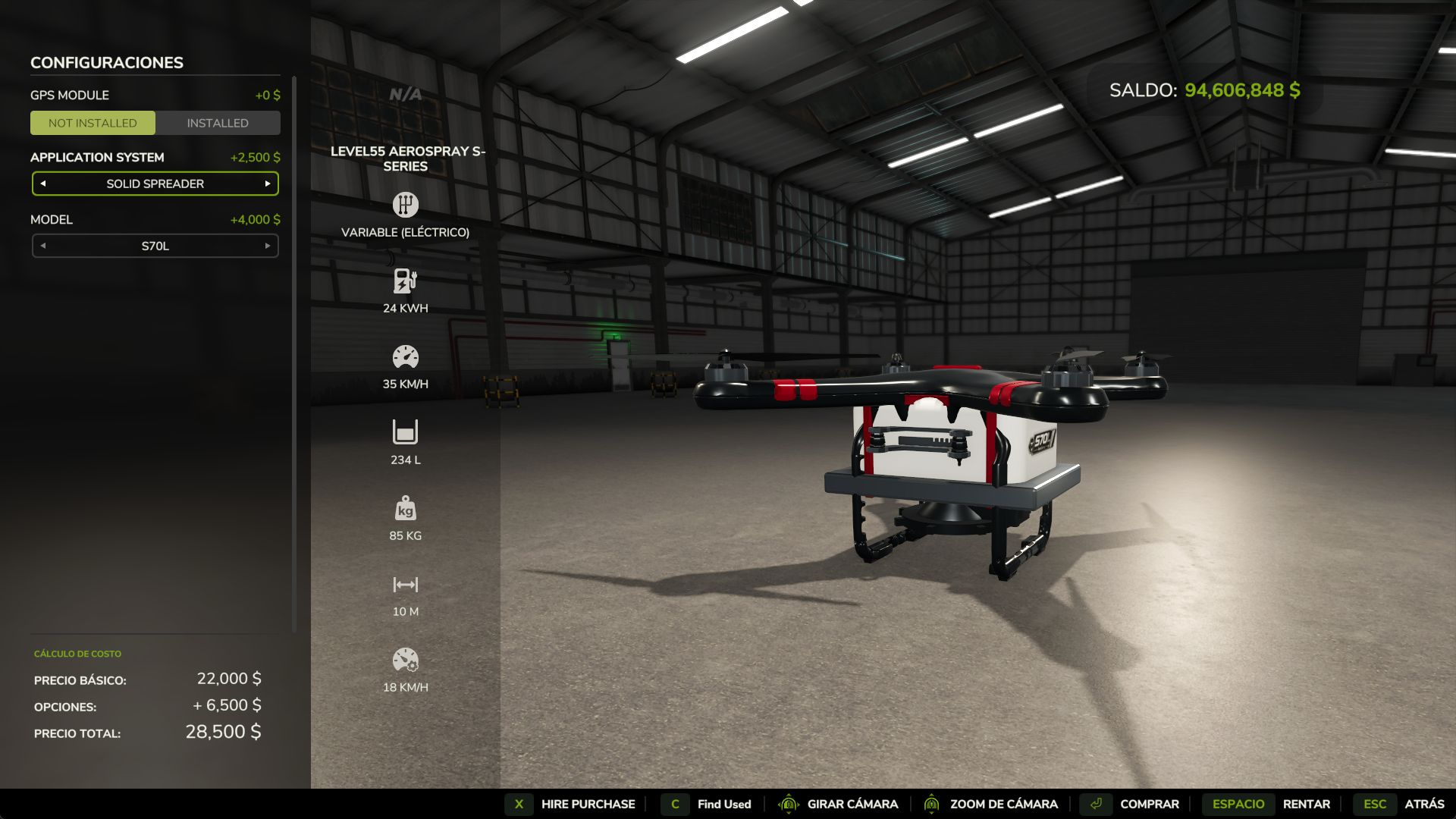
Added Solid Spreader configuration.
Choose between Liquid Sprayer and Solid Spreader in the shop.
Supports seeds and solid fertilizer.
Seeds and fertilizer can be applied together.
Added crop selection.
New rotating spreading disc.
Improved conical particle effect.
Denser and smaller solid particles.
Author: Level55