Vehicle Recovery v1.0
Vehicle Recovery v1.0
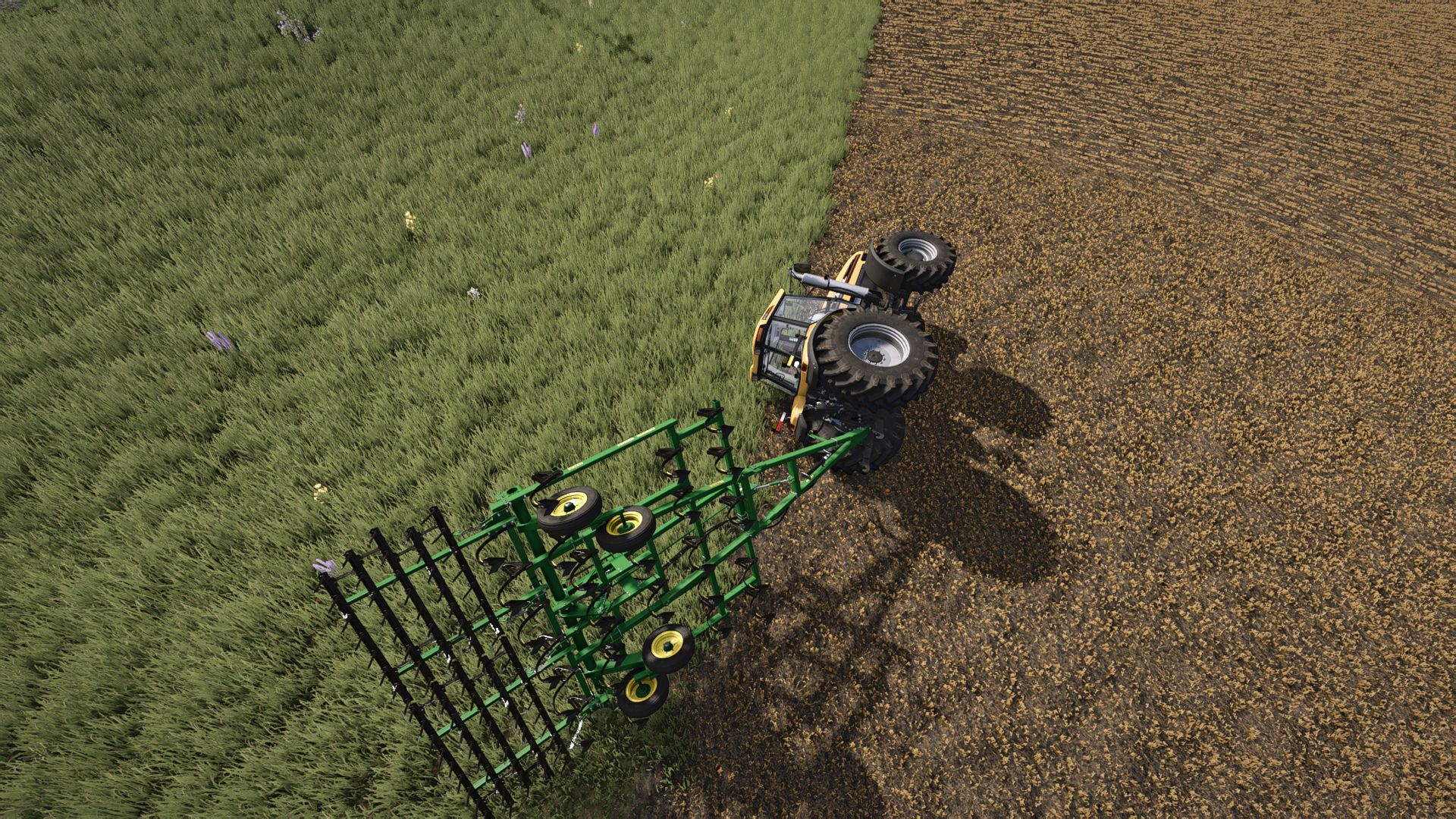
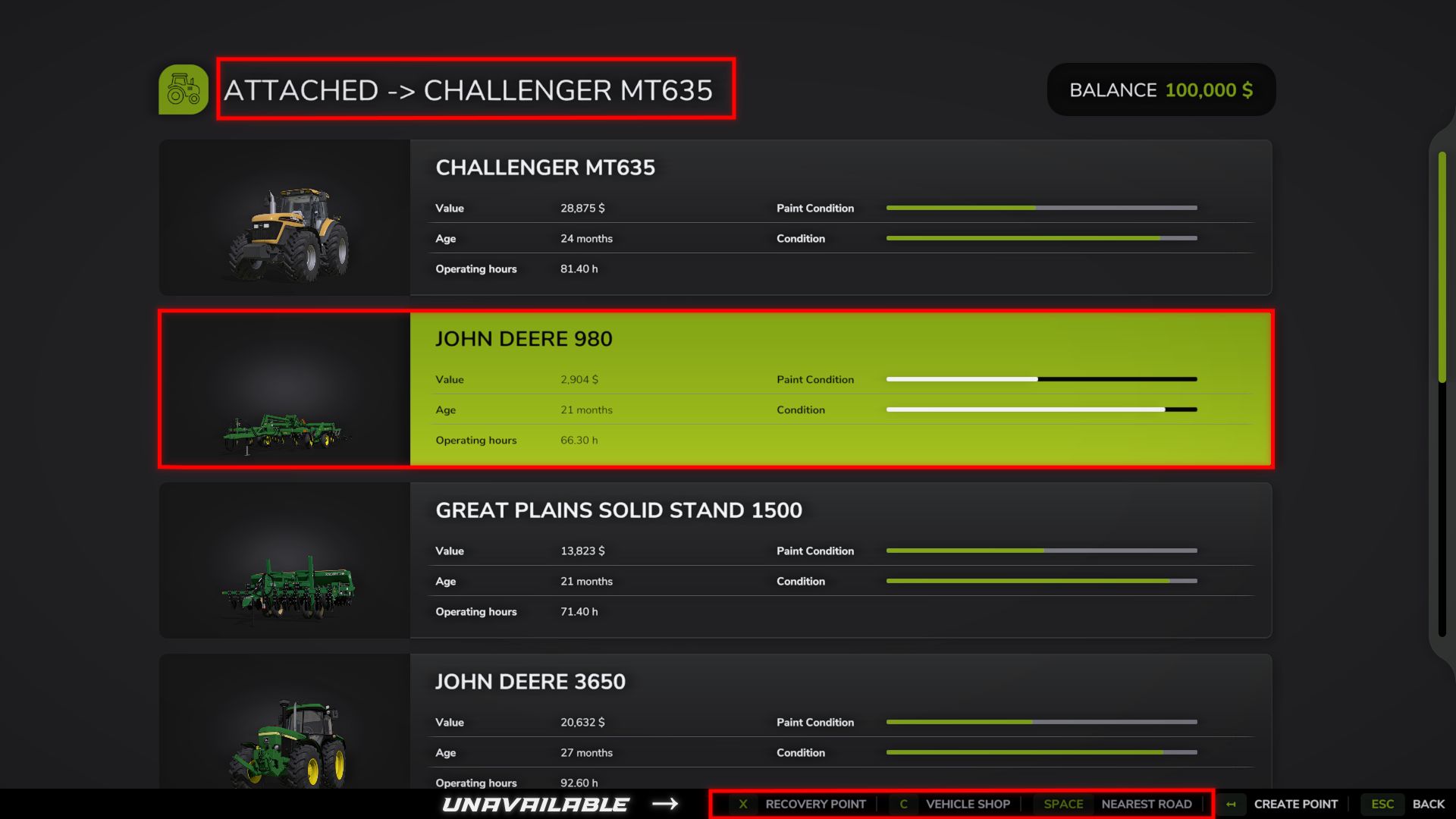
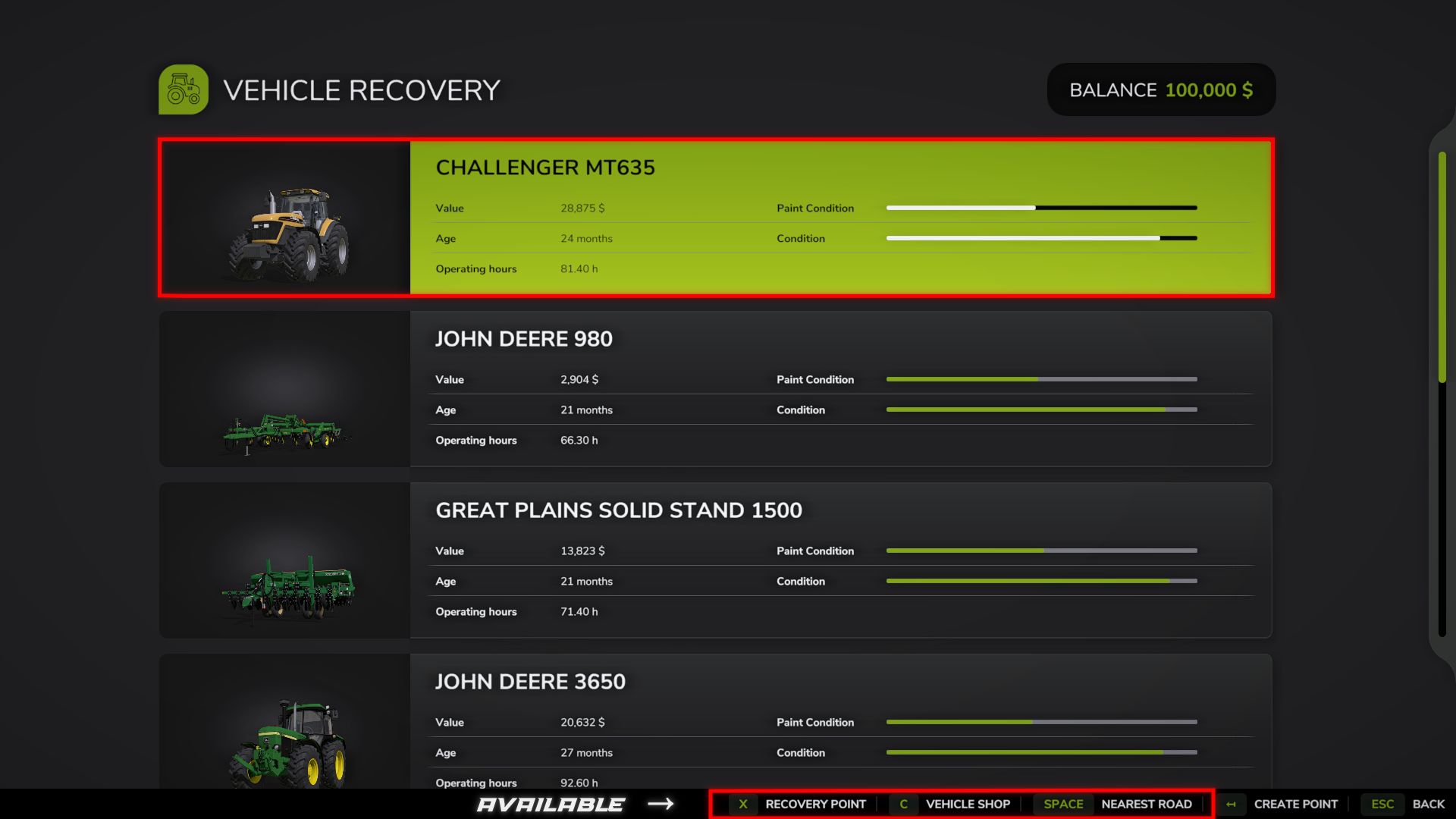
Vehicle Recovery allows you to remotely recover your equipment while on foot, without using the standard reset, which can lead to cargo loss or disruption of the attached combination.
FEATURES:
Remote recovery of your own equipment.
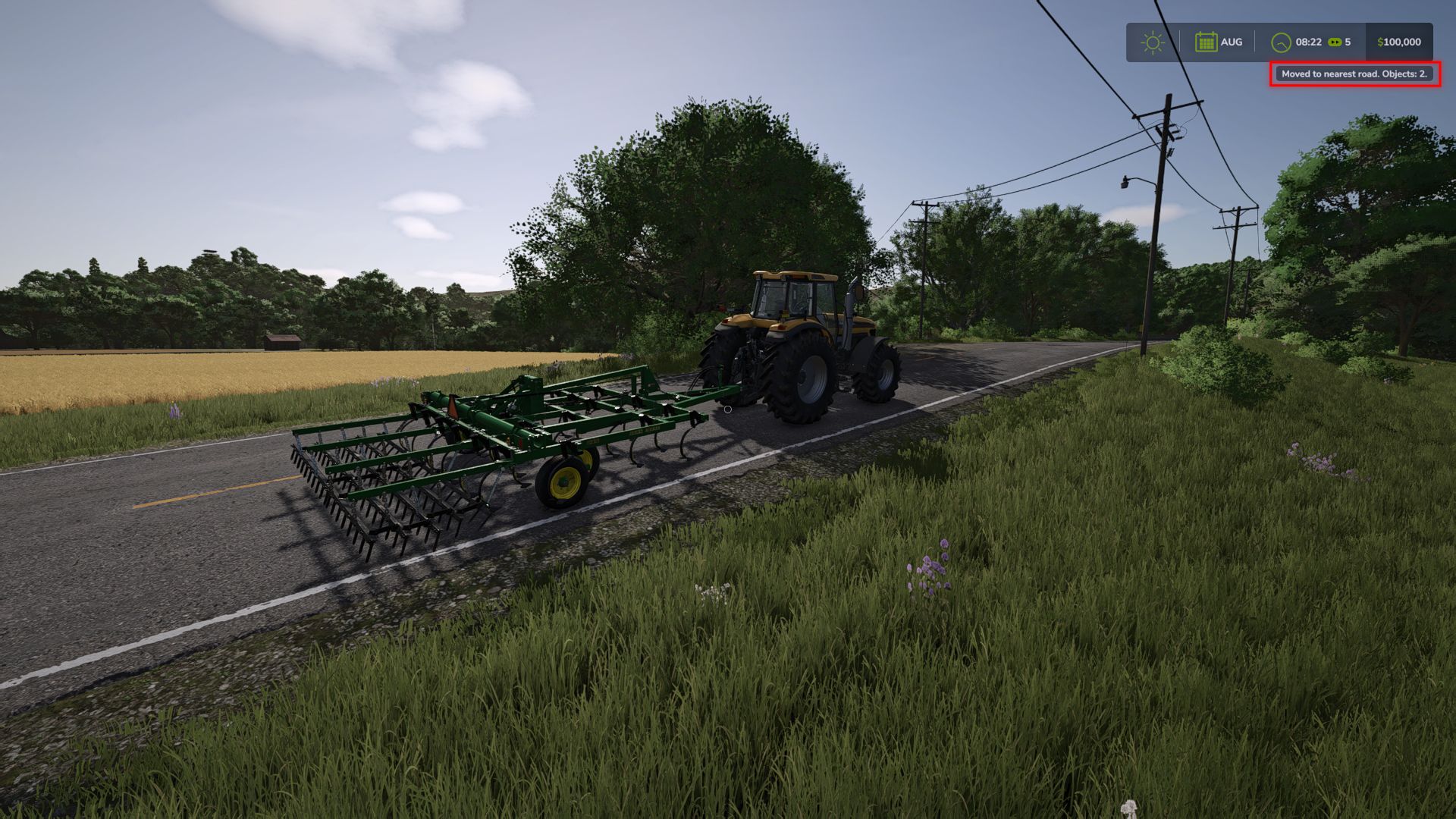
Moving tractors, harvesters, trailers and implements together with the entire attached combination.
Preservation of attachments, configurations, fuel, contents and equipment condition.
Support for transported cargo: pallets, bales, logs, big bags and other objects.
Support for dynamically attached equipment, such as a header on a transport trailer.
Finding a suitable free space while taking the dimensions of the entire combination into account.
Recovery to the nearest AI road, the machinery shop or a created point.
Correct placement of equipment on bridges.
Recovery of equipment after falling into deep water.
Temporary blocking of equipment switching with “Tab” during recovery.
In-game notifications about the recovery result.
Recovery is completely free.
CONTROLS:
While on foot, press F9 to open the Vehicle Recovery menu.
Space – recover to the nearest suitable road.
C – recover to the machinery shop.
X – recover to the selected point.
Backspace – create or delete a point.
Esc – back.
The F9 key can be changed in the game’s standard control settings.
NEAREST ROAD:
The mod searches for a suitable free space on the nearest AI road.
If the road crosses a bridge, the equipment is placed directly on the bridge surface.
MACHINERY SHOP:
The standard equipment spawn zones on the map are used.
For long combinations, the mod may choose an additional free space to avoid intersections between equipment and cargo.
TO POINT:
Allows you to choose the recovery point yourself.
The point is created at the player’s current position and is used as the center for searching for free space.
The point is saved until the end of the game session.
IMPORTANT:
Works only in single-player.
Recovery is available only while on foot.
To recover to a road, the map must contain functional AI splines.
To recover to the shop, a valid equipment spawn zone is required.
The root vehicle of the combination should be selected for recovery usually a tractor or harvester. Trailers and implements are moved together with it.
Loose cargo that is not attached to a trailer usually remains in place.
A large amount of tightly packed cargo secured with tension belts may behave unstably after being moved.
The mod does not repair equipment or change its fuel, configurations or contents.
The standard destructive equipment reset is not used.
Very large or non-standard modded equipment may require a different recovery location.
Compatibility with cargo may depend on other mods that change autoloading, tension belts or object physics.
The mod was tested with various types of equipment, trailers, implements and transported cargo.
This is the first public version of the mod. When using large amounts of modded equipment, non-standard maps or third-party mods, individual compatibility issues may occur.
If you encounter an error or unusual behavior, please report it and include the name of the equipment, map or mod where the problem occurred.
Author: B L D W D