LuminaLights Ninja — Dynamic Park/DRL (Prefab) V1.1
LuminaLights Ninja — Dynamic Park/DRL (Prefab) V1.1
LuminaLights Ninja — Dynamic Park/DRL Prefab
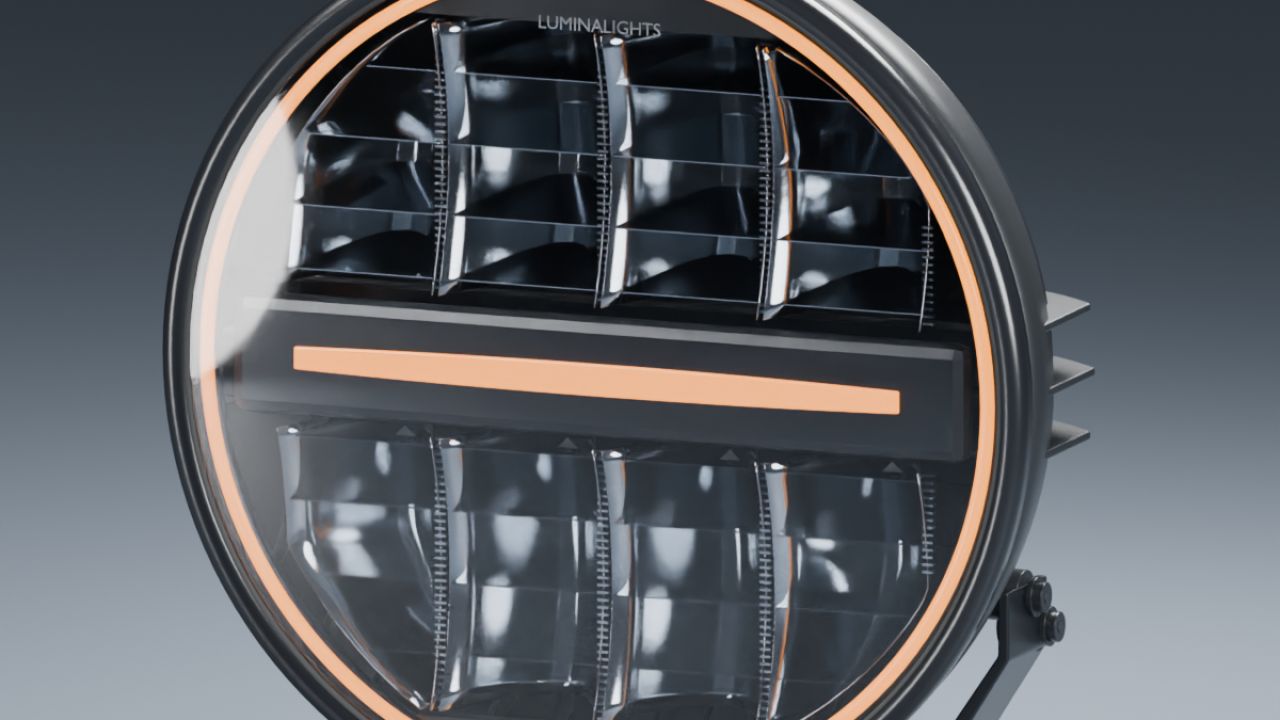
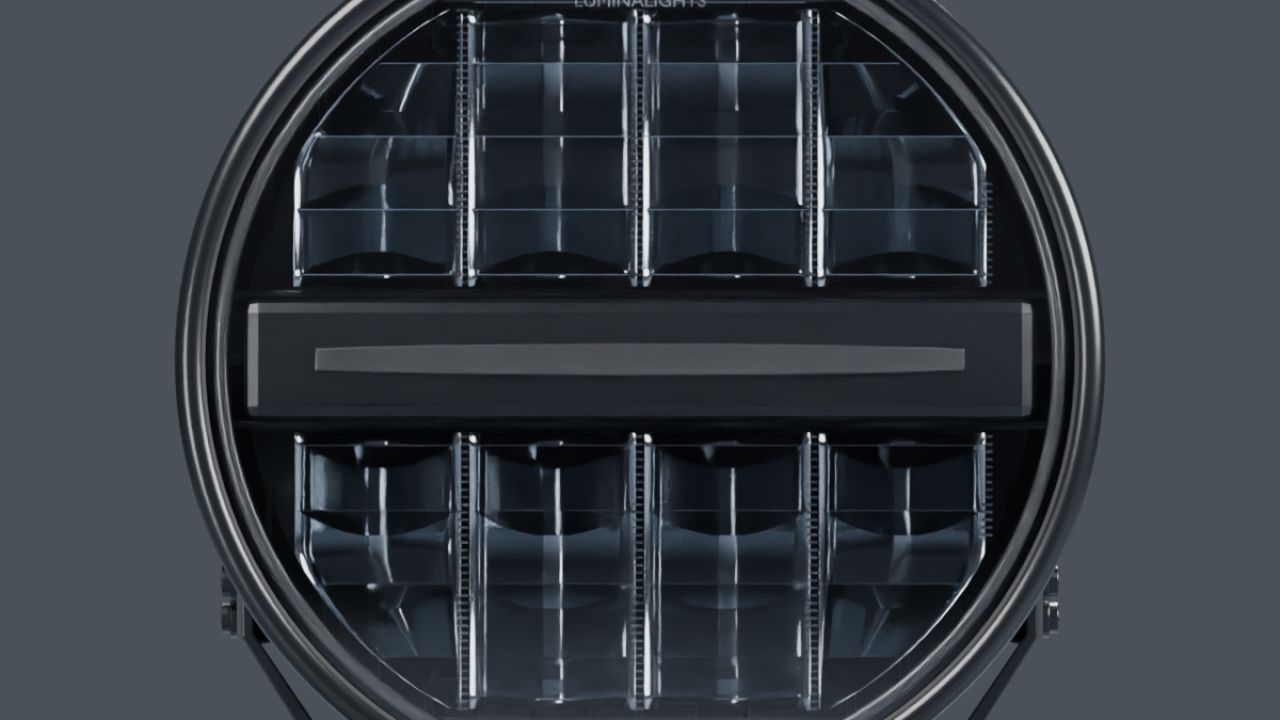
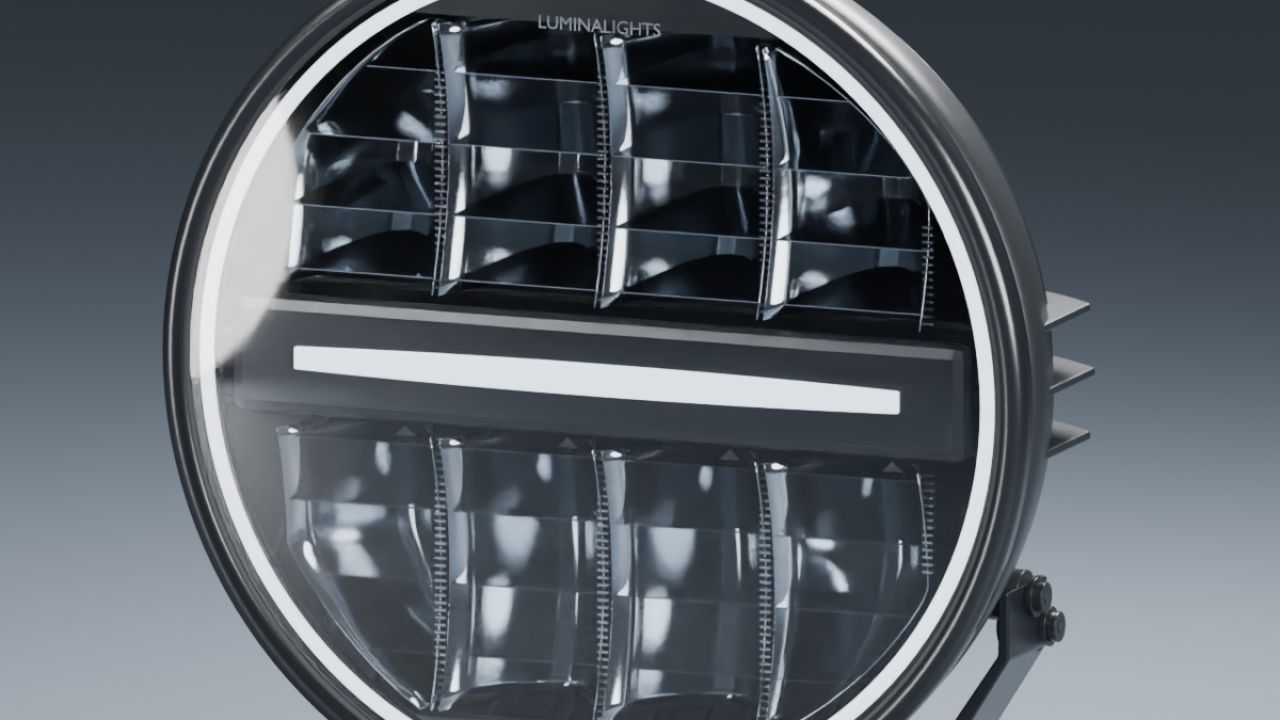
Bring the LuminaLights Ninja look to your Farming Simulator 25 vehicles. This 229 mm auxiliary lamp includes amber and white position-light variants with a dynamic startup sequence: the ring fills from the top on both sides, the centre strip grows outward, and the lights briefly retract before settling into steady illumination.
Features:
– Amber and white park/DRL variants.
– Approximately 2.6-second startup when the position lights are switched on.
– Separate driving beam with main and wide light sources.
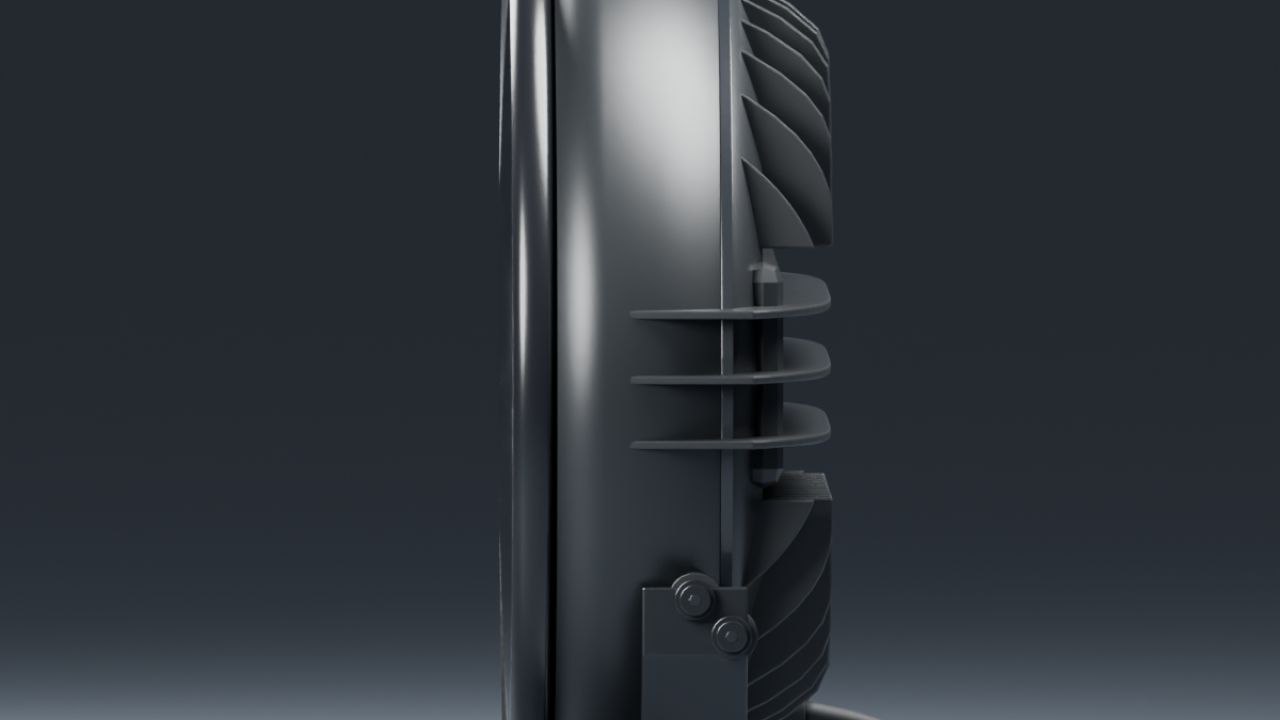
– Tilting lamp housing with a fixed mounting bracket.
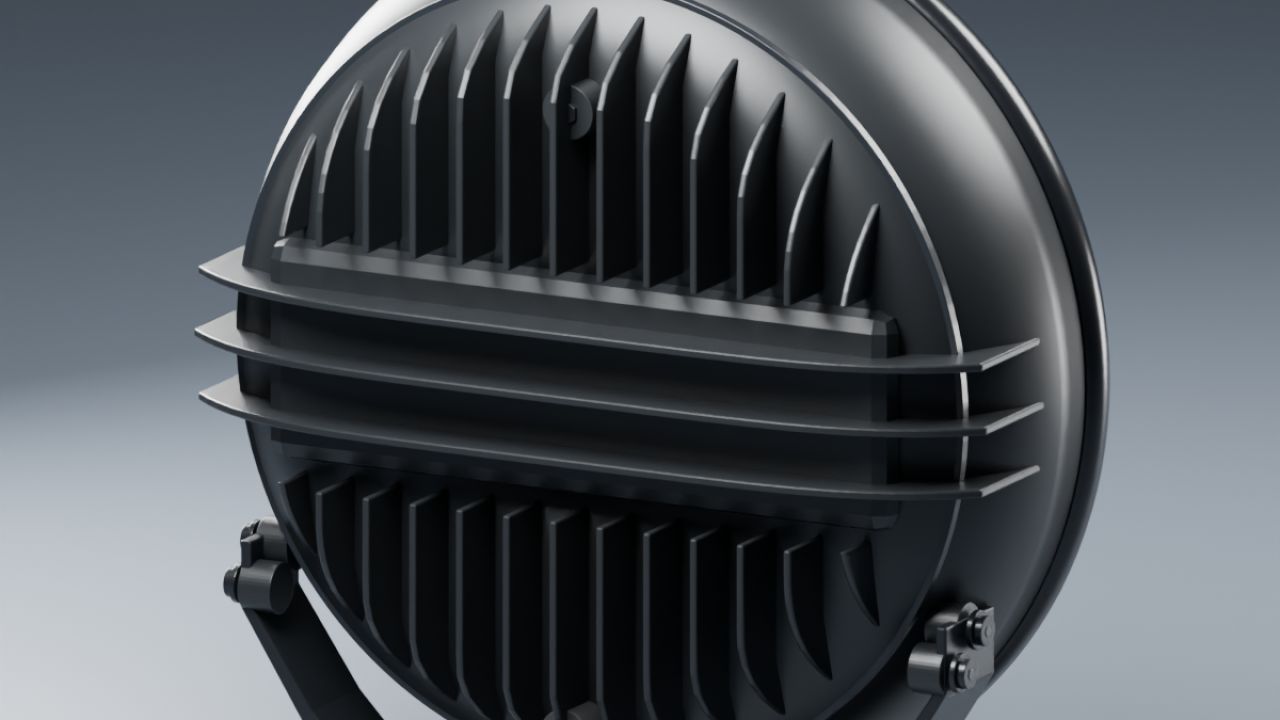
– Detailed front optics, rear cooling fins and cable connection.
– Two levels of detail.
– Editable Blender sources in the complete kit.
– A separate connection guide, working XML examples and an offline XML helper in English, Norwegian and Swedish in the complete kit.
This is a **prefab for mod builders** to integrate into their vehicles. The dynamic startup uses the supplied Lua script. Full installation and connection instructions are included with the download.
The gallery shows renders of the included 3D model. The supplied startup preview was rendered in GIANTS Editor. LuminaLights and Ninja are product names belonging to their respective owners.
Changelog 1.1.0.0
– Added dynamic startup to both position-light colours.
– Added Norwegian installation instructions.
– Added an offline XML helper with startup-script registration guidance.
Author: NorthernLightModding