Toyota Hilux 2026 NLM V1.0
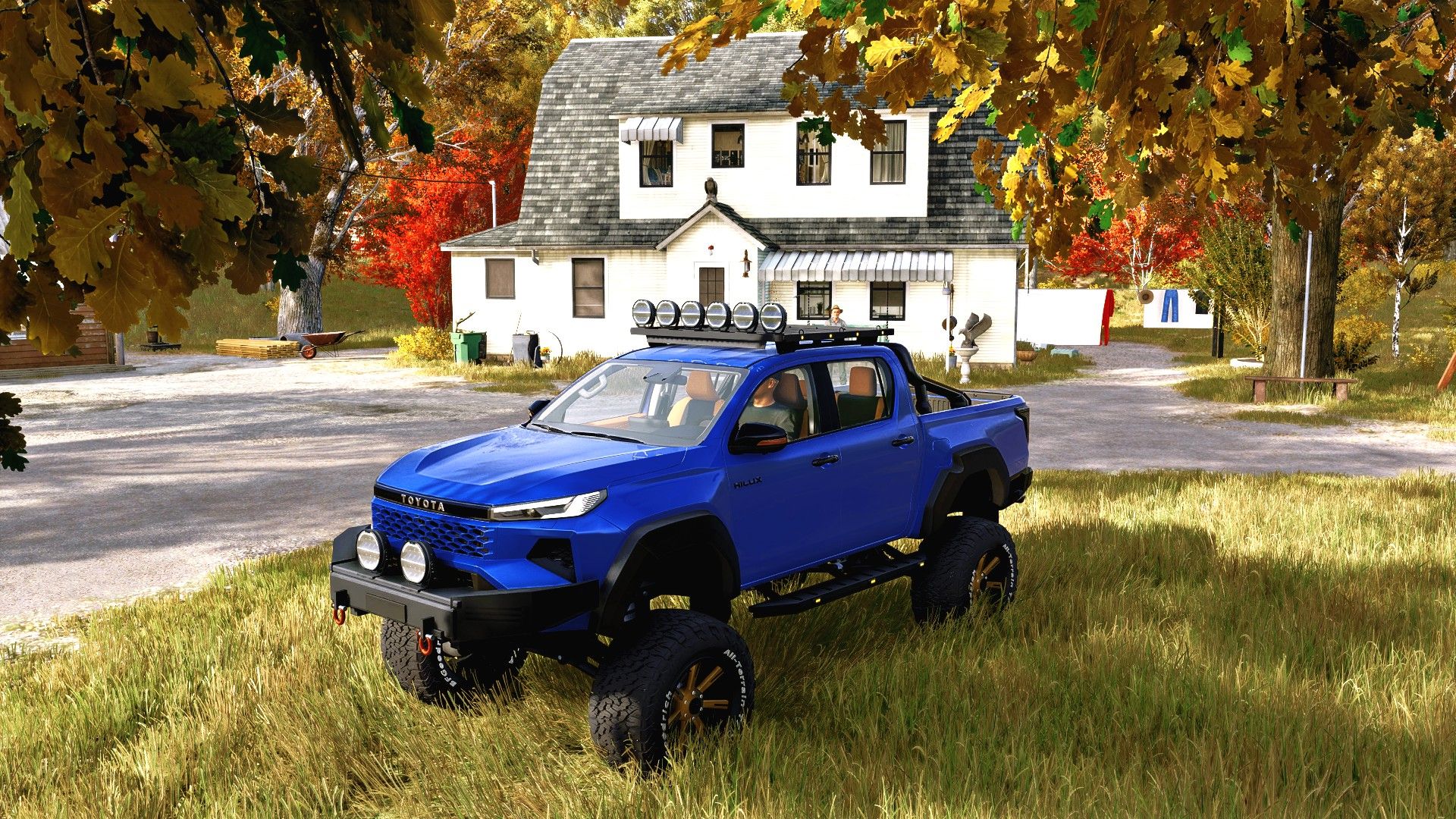
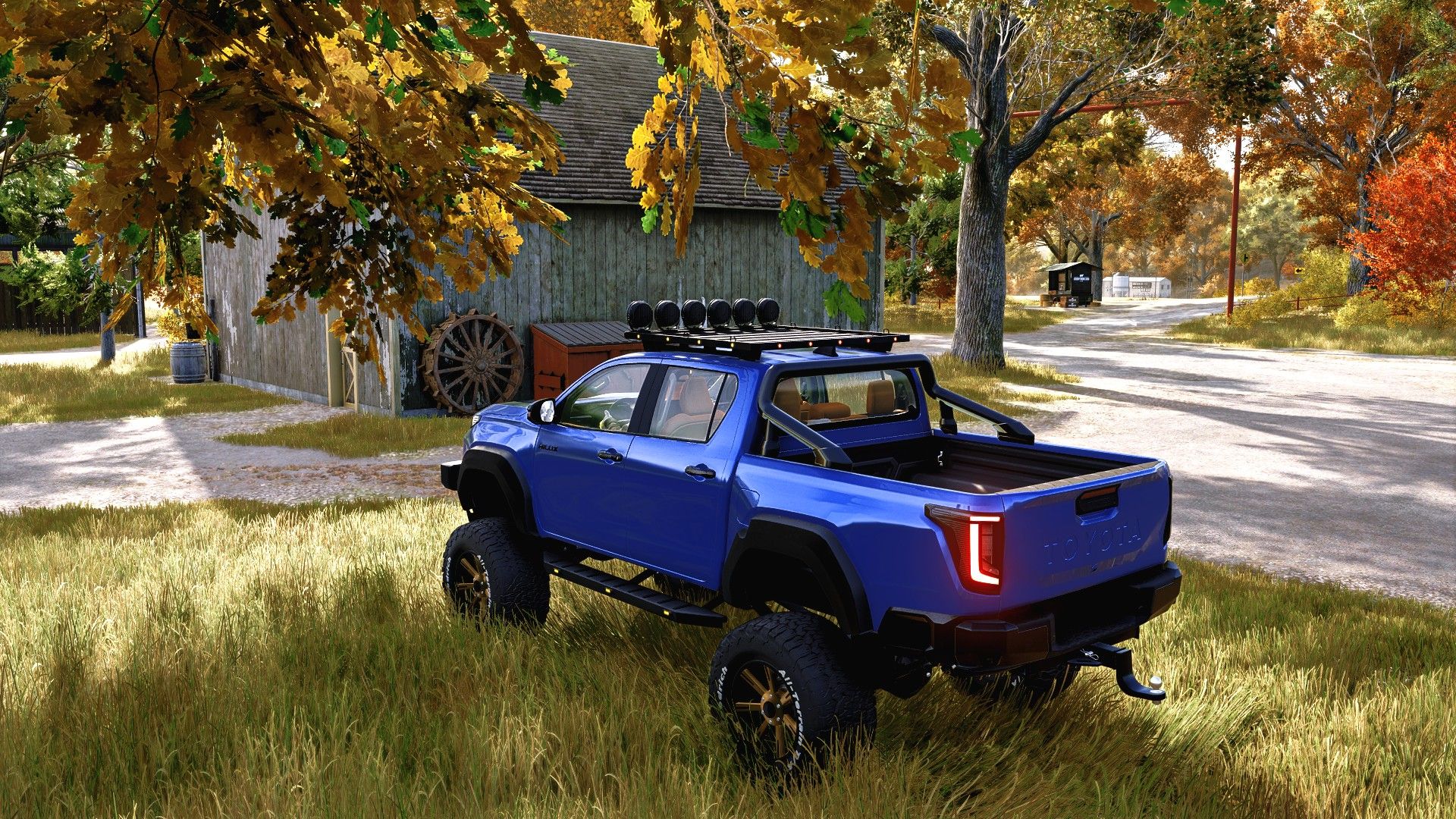
Toyota Hilux 2026 NLM V1.0
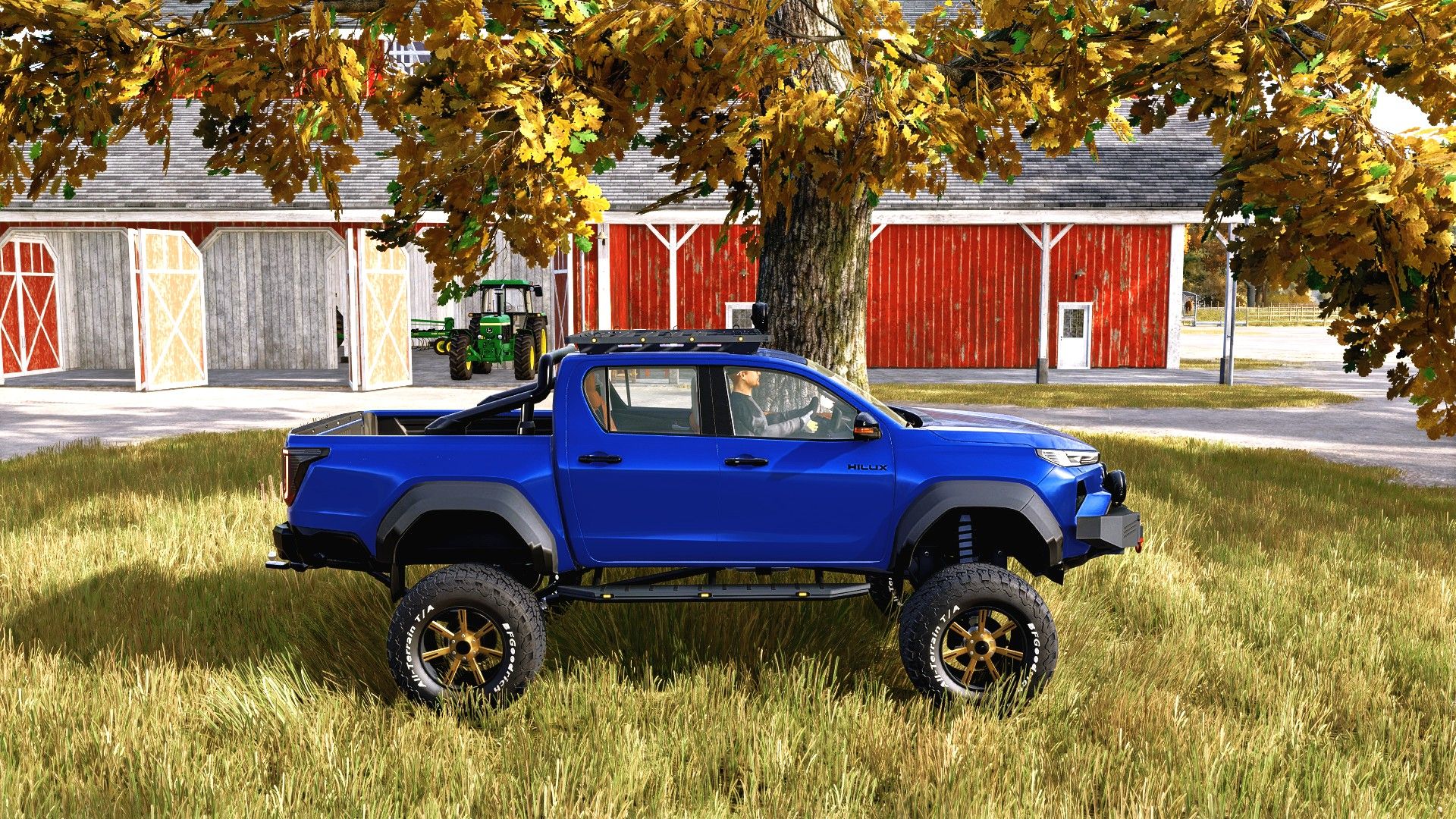
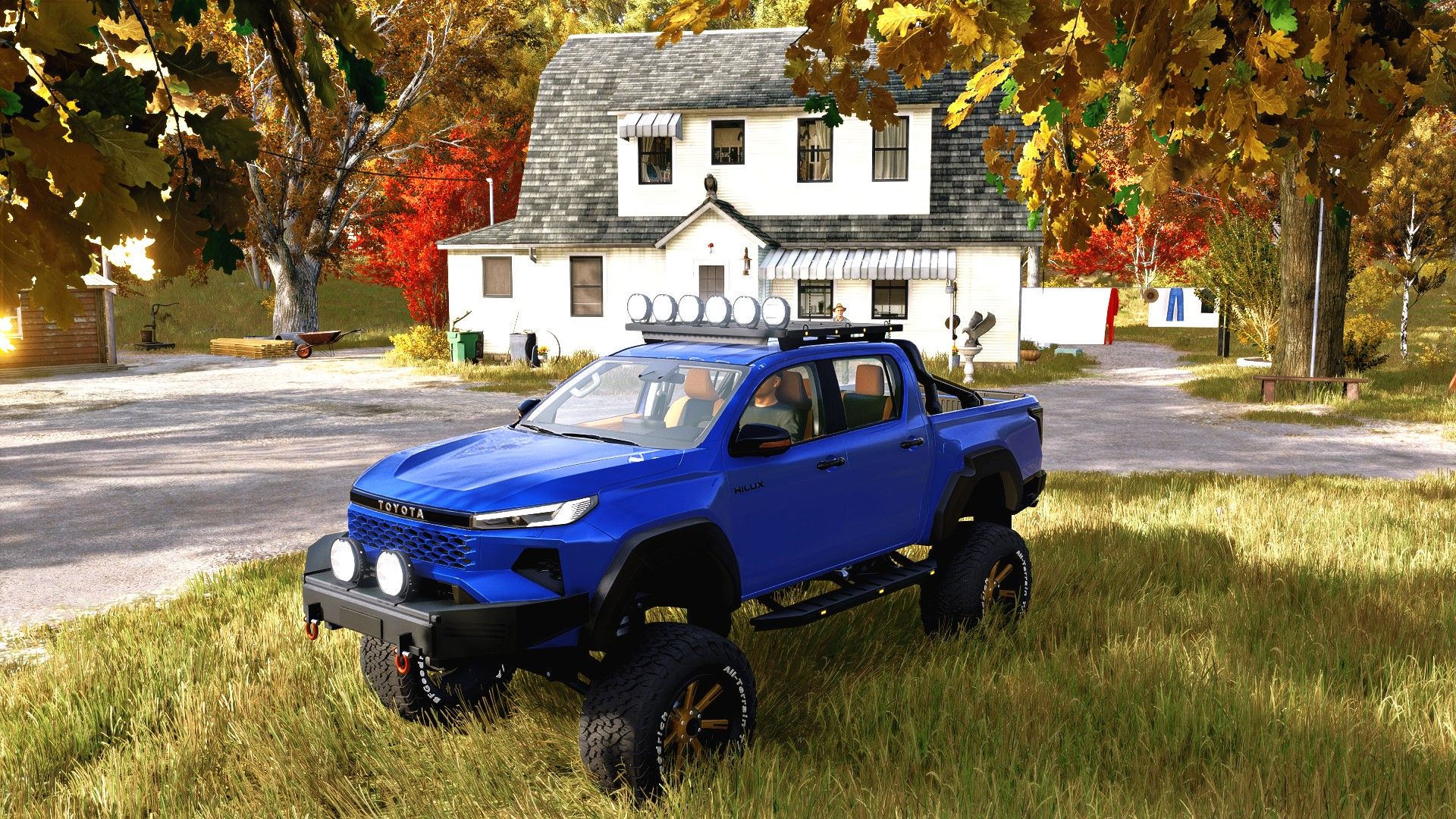
Build your Hilux your way, from a standard pickup to the raised NLM Extreme version with 37-inch tyres, wide fender flares and an angular front bumper. Choose the wheels, paint, interior colours and lighting to suit your farm.
Specifications
Starting price: 51,000
Power: 204 hp
Maximum speed: 170 km/h
Transmission: automatic
Fuel capacity: 80 litres
Configurations and features
Four standard wheel configurations and four NLM Extreme 37-inch tyre patterns: M/T, A/T, Block A/T and Hybrid R/T.
Four Extreme alloy wheel designs, with separate colours for the wheel centres and outer rims.
Optional white tyre lettering.
19 body colour choices, including blue metallic, RS blue, gloss black, black metallic and rough matte green.
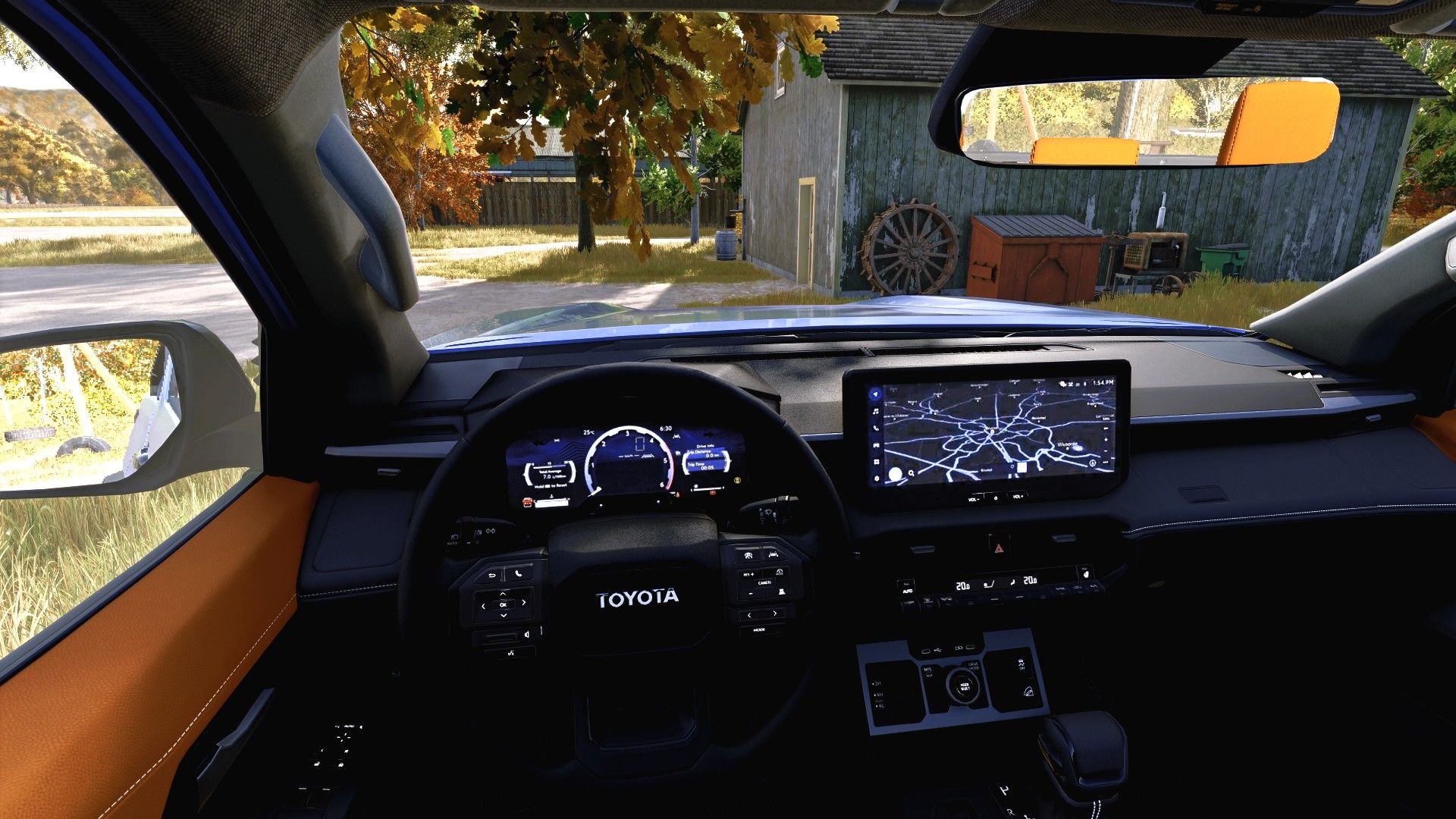
Four independently configurable interior colour zones, with six colours for each zone.
Clear, light smoke or dark smoke windows.
Optional side steps and tow ball.
NLM Extreme front bumper with recovery shackles and two OZZ XR2 P9 auxiliary lights.
Optional low roof platform with six OZZ XR2 P7 lights and cargo straps.
Roof platform markers: five red lights at the rear and four amber lights on each side.
Amber Dark Knight markers on the Extreme side steps.
Tension belts on the load bed.
Interactive Control for all four doors, all four side windows, the tailgate and engine start/stop.
Animated P/R/D gear selector and turn-signal stalk.
Lighting
The first light setting switches on the position lights and DRLs. The fitted front and roof auxiliary lights follow the high beams.
Required mod
Interactive Control by VertexDezign (FS25_interactiveControl).
Installation
Place FS25_NLM_Hilux_2026.zip in your Farming Simulator 25 mods folder without extracting it. Enable the vehicle and Interactive Control when loading your save. The Hilux is listed under Cars in the shop. Select an NLM Extreme 37-inch wheel configuration to enable the Extreme equipment.
Author: Original vehicle: DMCMODDING / MCMODS.
NLM adaptation, equipment and lighting: NorthernLight Modding.