Realistic Storm System V1.0
Realistic Storm System V1.0
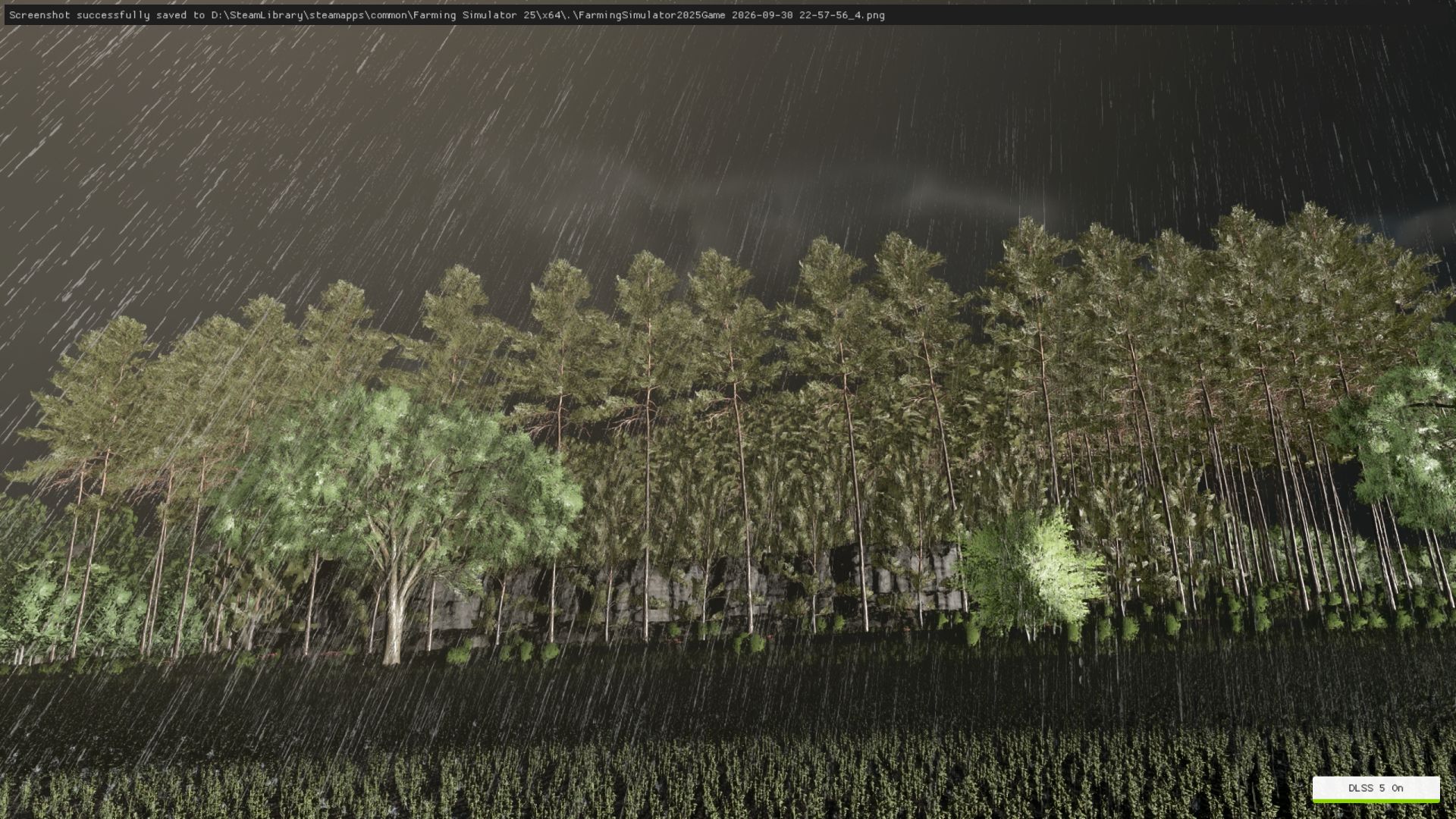
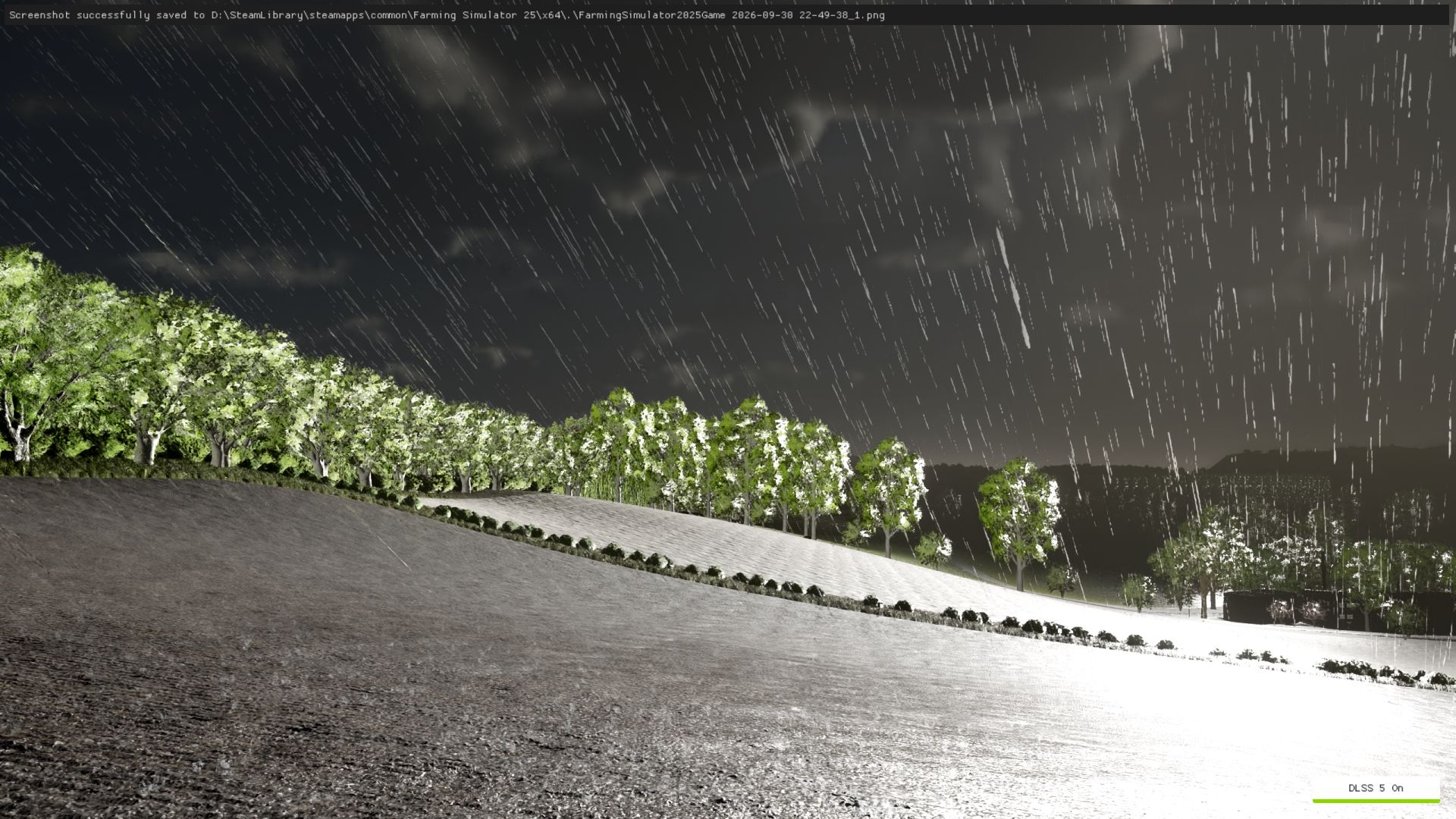
Bring more atmosphere and realism to thunderstorms in Farming Simulator 25 with the Realistic Storm System.
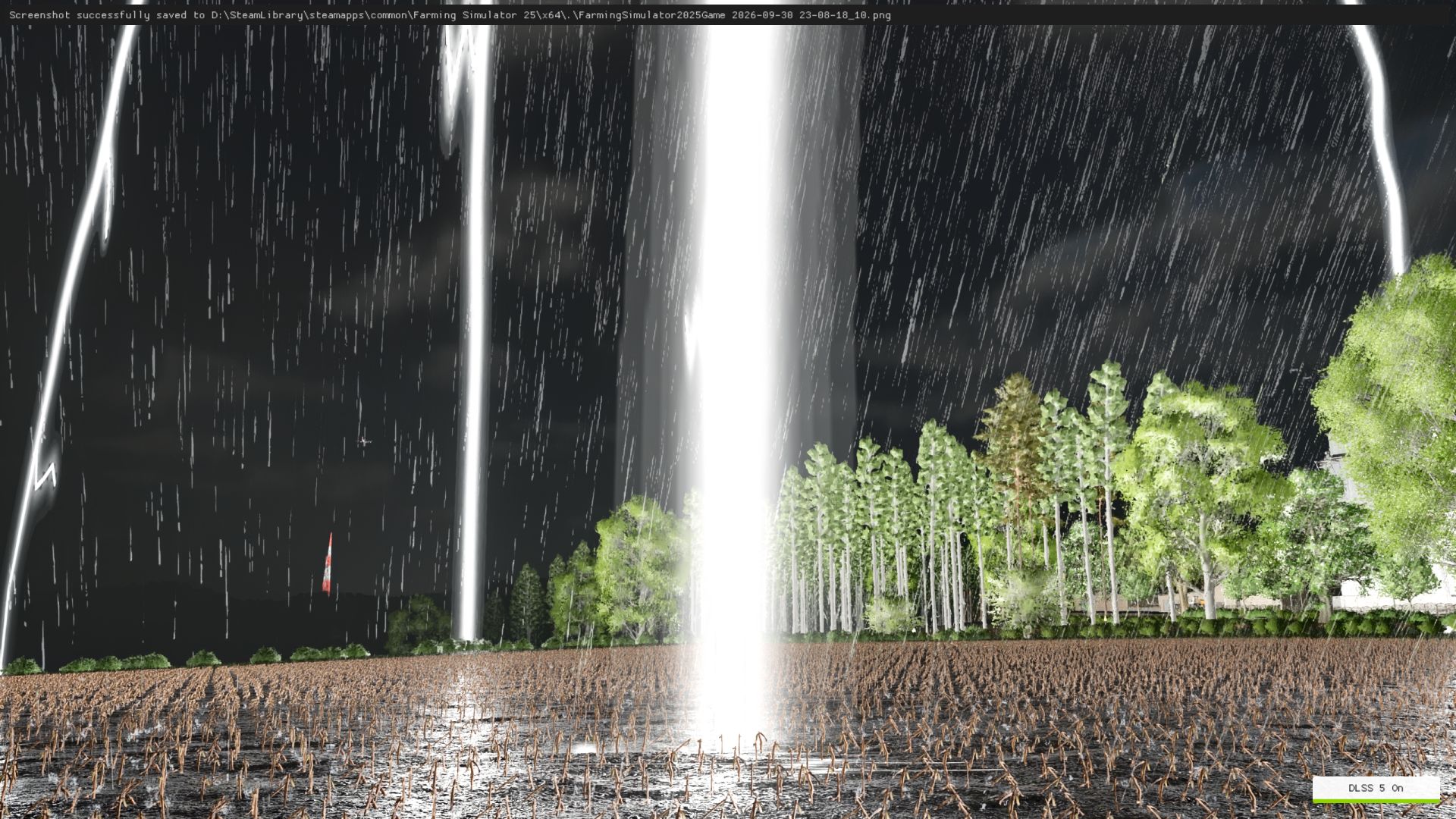
This mod adds a dynamic lightning system designed to make storms feel more powerful, immersive and natural. Lightning strikes can appear across the map at different locations and are synchronized in multiplayer.
FEATURES:
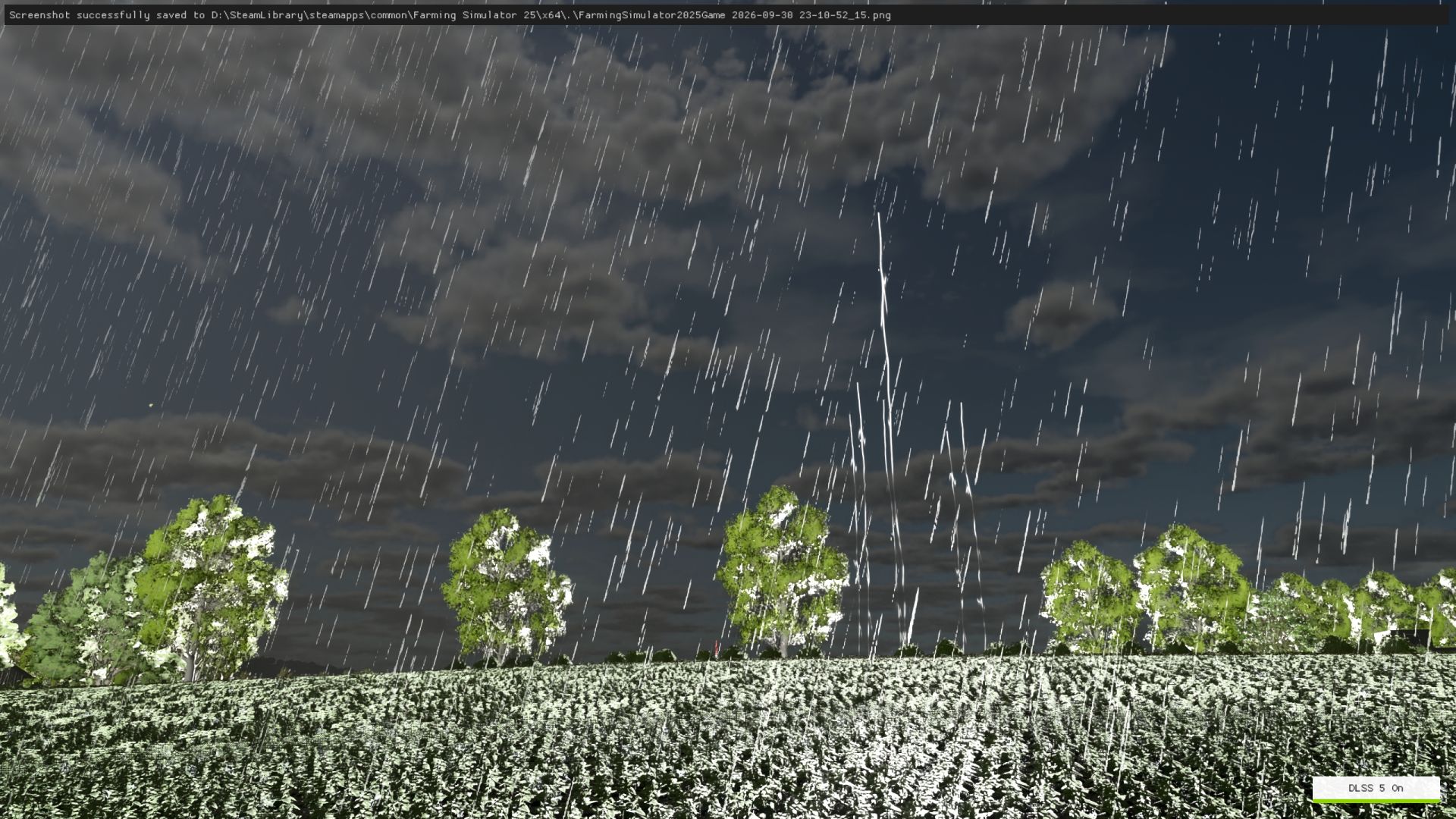
Dynamic lightning strikes during rainy weather
Realistic lightning clusters with 5–6 visible lightning bolts appearing simultaneously
Multiple flash sequences for a more natural lightning effect
Three different lightning visual effects
Large and highly visible lightning bolts
Ground impact effect when lightning reaches the terrain
Lightning can appear across the entire playable map
Lightning distance and position are randomized for a more natural storm experience
Realistic thunder delay based on the distance between the player and the lightning strike
Dynamic thunder volume depending on distance
Thunder can be heard from a long distance during strong storms
Multiplayer synchronization
Console command available for manually testing a lightning strike
CONSOLE COMMAND:
gsRealisticStormStrike
This command manually generates a realistic lightning strike and can be used to test the lightning effects and thunder system.
The lightning system is designed to work together with the game’s rainy weather, creating a more immersive storm atmosphere without replacing the normal Farming Simulator weather system.
Enjoy a more dramatic and atmospheric thunderstorm experience on your farm!
Author: Barba Alba