Krone EasyCut F360CV + B1000CV Collect V1.0

Krone EasyCut F360CV + B1000CV Collect V1.0
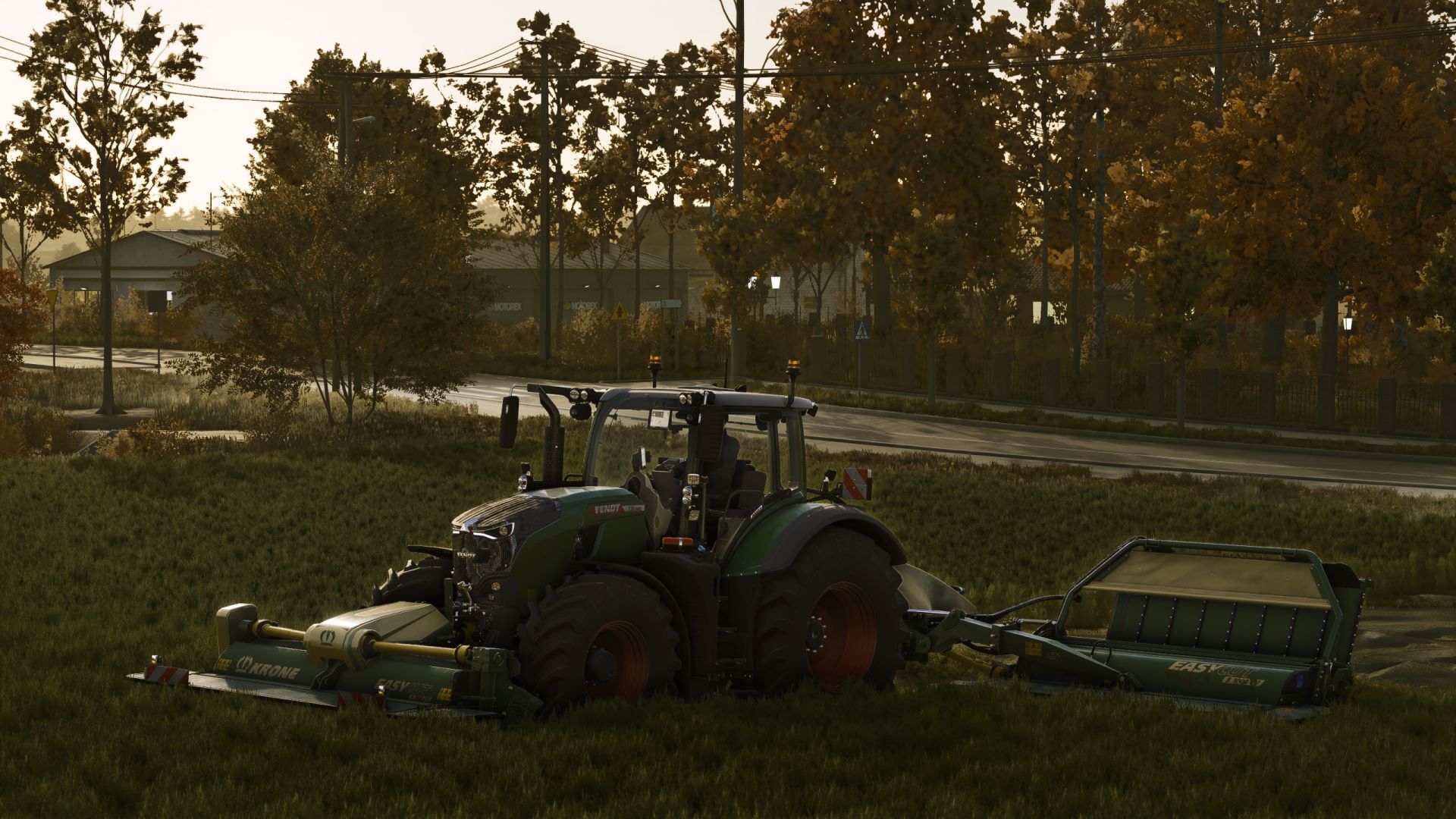
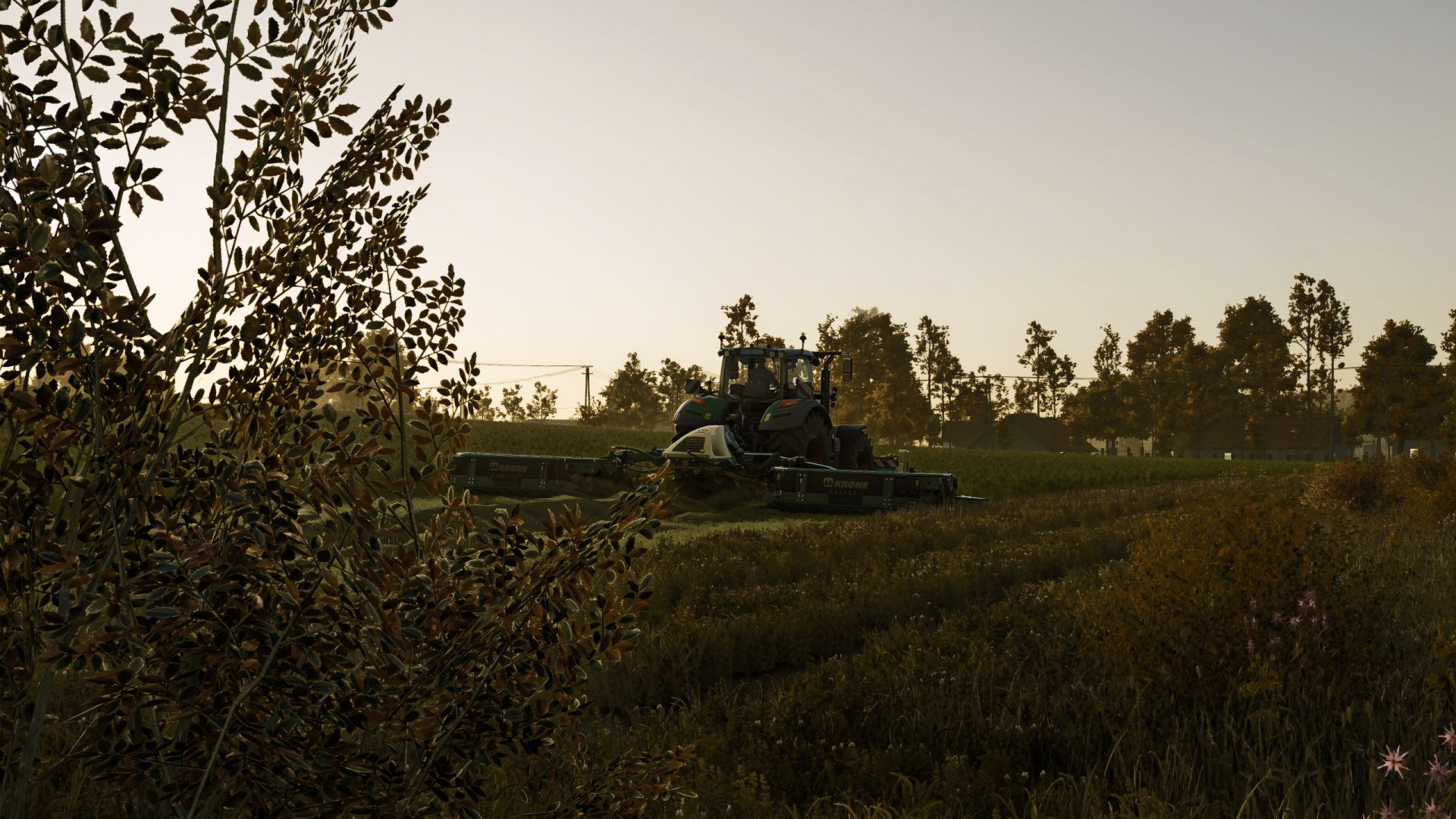
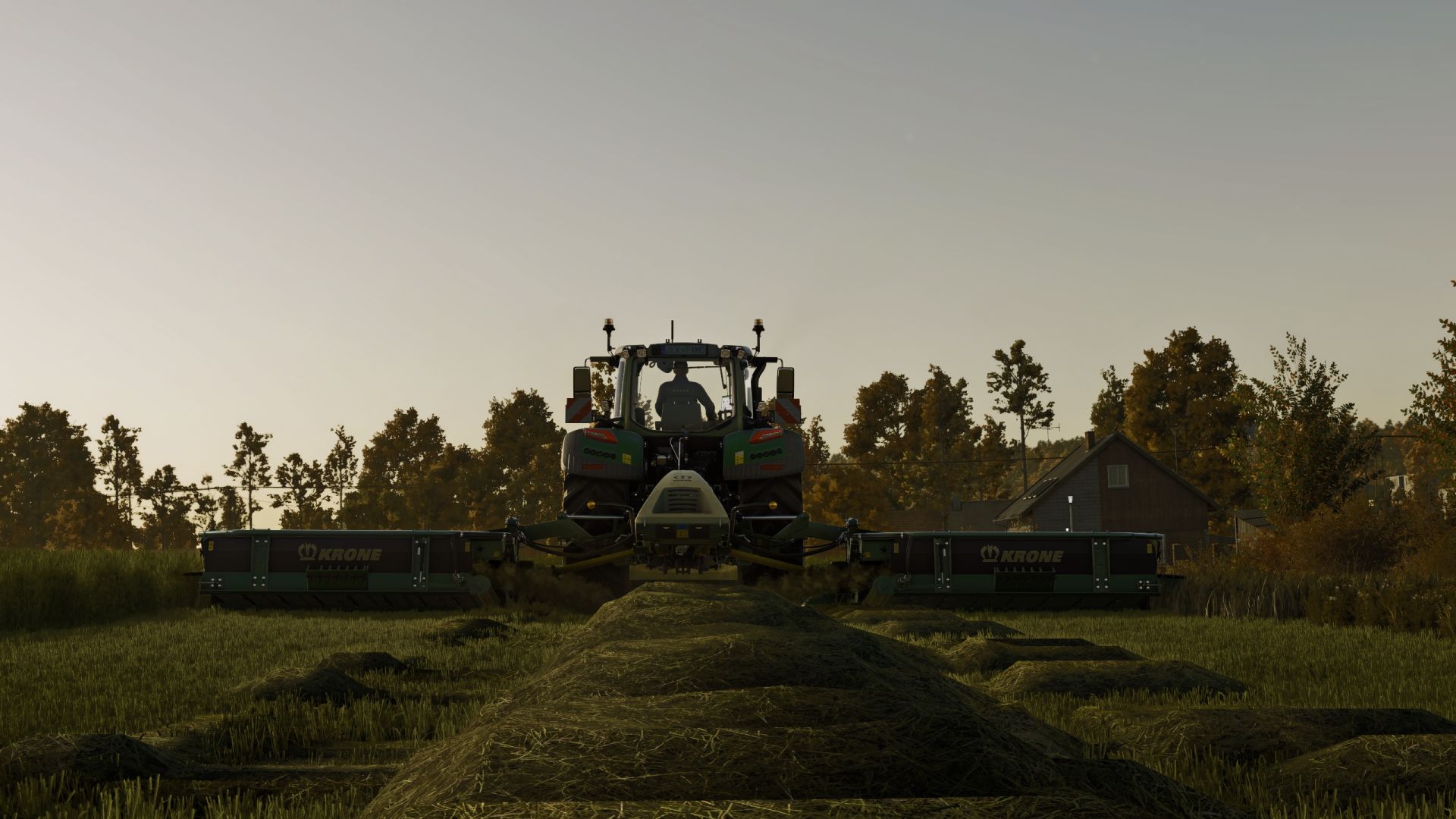
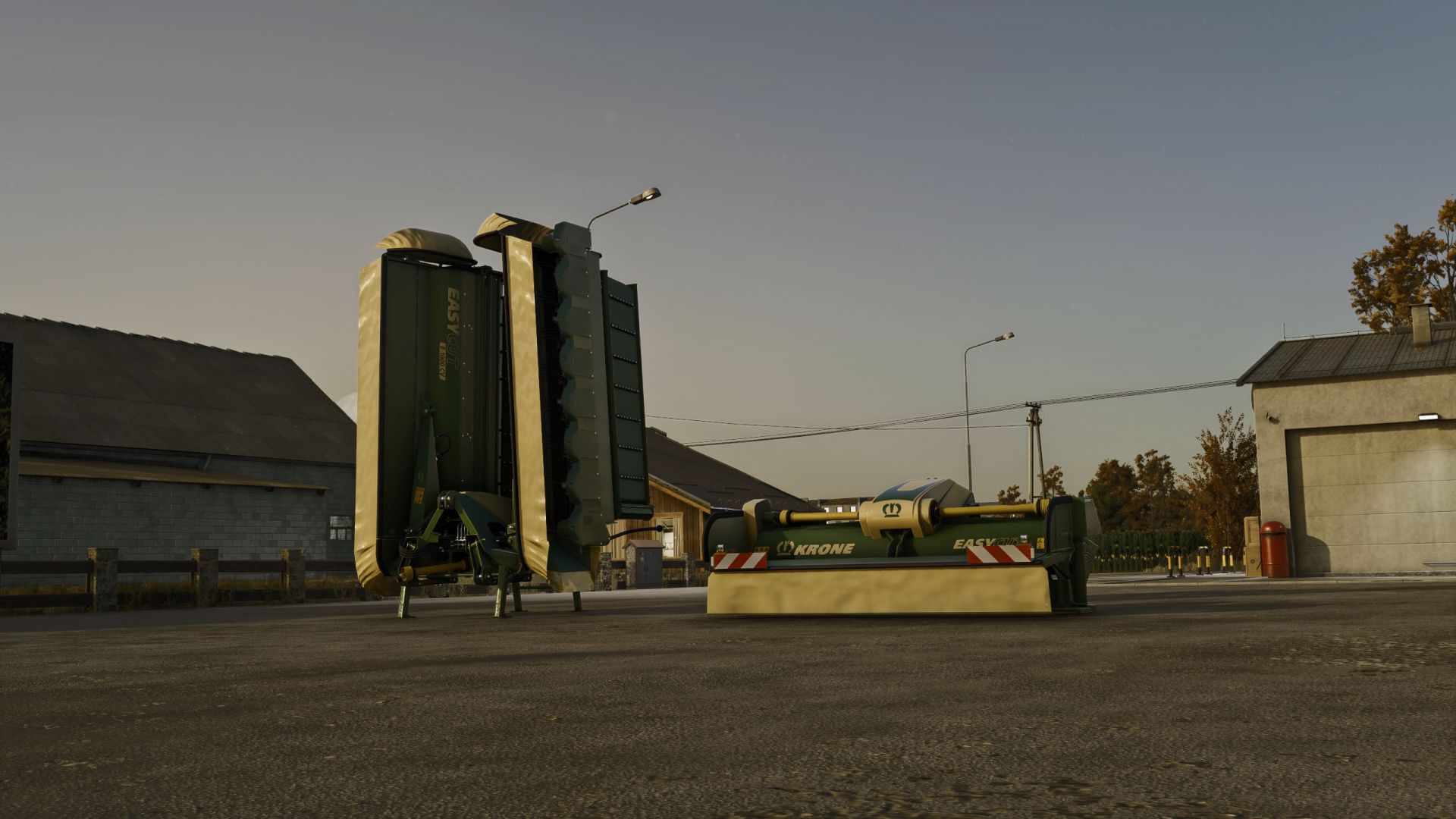
KRONE EasyCut Pack for Farming Simulator 25, featuring the EasyCut F360 CV front mower and the EasyCut B1000 CV Collect rear mower combination.
The pack keeps the original KRONE mowing and swathing functionality while adding an optional fully functional conditioner system.
MAIN FEATURES
– EasyCut F360 CV front mower and EasyCut B1000 CV Collect rear mower combination
– Maximum working width up to 10.10 m
– Multiple crop placement modes: mid-wide spread, swath and broad spread
– Infinitely adjustable working width on the rear mower combination
– Optional KRONE SectionControl for automatic lifting/lowering over already mown areas
– Optional conditioner available separately for both mowers
CONDITIONER SYSTEM
The conditioner is a shop configuration and can be installed independently on the front and rear mower.
When the conditioner is activated:
– All attached KRONE mowers equipped with the conditioner are switched together with Right Shift + B
– BROAD spread mode is forced automatically
– Work mode changing is locked while the conditioner is active
– Freshly cut grass is conditioned directly into hay in the same pass
– Dedicated conditioner rotor animations are activated
– Dedicated hay discharge / conditioning effects are shown behind the mower
– A mechanical switch sound and separate conditioner operating sound feedback are used
When the conditioner is deactivated, normal mower operation remains available again and the regular work modes can be selected manually.
CONTROLS
Conditioner ON / OFF: Right Shift + B
EASY CUT F360 CV
Price: 23,000 €
Conditioner option: +4,999 €
Working width: 3.6 m
Max. working speed: 22 km/h
Required power: 90 hp
EASY CUT B1000 CV COLLECT
Price: 83,000 €
Conditioner option: +9,999 €
Working width: 10.10 m
Max. working speed: 22 km/h
Required power: 200 hp
FS25 rework and conditioner system: feataXe
Original KRONE EasyCut Pack base: bm-modding, Wopster
Author: feataXe, bm-modding, Wopster