Soil Draft Physics v1.0
Soil Draft Physics v1.0
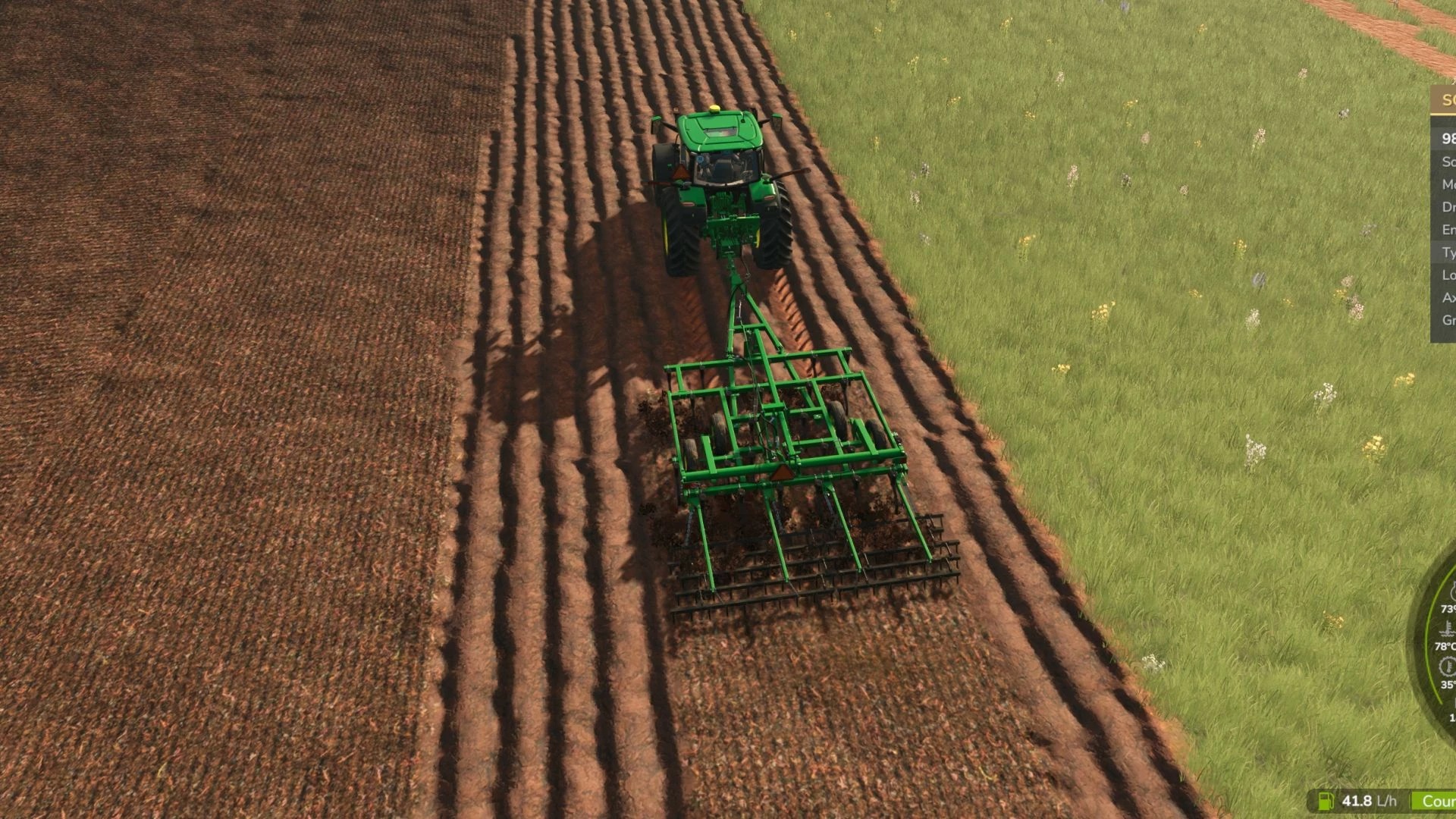
Your tractor finally feels the soil. Implements pull harder in heavy wet clay than in dry sand, and tyres grip according to their size, load and pressure.
– First full release (beta 3 + the change below).
– Own soil types: without Precision Farming the fields are no longer all the same soil. Loamy sand, sandy loam, loam and silty clay in natural patches across the map (different on each map, the same every time on the same map, identical for everyone in multiplayer). Draft, grip, sinkage and drying follow them. With Precision Farming active its soil map is used.
– Settings menu in the game (Esc > Settings > General > Soil & Draft Physics): soil types (Auto: PF or own / Own / Off = medium soil), HUD on/off, HUD style, icon size, tractor photo, draft force and intensity, implement really moves with depth, tyre grip, rolling resistance, wheel sinkage and amount, diagnostic log. No more editing the XML by hand.
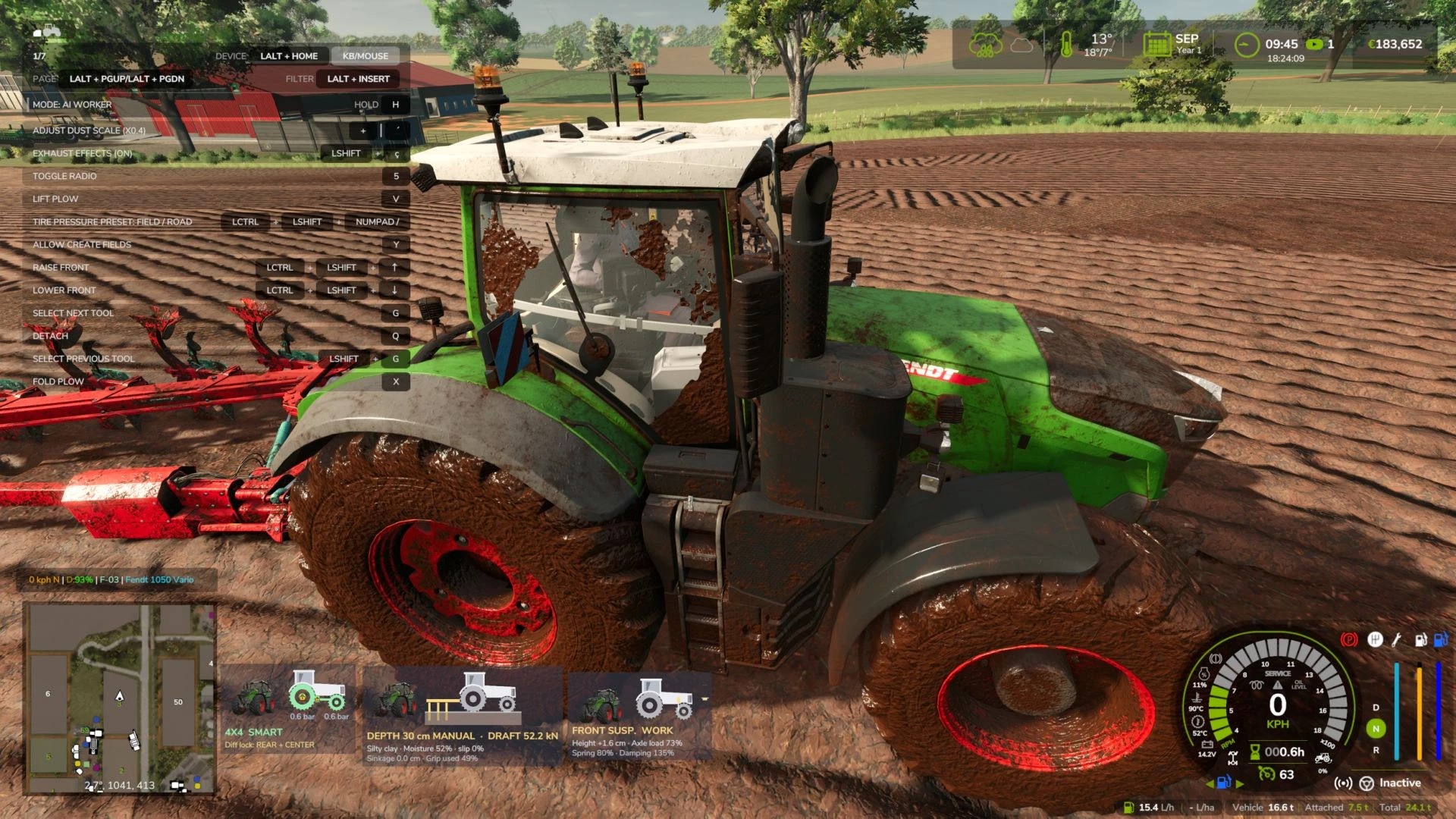
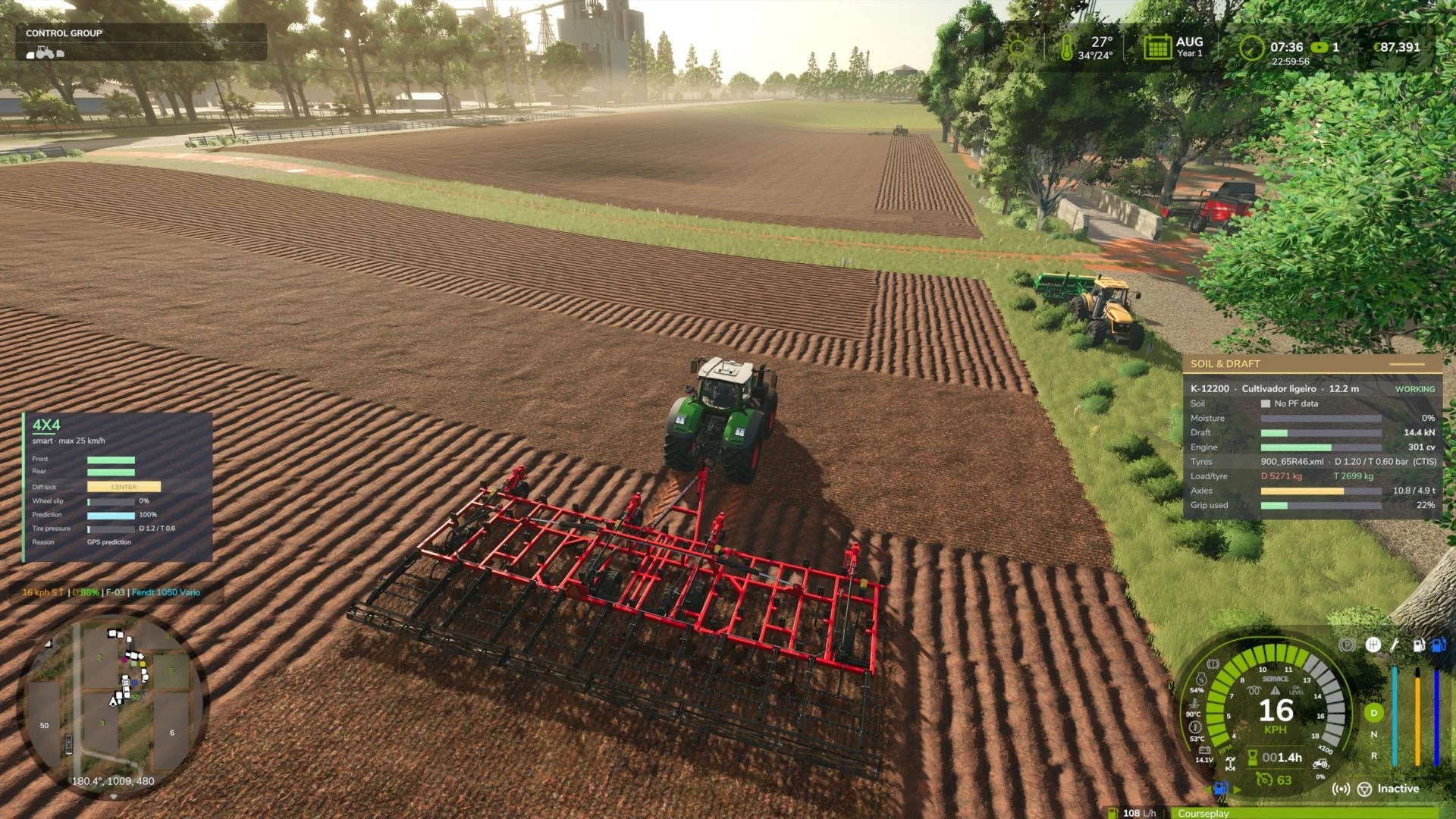
– Icon HUD (same style as 4×4 Traction System and Hydraulic Suspension): the tractor on a cut of the soil – soil colour darker when wet, wheels sinking, implement tines at the real depth, wheels flash red on high slip; depth/mode, draft, soil, moisture, slip, sinkage and grip used. The full panel is still available in the menu.
– Moving the HUD (Ctrl+Shift+M): the camera and tractor no longer react to the mouse while dragging; Esc, Enter, right click or Ctrl+Shift+M finish.
– Fix: in AUTO depth mode ploughs and cultivators could be lifted above the factory position and the tines came out of the soil. AUTO now only lightens the draft; the implement is never raised above its factory working position.
– Realistic implement draft (ploughs, rippers, cultivators, discs, seeders) based on agricultural standards
– Uses Precision Farming soil types and soil moisture (works without PF too)
– Tyre traction and rolling resistance from real tyre sizes, wheel load and pressure
– Automatic tyre pressure by axle load, with CTIS support in 4×4 Traction System
– Clean, movable HUD (Ctrl+Shift+H show/hide, Ctrl+Shift+M move)
Beta version – feedback and log.txt are welcome!
Implement draft and tyre traction based on real soil, using agricultural engineering standards (ASABE D497 draft and Brixius traction).
– Draft force per implement type (plough, ripper, subsoiler, cultivators, disc harrow, seeders…), width, depth, speed
– Precision Farming soil types (sand → silty clay); works without PF using a medium soil
– Soil moisture per soil type (sand dries fast, clay stays heavy for days)
– Tyre/soil traction from real tyre sizes (e.g. 710/60R38), wheel load and pressure; rolling resistance in soft soil
– Tyre pressure from real axle load; CTIS support with 4×4 Traction System (VarioGrip style), fixed pressure on tractors without CTIS, tracks supported
– Replaces the game’s own draft force (no double counting)
– HUD: Ctrl+Shift+H show/hide, Ctrl+Shift+M mouse to drag it anywhere
– Settings: modSettings/FS25_SoilDraftPhysics.xml (intensity, traction scale)
BETA: feedback and log.txt welcome. Not recommended with Mud System Physics or Tractor Terrain Dynamics (tyre grip is handed over to them automatically).
Author: zasty chalk