FarmPool v1.0
FarmPool v1.0
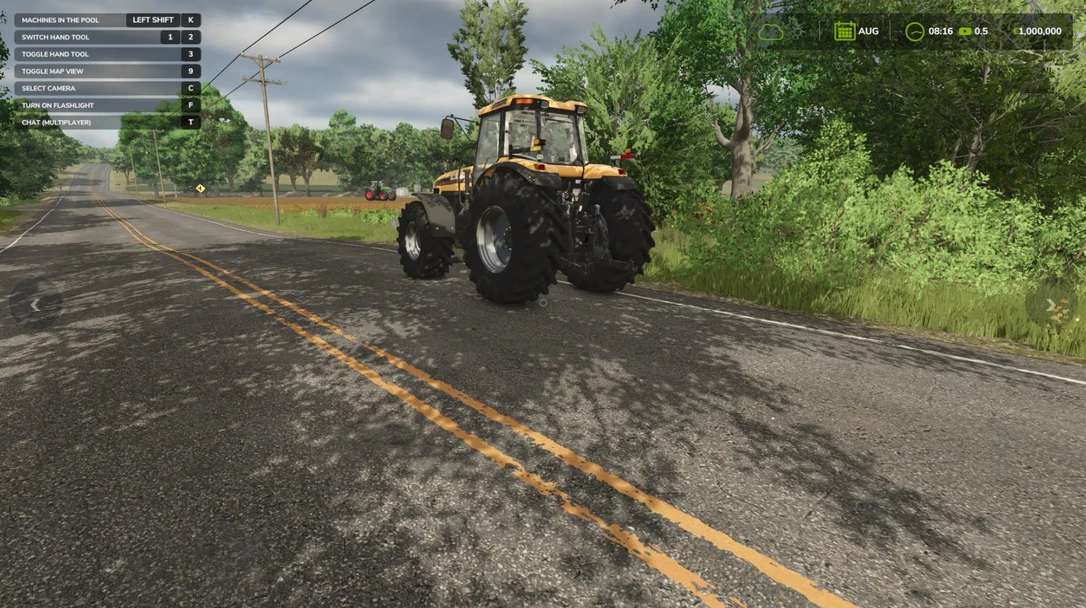
FarmPool allows farms in multiplayer to lend and borrow machines and implements. The owner decides which machine is offered, what it costs per hour, how it is billed, how long it can be borrowed and where it has to be returned. Other farms can take available machines and use them like their own. The machine always stays the property of its owner, while use, work and costs are assigned to the borrowing farm.
Lending
Look at one of your own machines or implements and press Left Shift + L. There you can switch lending on and set the price per hour, the billing type, the return place and the maximum loan time. While a machine is lent out, only the borrowing farm can use it. As the owner you can take it back at any time with the same key, as long as nobody is sitting in it.
Borrowing
Look at an available machine, press Left Shift + L and confirm. Afterwards you can get in, attach implements and work with the machine. The costs are charged to your farm and the work counts for your farm.
Billing
Every started hour is charged. For each machine you can choose between two billing types:
Only while the engine is running
Until returned
When the machine is returned, missing fuel and new damage are charged as well. If the tank is full again and no additional damage was caused, there are no further costs. If the borrowing farm runs out of money, the loan ends.
Return
In the mode “Until returned” the machine has to be driven to the return place set by the owner. While you sit in the machine, it is marked by a circle. Switch off the engine and get out, then the machine is returned automatically.
Overview
With Left Shift + K you can show all machines currently offered in the FarmPool. By selecting a machine you can borrow it directly, return it or, as the owner, take it back.
Console command
fpStatus: shows all machines in the FarmPool
Author: SimuTools