Fire station exit traffic light V1.0
Fire station exit traffic light V1.0
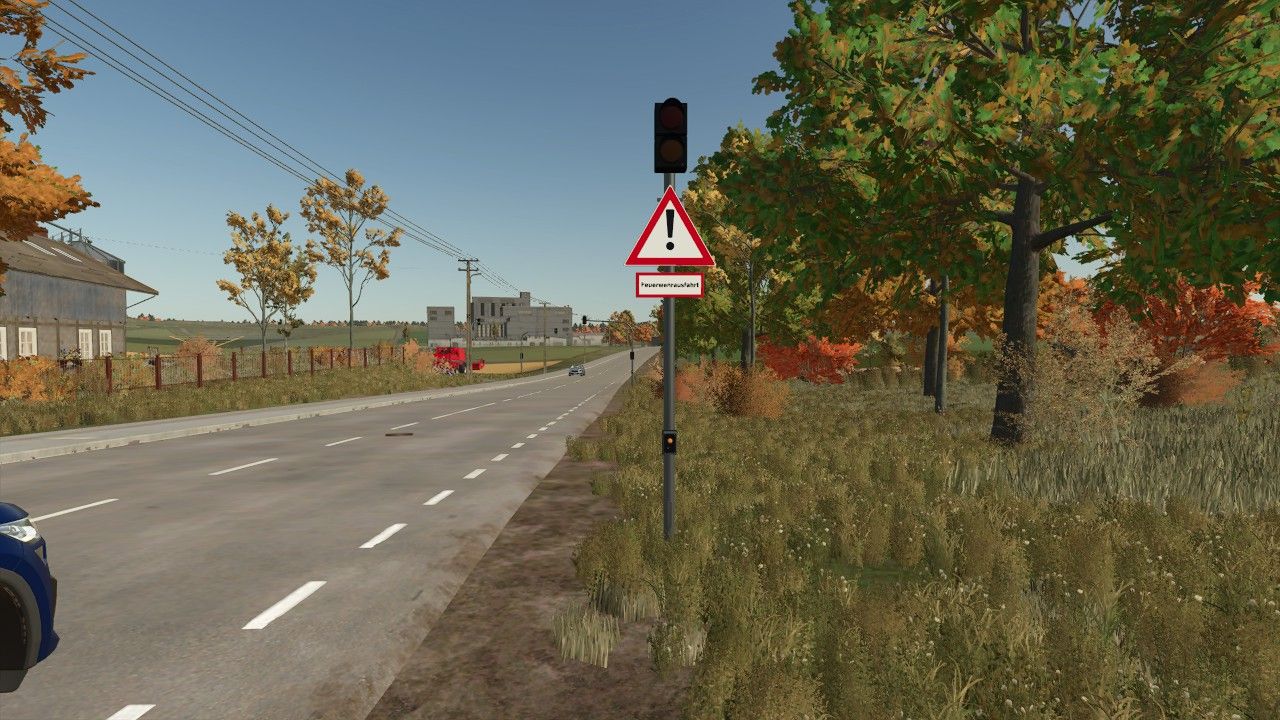
With the animated fire station exit traffic light from ScriptHub Modding, you can make your fire stations and emergency service locations in Farming Simulator 25 even more realistic.
The traffic light features a manually controllable signal system with an animated signal change. When activated, the traffic light first switches to amber for 3 seconds and then to red to warn and stop traffic before a fire station exit.
After being deactivated, the traffic light switches to amber again for 3 seconds before turning off completely.
This makes the mod ideal for realistic firefighting operations, roleplay projects and individually designed fire station locations.
Features
Animated fire station exit traffic light
Realistic signal change with time delay
Manual activation and deactivation
Amber phase lasting 3 seconds each time
Red signal to secure the fire station exit
Integrated warning sign with supplementary plate “Fire Station Exit”
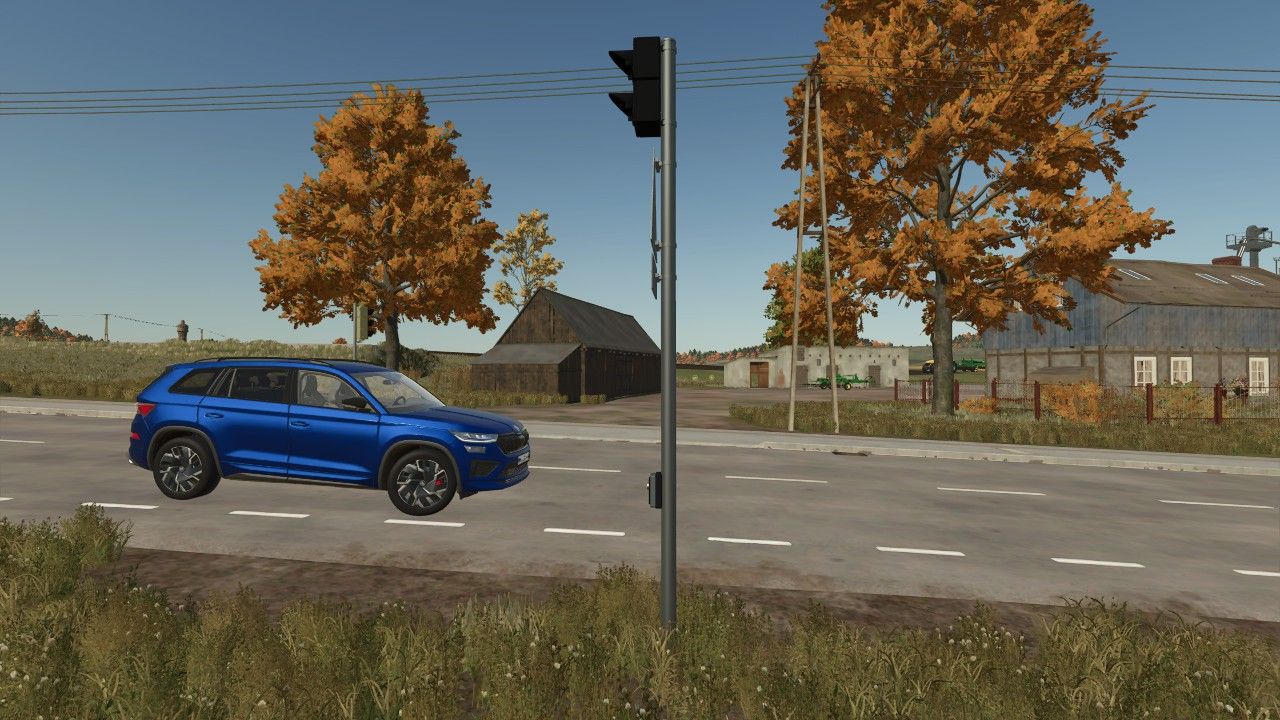
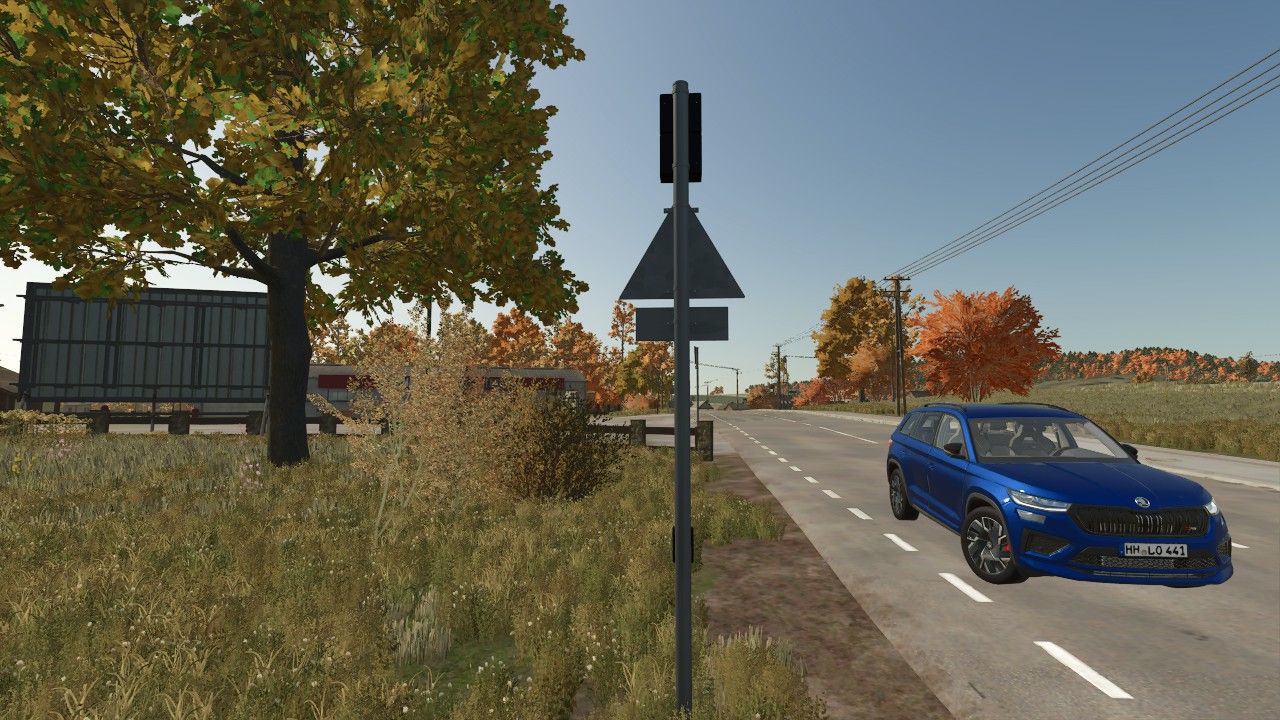
Detailed traffic light pole with control element
Ideal for fire stations and emergency service locations
Controls
Left mouse button: Activate traffic light
Amber for 3 seconds
Then permanently red
Right mouse button: Deactivate traffic light
Changes from red to amber for 3 seconds
Then switches off completely
Mod Information
Game: Farming Simulator 25
Mod name: Fire Station Exit Traffic Light
Manufacturer: ScriptHub Modding
In-game category: Decoration
Controls: Manually via mouse click
Special feature: Animated signal change with a 3-second amber phase
ScriptHub Modding wishes you lots of fun with the mod!
Author: ScriptHub Modding