Driver Extraction Multiplayer only V1.0.0.1
Driver Extraction Multiplayer only V1.0.0.1
PULL THE DRIVER OUT – When everyday farm life takes on a personal touch.
Sometimes a mod starts with a simple idea among friends: “What if we could pull each other out of the tractor and fight?”
This idea led to the creation of a standalone multiplayer expansion for Farming Simulator 25. Developed for shared gaming evenings, surprising encounters, and precisely those moments that will have you laughing about them the next day.
Now this idea is available to everyone.
Get out. We need to talk!
Is a fellow player blocking your driveway again? Has the tractor gotten stuck in the ditch for the third time? With “Pull the Driver Out,” your multiplayer game gets a new, unusual interaction.
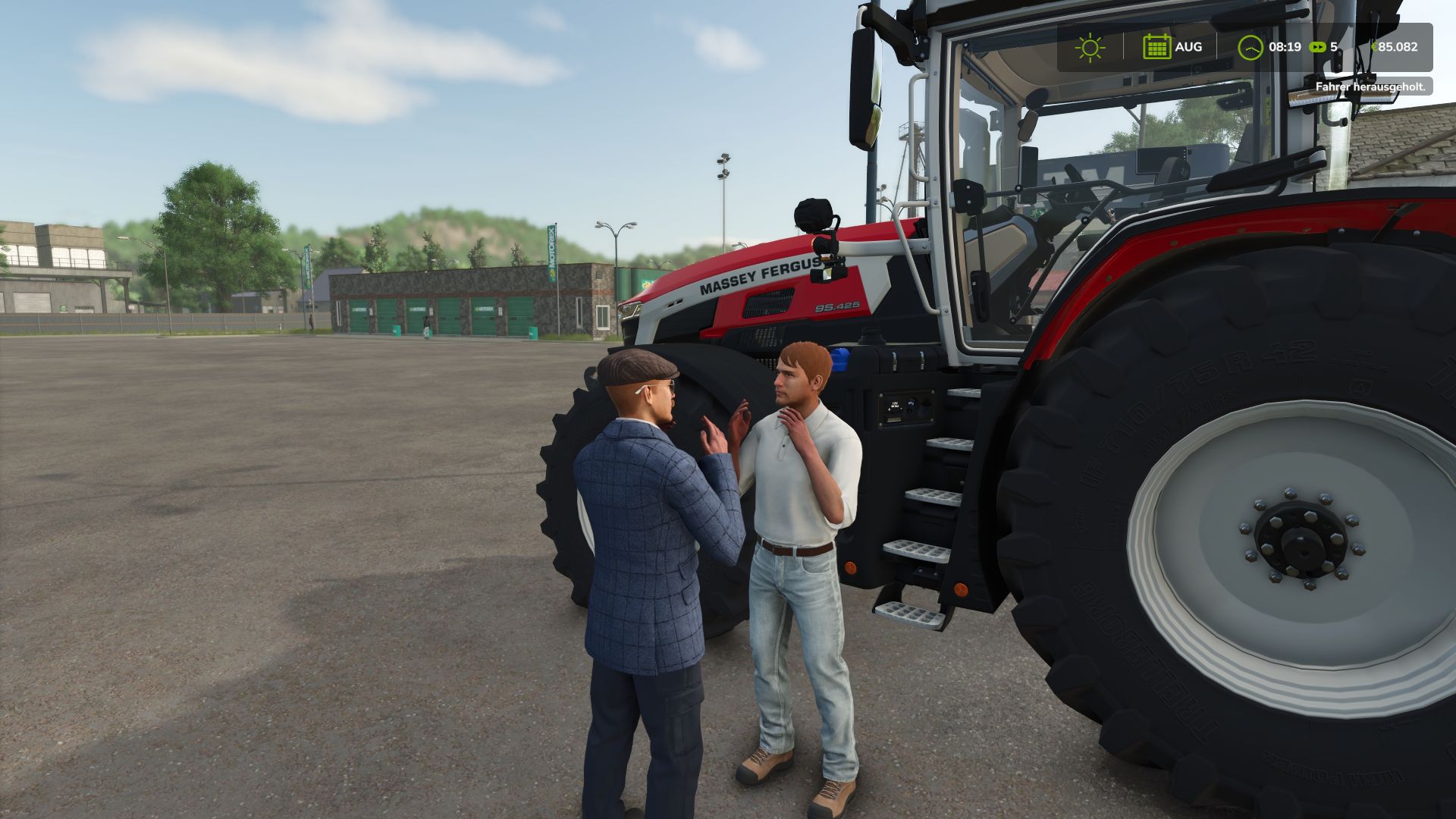
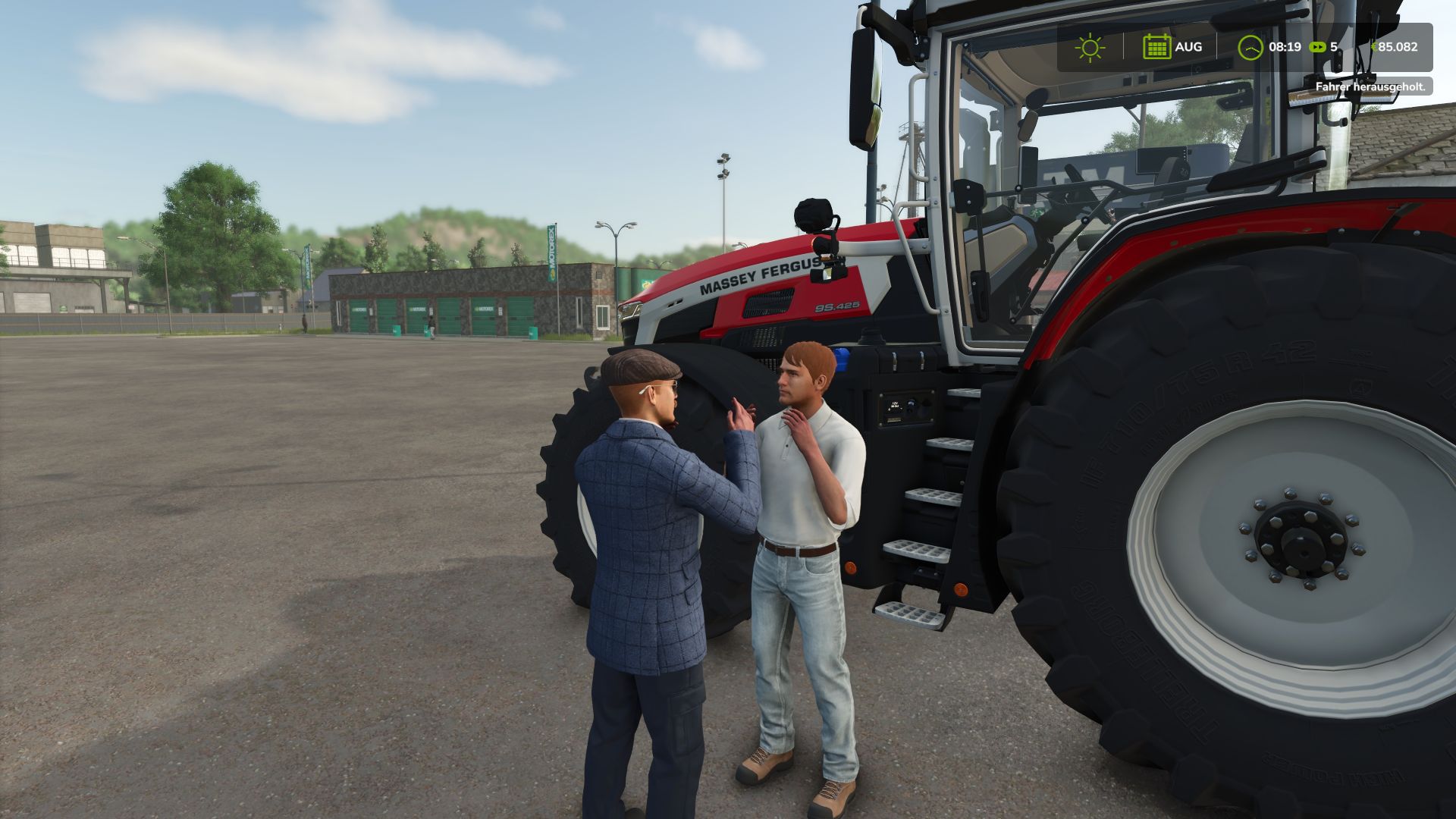
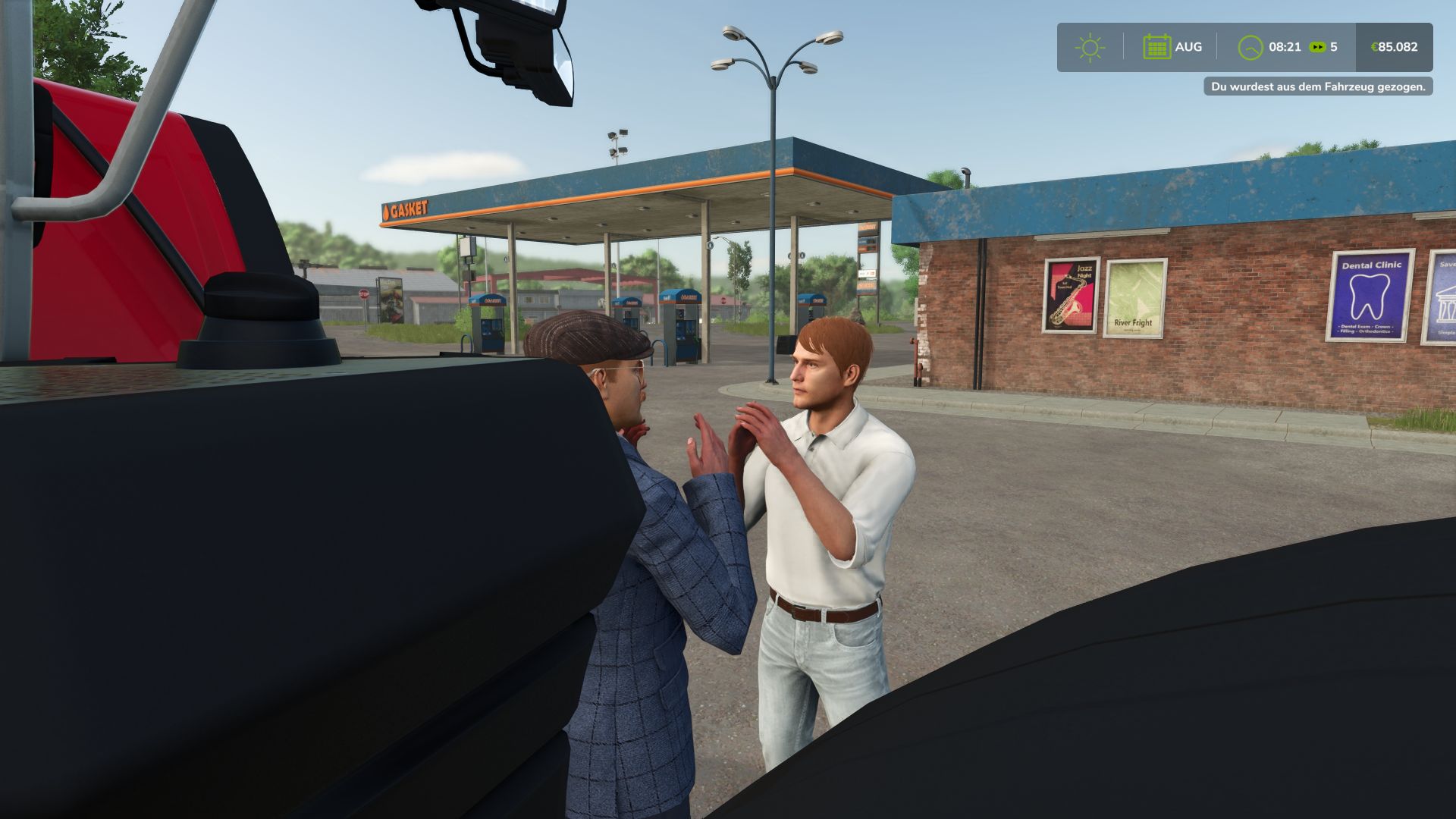
Approach the occupied vehicle, pull the driver out, and witness a brief, staged scuffle with compact fighting movements and appropriate punch sounds. After about four seconds, everyday life on the farm resumes – with one more story.
The functions
Pull other human players from occupied vehicles.
A brief pulling-out animation followed by a scuffle.
Coordinated movements and matching punch sounds.
Usable by the host and players.
This action is for shared enjoyment. It causes no damage and does not consume any health points.
Here’s how it works
Walk up to an occupied, stationary vehicle, look in its direction, and hold down Left Alt + R for about 1.2 seconds.
Important note: The default Alt + R key combination does not work for some users. Simply assign a different free key or key combination to the action in the LS25 settings → Controls and then use that assignment.
Requirements and notes
Farming Simulator 25 on PC/Mac.
Another human player is required for interaction in multiplayer mode.
The host or server and all players need the same mod version.
Empty vehicles and AI helpers are not valid targets.
Sufficient space next to the vehicle is required to pull players out.
During the animation, movement and re-entry are temporarily disabled.
Installation
Copy the FS25_DriverExtraction.zip file unchanged and without extracting it to the following folder:
Documents/My Games/FarmingSimulator2025/mods
Replace an older version, restart LS25, and activate the mod in the saved game. A short instruction manual in German and English is included.
From an idea among friends. For your shared stories.
Made by MK2_Justin · Version 1.0.0.1
Author: MK2_Justin, Großen Dank an:, Deny28 & GeeGee, Für die Inspiration und die Vielen tests.