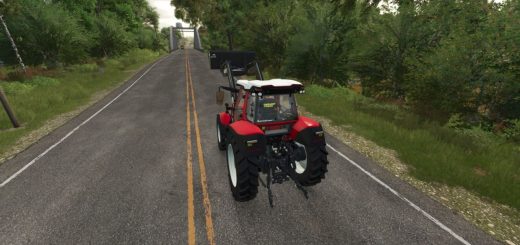
Advanced Drivetrain v1.0
Advanced Drivetrain v1.0
There’s already a 4×4 mod out there, and mine isn’t meant to replace it. I made Advanced Drivetrain because I wanted something simple, clean and compatible with the other mods I use.
The mod focuses on 2WD/4WD and front and rear diff locks, without messing with tyre wear, grip, tread, tyre size, pressure or mud sink.
Features so far:
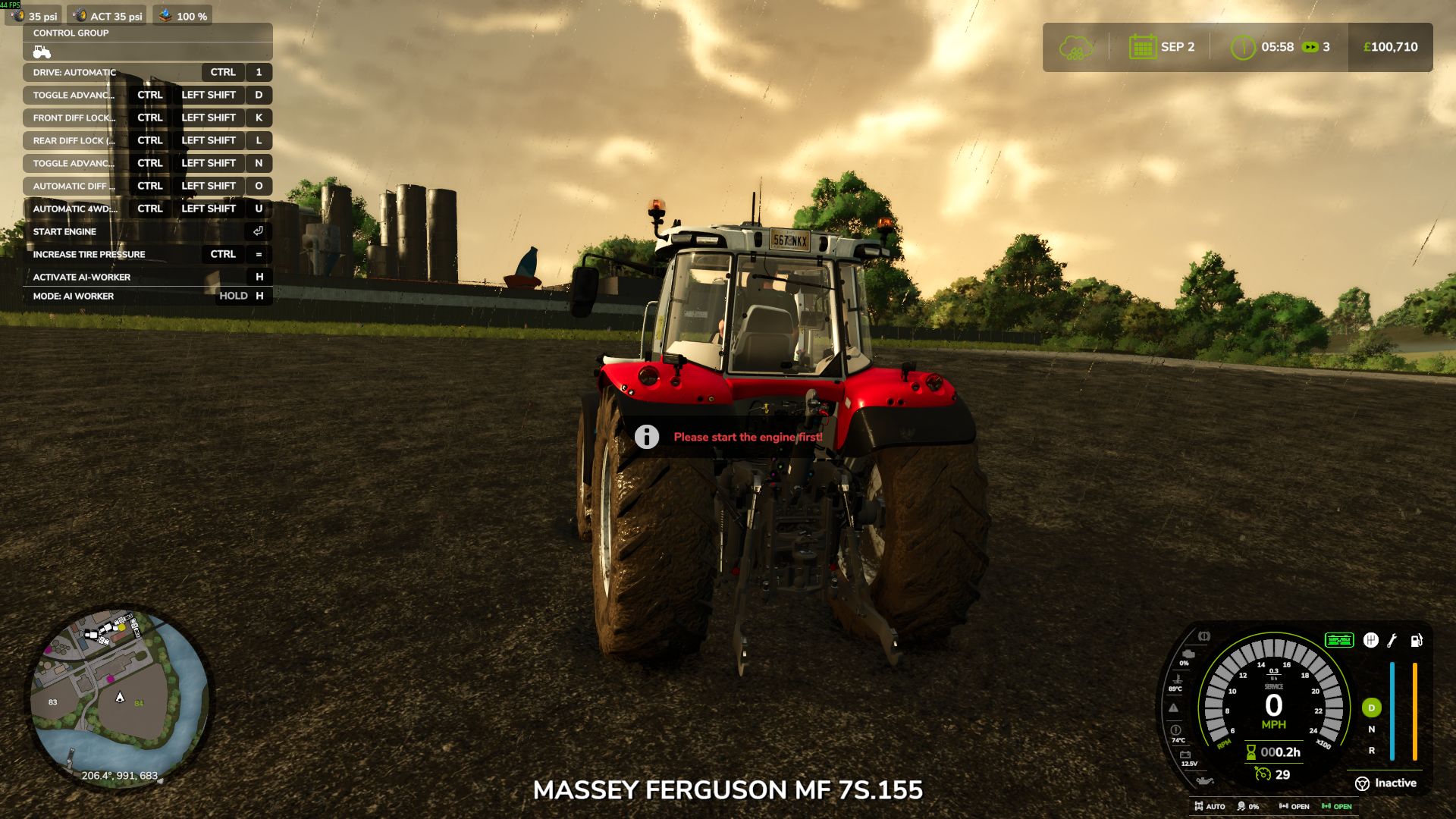
– 2WD and 4WD switching, including permanent 4WD for tractors that require it.
– Front and rear differential locks.
– Automatic 4WD and diff locks based on the game’s wheel slip.
– Separate engagement and release thresholds to stop the system constantly switching on and off.
– Default settings:
– 4WD: On at 15% slip, off at 6%.
– Rear diff lock: On at 30%, off at 16%.
– Front diff lock: On at 40%, off at 20%.
– Diff locks can automatically disengage when travelling too fast, braking hard or steering sharply.
– Fully manual operation if you prefer to control everything yourself.
– Controls shown in the F1 help menu and rebindable in the settings.
– Small speedometer readout showing drive mode, wheel slip and diff lock status.
– Support for different wheel setups, including twin wheels and extra axles.
– Multiplayer support, with the host controlling the drivetrain state.
– Per-vehicle settings in the vehicle XML for custom slip thresholds.
Compatibility is a big part of this mod.
Advanced Drivetrain doesn’t try to handle everything. It leaves tyre physics and mud mechanics to the mods designed for them, so it’s intended to work alongside things like Use Up Your Tyres and other mud and traction mods.
If you’re already using another drivetrain mod that controls the clutches, you can leave it running or use the settings to take over where supported.
I just wanted a drivetrain mod that does its job without trying to replace everything else.
Any bugs let me know thankyou
Author: LM Modding Store